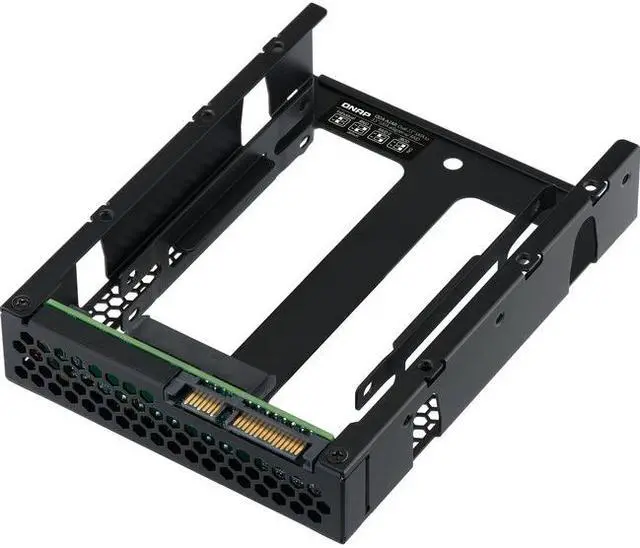
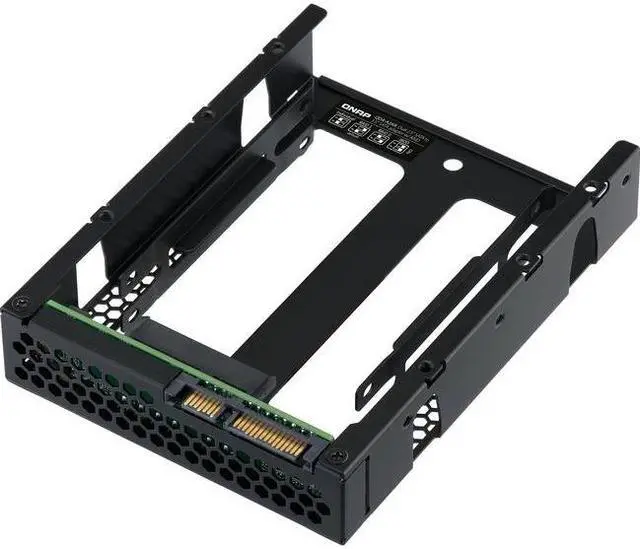
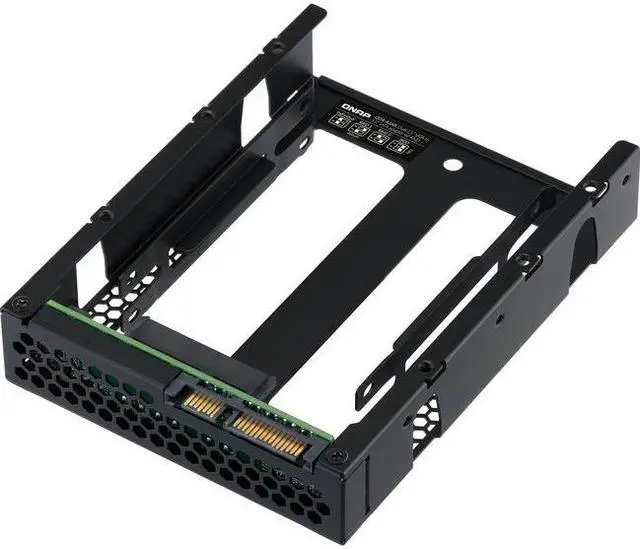
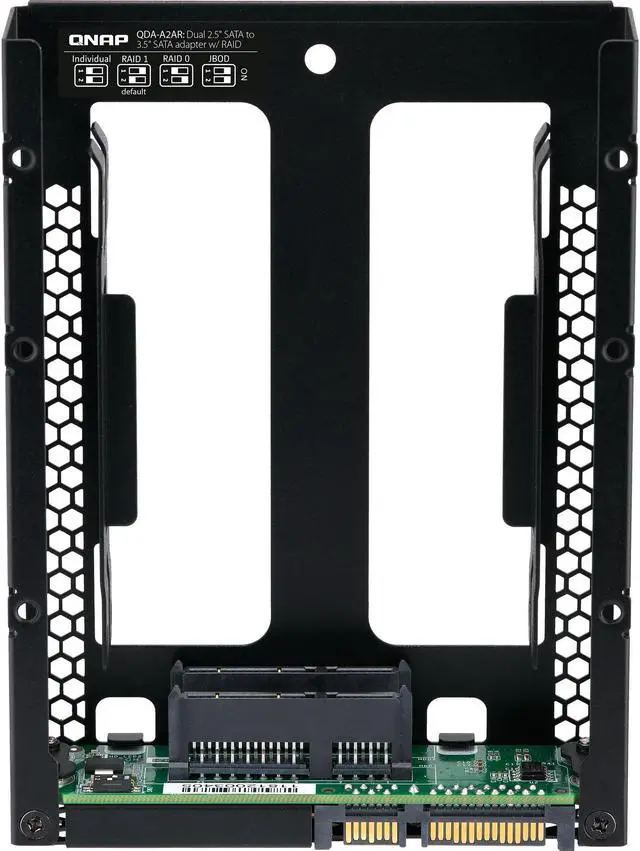
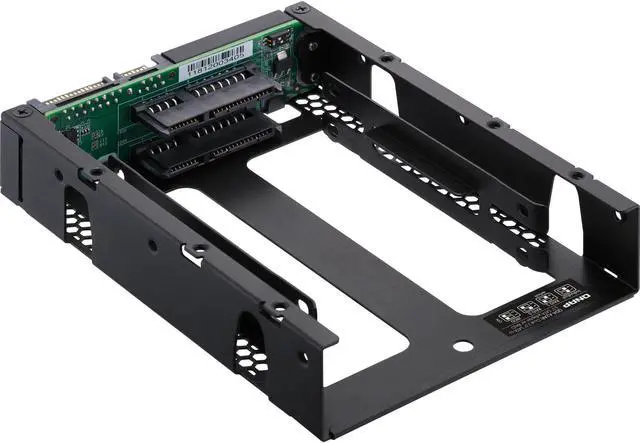
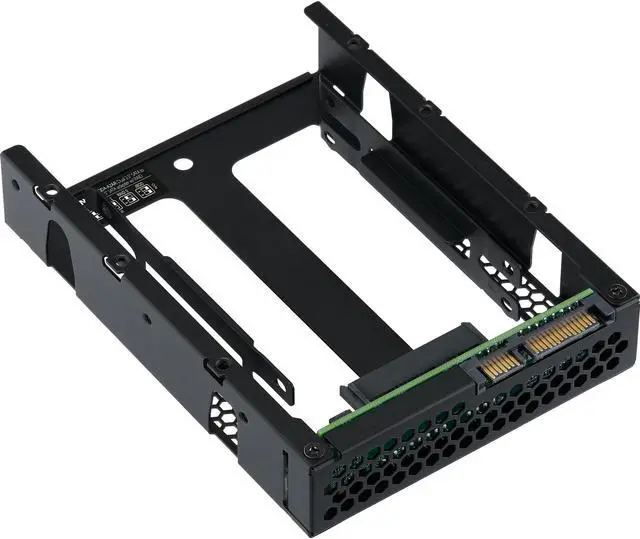
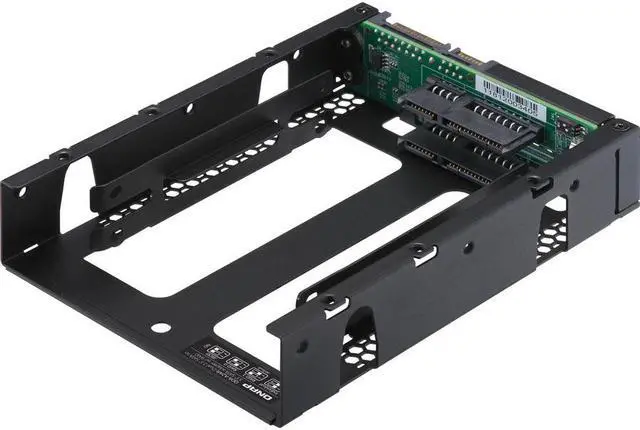
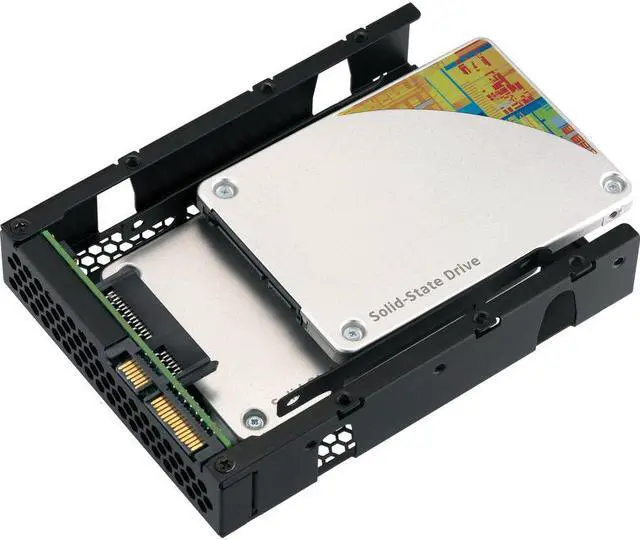
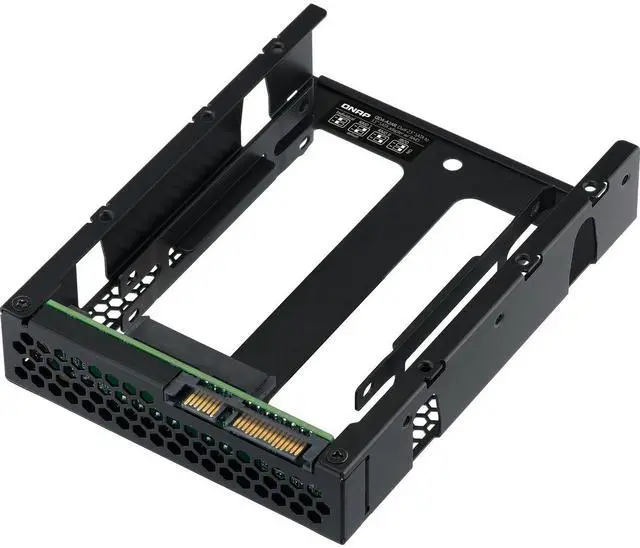
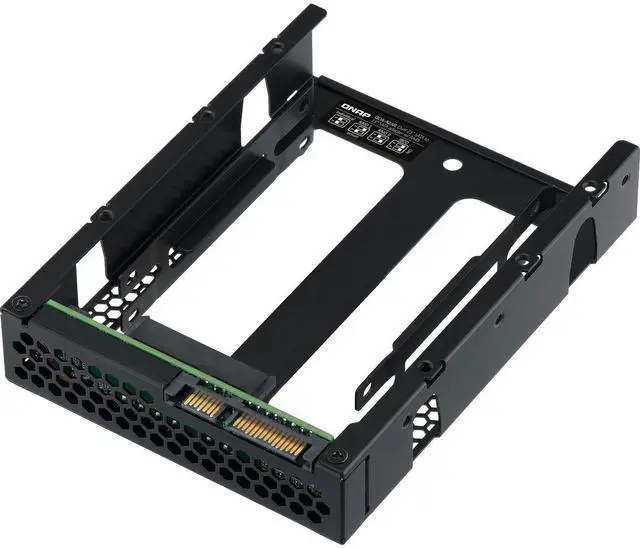
Use two 2.5 -inch SATA drives in a single 3.5 -inch SATA drive bay with RAID support for PC and NAS The QDA-A2AR can accommodate two 2.5 -inch SATA drives within a single 3.5 -inch SATA drive bay. No software driver is required for the QDA-A2AR and it can be installed in a PC/workstation (Windows® Linux®) or QNAP NAS to flexibly add additional hard drives or SSDs to meet various storage needs. Use two 2.5 -inch SATA HDDs/SSDs (7mm to 9.5 mm high) in a single 3.5 -inch drive bay. (HDD/SSD sold separately) Up to 6 Gb/s file transfer speeds.
Can be the primary bootable device for PCs. Choose a hardware RAID group with the disk mode switch. Supports various RAID levels The QDA-A2AR supports a variety of RAID configurations. Depending on your requirements you can use the bundled metal pin as disk mode switch tool to select your ideal
RAID mode: Individual JBOD RAID 0 or RAID 1. Windows® users can use the QNAP External RAID Manager utility to view the RAID group status and disk health information. Individual Mode A PC that supports SATA port multipliers can connect two SATA drives to a single SATA port allowing you to independently access each disk as separate storage space. RAID 1 Mode (Default) Half of the total storage capacity is used to store data and the other half keeps a copy of this data. This provides high data protection at the cost of only being able to use half the installed storage space. RAID 0 Mode Data is split amongst the drives. RAID 0 provides the fastest performance but does not protect data from drive failure. JBOD Mode All the drives are recognized as a single drive. This allows maximal storage utilization but provides no data protection. Install in a PC/workstation for higher performance or data protection When using two 2.5 -inch drives instead of a single 3.5 -inch drive in a PC/workstation (Windows® or Linux®) you can create a RAID 0 for enhanced performance or RAID 1 to add data redundancy for greater data protection.
To deal with tasks that require intensive fast data transmission you can install high-speed SATA SSDs to achieve maximized performance and lower latency ideal for on-the-fly video editing and server-grade applications. External RAID Manager for Windows users The QNAP External RAID Manager utility allows Windows® users to view the drive status and RAID information of the QDA-A2AR. Firmware updates for the QDA-A2AR can also be managed with the External RAID Manager utility. Install in QNAP NAS for efficient storage or SSD cachingThe QDA-A2AR supports hardware RAID that will not consume CPU resources to help sustain optimal NAS performance. You can install one or more QDA-A2AR in a NAS to maximize the storage utilization of 3.5 -inch drive bays. The QDA-A2AR can accommodate two SSDs to create an SSD volume for performance-demanding workflows or work in an efficient tiered-storage environment with Qtier. It can also boost IOPS performance when configuring SSD caching. RAID information and drive health of the QDA-A2AR can be monitored through the QTS Storage & Snapshots Manager.





 Hot Seller


