



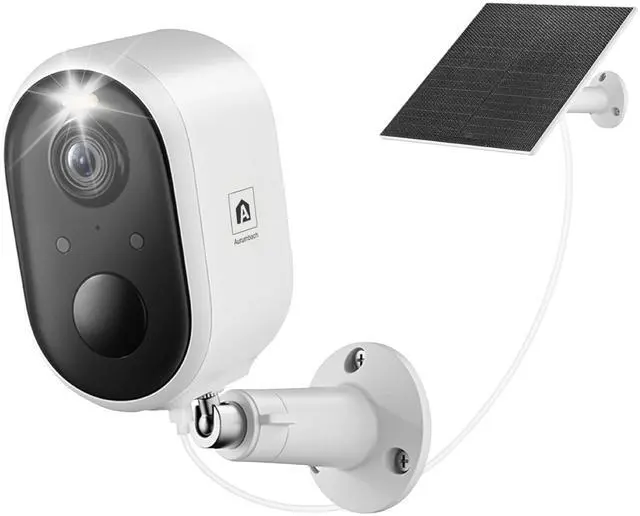


Aurumbach Security Camera
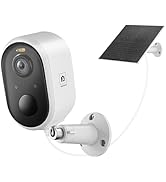
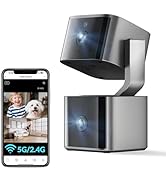
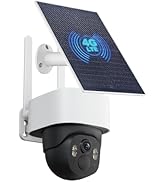
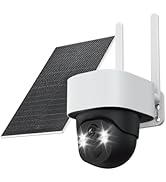
 Solar Camera Outdoor |  Solar Camera Outdoor |  Dual Lens Indoor Camera |  4G Solar Camera Outdoor |  Solar Camera Outdoor | |
|---|---|---|---|---|---|
Price | — | — | — | — | — |
Number of Items | 1 Pack | 2 Packs | 1 Pack | 1 Pack | 1 Pack |
Power | Battery + Solar Panel | Battery + Solar Panel | Corded Electric | Battery + Solar Panel | Battery + Solar Panel |
Wi-Fi | 2.4GHz only | 2.4GHz only | 2.4GHz+5GHz | No Wi-Fi needed | 2.4GHz only |
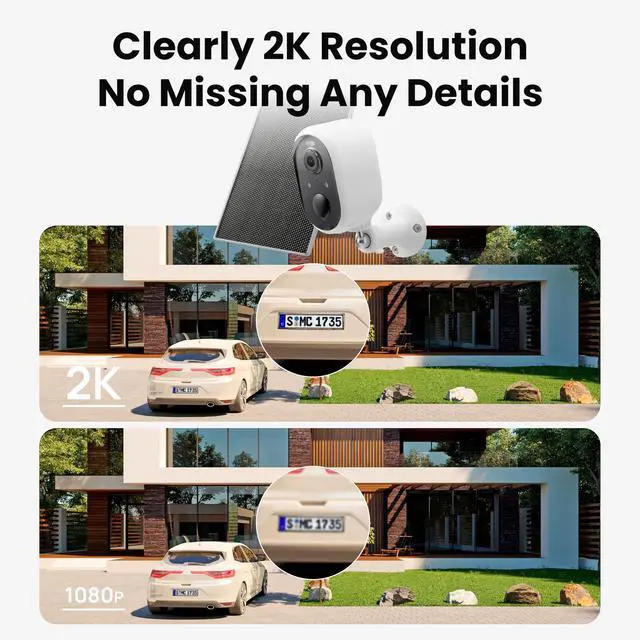
Resolution | 3MP | 3MP | 4MP | 4MP | 5MP |
Application | Outdoor | Outdoor | Indoor | Outdoor | Outdoor |
Motion Tracking | ? | ? | ? | ? | ? |
Motion Detection | ? | ? | ? | ? | ? |
Why is my solar panel not charging the camera efficiently?
Optimize performance by checking:
1. Clear obstructions (>10% coverage reduces efficiency).
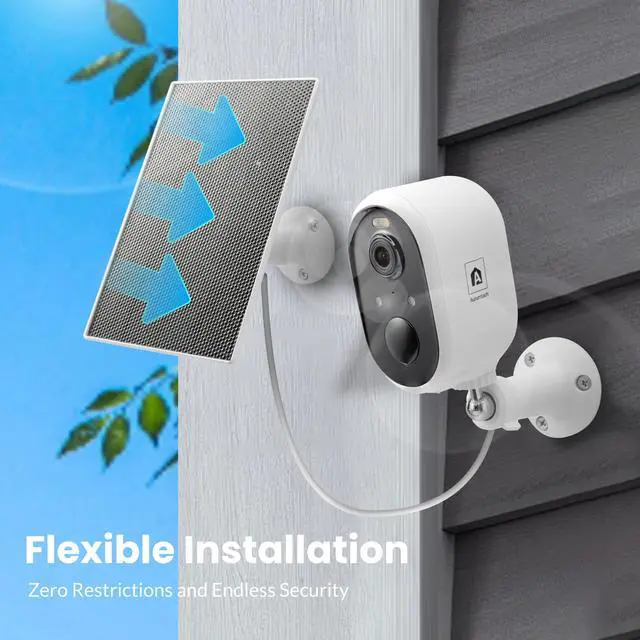
2. Tilt the panel (avoid horizontal install).
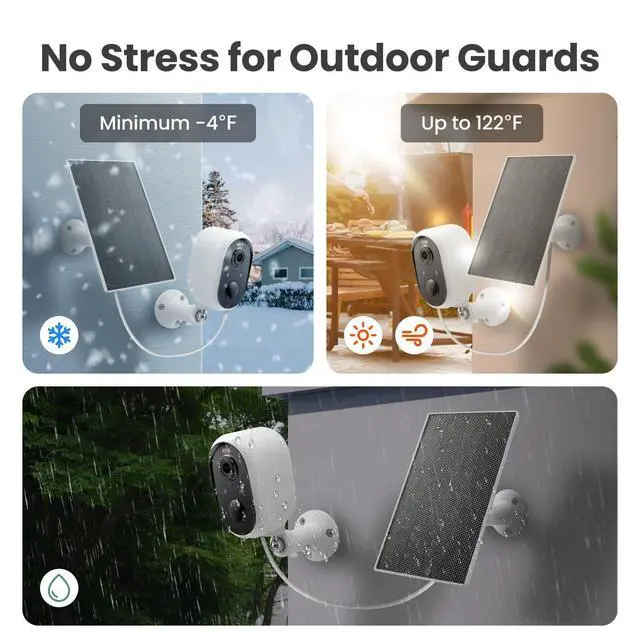
3. Keep ambient temp 0°C–45°C (use USB-C charging beyond this range).
Wi-Fi setup keeps failing. Solutions?
1. Ensure status light blinks red (hold power 5s to reset).
2. Use 2.4GHz Wi-Fi only (disable 5GHz).
3. Place camera =3m from router during setup.
Can it capture faces at night?
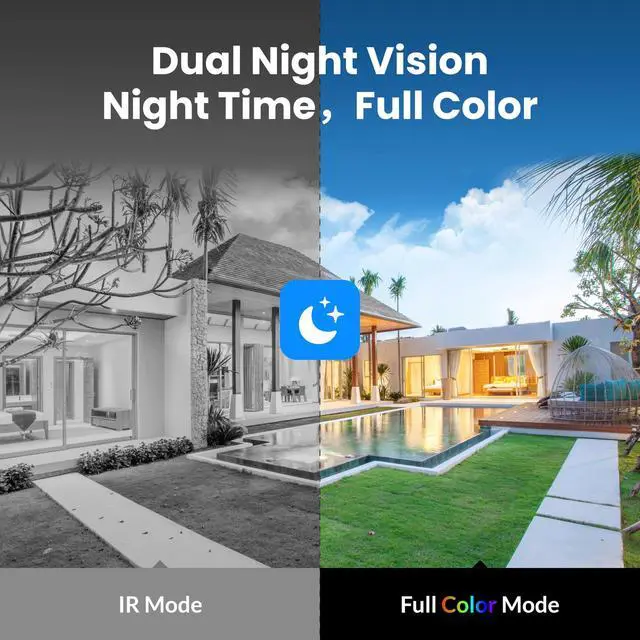
Full dark: Clear B&W video =5m (IR lamps).
Low light: Color mode + silhouettes (light sensor).
Detail needed: Manually enable spotlight via app.
Quick Match fails in the app. How to fix it?
1. Reset camera ? Red blinking light (hold power 5s)
2. Phone: Use 2.4GHz Wi-Fi only
3. Enable app Bluetooth + Location permissions
4. Place camera <3m from router
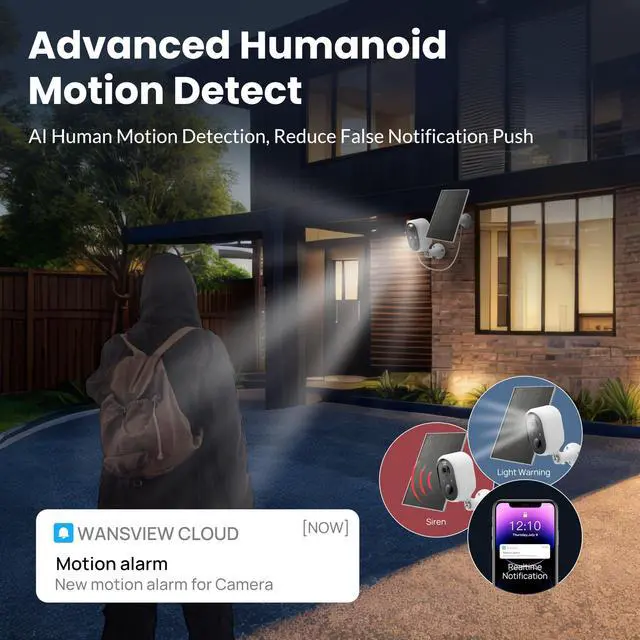
Does the solar security camera detect vehicles and animals, or only people?
To detect vehicles, animals, and other motion, disable "Human Only" mode:
1.Tap the 3 dots in the app's top right.
2.Go to Detection Alarm Setting.
3.Turn off Human Detection (Only Human Events).
Now it will monitor all movement, not just people.


Aurumbach brings you high-quality home products that combine exceptional design with top-tier functionality. Specializing in innovative cameras and a curated selection of home essentials, we aim to enhance your living spaces with products that are both stylish and reliable. Explore our range, where every item is chosen to elevate your home by blending cutting-edge technology with everyday comfort.
Security equipment



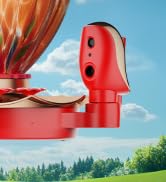
Garden Refreshing
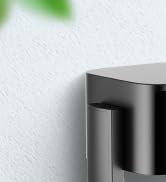
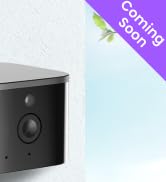
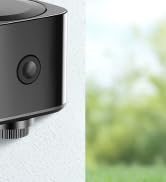
Indoor Security Dual Lenses


Aurumbach Security Camera
Solar Camera Outdoor | Solar Camera Outdoor | Dual Lens Indoor Camera | 4G Solar Camera Outdoor | Solar Camera Outdoor |
|---|---|---|---|---|
| Price | ||||
| — | — | — | — | — |
| Number of Items | ||||
| 1 Pack | 2 Packs | 1 Pack | 1 Pack | 1 Pack |
| Power | ||||
| Battery + Solar Panel | Battery + Solar Panel | Corded Electric | Battery + Solar Panel | Battery + Solar Panel |
| Wi-Fi | ||||
| 2.4GHz only | 2.4GHz only | 2.4GHz+5GHz | No Wi-Fi needed | 2.4GHz only |
| Resolution | ||||
| 3MP | 3MP | 4MP | 4MP | 5MP |
| Application | ||||
| Outdoor | Outdoor | Indoor | Outdoor | Outdoor |
| Motion Tracking | ||||
| ? | ? | ? | ? | ? |
| Motion Detection | ||||
| ? | ? | ? | ? | ? |
Why is my solar panel not charging the camera efficiently?
Optimize performance by checking:
1. Clear obstructions (>10% coverage reduces efficiency).
2. Tilt the panel (avoid horizontal install).
3. Keep ambient temp 0°C–45°C (use USB-C charging beyond this range).
Wi-Fi setup keeps failing. Solutions?
1. Ensure status light blinks red (hold power 5s to reset).
2. Use 2.4GHz Wi-Fi only (disable 5GHz).
3. Place camera =3m from router during setup.
Can it capture faces at night?
Full dark: Clear B&W video =5m (IR lamps).
Low light: Color mode + silhouettes (light sensor).
Detail needed: Manually enable spotlight via app.
Quick Match fails in the app. How to fix it?
1. Reset camera ? Red blinking light (hold power 5s)
2. Phone: Use 2.4GHz Wi-Fi only
3. Enable app Bluetooth + Location permissions
4. Place camera <3m from router
Does the solar security camera detect vehicles and animals, or only people?
To detect vehicles, animals, and other motion, disable "Human Only" mode:
1.Tap the 3 dots in the app's top right.
2.Go to Detection Alarm Setting.
3.Turn off Human Detection (Only Human Events).
Now it will monitor all movement, not just people.
Aurumbach brings you high-quality home products that combine exceptional design with top-tier functionality. Specializing in innovative cameras and a curated selection of home essentials, we aim to enhance your living spaces with products that are both stylish and reliable. Explore our range, where every item is chosen to elevate your home by blending cutting-edge technology with everyday comfort.
Security equipment
Garden Refreshing
Indoor Security Dual Lenses