

Your Browsing History

- Free 30-day Returns
$42.29
Ships from China.


Meet Your Seller

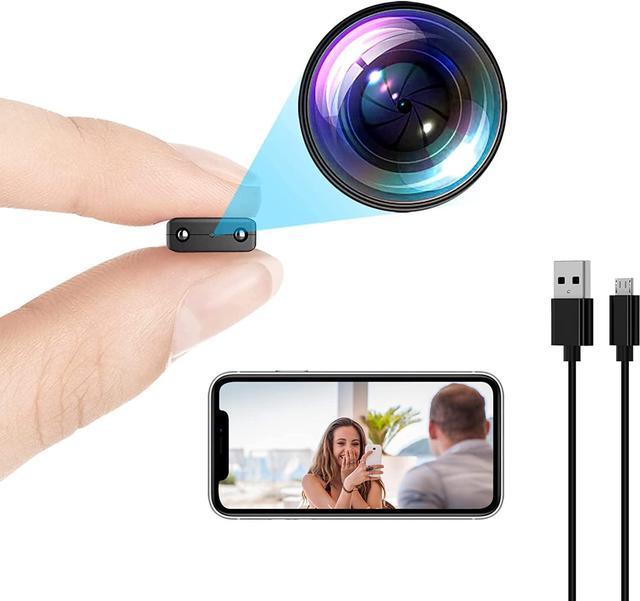
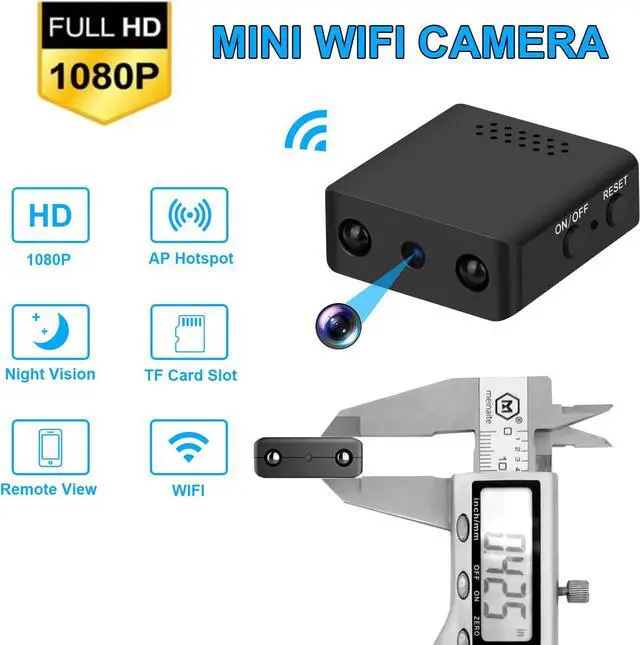
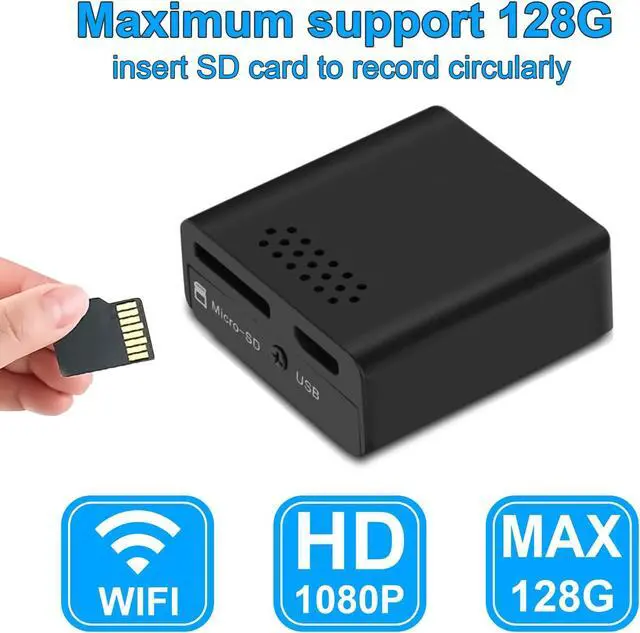

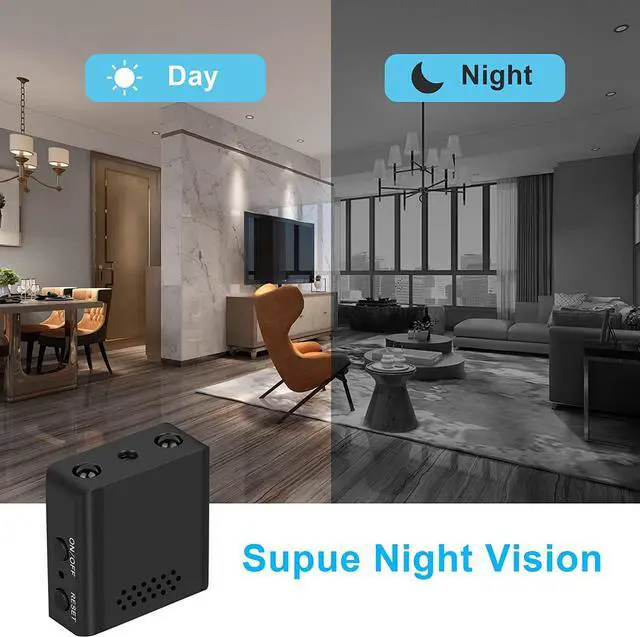
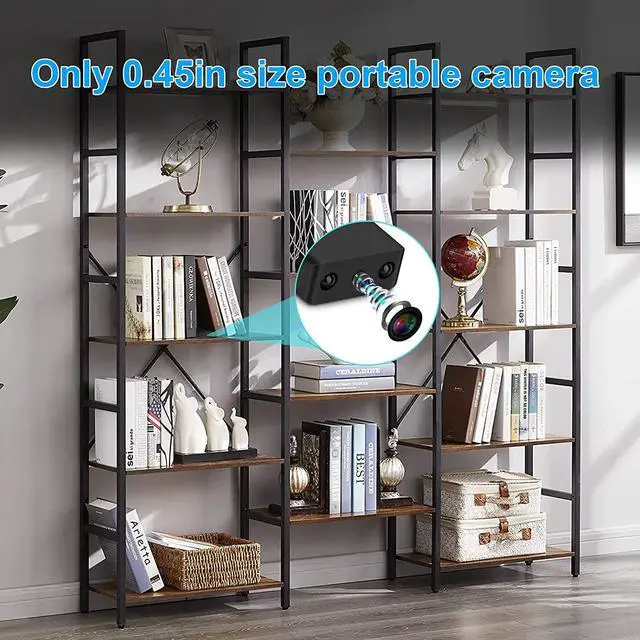


Mini WiFi Wireless Camera Hidden Camera - Security Cameras Small 1080p HD Nanny Cam with Night Vision, Motion Detection,Remote Viewing for Security with iOS,Android Phone APP
- MINI WIFI CAMERA: 1080P HD camera, with super night vision light, can record clearly at night, support WiFi, also support hotspot connection network, can be viewed remotely.
- MINI PORTABLE CAMERA: small security camera wireless hidden, easy to carry, hidden in any corner and will not be easily found, when you go to work, guard your pets and babies instead of you.
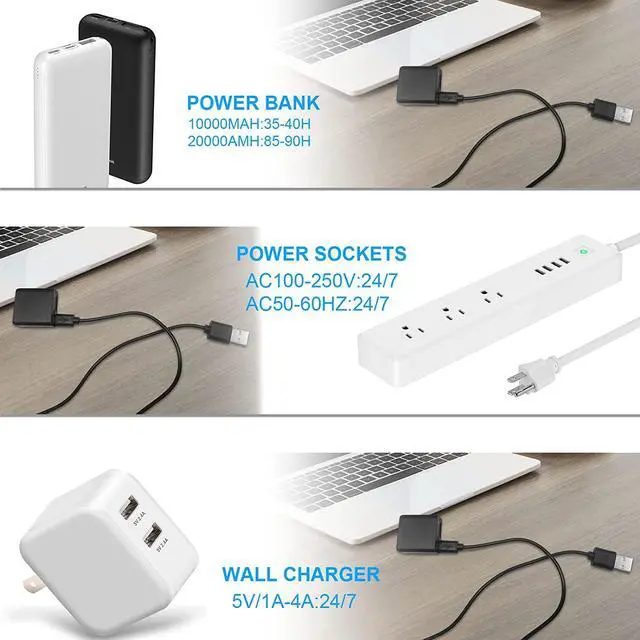
- HIDDEN SECURITY CAMERA: It can be placed in any corner, just need to connect a power bank or a USB socket to realize remote monitoring, this is a portable nanny camera.
+
+
Overview
Specs
Reviews

Any questions? Our AI mode will help you find out quickly.
Try me now
Install The Application
Different mobile phones download and install JXLCAM APP:
1.Android system in Google play search "JXLCAM" download.
2.IOS APP store searches for "JXLCAM" download directly.
First Step
1.Click+
2.Click "AP add Device"
3.Click "···"
4.ClickSettings
5.Click "WLAN"
Second Step
6.Select to connect your 2.4G band
WIFI, and then click JXLCAM in the
upper left corner to return to the APP.
7.Enter the correct WIFI password and click
Next
8.Click "..."
9.Click Settings
10.ClickWLAN
Third Step
11.Connect to the device hotspot "BCCQ..." Then click JXLCAM in the upper left corner to return to APP.
12.ClickAdd Device
13.Wait for distribution network.
14.After seeing the success of the distribution network, clickNext .
15.Customizable name, clicknext
16.You can view the camera preview page on the home page.
Only Supports 4G
It only supports 4G network and cannot support 5G. Make sure you are using it in a 4G network environment.
Location Need While using
Make sure the APP location permission status is While using, please rest assured, it is safe.
Refresh
When the network is interrupted, please click "Refresh", IOS automatically refreshes, and Android needs to click refresh
Different mobile phones download and install JXLCAM APP:
1.Android system in Google play search "JXLCAM" download.
2.IOS APP store searches for "JXLCAM" download directly.
First Step
1.Click+
2.Click "AP add Device"
3.Click "···"
4.ClickSettings
5.Click "WLAN"
Second Step
6.Select to connect your 2.4G band
WIFI, and then click JXLCAM in the
upper left corner to return to the APP.
7.Enter the correct WIFI password and click
Next
8.Click "..."
9.Click Settings
10.ClickWLAN
Third Step
11.Connect to the device hotspot "BCCQ..." Then click JXLCAM in the upper left corner to return to APP.
12.ClickAdd Device
13.Wait for distribution network.
14.After seeing the success of the distribution network, clickNext .
15.Customizable name, clicknext
16.You can view the camera preview page on the home page.
Only Supports 4G
It only supports 4G network and cannot support 5G. Make sure you are using it in a 4G network environment.
Location Need While using
Make sure the APP location permission status is While using, please rest assured, it is safe.
Refresh
When the network is interrupted, please click "Refresh", IOS automatically refreshes, and Android needs to click refresh
Warranty & Returns
Warranty, Returns, And Additional Information
Warranty
- Please contact the Seller directly for warranty information. Warranty information may also be found on the Manufacturer's website.
- CONTACT
Return Policies
- Return for refund within: 30 days
- Return for replacement within: 30 days
- This item is covered by Fashion Technology Return Policy
Manufacturer Contact Info
- For a directory of all our manufacturers, please click below.
- Manufacturers Directory
LOADING...