A: Introduction and precautions for using the mini camera:
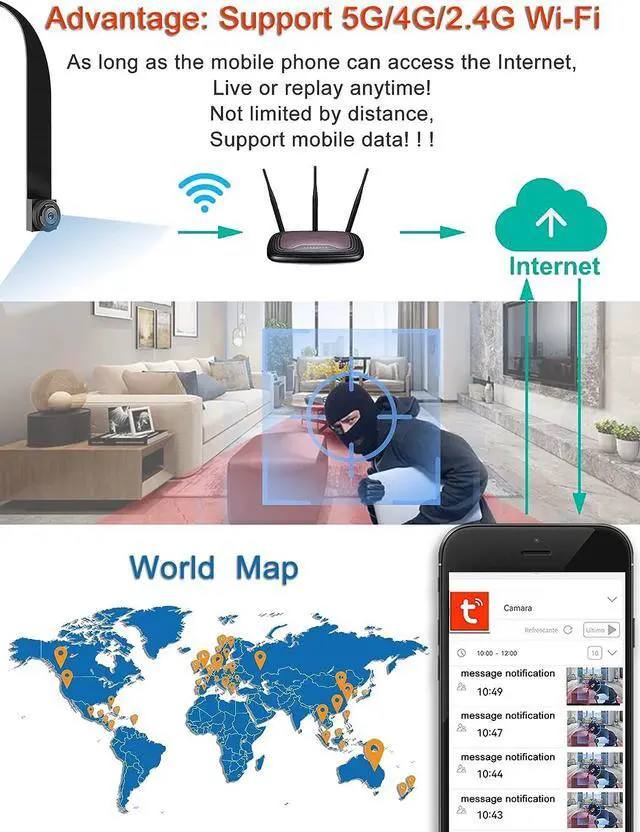
1. Connect the mobile phone to the network: the mobile phone must first connect to the WIFI network sent by the router. Support 2.4G/4G/5G network. Please remember the correct WIFI password. This password will be used during the add process.
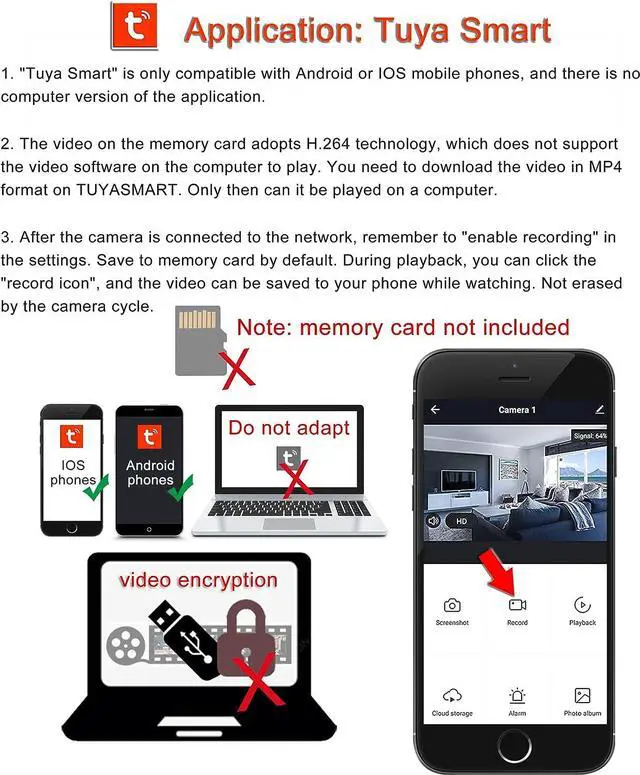
2. Install and register the camera account on the mobile phone: the mobile phone needs to download the "TUYASMART" application. Download the appropriate version according to the mobile phone system. Support scan code download, you can also search and download in the app.
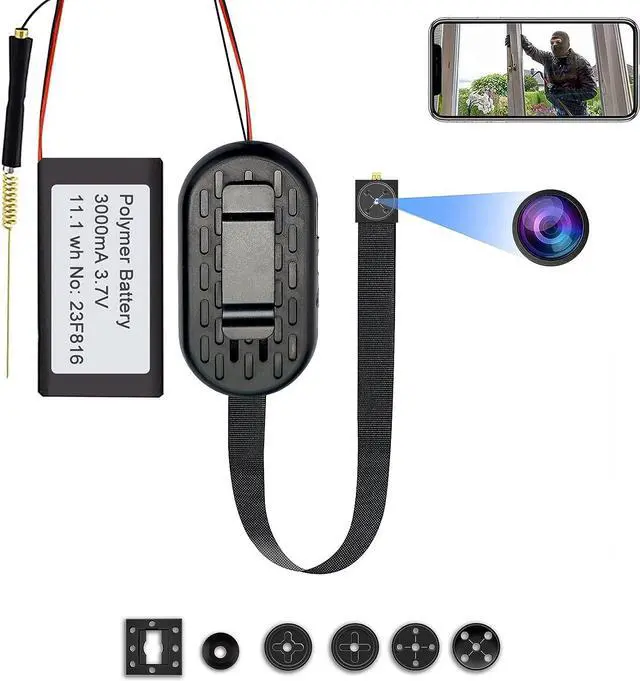
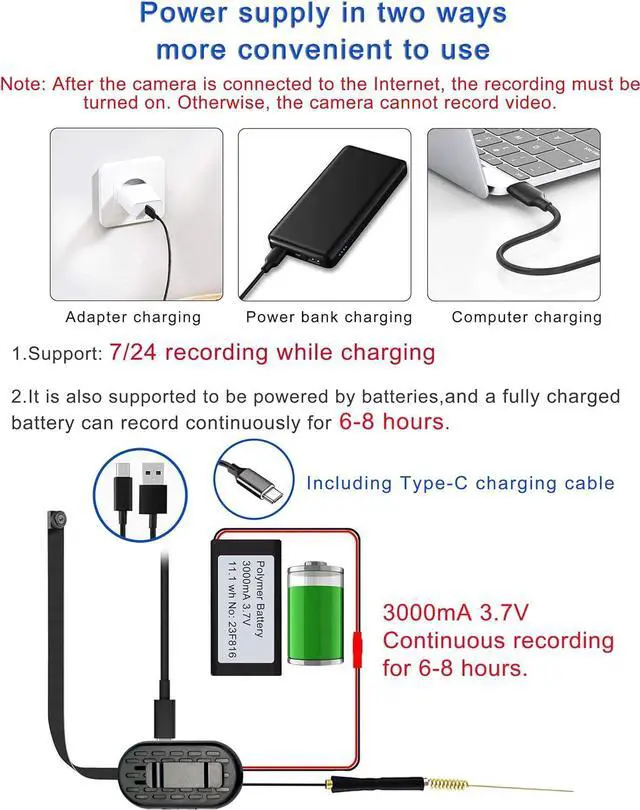
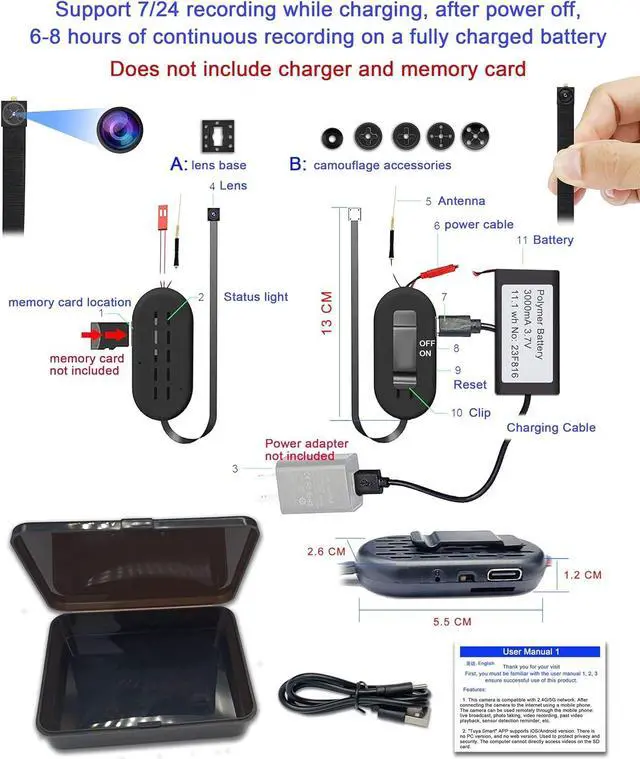
3. The camera supports 7/24 recording while charging. Also supports recording 6-8 hours powered by battery. Power status light: After the camera is connected to the power supply and turned ON, after about 2 minutes, the status light will appear in two situations: The first situation is that the blue light flashes quickly (about 2-3 times per second), you can use the mobile phone and camera to connect to WIFI, and follow the steps in the manual.
4. The second situation is that the blue light flashes slowly (about 1 second per second), and you need to press and hold the reset button on the camera for about 6 seconds. Reset the camera to factory settings. After 2 minutes, the blue light flashes quickly, indicating that the reset is successful.
B: Matters needing attention:
1. During the adding process, it is recommended to refer to the first connection method in the user manual. That is, AP MODE connection.
2. You can also use the second way to connect. During the adding process, a QR code will appear on the phone, scan the QR code on the phone with the camera. The lens moves slowly from near to far. If the selected network and password match, the status light will change from fast flashing to slow flashing, and the camera will not make any sound. You can ignore this step and continue to the next step. It will successfu



 Holiday Shipping Details & Extended Holiday Returns