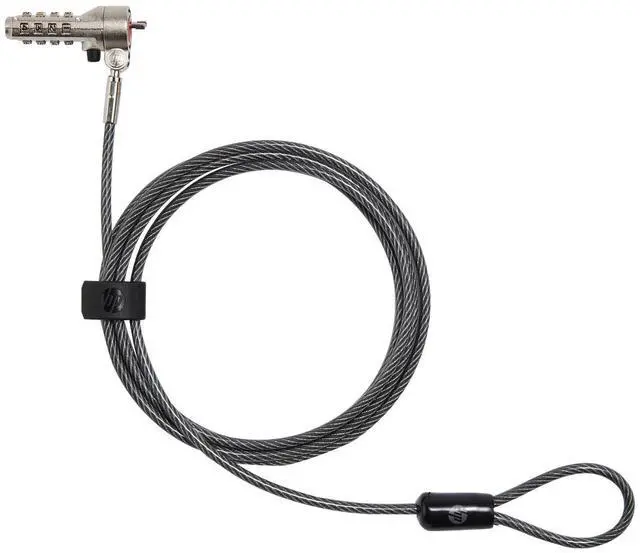
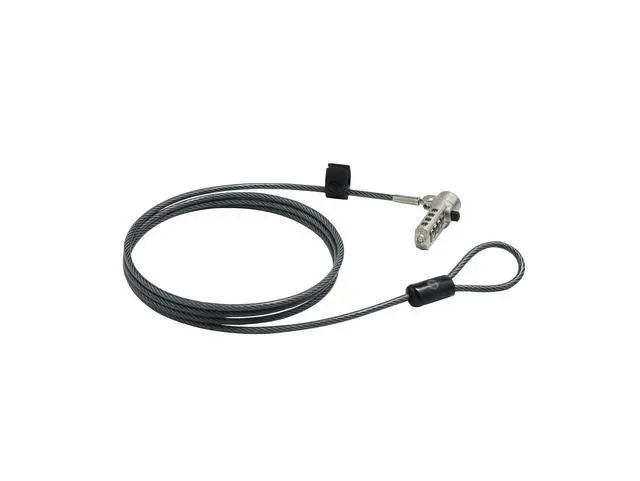
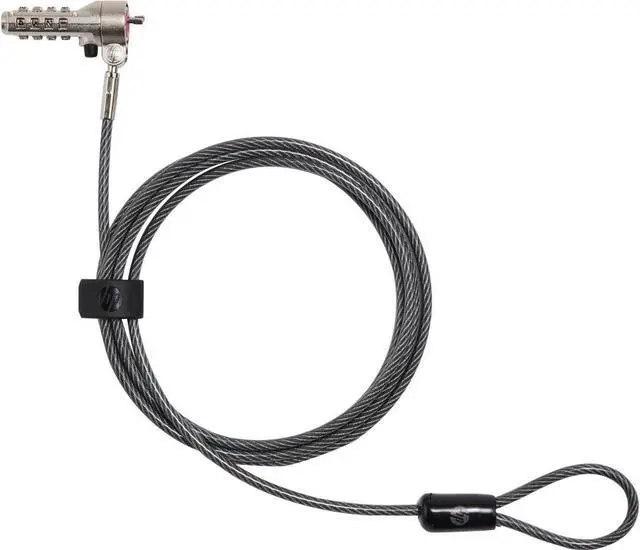
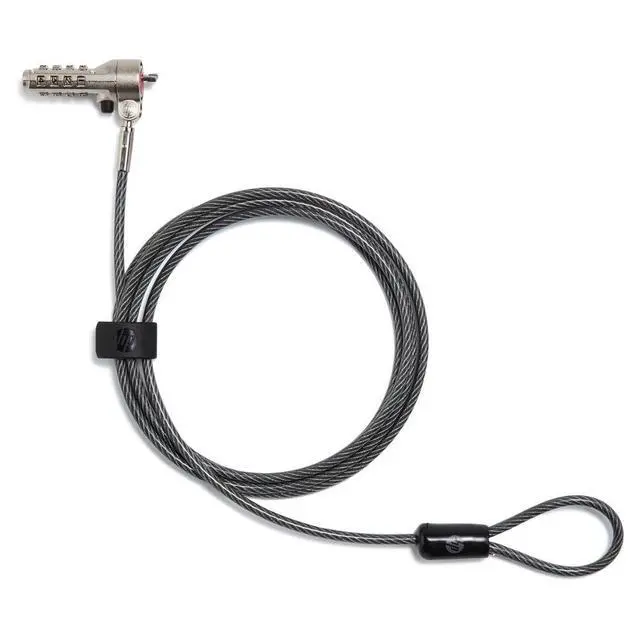
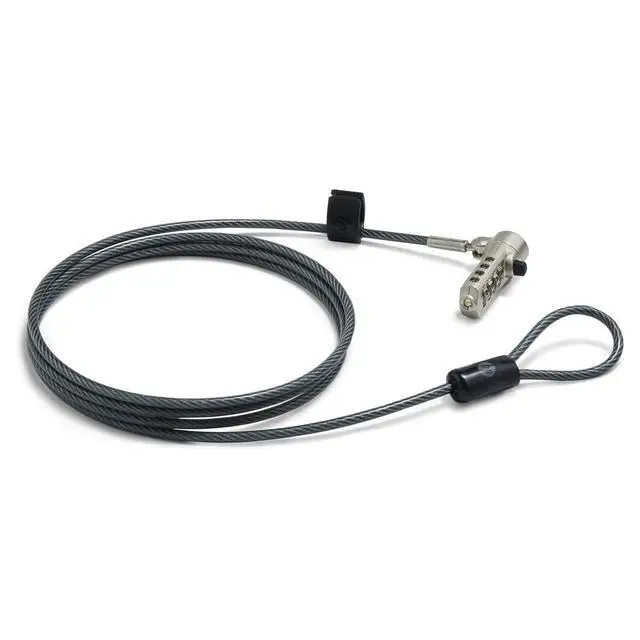
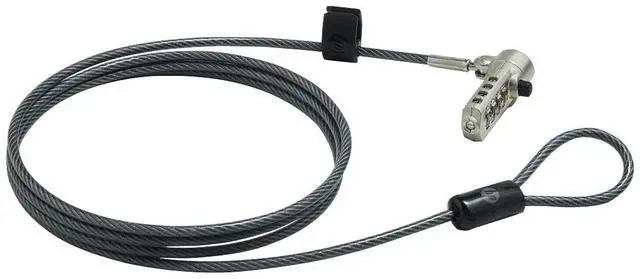
The HP Essential Nano Combination Cable Lock (63B31AA) is a laptop tether with a resettable four-digit combination, suited to people who want to help secure a notebook with a Nano lock slot at a desk or shared workspace.
Recommended For
- People who leave a compatible HP laptop at a shared or assigned desk and want a resettable combination cable to tether it to a fixed object during brief absences.
- Students or library users whose laptop has a Nano security slot and who want a cable lock for temporary tethering at a study desk.
- Workers who move between offices, meeting rooms, or hot desks and prefer a four-digit combination over carrying a separate lock key.
- Owners of HP notebooks or tablets listed as compatible who need a cable long enough to reach a nearby fixed anchor point.
Real-World Use Scenarios
- At an office or shared desk, attach a compatible HP notebook to a fixed desk frame before stepping away; the cable helps deter someone from quickly picking it up and walking off.
- In a classroom or computer lab, secure a compatible notebook to a fixed table or workstation between sessions; it stays tethered when the user leaves the area, while still being removable with the combination.
- At a reception counter or shared service desk, loop the cable around a sturdy, fixed anchor to make a notebook harder to casually remove while staff help visitors or handle other tasks.
- During a meeting or temporary work session away from the usual office, tether a compatible notebook to a suitable fixed object before leaving it unattended briefly; this adds a theft deterrent, but is not a substitute for supervision or stronger security.




 here!

 Top Rated