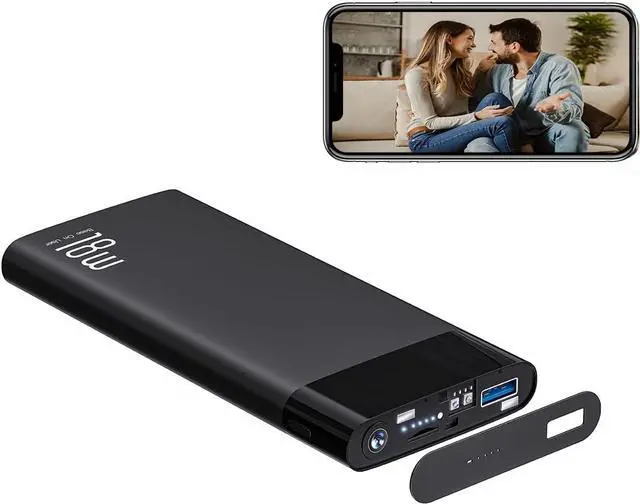
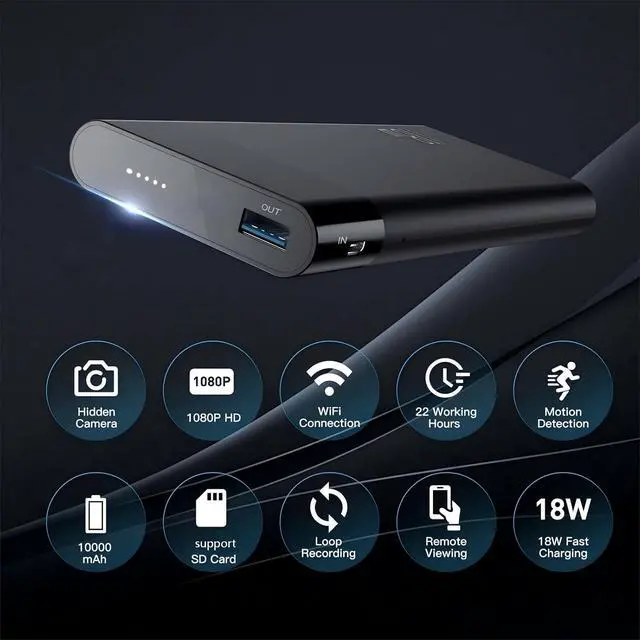
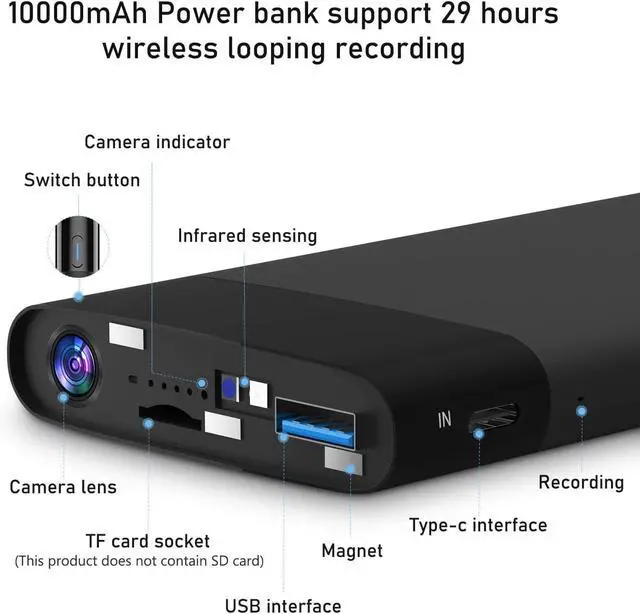
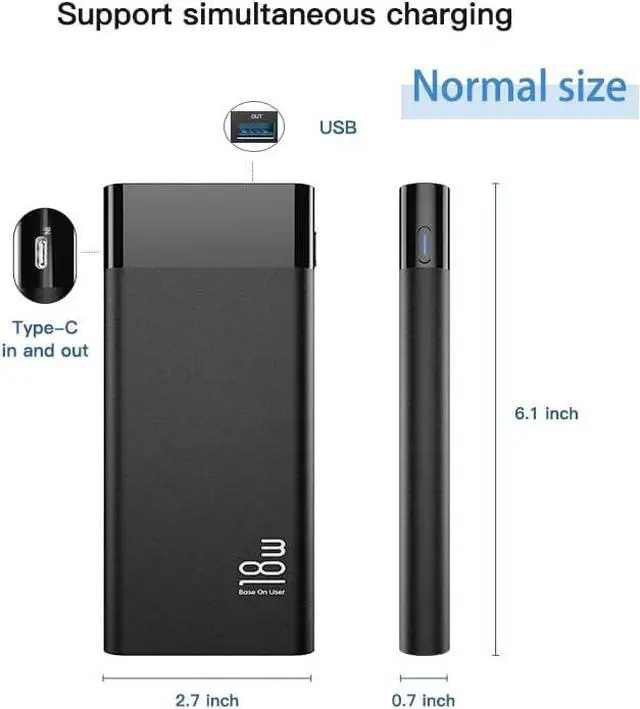
Turn on the power bank: Power button press x 1Turn on the camera: Press the power button x 1.5s-3s (USB port, the fifth indicator light can be on), wait 40 seconds and the indicator light flashes to connect.Turn off Camera: Power button Press x 3s Reset:quick press power button over 6 times
Step 1: Charge the Power Bank Fully charge the power bank before first use. Step 2: Turn On the Power Bank
Press and hold the power button for 3-5 seconds to turn on the power bank. Wait 30-60 seconds for the device to start. The device will create a WiFi signal named "BLink-XXXX".Important: The camera only activates when the 5th indicator light turns on.
Step 3: Connect via Phone's WiFi Settings
On your phone, go to WiFi settings, find and connect to "BLink-XXXX".Default password: 0123456789. It's normal if you see "No Internet" just confirm the connection is successful.
Step 4: Open the App
Launch the Lizvie Pro app. Your device will appear and automatically open the live view page. If it does not appear, you will need to add it manually.
Step 5: Link to Home WiFi
Wait about 10 seconds for a prompt. Select your 2.4GHz home WiFi, enter your password, and complete the connection.(If no prompt appears, go to Settings > Network Information inside the app.)
Step 6: Setup Complete
You can now check the live view remotely, receive motion alerts, and customize settings from your phone.
How to turn on/off the camera





 here!
here!