

Your Browsing History

- Free 30-day Returns
$275.99

Meet Your Seller

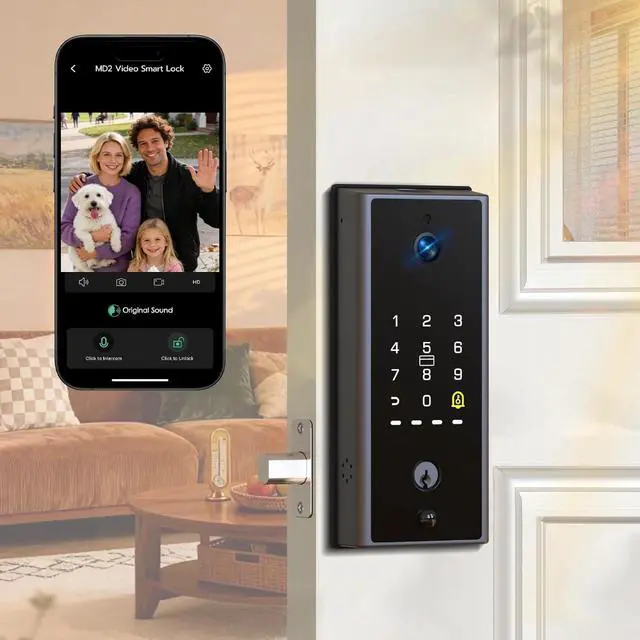
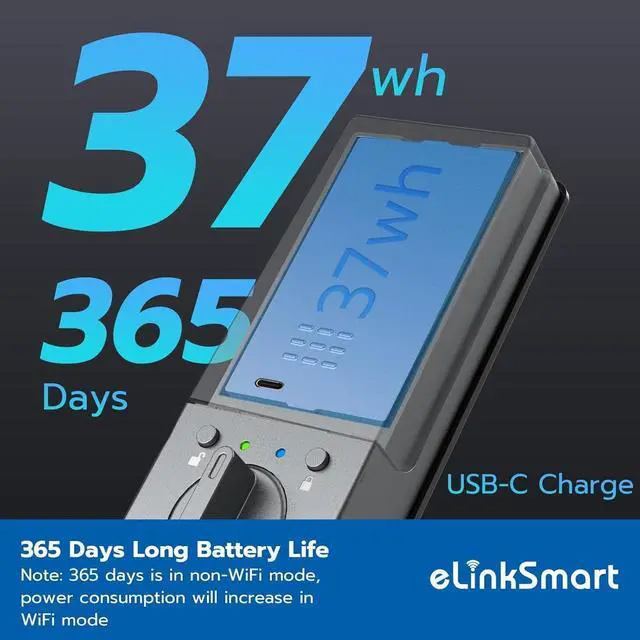


eLinkSmart Smart Lock with 2K Camera Deadbolt, Built-in WiFi, Fingerprint/PIN/RFID/NFC/APP Remote, 365-Day Battery, Magnetic Door Sensor, Auto Lock, Hub-Free No Drilling, Alexa Compatible
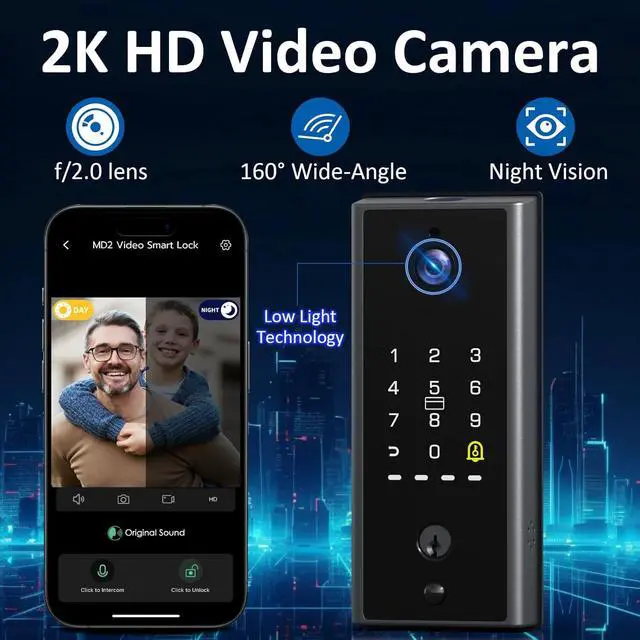
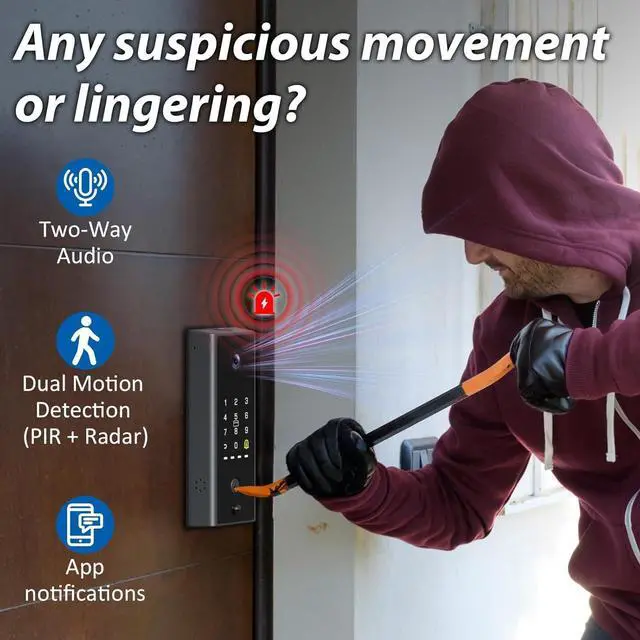
- 2K Camera & Two-Way Talk See every visitor in crystal-clear 2K resolution with f/2.0 wide-angle lens and automatic night vision. Dual PIR + radar detection slashes false alerts so every notification means something. Live view, two-way audio, and event playback keep you connected to your front door from anywhere.
- Built-in WiFi No Hub Required Connect directly to your 2.4GHz network no extra bridge or gateway needed. Remotely control, unlock and manage users from anywhere via the eSmartlock app. View access logs to see who came and went. Compatible with Alexa for hands-free voice control.
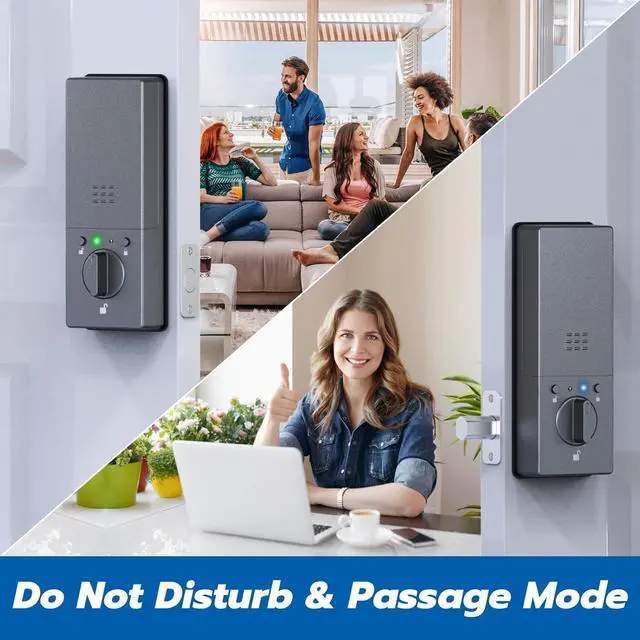
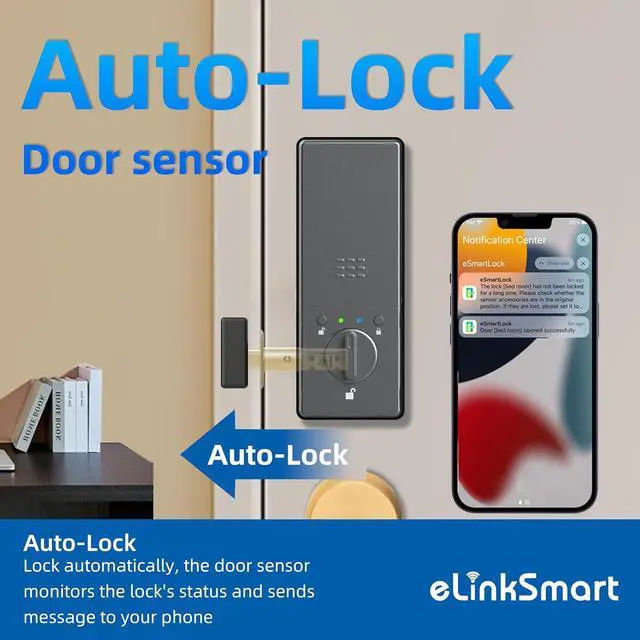
- Magnetic Sensor Auto-Lock & Alerts The magnetic door sensor confirms the door is fully closed before auto-locking no more false locks on an open door. Get push alerts for forced entry, door left open, or lock failures. Interior status light shows real lock state so family won't mistake Vacation or Do-Not-Disturb mode for a malfunction. Do-Not-Disturb mode silences lock sounds during s
+
+
Overview
Specs
Reviews

Any questions? Our AI mode will help you find out quickly.
Try me now
1App Remote Control2Voice Control3Doorbell How can I verify if my video smart lock MD2 is installed correctly?
The smart lock is properly installed if the following conditions are met:
The latch works smoothly and the lock feels secure.
Biometric functions (fingerprint, password) operate normally.
The Wi-Fi for remote control and camera viewing is stable.
Why can't my app connect to the smart lock MD2?
Check the following:
App name: eSmartLock.
Wi-Fi: Connect to a 2.4GHz network.
Bluetooth: Enable Bluetooth and grant app permissions.
Try a factory reset (follow the instructions in the manual).
When the video smart lock MD2 runs out of power, how do you unlock it?
How can I verify if my video smart lock MD2 is installed correctly?
Why can't my app connect to the smart lock MD2?
The smart lock is properly installed if the following conditions are met:
The latch works smoothly and the lock feels secure.
Biometric functions (fingerprint, password) operate normally.
The Wi-Fi for remote control and camera viewing is stable.
Why can't my app connect to the smart lock MD2?
Check the following:
App name: eSmartLock.
Wi-Fi: Connect to a 2.4GHz network.
Bluetooth: Enable Bluetooth and grant app permissions.
Try a factory reset (follow the instructions in the manual).
When the video smart lock MD2 runs out of power, how do you unlock it?
How can I verify if my video smart lock MD2 is installed correctly?
Why can't my app connect to the smart lock MD2?
Warranty & Returns
Warranty, Returns, And Additional Information
Warranty
- Please contact the Seller directly for warranty information. Warranty information may also be found on the Manufacturer's website.
- CONTACT
Return Policies
- Return for refund within: 30 days
- Return for replacement within: 30 days
- This item is covered by Zhanfu Technology Co., Limited Return Policy
Manufacturer Contact Info
- For a directory of all our manufacturers, please click below.
- Manufacturers Directory
LOADING...