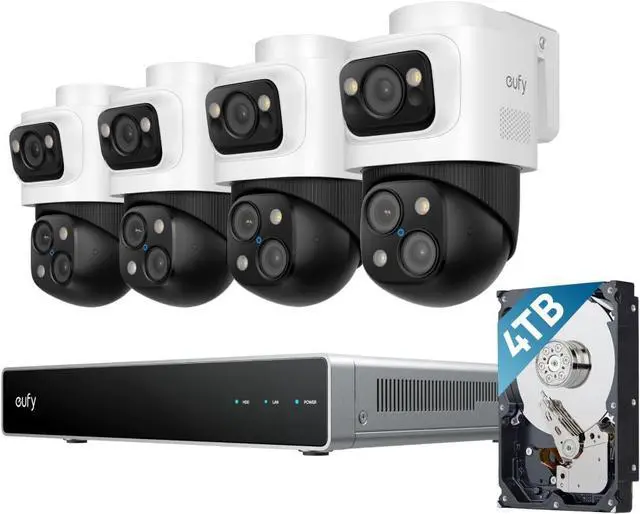
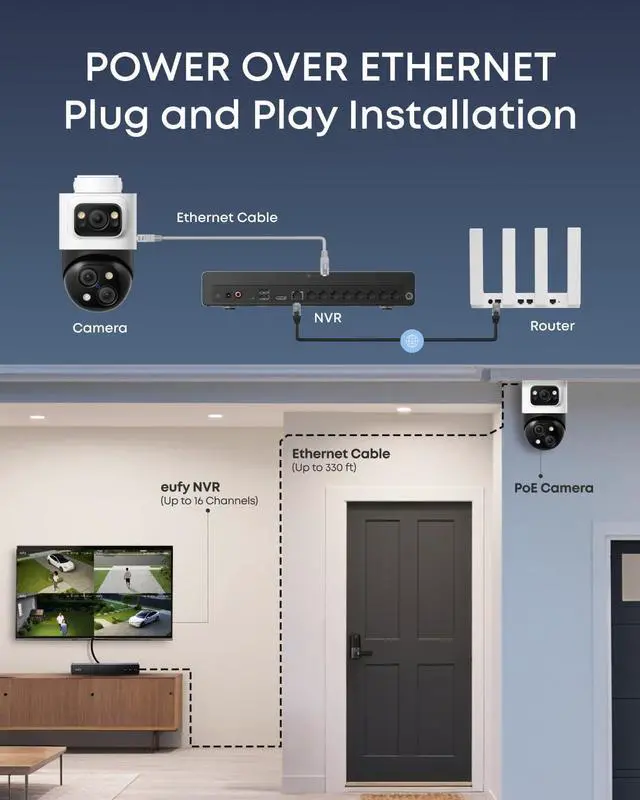
Works with Alexa and Google Voice Assistant. Avoid complex wiring and use a single cable to connect your eufy PoE cameras to a network video recorder for power and video.
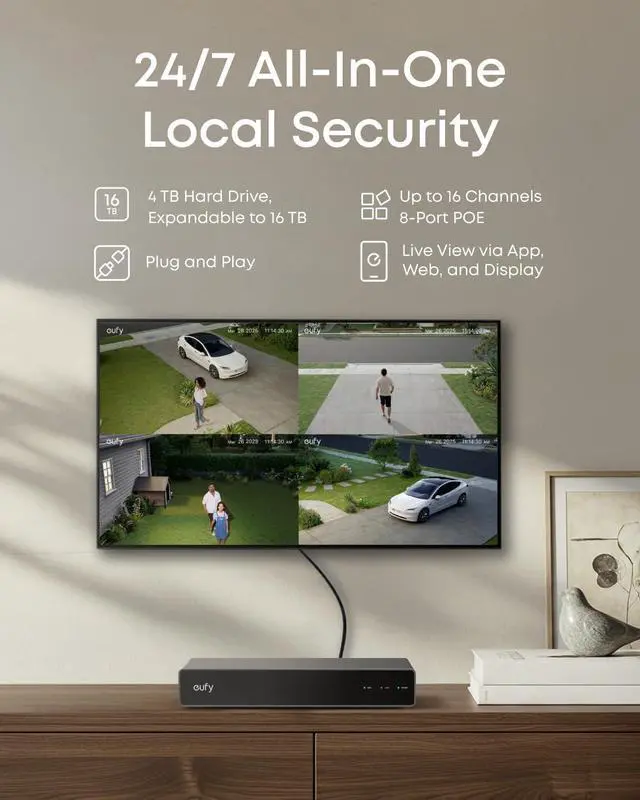
Start with 8-channel security and scale up to 16 channels when you're ready. Upgrade to 16 TB of storage at any time.
Communicate clearly with visitors thanks to our AI technology and a wind dome.
Keep watch at all hours with reliable PoE technology that streamlines setup in a single cable for power and data.
IP65 resistance lets you monitor your property, rain or shine.
How many real-time streams can the NVR support at most? How many channels of real-time flow does the Bullet-PTZ occupy?
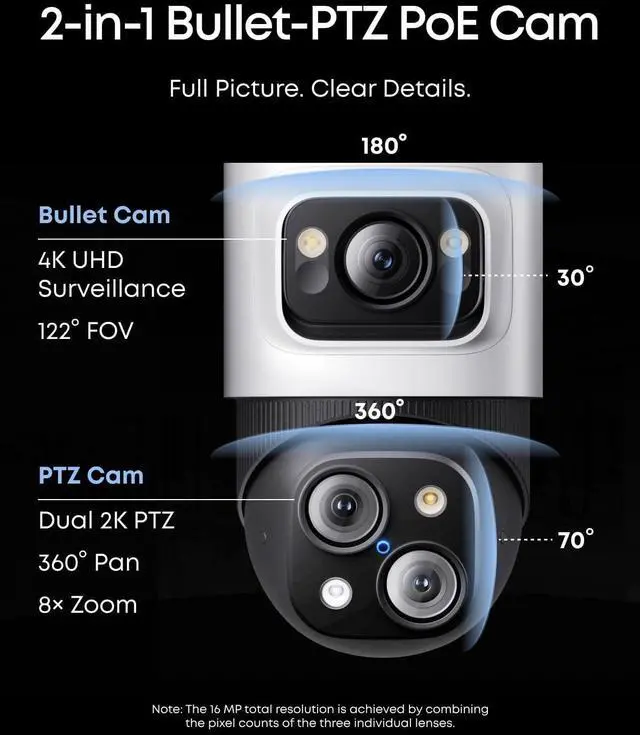
The NVR supports up to 16 channels. The Bullet-PTZ camera occupies 2 real-time streams, and up to 8 Bullet-PTZ cameras can be connected.
How do I use the NVR?
GUI (Display): Connect the HDMI to the display, you can control it via the display.
App: Download the latest version of the eufy app from the App Store or Google Play.
Web Portal: Please log in to eufy.com, then click Support > Security Web Portal.
How much storage space does the NVR have, and how many drive bays are there?
The NVR comes with a 3.5-inch drive bay. A 4 TB mechanical hard drive is included with the product, and you can upgrade this for up to 16 TB of storage.
Are eufyCam, SoloCam, eufy Video Doorbell, and eufy Sensor supported?
eufy Wi-Fi Module (T8709) is required for compatibility with wireless cameras, doorbells, and sensors.
How do I update the NVR firmware?
Automatic Update: Ensure NVR is connected to the eufy app. Updates are automatic.
Manual Update: Ensure NVR is online. Go to Settings > Firmware Update > Check for Updates.
USB Update: Download the firmware file from eufy website to update.
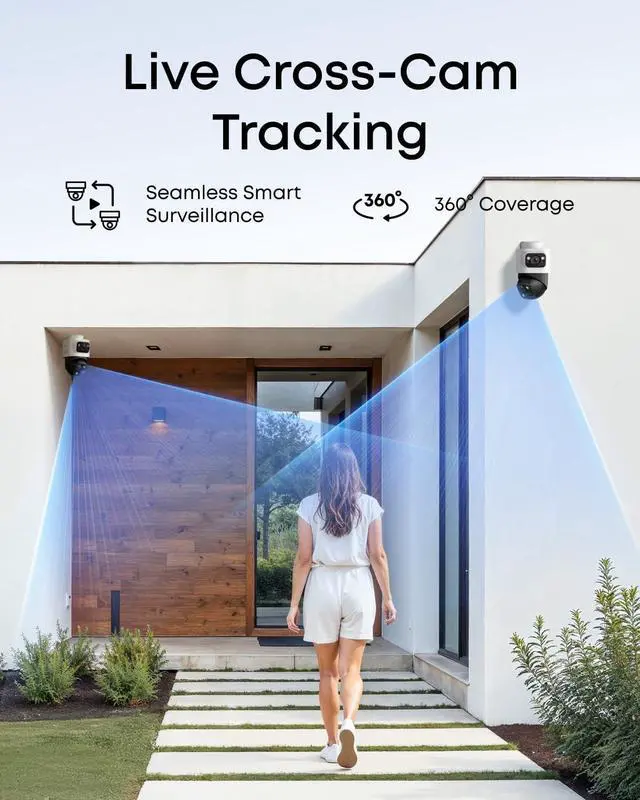
eufy NVR Security System S4Max Seamless Live Cross-Camera Tracking Seamless Live Cross-Camera Tracking Flexible All-in-One Local Security One Cable for Plug-and-Play Security Easily Expand Your Security AI Noise Reduction 24/7 Recording with PoE IP65 Weatherproof How many real-time streams can the NVR support at most? How many channels of real-time flow does the Bullet-PTZ occupy?
How do I use the NVR?
How much storage space does the NVR have, and how many drive bays are there?
Are eufyCam, SoloCam, eufy Video Doorbell, and eufy Sensor supported?
How do I update the NVR firmware?





 here!
here!