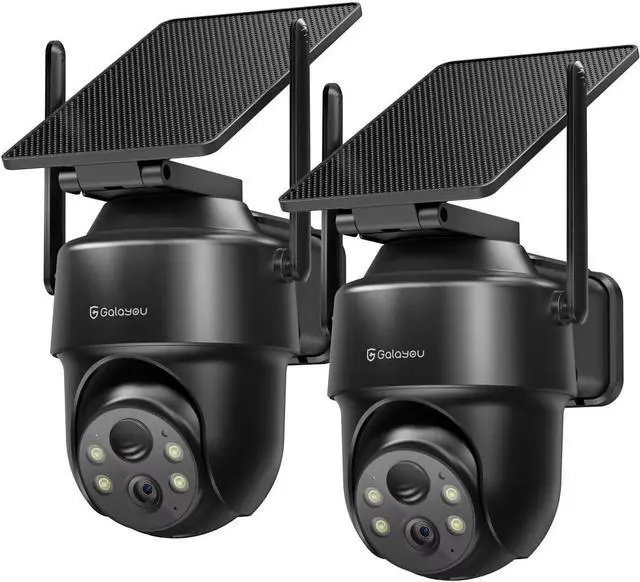
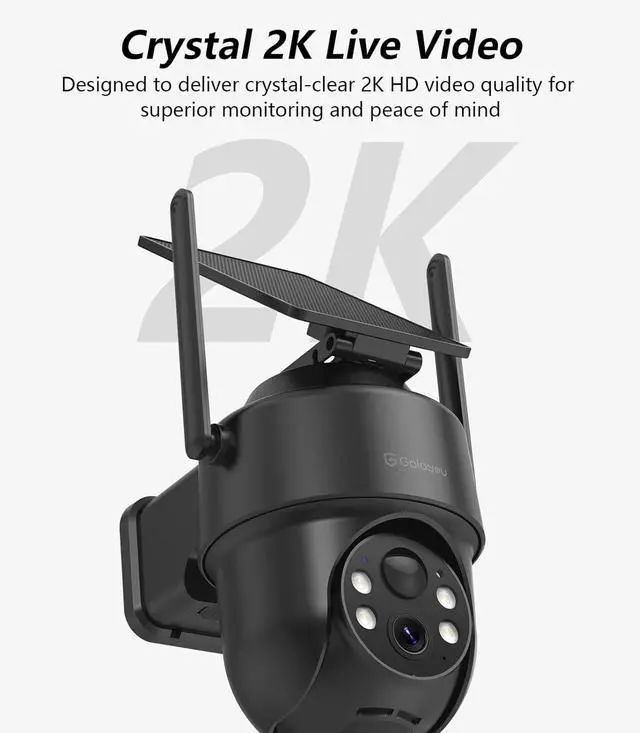
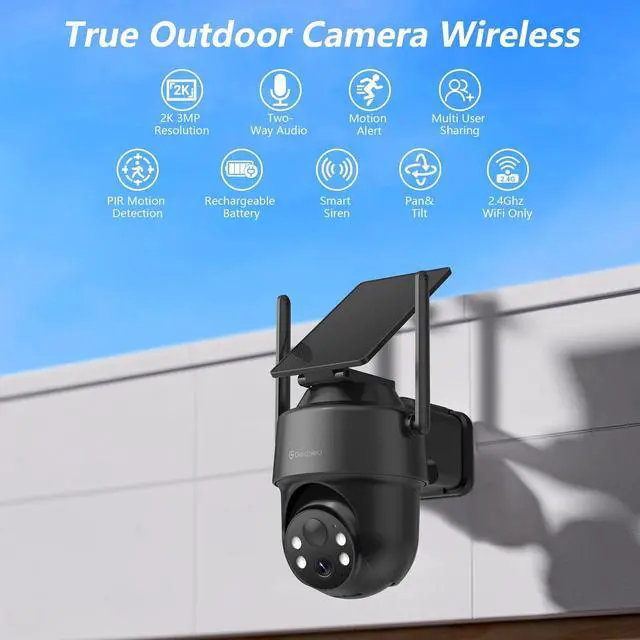
12K HD Resolusion2Color Night Vision3PIR Human Detection1Two-Way Audio2Dual Storage Options3Scheduled Detection Area4Multi Camera View12.4GHz WiFi Connection2Outdoor Camera Install3Camera Box Is this outdoor camera compatible with 5GHz Wi-Fi networks?
This security camera only supports 2.4GHz Wi-Fi and is not compatible with 5GHz Wi-Fi. Please make sure your home Wi-Fi supports the 2.4GHz band.
Does this security camera outdoor support 24/7 continuous video recording?
To conserve battery life, this wireless camera does not support 24/7 continuous recording. It only supports motion-triggered video recording now.
What's the difference between motion alerts and SD card/cloud recordings?
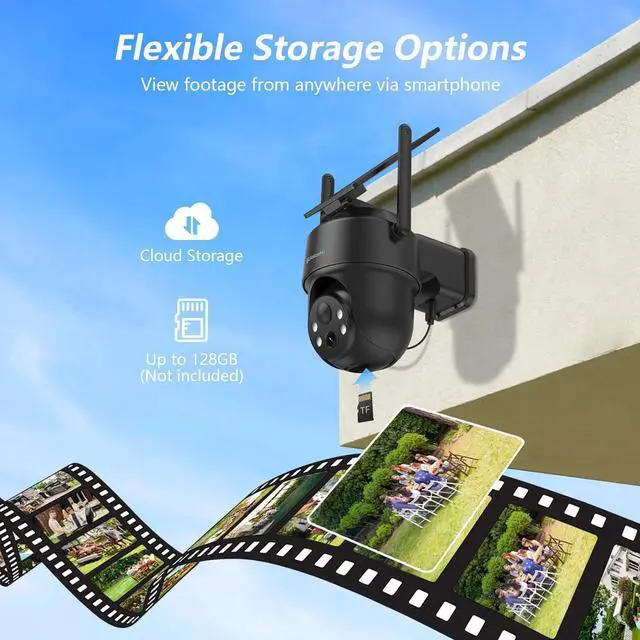
Our app keeps a record of the last 7 days of motion alerts for you. (10s videos for 2 days, images for 5 days.) SD card recording requires insertion of a micro SD card. Cloud service is an optional feature.
How do I install the solar panel?
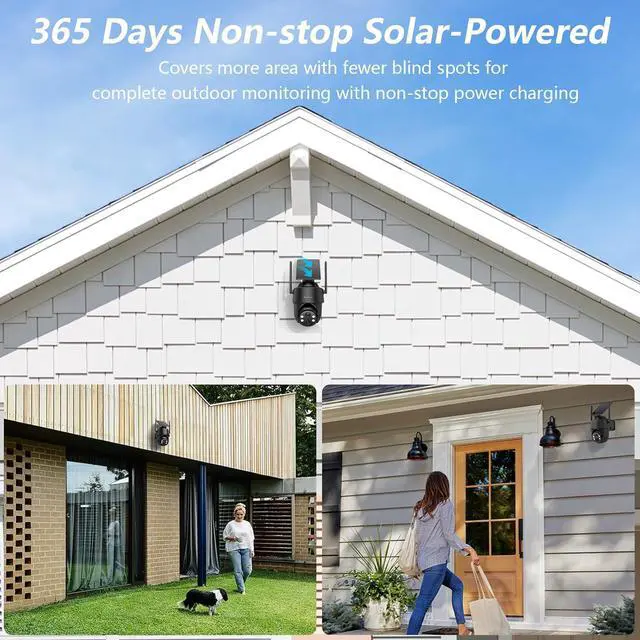
You can install the solar panel in two ways: It screws directly onto the top of the camera. You can also install it separately in a location with better sunlight. It allows you to choose the installation method that best suits your needs.
How to Receive Motion Alerts and View Alert Clips on My Camera?
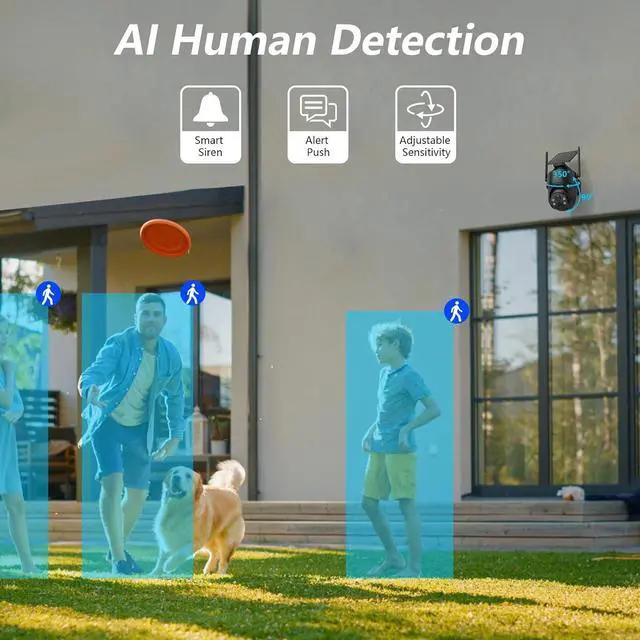
Please enable the motion alert feature via the camera app: Camera settings ->Motion alert ->Switched to On; Then access your motion alert clip through "Alert" page within the app. Not available through the "Replay mode".
Is this outdoor camera compatible with 5GHz Wi-Fi networks?
Does this security camera outdoor support 24/7 continuous video recording?
What's the difference between motion alerts and SD card/cloud recordings?
How do I install the solar panel?
How to Receive Motion Alerts and View Alert Clips on My Camera?