Your Browsing History
Meet Your Seller
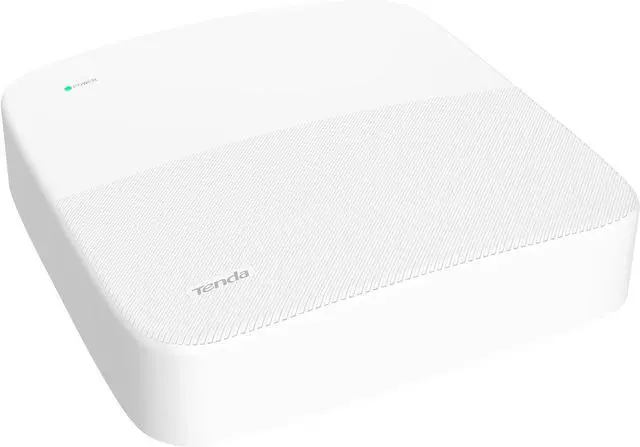
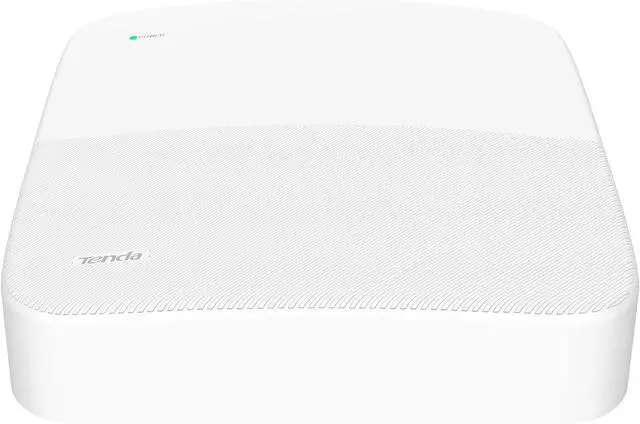
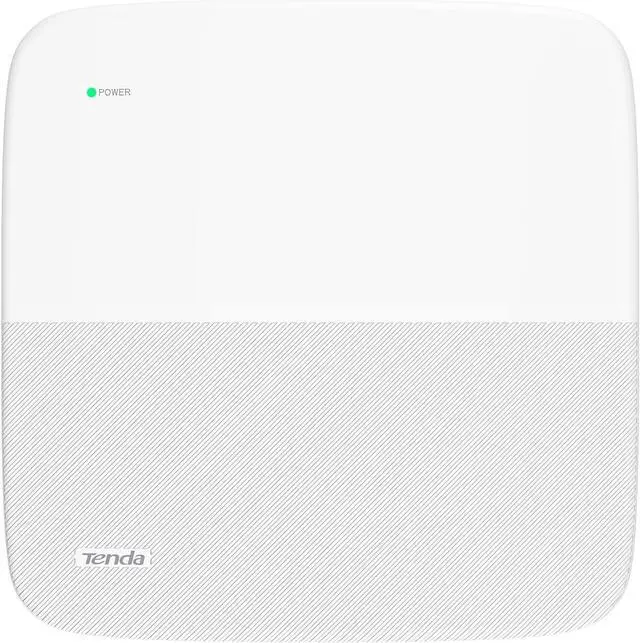
Tenda NVR N3L-4H 4K 4CH Network Video Recorder for Home Security Camera System, 1080p/3MP/4MP/5MP/8MP ONVIF NVR Recorders, H.265 Surveillance Video Recorders, Supports up to 10TB HDD (Not Included)
- Specifications: Up to 4-ch 8MP/4K network camera inputs; Up to 4-ch 1080p decoding capability; Up to 60 Mbps incoming and outgoing bandwidth; Up to 1080P HDMI and VGA simultaneous output; Up to 10TB HDD support.
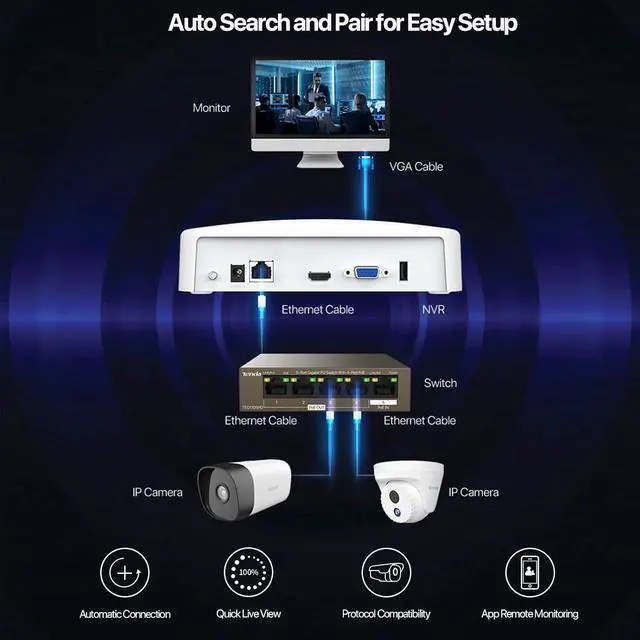
- Easy Setup & Wide Compatibility: Tenda N3L-4H NVR Recorder automatically search and connect to cameras on your network to make setup easier for you. It supports Tenda IT7/IC7 Series Cameras and cameras from other brands that support ONVIF protocol.
- H.265+ Video Compression: Powered by H.265+ video compression technology, Tendas N3L-4H NVR saves you storage space while keeping excellent video quality and details. By supporting H.265+, H.265 and H.264 encoding and decoding, this network video recorder also broadens your choice for IPC cameras.
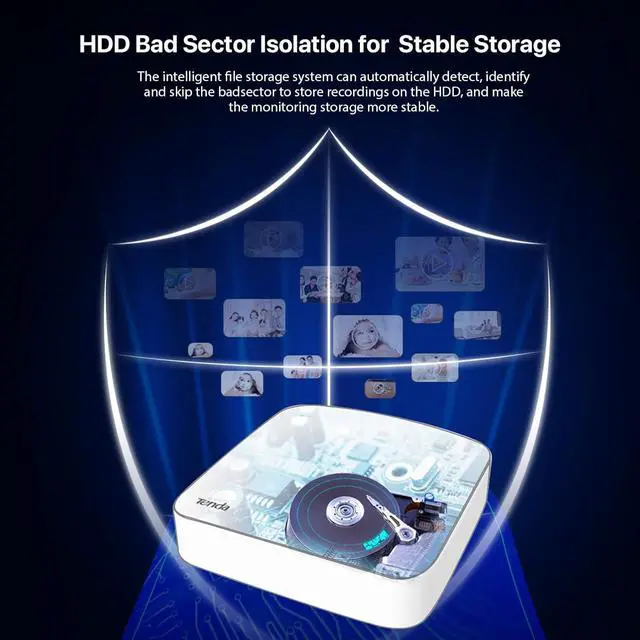
- Improved Data Safety and Security: Bad sector isolation feature automatically detects, identifies, and skips the bad sectors on your hard drive. The Tenda NVR also includes USB backup feature to protect the video data. All systems are
+
+
Overview
Specs
Reviews
Any questions? Our AI beta will help you find out quickly.
Try me now
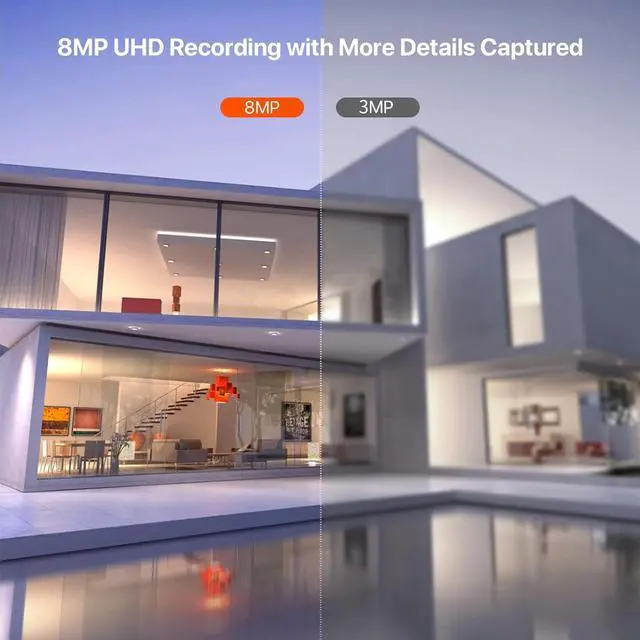
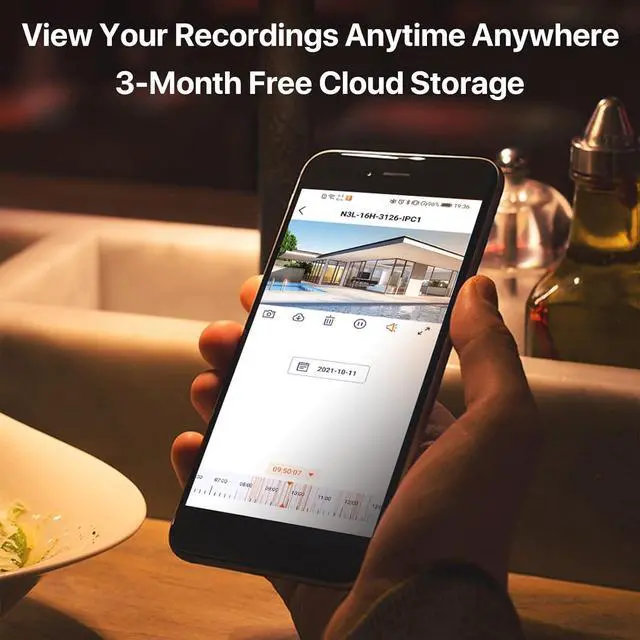
190-day Free Cloud Storage2Work w/o Internet34K UHD Recordings4HDD Bad Sector Isolation5H.265+ Video Compression Note: Due to recent updates of browser versions (Chrome, Edge, Opera), there is an issue with the web platform access of our cameras. The issue has now been fixed by our team and is under verification. It is expected that an OTA (Over-The-Air) update can be pushed out soon. If you encounter this issue, please follow these steps for a temporary solution:
In the browsers address bar, type chrome://flags/#enable-tls13-kyber, For TLS 1.3 hybridized Kyber support, select Disabled, then restart the browser.
You can also download the beta firmware and conduct a manual firmware update. Download Link: app.box.com/s/vnp6lwnlez9yb6jeed0m1rmbxvqou8rt
Tenda NVR supports the ONVIF protocol and is compatible with multi-brand third-party cameras using the ONVIF protocol. Before you configure the NVR and add your cameras to it, please check whether the camera supports the ONVIF protocol and the ONVIF function is enabled. Some manufacturers like Dahua and Hikvision disable the ONVIF protocol by default, users need to enable it through the camera configuration page and then add the corresponding ONVIF account for the camera to work properly with ONVIF protocol.
The ONVIF protocol can be searched and connected of cameras in the same network segment. You are recommended to configure the camera as a static IP and ensure that the IP address of the camera and NVR are in the same network segment. We also recommend you to update the NVR to the latest firmware for best compatibility. The latest firmware can be found in the resources link down below. For detailed guides to configure the NVR with third-party cameras, please download the Installation Guide in the Product guides and documents section. If you have any other questions while using the Tenda NVR, please reach out to us via support.us(a)tenda.cn.
Resources Link:
N3L-4H: tendacn.com/product/download/N3L-4H.html
N3L-8H: tendacn.com/product/download/N3L-8H.html
N3L-16H: tendacn.com/product/download/N3L-16H.html
Channel Number 4/8/16 Channels Incoming/outgoing Bandwidth 60Mbps Resolution 8MP/5MP/4MP/3MP/1080P/720P/D1/CIF Decoding Capability 4-ch@1080P(30 fps) HDMI Output 1-ch, 2560 × 1440/30Hz,1920 × 1080/60Hz, 1280 × 1024/60Hz, 1280 × 720/60Hz Video Decoding Format H.265+, H.265, H.264+, H.264 Audio Decoding Format G.711A, G.711U, G726 Stream Type Video, Video & Audio Max. Playback Channel 8 Channels Network Protocol HTTPTCP/IPIPv4RTSPUDPNTPDHCPDNSDDNS HDD Interface 1 * SATA 3.0 interface Plug-in Free Web Preview Chrome, Edge, Opera(Plug-in Free Live View) Configuring the Tenda NVR on Your Network Tenda N3L LAN NVR Specifications

In the browsers address bar, type chrome://flags/#enable-tls13-kyber, For TLS 1.3 hybridized Kyber support, select Disabled, then restart the browser.
You can also download the beta firmware and conduct a manual firmware update. Download Link: app.box.com/s/vnp6lwnlez9yb6jeed0m1rmbxvqou8rt
Tenda NVR supports the ONVIF protocol and is compatible with multi-brand third-party cameras using the ONVIF protocol. Before you configure the NVR and add your cameras to it, please check whether the camera supports the ONVIF protocol and the ONVIF function is enabled. Some manufacturers like Dahua and Hikvision disable the ONVIF protocol by default, users need to enable it through the camera configuration page and then add the corresponding ONVIF account for the camera to work properly with ONVIF protocol.
The ONVIF protocol can be searched and connected of cameras in the same network segment. You are recommended to configure the camera as a static IP and ensure that the IP address of the camera and NVR are in the same network segment. We also recommend you to update the NVR to the latest firmware for best compatibility. The latest firmware can be found in the resources link down below. For detailed guides to configure the NVR with third-party cameras, please download the Installation Guide in the Product guides and documents section. If you have any other questions while using the Tenda NVR, please reach out to us via support.us(a)tenda.cn.
Resources Link:
N3L-4H: tendacn.com/product/download/N3L-4H.html
N3L-8H: tendacn.com/product/download/N3L-8H.html
N3L-16H: tendacn.com/product/download/N3L-16H.html
Channel Number 4/8/16 Channels Incoming/outgoing Bandwidth 60Mbps Resolution 8MP/5MP/4MP/3MP/1080P/720P/D1/CIF Decoding Capability 4-ch@1080P(30 fps) HDMI Output 1-ch, 2560 × 1440/30Hz,1920 × 1080/60Hz, 1280 × 1024/60Hz, 1280 × 720/60Hz Video Decoding Format H.265+, H.265, H.264+, H.264 Audio Decoding Format G.711A, G.711U, G726 Stream Type Video, Video & Audio Max. Playback Channel 8 Channels Network Protocol HTTPTCP/IPIPv4RTSPUDPNTPDHCPDNSDDNS HDD Interface 1 * SATA 3.0 interface Plug-in Free Web Preview Chrome, Edge, Opera(Plug-in Free Live View) Configuring the Tenda NVR on Your Network Tenda N3L LAN NVR Specifications
Warranty & Returns
Warranty, Returns, And Additional Information
Warranty
- Please contact the Seller directly for warranty information. Warranty information may also be found on the Manufacturer's website.
- CONTACT
Return Policies
- Return for refund within: 30 days
- Return for replacement within: 30 days
- This item is covered by Cloud Sail Return Policy
Manufacturer Contact Info
- For a directory of all our manufacturers, please click below.
- Manufacturers Directory
LOADING...