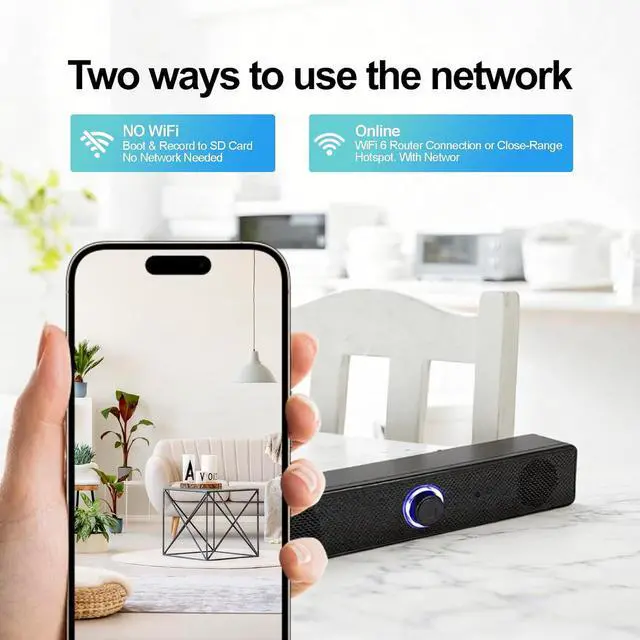
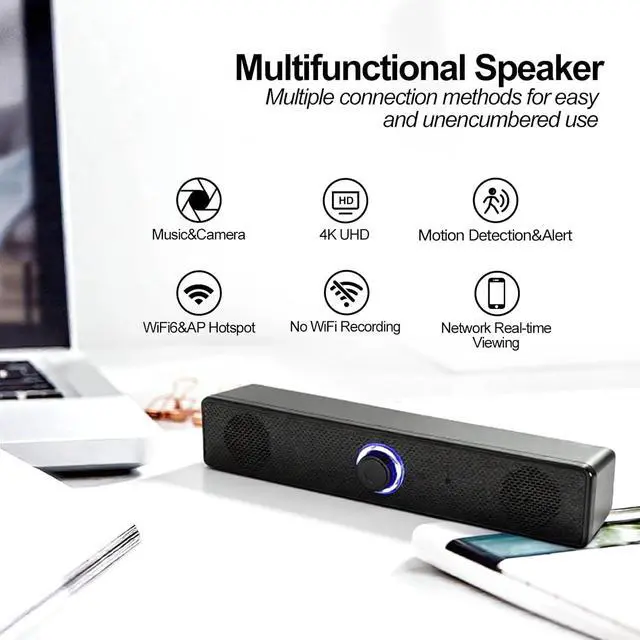
AP Hotspot & WiFi6 Support | Both Wired and Wireless Indoor Environments | Stable connection whether connected to router via WiFi6 or peer-to-peer via AP hotspot without network.
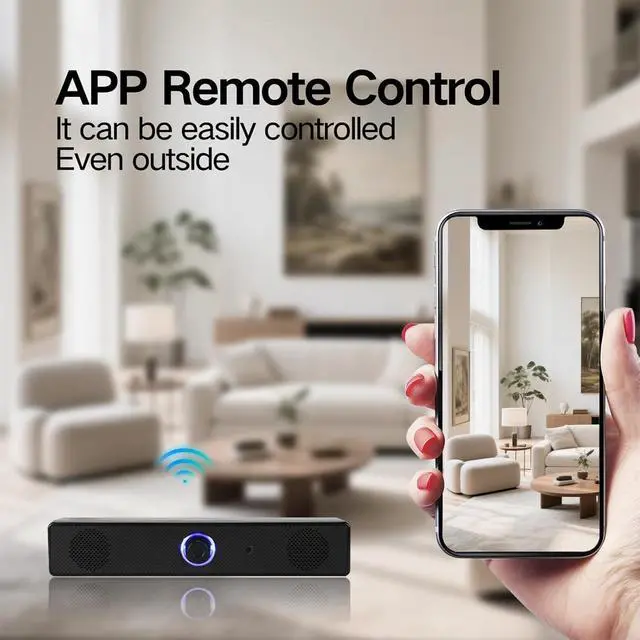
Remote App Control & Multi-Device Access | Remote Monitoring & Multi-User Use | Control IR, indicator light, update system, diagnose status via app; multiple devices can watch simultaneously; data encrypted to comply with EU and US privacy laws, ensuring safe use.
Motion Detection Alarm & Sent Images to Your Phone | Indoor Abnormal Situations | Sends instant alerts and clips to your phone; AI human detection reduces false alarms.
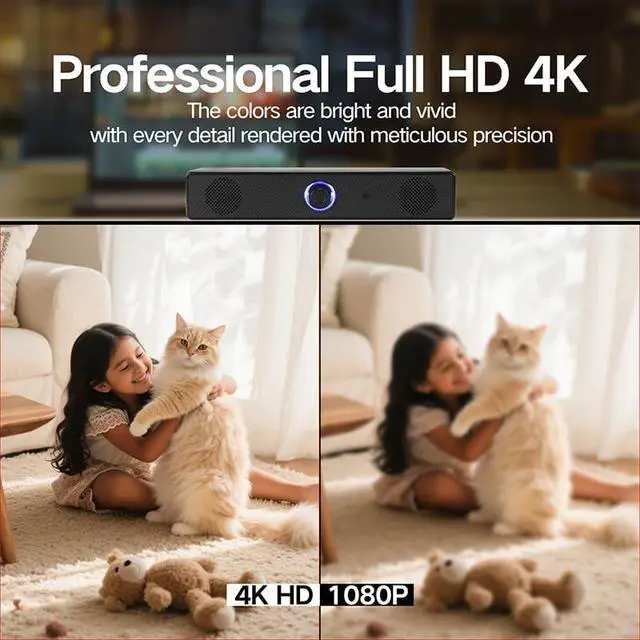
4K HD & 20FPS Smooth Record | Indoor Home Office Use | Captures clear details with 100° wide-angle, ensuring comprehensive protection for your safety and property.
Free 32GB SD Card | 512GB SD Card & Cloud Storage | Daily Images Storage | H.265 encoding stores 3x more content on the same SD card; cloud storage ensures data security; intelligent loop recording overwrites old files automatically, no manual cleaning needed.
How to Connect: Step1. Insert the 32GB SD card on card slot and power it with the USB line, the indicator light will be always on, you need to wait a few seconds it will turn to red&blue blinking. Step2.Turn on your phone's WiFi switch and connect it with your home WiFi. Then turn on our App to 'add camera', please notes select the mode 1 'smart scan' and view the correct camera model you have. Step3. Confirm the WiFi again, There will be a QR code on your App, you need use the camera to scan this code, when the indicator light blinking blue first then keep blue on, it says recognized. After this, you can set your camera password and remote the camera.