

Your Browsing History

- Free 30-day Returns
$79.99

Meet Your Seller

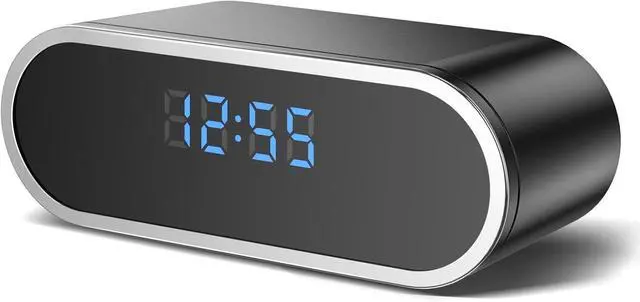
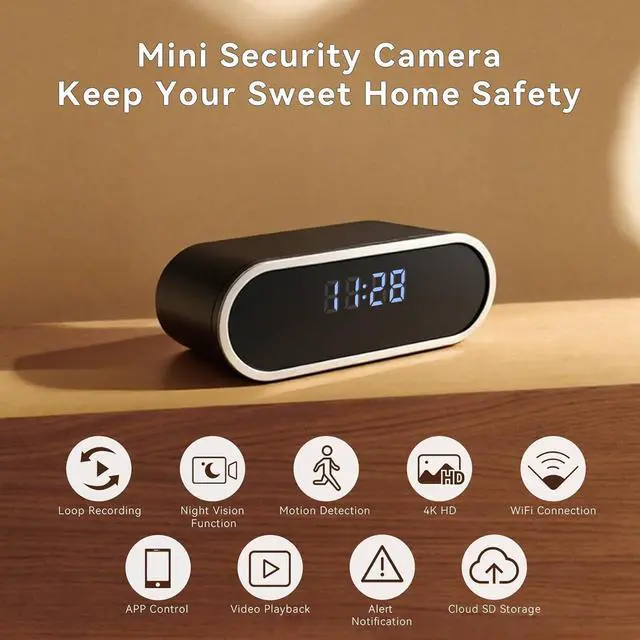
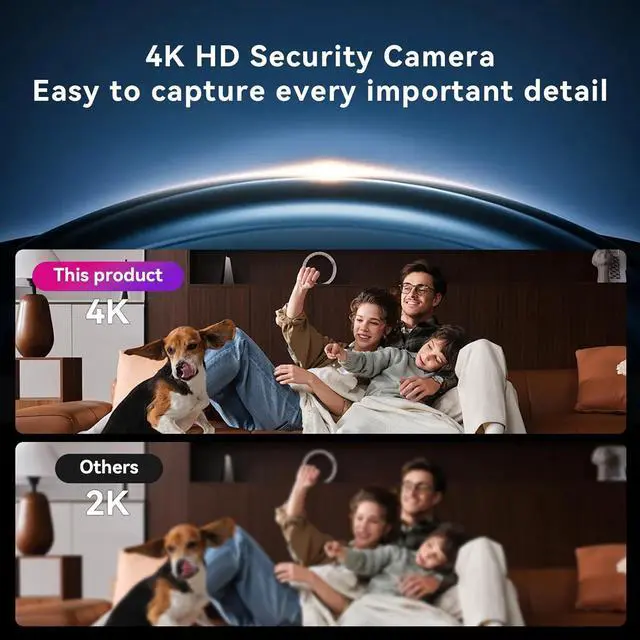
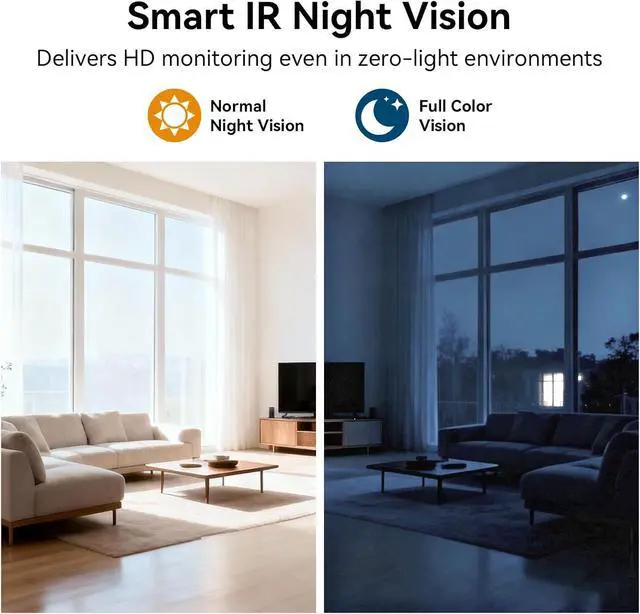


4K HD Wireless WiFi Security Camera, Nanny Cam for Home, Indoor Camera with Clock with App Control, AI Motion Detection, Loop Recording, Night Vision, Local & Cloud Storage, Easy to Use
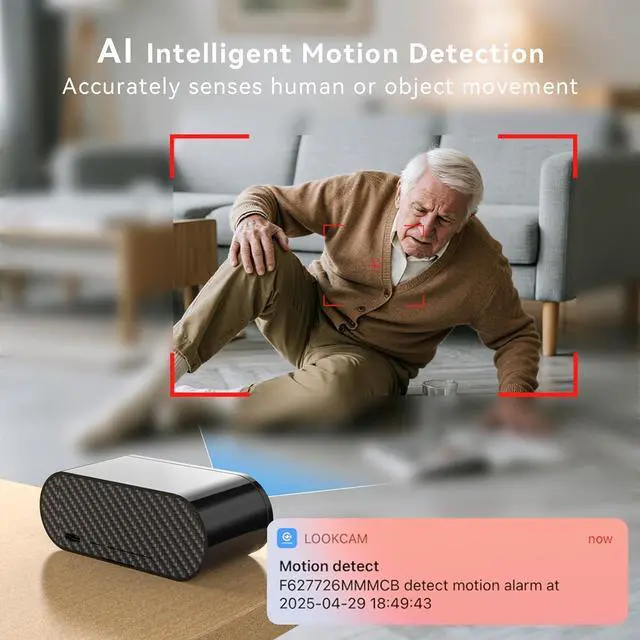
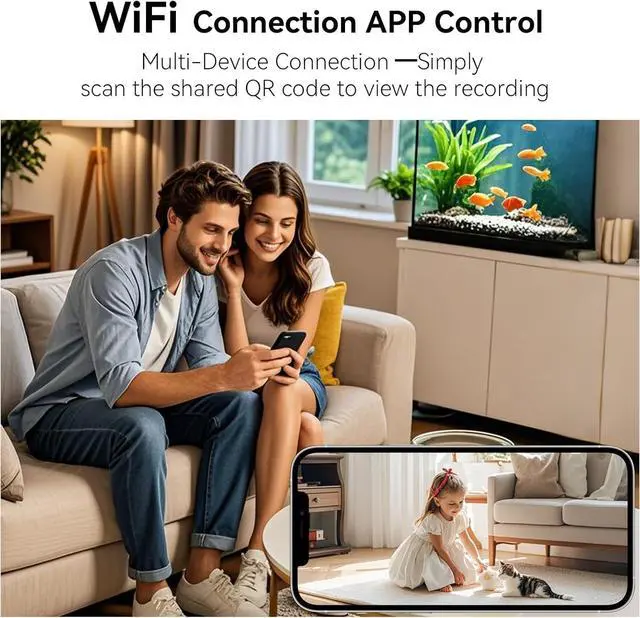
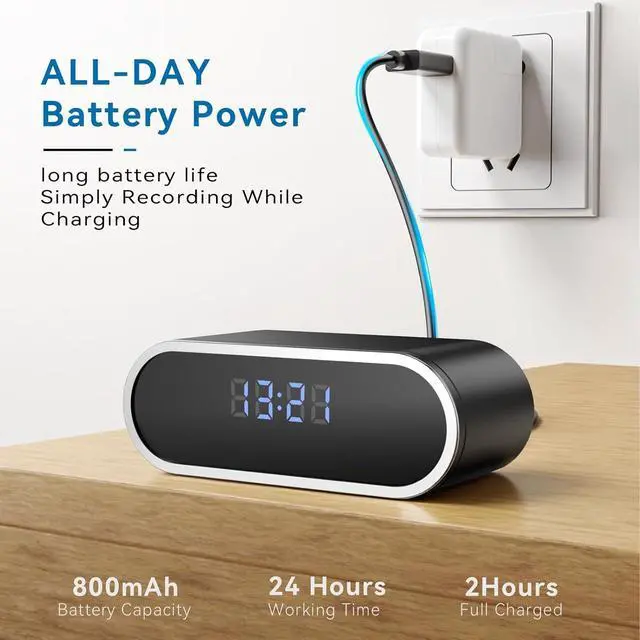
- 4K HD Wireless WiFi Security Camera, Nanny Cam for Home, Indoor Camera with Clock with App Control, AI Motion Detection, Loop Recording, Night Vision, Local & Cloud Storage, Video / Photo Playback, Alert Notification, Multi-Device Connection, Easy to Use & Perfect for Bedroom, Living room, Class, Work, Office
- A Quick Note for Setup: After receiving your device, please follow these steps for the initial setup: Connect to the device's Wi-Fi > Open the app and link the device with the app > Then, connect the device to your home Wi-Fi (this final step is essential for a stable connection). Without completing the home Wi-Fi setup, the device may lose its persistent connection to the app. A detailed video tutorial is available in the product detali Page.
+
+
Overview
Reviews

Any questions? Our AI mode will help you find out quickly.
Try me now
4K HD Wireless WiFi Security Camera, Nanny Cam for Home, Indoor Camera with Clock with App Control, AI Motion Detection, Loop Recording, Night Vision, Local & Cloud Storage, Video / Photo Playback, Alert Notification, Multi-Device Connection, Easy to Use & Perfect for Bedroom, Living room, Class, Work, Office
A Quick Note for Setup: After receiving your device, please follow these steps for the initial setup: Connect to the device's Wi-Fi > Open the app and link the device with the app > Then, connect the device to your home Wi-Fi (this final step is essential for a stable connection). Without completing the home Wi-Fi setup, the device may lose its persistent connection to the app. A detailed video tutorial is available in the product detali Page.
A Quick Note for Setup: After receiving your device, please follow these steps for the initial setup: Connect to the device's Wi-Fi > Open the app and link the device with the app > Then, connect the device to your home Wi-Fi (this final step is essential for a stable connection). Without completing the home Wi-Fi setup, the device may lose its persistent connection to the app. A detailed video tutorial is available in the product detali Page.
Warranty & Returns
Warranty, Returns, And Additional Information
Warranty
- Please contact the Seller directly for warranty information. Warranty information may also be found on the Manufacturer's website.
- CONTACT
Return Policies
- Return for refund within: 30 days
- Return for replacement within: 30 days
- This item is covered by CITY BUSINESS Official Return Policy
Manufacturer Contact Info
- For a directory of all our manufacturers, please click below.
- Manufacturers Directory
LOADING...