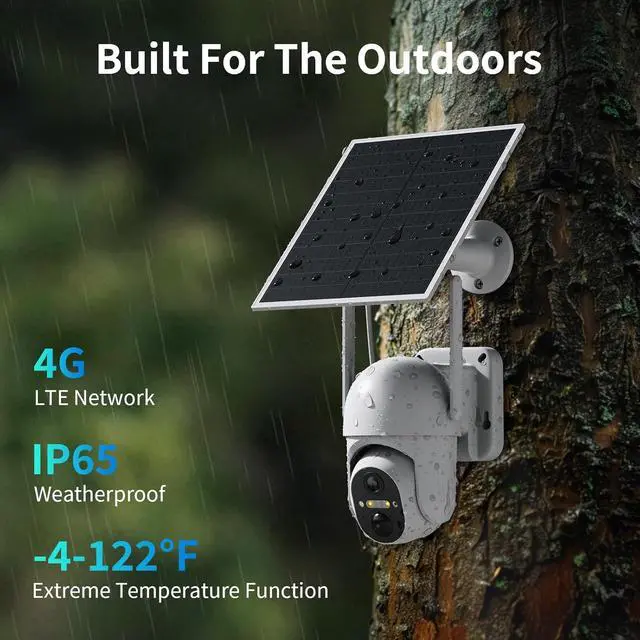
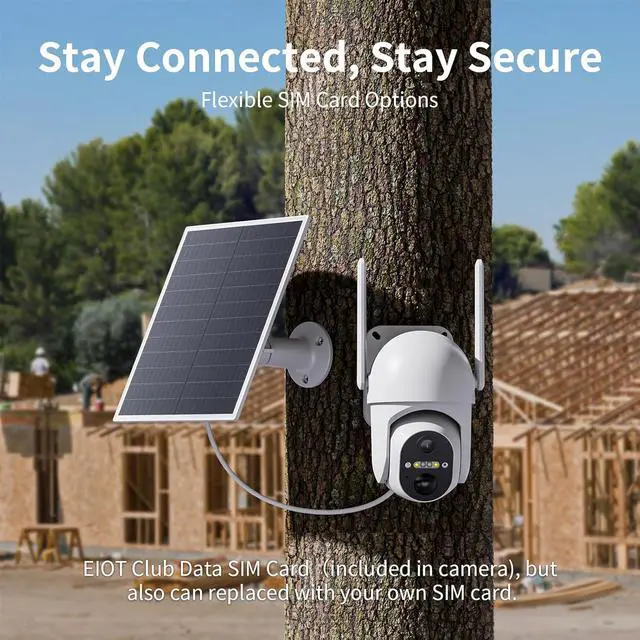
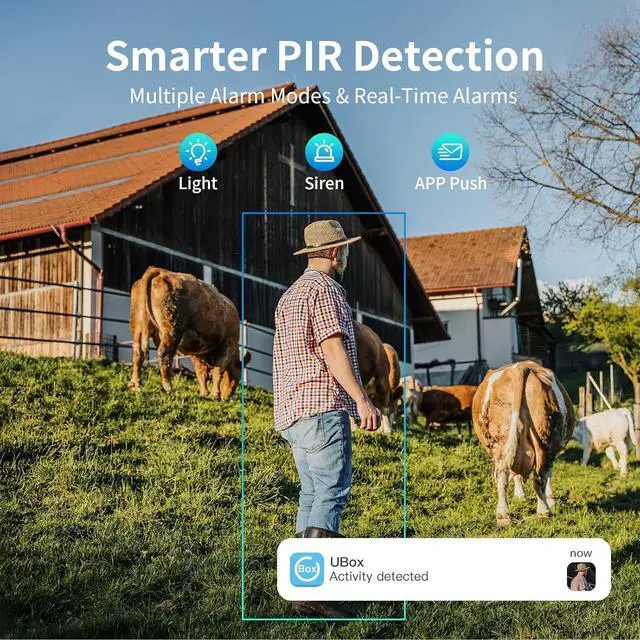
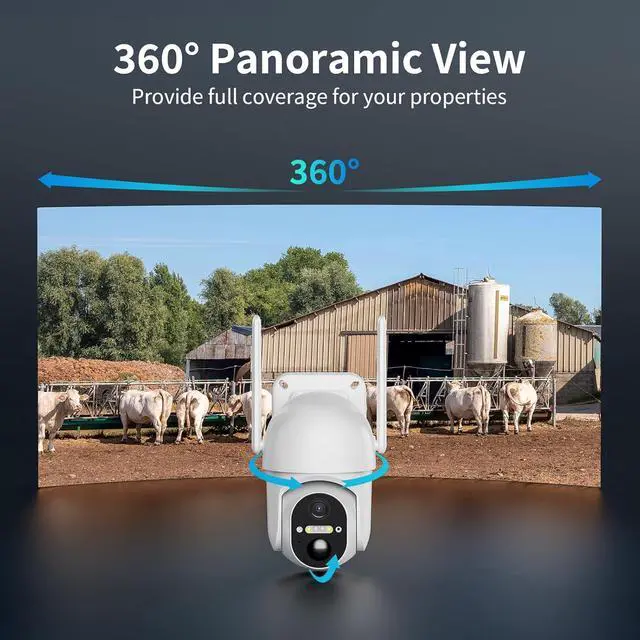
1PIR Motion Detection2Non-stop Powered3Color Night Vision4Two Way Talk5IP65 Weatherproof What steps should I follow if I want to switch to using my own SIM card with the camera?
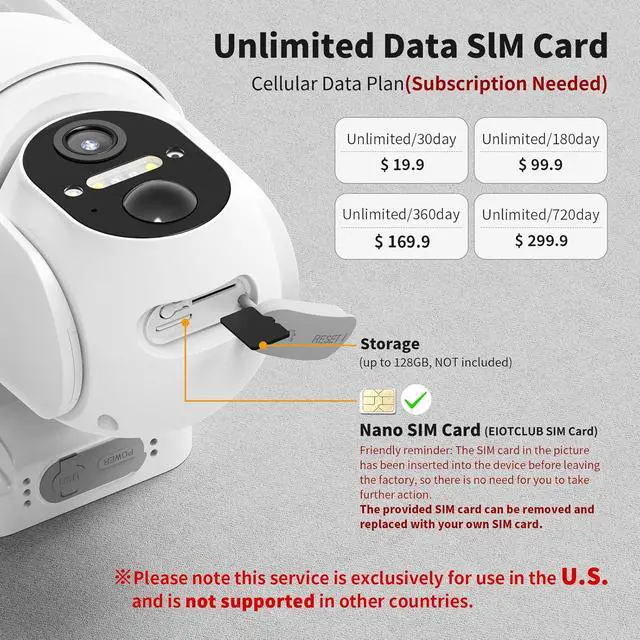
1. You must reset the camera and re-bind it to your device first.
2. If your SIM card has a PIN code set, please turn off the PIN code on your phone in advance.
I could not connect my camera with 4G network, why?
Please check the following items
1. Whether the SIM card is inserted correctly.
2. Whether the correct SIM card type is used. This camera supports prepaid SIM card which works seamlessly with AT&T, T-Mobile, and Verizon.
My camera cant detect motion or send notifications, How to fix it?
1. Open Ubox App > Camera Settings > Activity Detection > Boost high Sensitivity
2. Mount 2-3m high (10°-15° tilt), no glass, face sideways
3. Clip Settings: Shorten Retrigger Time, boost Buffer, extend Max Length
4. Update firmware via app.
Does each camera need its own data plan and Cloud storage plan
Yes. Each camera needs to own a separate data plan and cloud storage plan.
You cannot share one plan to cover the needs of multiple cameras.
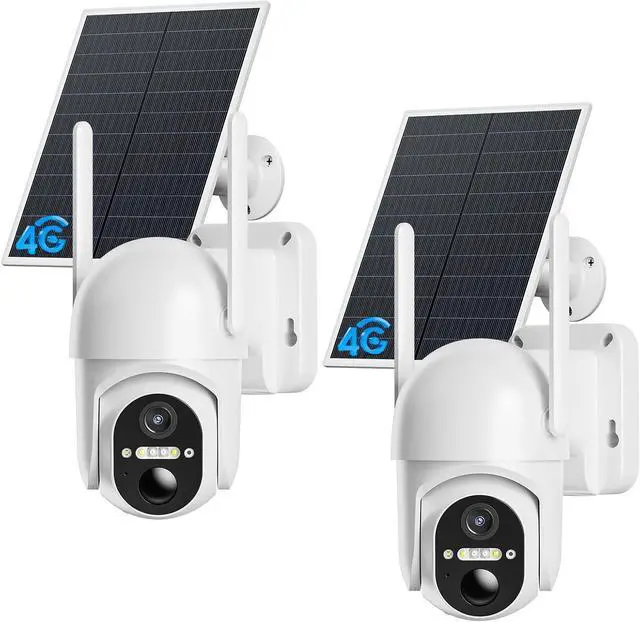
Take Action Quickly Once Detect Motions Truely Wireless Solar Camera Infrared and White Light Night Vision Real-time Conversation IP65 Weather-Resistant no wifi security camera cellular 4g lte camera Can I use this cellular camera in other countries?
What steps should I follow if I want to switch to using my own SIM card with the camera?
I could not connect my camera with 4G network, why?
My camera cant detect motion or send notifications, How to fix it?
Does each camera need its own data plan and Cloud storage plan





 here!
here!