

Your Browsing History

Meet Your Seller


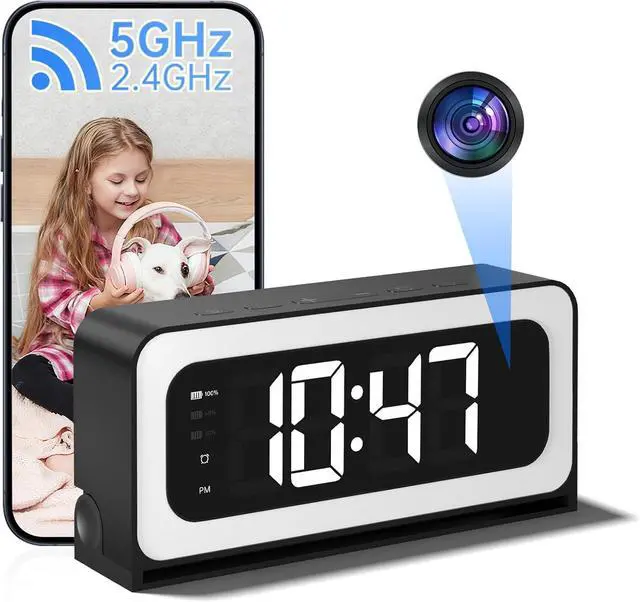
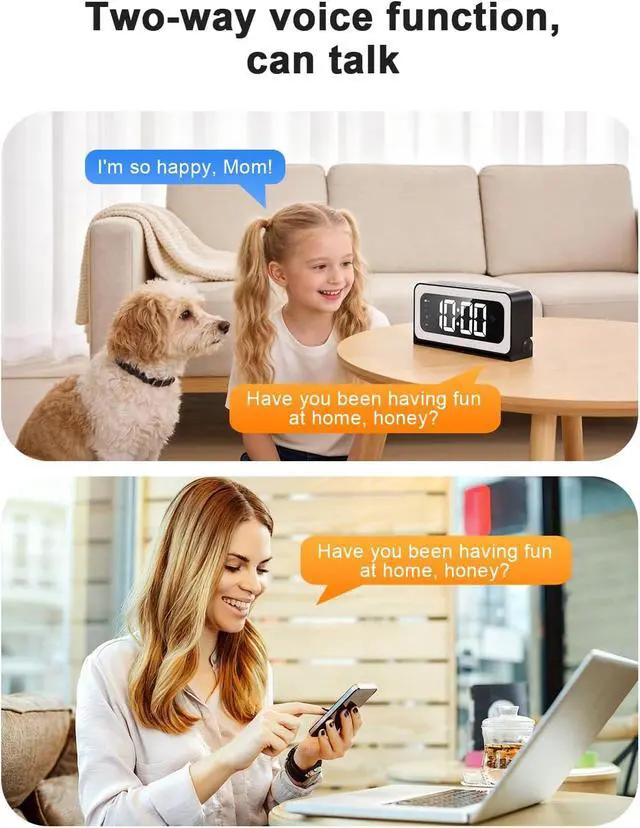


Clock Camera,5G&2.4G WiFi Security Camera Indoor,2K Cameras for Home Security,3 in 1 Nanny Cam with Alarm Two-Way Talk,Color Night Vision Human Motion Detection,Local SD Recording/Repla
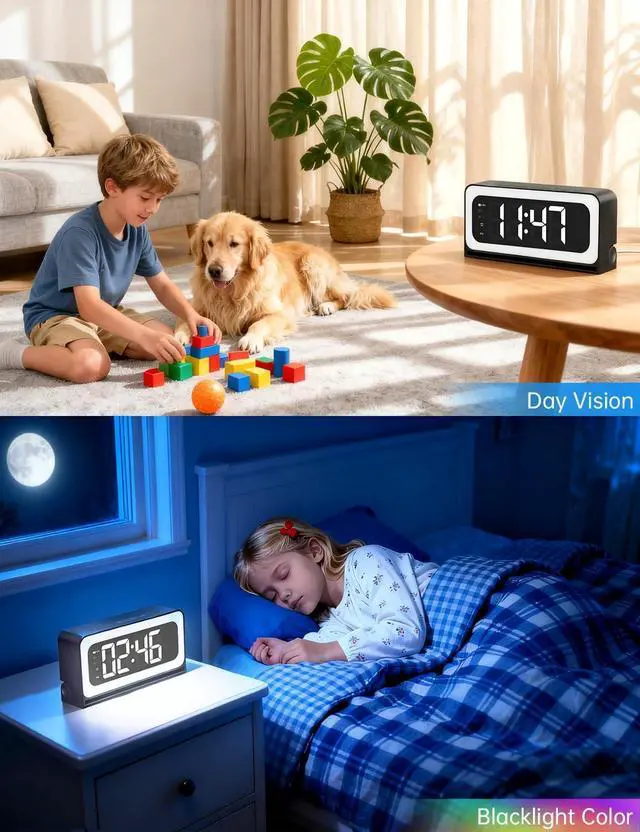
- 2K Full HD Clock Camera with Color Night VisionThis clock camera captures crystal-clear Ultra HD video using an advanced image sensor,delivering sharp details and vibrant colors in both live streaming and recordings. Designed to blend seamlessly into any room,it provides unmatched security without drawing attention.Featuring Black Light Night Visionpowered by cutting-edge low-light imaging technologyit ensures 24/7 continuous,true-color vision day and night.
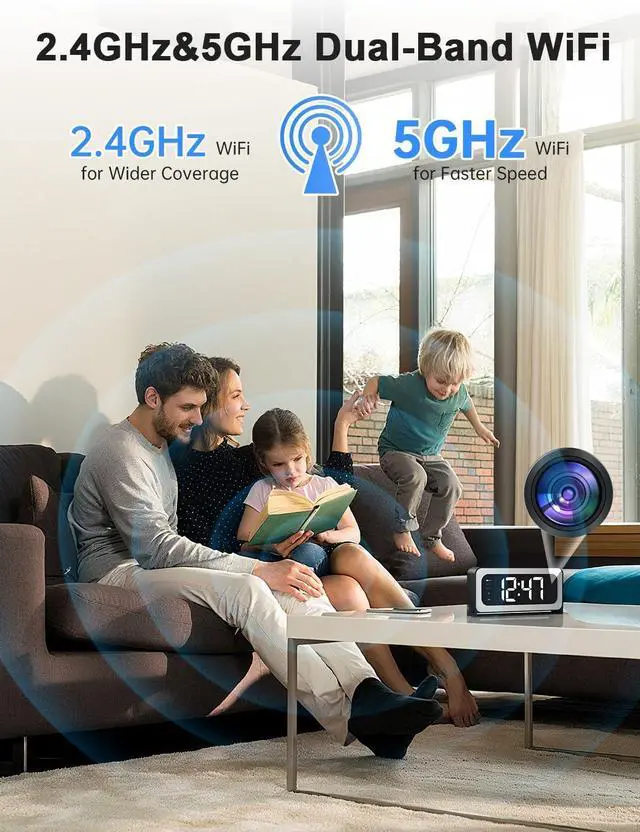
- 2.4G & 5GHz Dual Band ConnectivityThe home security camera indoor works both with the 2.4GHz and 5GHz WiFi, which provide high stability,strong signal reception,long distance to use,clear and detailed video footage.download the wesecuu APP and simply connect wireless camera indoor to your home wifi.
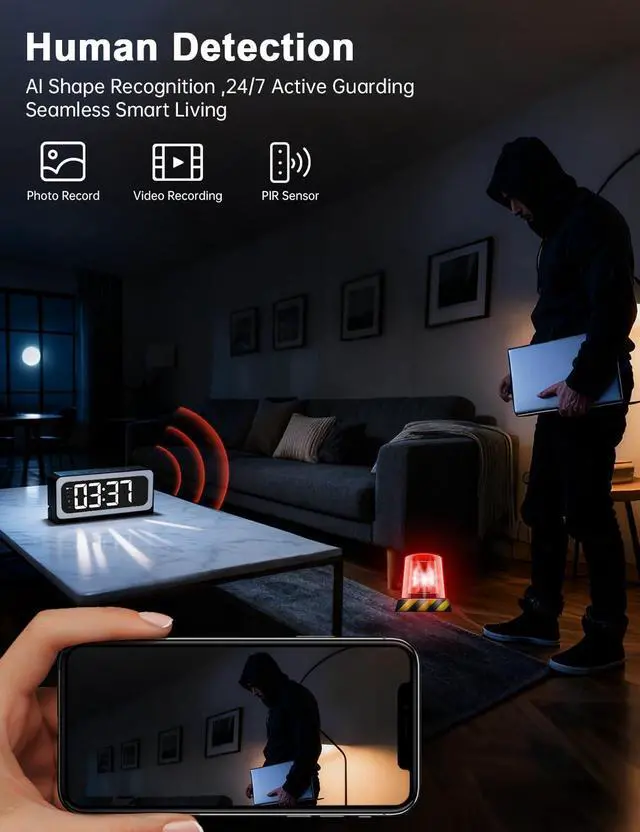
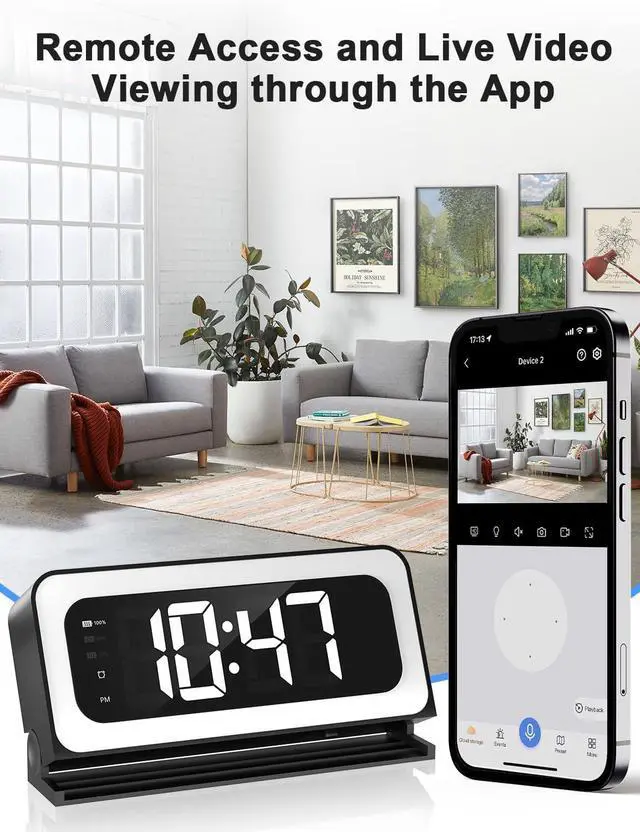
- AI Human Detection and Motion TrackingThe baby/pet indoor camera uses artificial intelligence algorithms to recognize and send alerts to your connected devices as soon as it detects movement, allowing you to view live foo
+
+
Overview
Specs
Reviews

Any questions? Our AI mode will help you find out quickly.
Try me now
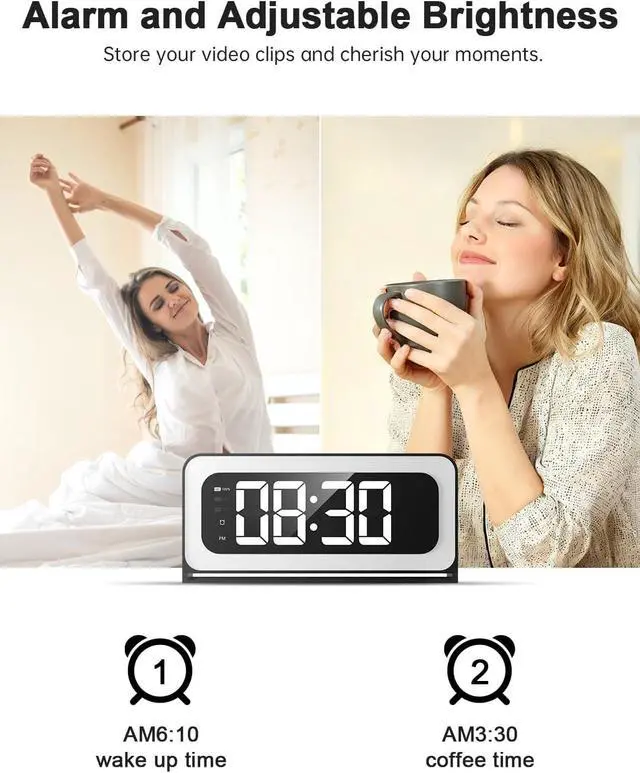
1Alarm settings2Night Light Function3Button settings12.4/5 GHz Dual-Band WiFi2Quick connection3Use immediately4Multiple scenarios5Built-in 5200mAh battery the Smart Clock Camera supports SD storage by installing an SD cardto store videos(up to 128GB SD card, not included).SD card size: 15 x 11 x 1mm.
or optional cloud storage (no forced subscription) for your Smart Clock Camera
What should l do if the Wi-Fi connection fails?
1.Please press and hold the reset button for 5 seconds. Wait for the camera to restore to factory settings before trying again. 2.If that still doesn't work, please tellus promptly via the emall or the contactinformation provided in manual.
Does this clock camera require a subscription fee?
Cloud storage need to pay. Or you can use micro SD card (size:11*15*1mm support for 128GB) This requires you to purchase the sD card, separately, as it is not included with our product.
How to operate the night light mode?
1. In normal mode, a single click of the "" button adjusts the time indicator light, with three levels: dim/bright/off.
2. A single press of the night light button adjusts the night light, with three levels: dim/bright/off.
How long can an alarm clock camera work continuously without being plugged in?
Our alarm clock camera has a built-in 5200mAh battery and comes with a 5V2A charger. It takes approximately 8-12 hours to fully charge and can work continuously for up to 13 hours after a full charge.
Does the clock camera support 24/7 continuous recording?
This clock camera can continue recording continuously, lf the battery level remains above 80%
Human Detection and Motion Tracking What should l do if the Wi-Fi connection fails?
Does this clock camera require a subscription fee?
How to operate the night light mode?
How long can an alarm clock camera work continuously without being plugged in?
Does the clock camera support 24/7 continuous recording?
or optional cloud storage (no forced subscription) for your Smart Clock Camera
What should l do if the Wi-Fi connection fails?
1.Please press and hold the reset button for 5 seconds. Wait for the camera to restore to factory settings before trying again. 2.If that still doesn't work, please tellus promptly via the emall or the contactinformation provided in manual.
Does this clock camera require a subscription fee?
Cloud storage need to pay. Or you can use micro SD card (size:11*15*1mm support for 128GB) This requires you to purchase the sD card, separately, as it is not included with our product.
How to operate the night light mode?
1. In normal mode, a single click of the "" button adjusts the time indicator light, with three levels: dim/bright/off.
2. A single press of the night light button adjusts the night light, with three levels: dim/bright/off.
How long can an alarm clock camera work continuously without being plugged in?
Our alarm clock camera has a built-in 5200mAh battery and comes with a 5V2A charger. It takes approximately 8-12 hours to fully charge and can work continuously for up to 13 hours after a full charge.
Does the clock camera support 24/7 continuous recording?
This clock camera can continue recording continuously, lf the battery level remains above 80%
Human Detection and Motion Tracking What should l do if the Wi-Fi connection fails?
Does this clock camera require a subscription fee?
How to operate the night light mode?
How long can an alarm clock camera work continuously without being plugged in?
Does the clock camera support 24/7 continuous recording?
Warranty & Returns
Warranty, Returns, And Additional Information
Warranty
- Please contact the Seller directly for warranty information. Warranty information may also be found on the Manufacturer's website.
- CONTACT
Return Policies
- Return for refund within: 30 days
- Return for replacement within: non-replaceable
- This item is covered by Cozylux anky Return Policy
Manufacturer Contact Info
- For a directory of all our manufacturers, please click below.
- Manufacturers Directory
LOADING...
LOADING...