

Your Browsing History
- Free 30-day Returns
$77.99

Meet Your Seller


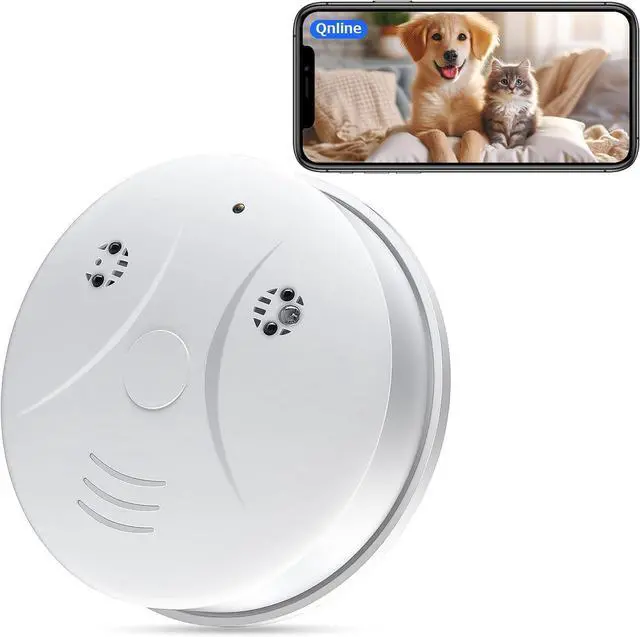



Wireless WiFi Smart Camera 1080P Video Smoke the Detector Hidden Camera Indoor Camera for Pets Home Security Wall Mount Night Vision, Loop Filming, Motion Detection, Live Viewing, Android iOS Free App
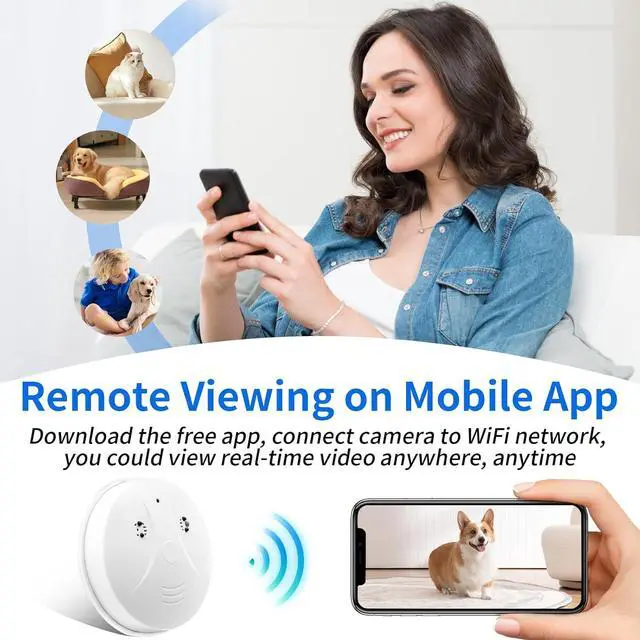
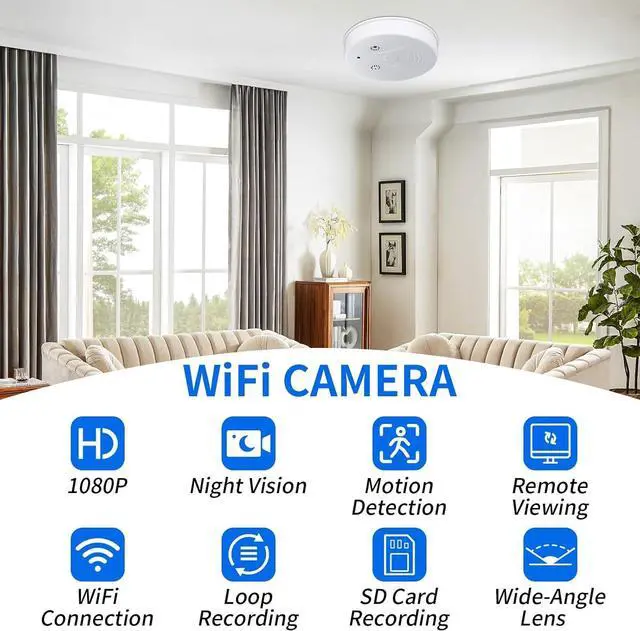
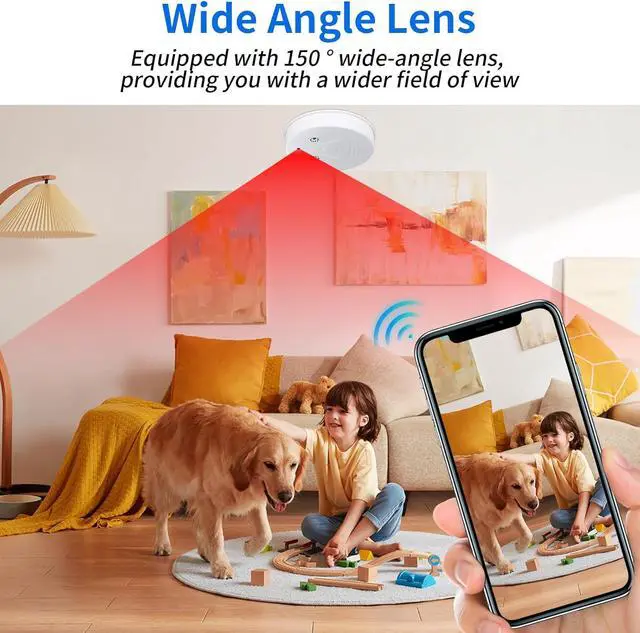
- Video Camera: 1080P HD video camera allows you to clearly see and check what happened when you are at outside. This security camera supports 2.4G/ 5G network and filming while charging, you can real-time view the target scenes on the free app, also can captured videos/pictures to your device when you are away from home, office, etc.No smoke detection function
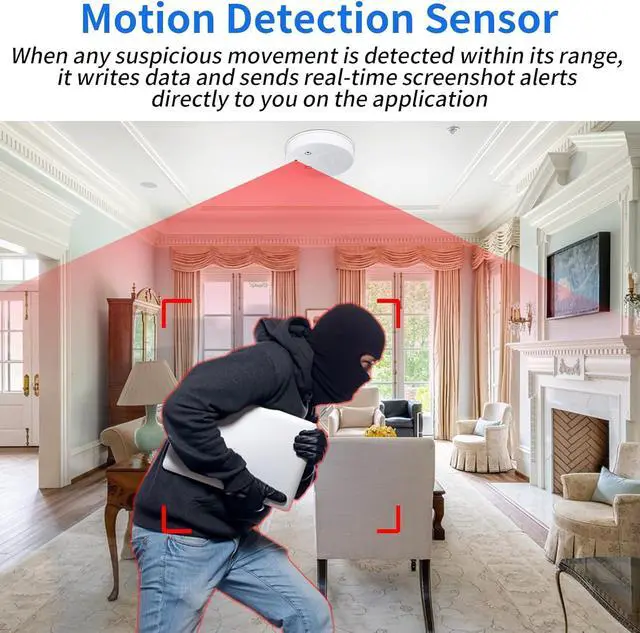
- Motion Detection: This hidden camera has motion detection alert push function. The indoor security video camera will start to take video when detecting a motion in the field of view of the camera. Sending alerts to your mobile phone, and capture high-definition pictures saved on the APP, you can log in to the app to see what is happening in real time.
- Video Loop Filming & Long Standby: Supports loop video filming, when a sd card is full, the newest file will overwrite the oldest files. After full charge, the hidden camera can work continuously for 3.5 hours, and it aslo support charging while using.
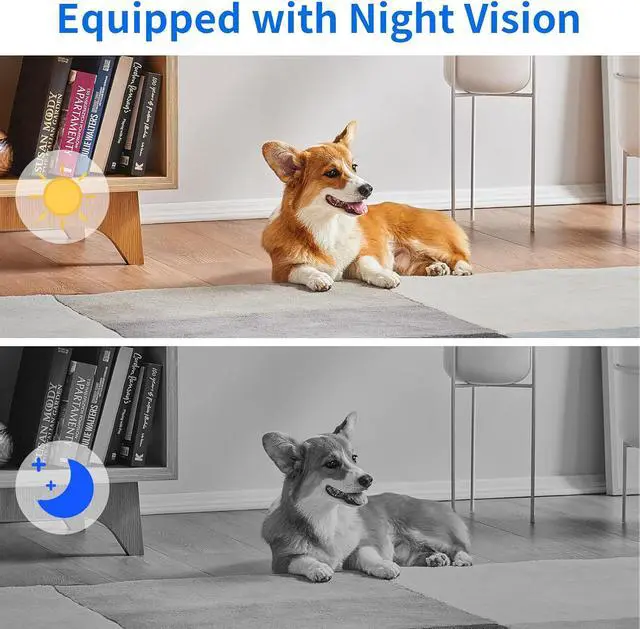
- Infrared Night Vision Fun
+
+
Overview
Specs
Reviews

Any questions? Our AI mode will help you find out quickly.
Try me now
Connection Method 1--- AP Mode
1. Turn on the device and use reset pin to long press reset button until the indicator flashes slowly. Notice: please confirm the indicator light is flashing slowly when you are connecting it; For a fast connection, please make sure the device and the router are within 5 meters of
each other when you're connecting it.
2. Please switch on the Bluetooth Function of your smartphone;
3. After Bluetooth is switched on from the phone >> Open Tuya APP >> Add Device (Devices to be added) >> Tape Add >> Enter Wi-Fi Information (choice of your home WiFi name and password, supports 2.4 and 5Ghz WiFi) >> Click "Next" >> HD mini camera being adding
(indicator light will be fast flash, you also will be hearing "Di" tips sound), the device will be added within 1 minute >> Click "Done"(Added successfully) >> You can watch live video by smartphone.
Connection Method 2 --- Installation Instructions Image Code
1. Turn on the device and there will a prompt sound remind you to configure with WiFi.
2. Open APP >> Add Device >> click Camera & Lock >> choose Smart Camera(2.4GHz&5GHz) >> tick off Make sure the indicator is flashing quickly or a prompt tone is heard then click Next.
3. Select your WiFi network (2.4GHz or 5GHz) >> Input password >> Next.
4. Hold the cameras lens face to the Installation Instructions Image Code for scan, hold them together, and keep15-20 cm away, until you hear a Beep sound, which means the scan code is succeeded, the indicator quickly flashes and then keeps a long on, (clock camera is the LED time display change from 00:00 to time number), which means WiFi connection succeeded.
5. Click I Hear a Prompt, wait for a moment the device will be added successfully >> click Done. (if the connection is failed, please reset the camera try the same operation again)
Installation Steps
Rotate the WiFi hidden camera counterclockwise, take out the chassis, then fix the chassis to the ceiling or wall with a spiral knife, and then turn clockwise to install the product back.
Easy To Install
This product has nails for installation, which is very easy to install.
Warm Tips:
1. The smoke detector camera need to connect to a router 2.4Ghz / 5GHz WIFI.
2. Pls format the SD before first use.
3. Pls charge the mini camera wireless for 4 hours before using to get enough power.
4. We suggest that charging while recording, so that it will not go offline due to lack of power.
Network Configure Steps ( 2 Connection Methods )
1. Turn on the device and use reset pin to long press reset button until the indicator flashes slowly. Notice: please confirm the indicator light is flashing slowly when you are connecting it; For a fast connection, please make sure the device and the router are within 5 meters of
each other when you're connecting it.
2. Please switch on the Bluetooth Function of your smartphone;
3. After Bluetooth is switched on from the phone >> Open Tuya APP >> Add Device (Devices to be added) >> Tape Add >> Enter Wi-Fi Information (choice of your home WiFi name and password, supports 2.4 and 5Ghz WiFi) >> Click "Next" >> HD mini camera being adding
(indicator light will be fast flash, you also will be hearing "Di" tips sound), the device will be added within 1 minute >> Click "Done"(Added successfully) >> You can watch live video by smartphone.
Connection Method 2 --- Installation Instructions Image Code
1. Turn on the device and there will a prompt sound remind you to configure with WiFi.
2. Open APP >> Add Device >> click Camera & Lock >> choose Smart Camera(2.4GHz&5GHz) >> tick off Make sure the indicator is flashing quickly or a prompt tone is heard then click Next.
3. Select your WiFi network (2.4GHz or 5GHz) >> Input password >> Next.
4. Hold the cameras lens face to the Installation Instructions Image Code for scan, hold them together, and keep15-20 cm away, until you hear a Beep sound, which means the scan code is succeeded, the indicator quickly flashes and then keeps a long on, (clock camera is the LED time display change from 00:00 to time number), which means WiFi connection succeeded.
5. Click I Hear a Prompt, wait for a moment the device will be added successfully >> click Done. (if the connection is failed, please reset the camera try the same operation again)
Installation Steps
Rotate the WiFi hidden camera counterclockwise, take out the chassis, then fix the chassis to the ceiling or wall with a spiral knife, and then turn clockwise to install the product back.
Easy To Install
This product has nails for installation, which is very easy to install.
Warm Tips:
1. The smoke detector camera need to connect to a router 2.4Ghz / 5GHz WIFI.
2. Pls format the SD before first use.
3. Pls charge the mini camera wireless for 4 hours before using to get enough power.
4. We suggest that charging while recording, so that it will not go offline due to lack of power.
Network Configure Steps ( 2 Connection Methods )
Warranty & Returns
Warranty, Returns, And Additional Information
Warranty
- Please contact the Seller directly for warranty information. Warranty information may also be found on the Manufacturer's website.
- CONTACT
Return Policies
- Return for refund within: 30 days
- Return for replacement within: 30 days
- This item is covered by CITY BUSINESS Official Return Policy
Manufacturer Contact Info
- For a directory of all our manufacturers, please click below.
- Manufacturers Directory
LOADING...