

Your Browsing History

- Free 30-day Returns
$92.99

Meet Your Seller

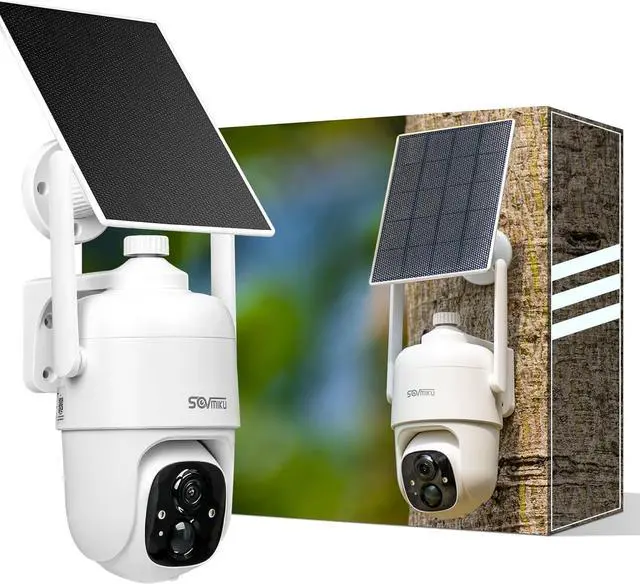
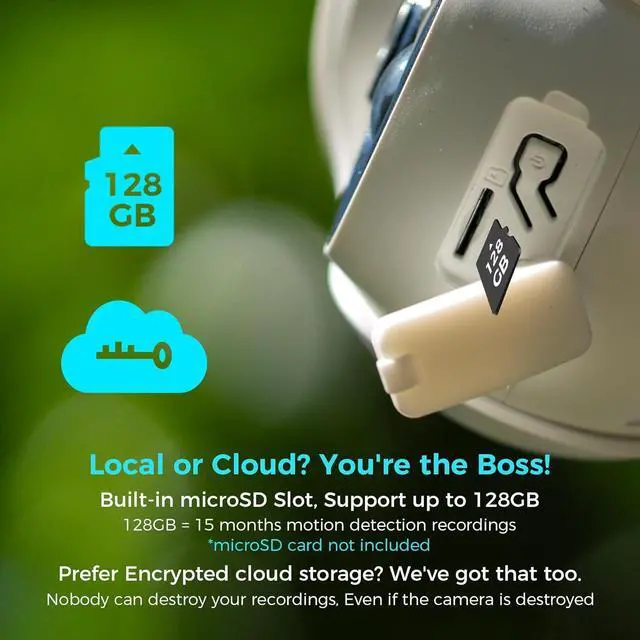


Sovmiku CQ1 AI 2K Solar Security Camera Wireless Outdoor, Battery Powered Cam, Two-Way Audio,PIR Motion Detection, Easy to Setup, Pan/Tilt 360° View,Color Night Vision,Audible Flashlight Siren,SD Slot
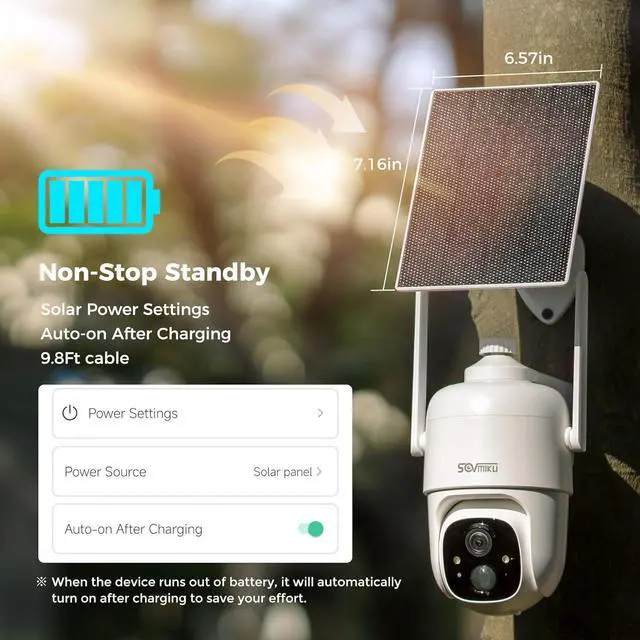
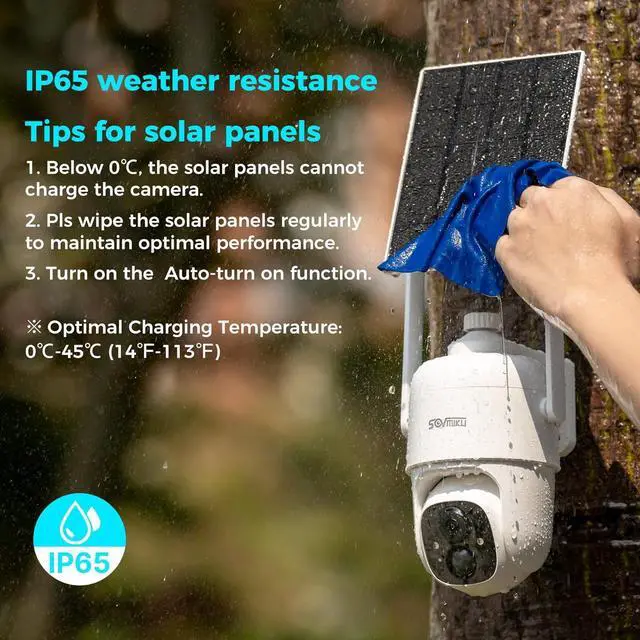
- %, , Monocrystalline silicon solar panels with an energy conversion rate of up to 23%, Built-in high-capacity 9000mah batteries, A complete charge can make the camera work for 60 days or more, High quality battery and less charging times enable the camera to be used for more than 8 years.
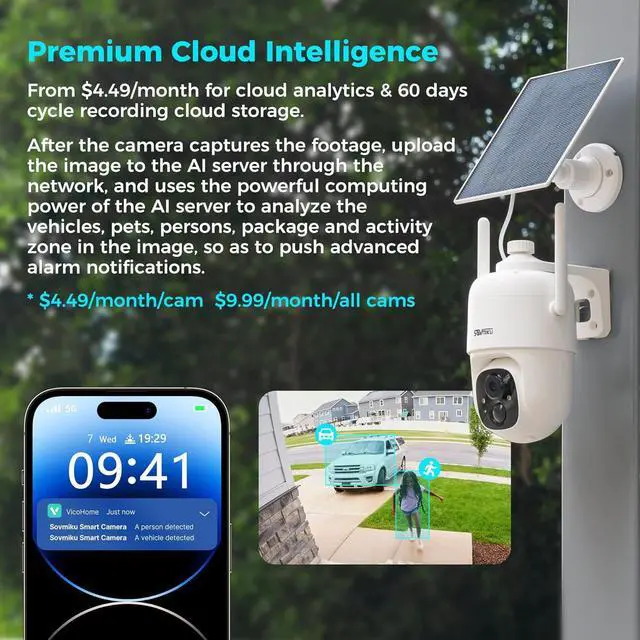
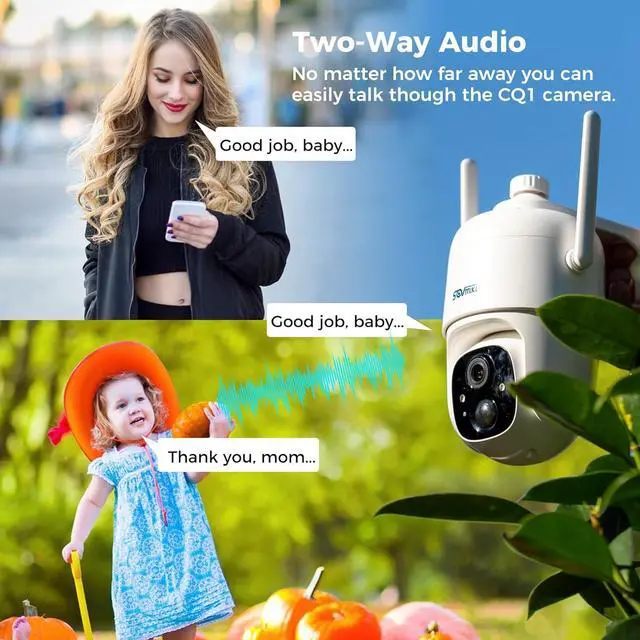
- & - Using the upgraded Al algorithm and PIR sensor, the wireless security camera enhances human-like recognition to reduce false alarms. The camera sends you real-time alerts when it detects movement. After receiving the alert, you can speak to the person in front of the camera in real-time through the APP. This solar security camera is not only a monitor for your home, it can also be used to scare off intruders or thieves.
- Sovmiku has powerful global Internet services. After you connect Sovmiku cameras to the internet, even if you travel on the other side of the earth, you ca
+
+
Overview
Specs
Reviews

Any questions? Our AI mode will help you find out quickly.
Try me now
%, , Monocrystalline silicon solar panels with an energy conversion rate of up to 23%, Built-in high-capacity 9000mah batteries, A complete charge can make the camera work for 60 days or more, High quality battery and less charging times enable the camera to be used for more than 8 years.
& - Using the upgraded Al algorithm and PIR sensor, the wireless security camera enhances human-like recognition to reduce false alarms. The camera sends you real-time alerts when it detects movement. After receiving the alert, you can speak to the person in front of the camera in real-time through the APP. This solar security camera is not only a monitor for your home, it can also be used to scare off intruders or thieves.
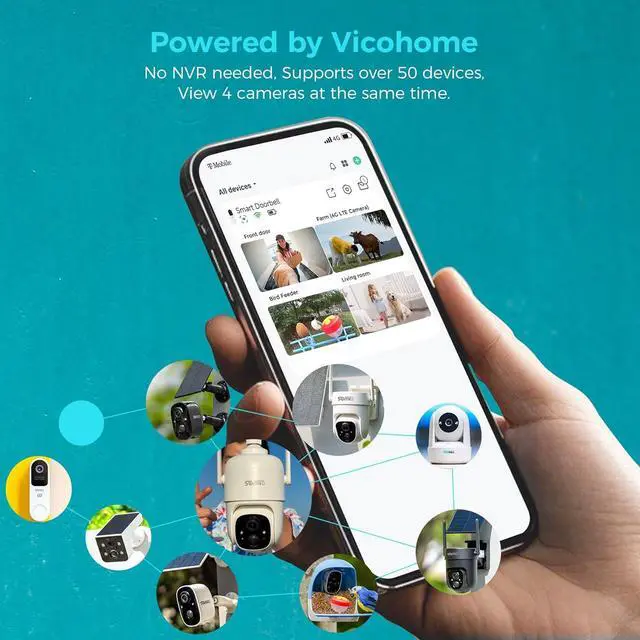
Sovmiku has powerful global Internet services. After you connect Sovmiku cameras to the internet, even if you travel on the other side of the earth, you can get live view of your home and hear family through the Vicohome App. Download Vicohome from Google Play or App Store. PS: Vicohome not support PC.
, - , equipped with High tolerance CMOS and PIR Sensor, can provide 2K ultra-high-definition images and videos regardless of the weather condition. The advanced quad-pixel sensor on the Main camera makes the most of 3 megapixels by adapting to what youre shooting, Shooting in 3MP delivers 4x the resolution for jaw-dropping cropping.
Just 4 steps. 1) Install Vicohome App from Google play or Apple App Store. 2) Register a Vicohome account with your email or mobile number and Sign in. 3) Select the "add camera now" button on the app, then enter your WiFi name and password, and then a QR code will appear. 4) Press power button on the camera for 3 seconds, Scan the QR code on your phone with the camera
& - Using the upgraded Al algorithm and PIR sensor, the wireless security camera enhances human-like recognition to reduce false alarms. The camera sends you real-time alerts when it detects movement. After receiving the alert, you can speak to the person in front of the camera in real-time through the APP. This solar security camera is not only a monitor for your home, it can also be used to scare off intruders or thieves.
Sovmiku has powerful global Internet services. After you connect Sovmiku cameras to the internet, even if you travel on the other side of the earth, you can get live view of your home and hear family through the Vicohome App. Download Vicohome from Google Play or App Store. PS: Vicohome not support PC.
, - , equipped with High tolerance CMOS and PIR Sensor, can provide 2K ultra-high-definition images and videos regardless of the weather condition. The advanced quad-pixel sensor on the Main camera makes the most of 3 megapixels by adapting to what youre shooting, Shooting in 3MP delivers 4x the resolution for jaw-dropping cropping.
Just 4 steps. 1) Install Vicohome App from Google play or Apple App Store. 2) Register a Vicohome account with your email or mobile number and Sign in. 3) Select the "add camera now" button on the app, then enter your WiFi name and password, and then a QR code will appear. 4) Press power button on the camera for 3 seconds, Scan the QR code on your phone with the camera
Warranty & Returns
Warranty, Returns, And Additional Information
Warranty
- Please contact the Seller directly for warranty information. Warranty information may also be found on the Manufacturer's website.
- CONTACT
Return Policies
- Return for refund within: 30 days
- Return for replacement within: 30 days
- This item is covered by CITY BUSINESS Official Return Policy
Manufacturer Contact Info
- For a directory of all our manufacturers, please click below.
- Manufacturers Directory
LOADING...