• $81.99
  • Price alert
    Shop it at NeweggBusiness.

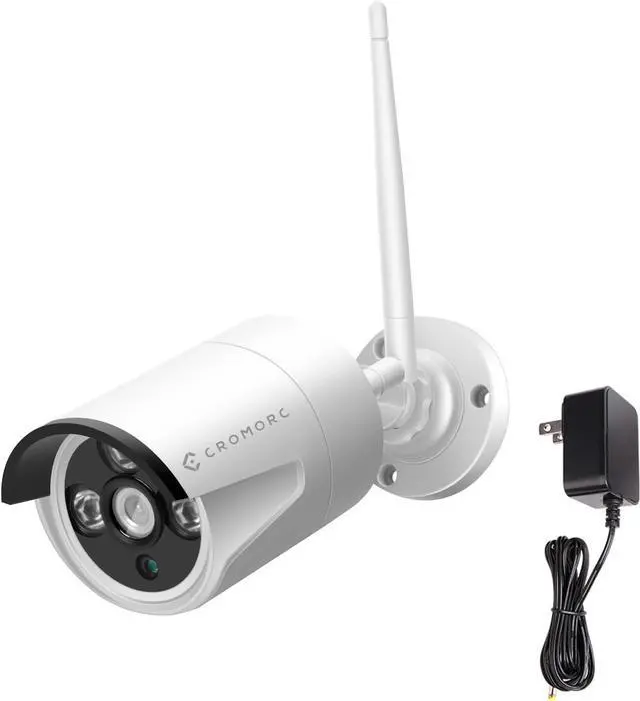
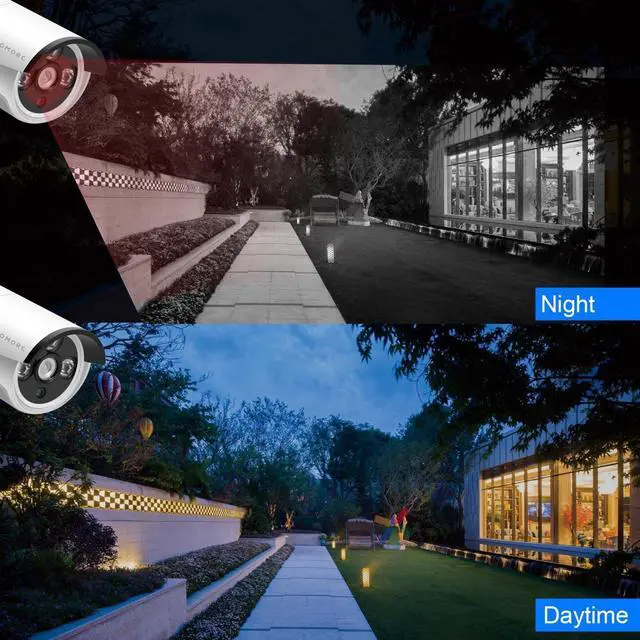
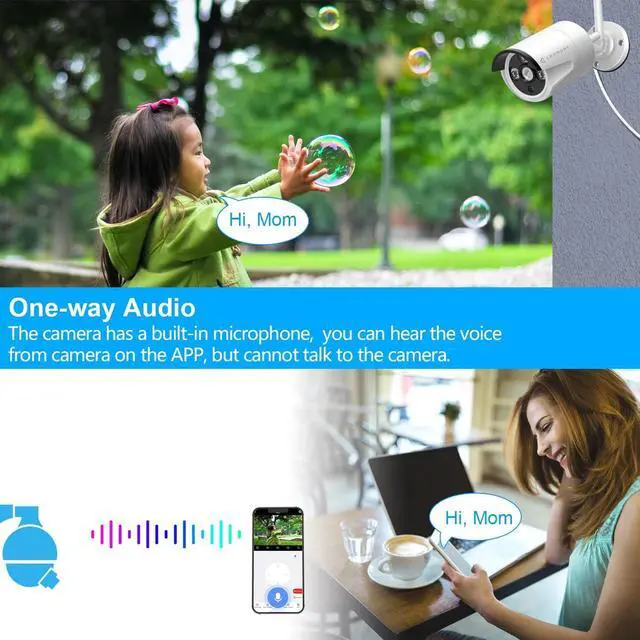
    5MP Surveillance Bullet Camera Weatherproof Outdoor Indoor 3.6mm Lens IR Cut Day&Night Vision with 5DB Antenna with Bracket with Power Adapter Built-in Microphone

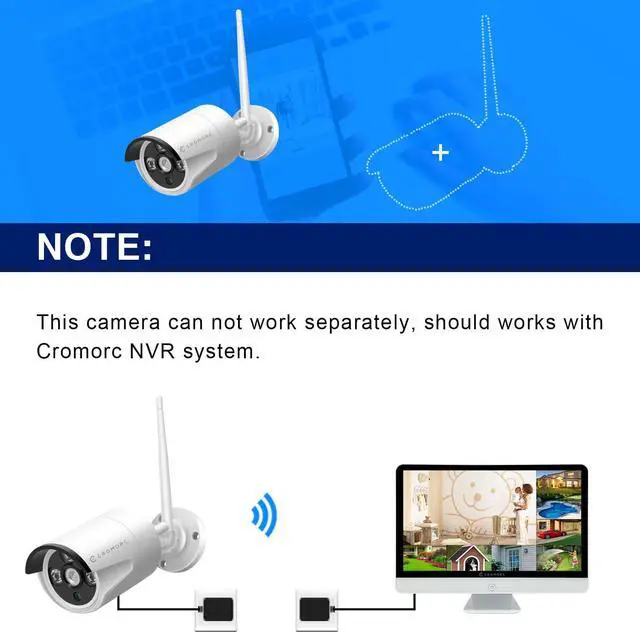
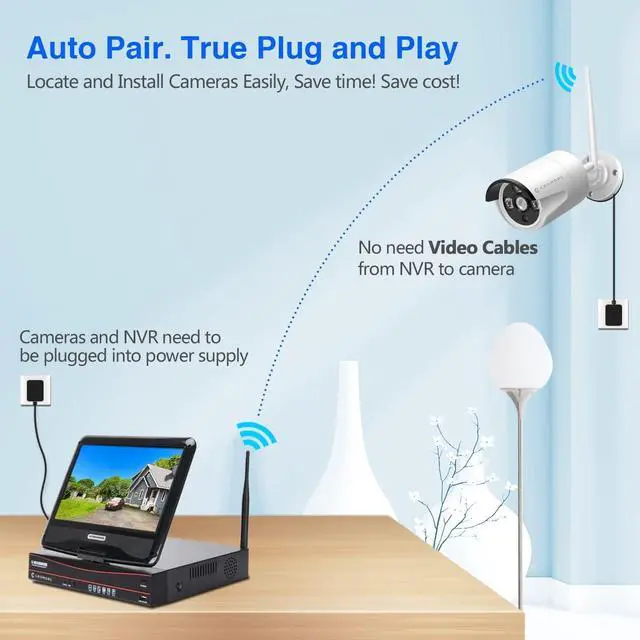
    • This camera cannot work separately, should works with Cromorc NVR system. Please confirm with us if you want to use it with other brands' NVR.
    • Need 12V1A power supply(included).
    • Wireless and wired connections are optional.
    • Steps of adding wireless pairings: Power on the NVR and camera, connect them by the network cable, right click the system screen, choose Video Manage, click Refresh, and then click Match Code. Move the network cable when video is on.
    • If it says "resolution too big" after matching code(the new camera is 5MP resolution, the old model recorder resolution may be 3MP), please right click mouse on your monitor screen, left click System setup on the menu bar > Channel Setup on the top > Encode Setup on the left side > choose 1080 for the Resolution > left click Apply and OK to save the setting. Welcome to contact our suppport team to obtain demo video or assistance.

    +
    +
    Overview
    Specs
    Reviews
    avatar

    Any questions? Our AI beta will help you find out quickly.

    This camera cannot work separately, should works with Cromorc NVR system. Please confirm with us if you want to use it with other brands' NVR.
    Need 12V1A power supply(included).
    Wireless and wired connections are optional.
    Steps of adding wireless pairings: Power on the NVR and camera, connect them by the network cable, right click the system screen, choose Video Manage, click Refresh, and then click Match Code. Move the network cable when video is on.
    If it says "resolution too big" after matching code(the new camera is 5MP resolution, the old model recorder resolution may be 3MP), please right click mouse on your monitor screen, left click System setup on the menu bar > Channel Setup on the top > Encode Setup on the left side > choose 1080 for the Resolution > left click Apply and OK to save the setting. Welcome to contact our suppport team to obtain demo video or assistance.

    Warranty & Returns

    Warranty, Returns, And Additional Information

    Warranty

    • Please contact the Seller directly for warranty information. Warranty information may also be found on the Manufacturer's website.
    • CONTACT

    Return Policies

    Manufacturer Contact Info

    LOADING...