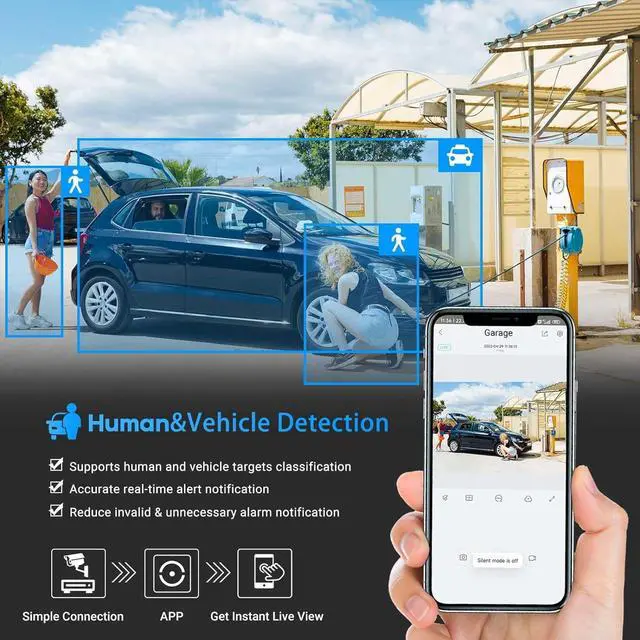
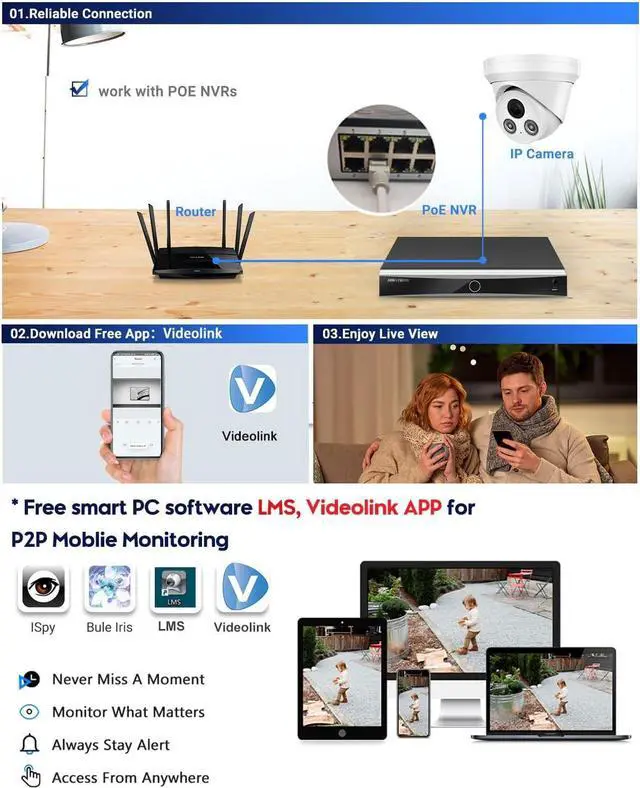
You can accessApp or Google Play Store through your smartphone to download the " Videolink" app for iOS or Android devices for P2P control, and watch real-time videos at any time. The poe camera can work with most of NVRs, and the camera can be worked with most of security monitor software, like Blue Iris, iSpy, VLC, and so on
Default IP address: 192.168.1.110, username: admin, password: 123456Please modify the default ip address and password by installing the device search tool SADP Tool or AjDevTools, But Retset the password need use the AjDevTools or change througt Internet ExplorerThe color warm light can be adjust to turn on or ture off in needs( no built in IR leds)Working with Internet Explorer by type the cameras ip addressReal time view on mobile phone after installing the " Videolink" app from APP Store or GooglePlay MarketSupport most of the other brands NVR that support on-vif protocol
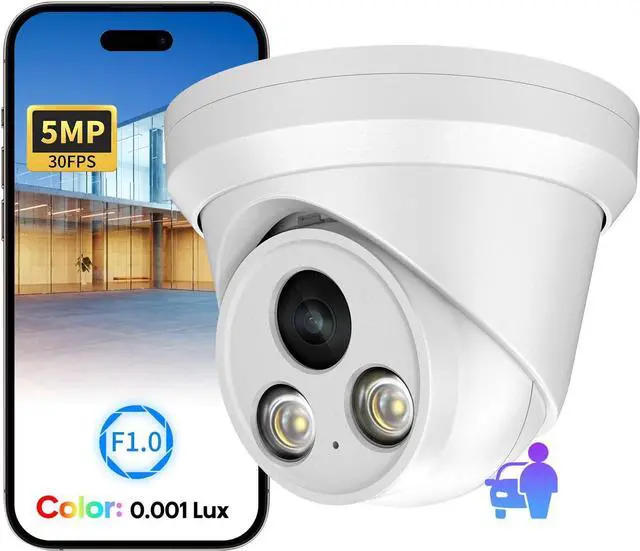
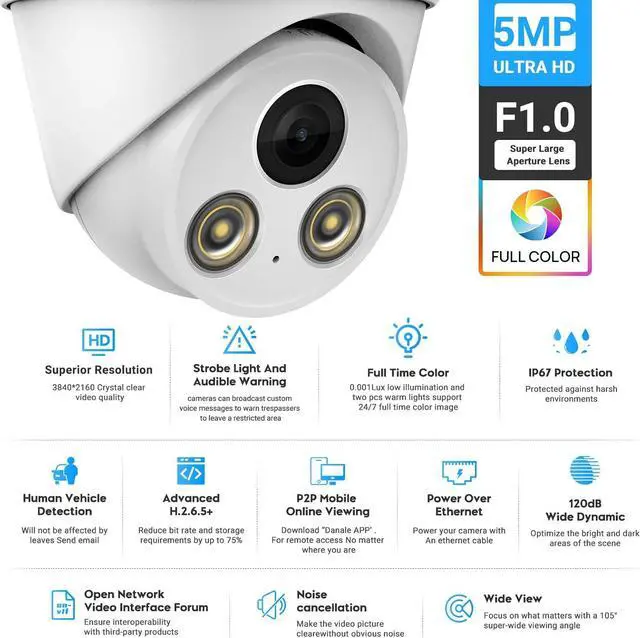
5MP resolution (30fps@5MP 2592 × 1944)featuring the latest CMOS1/2.8" image sony sensor,allow you cover more ground,always keep your safty
Support most of the other brands NVR that support on-vif protocol
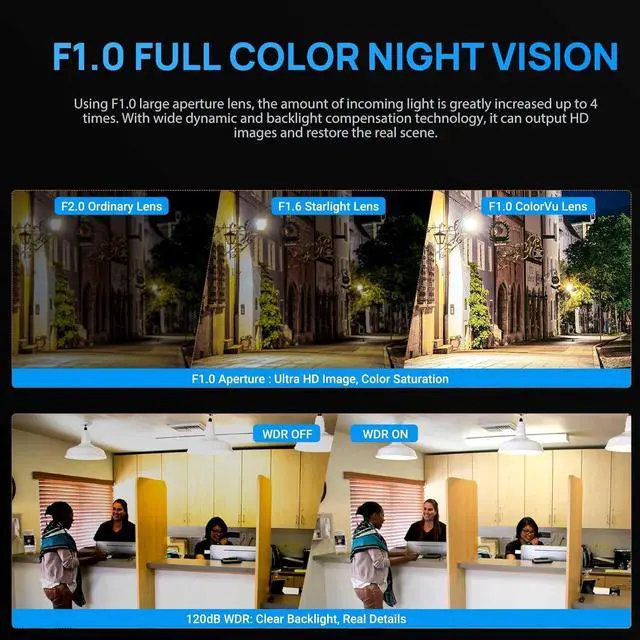
With Full color technology,high-performance sensor, large aperture lens and soft supplemental lighting come together enables the Outdoor Security IP Camera capture full color footages in complete darkness
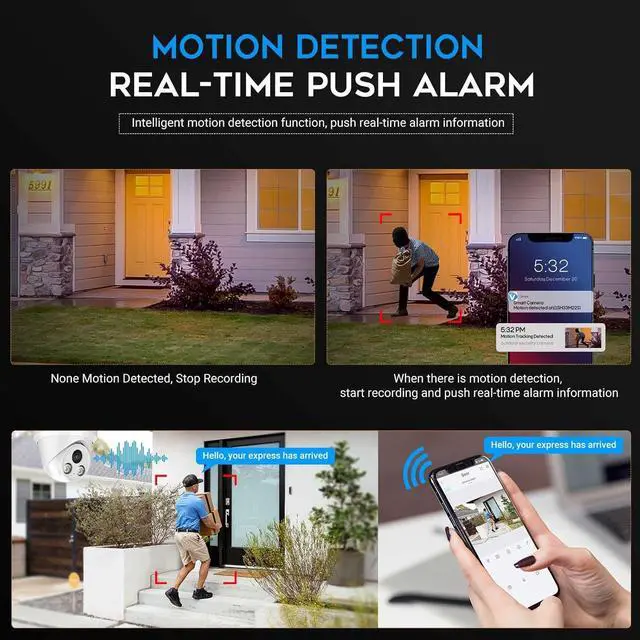
Real time view on mobile phone after installing theVideolink app
2.8mm lens, 1/2.7" Progressive Scan Sony CMOS image sensor covers wider-range areas up to 115° diagonal FoV. Reject blind spots and observe more real scenes
Default IP address: 192.168.1.110, username: admin, password: 123456;Working with Internet Explorer by type the cameras ip address
H.265+ saves up to 75% of storage space compared to H.264 while maintaining vivid image quality, allowing you to store more video
The 120dB true WDR works to better balance the light in scenes containing both challenging bright and dark objects, so as to capture clear images
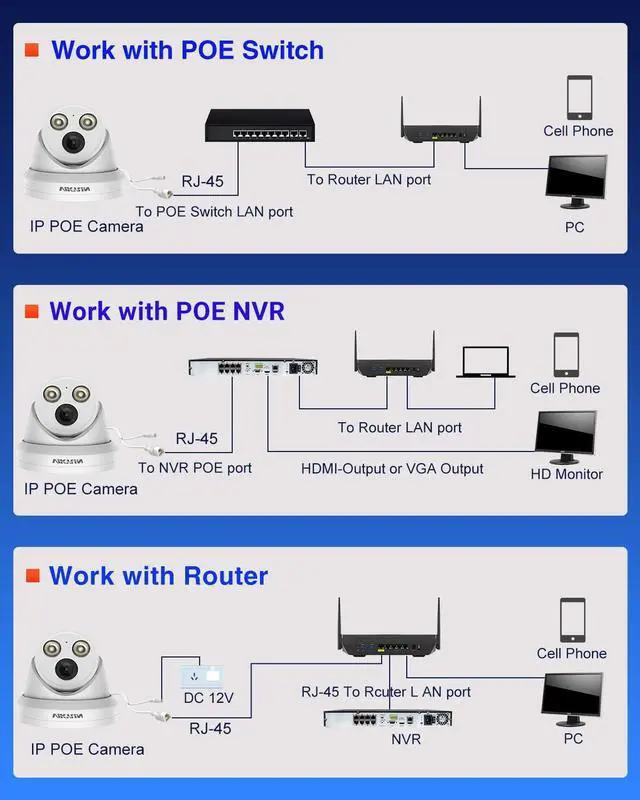
POE camera Only a normal network cable(cat5 or cat6) can realize data and power transmission, thus simplified installation and saves money
Searching playback is much easier with updated Smart Playback tech
How to concect the poe ip camera?
step 1 use the same poe switch to connect your computer and the poe ip camera;
Step 2 Use SADP tools or AjDevTools to search and modify for the camera's IP address , ensure the camera IP address and your computer IP address are in the same segment, the AjDevTools and SADP tools you can downlaod from our Official website: vikylin.com
Step 3 use the Internet Explorer brower by type the cameras ip address,so that you can access and view the camera
The video showcases the product in use.The video guides you through product setup.The video compares multiple products.The video shows the product being unpacked. Established in 2016 and Committed to the development and solution of professional surveillance camera system field; Created and developed full ranges of security solutions for customers
Remote Viewing, Simple Setting, Plug and Play VIKYLIN Customer Real Pictures 5MP IP Camera F1.0 Super ApertureFulll Color Night Vision Full color night vision brightness can be adjusted Cover a Wider Range of Real Scenarios Latest Video Decoding 120 dB True WDR Power Over Ethernet 24/7 Smart Playback 5MP IP POE Security full colornight vision Camera Outdoor How did we get our start?





 here!
here!