

Your Browsing History

- Free 30-day Returns
$86.99

Meet Your Seller


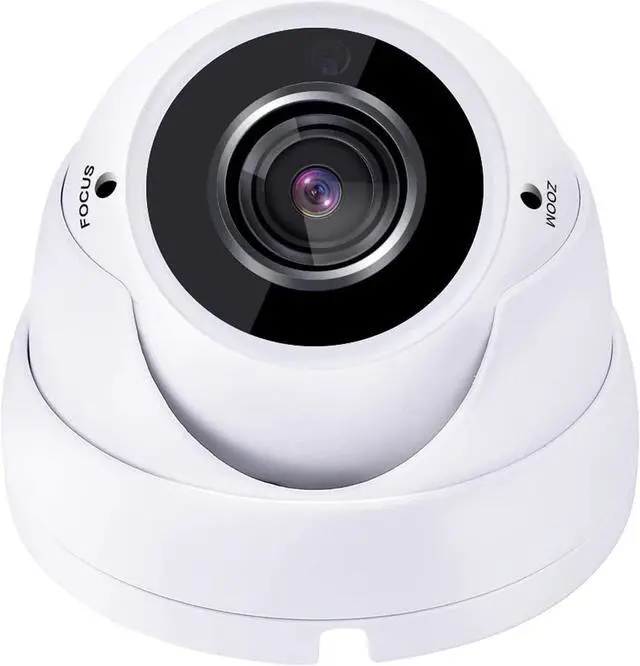
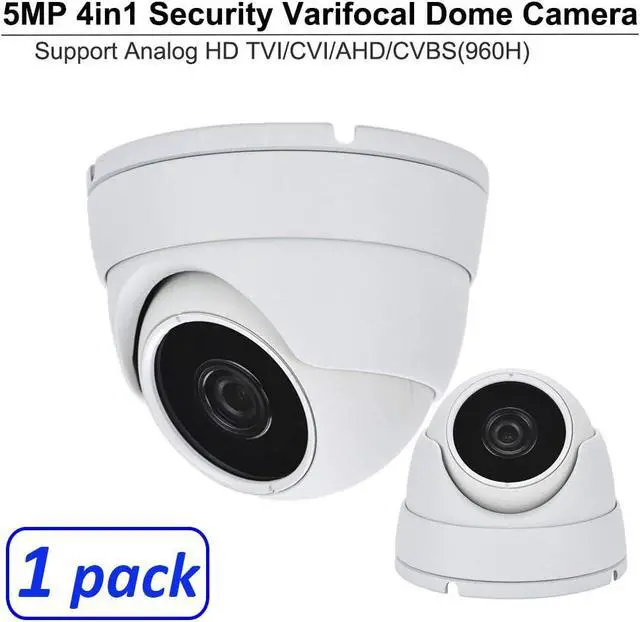
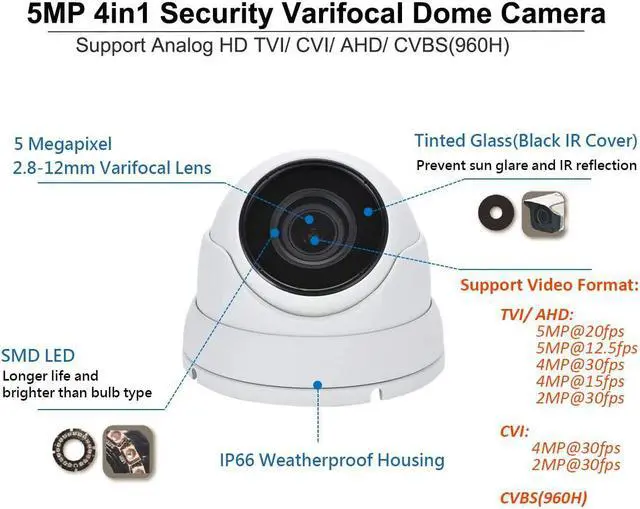


101AV 5 Megapixel 4in1 TVI/AHD/CVI/CVBS(960H) 2.8-12mm Lens Security Surveillance Dome Camera DWDR IR Cut OSD menu for Indoor Outdoor CCTV Home Office (White) (1 Pack)
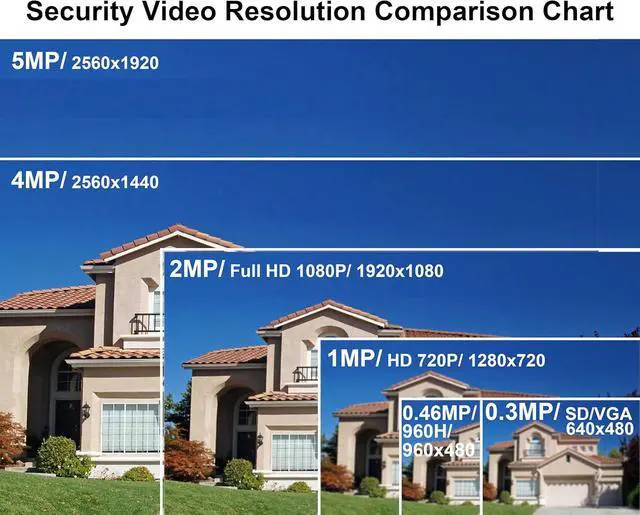
- 5 Megapixel Dome Camera with Progressive Scan CMOS Sensor and TVI / HD-CVI / HD-AHD / CVBS
- 2.8-12mm Varifocal Lens, Indoor Outdoor IR Small Eyeball Dome Camera
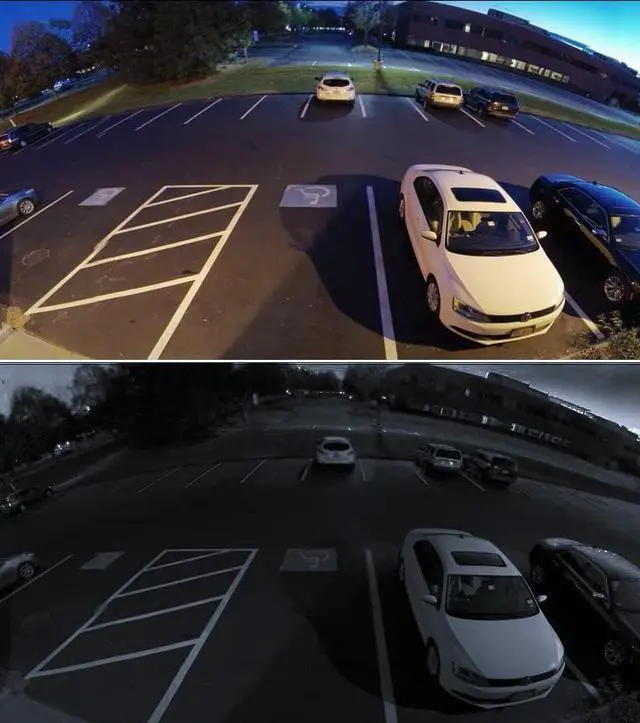
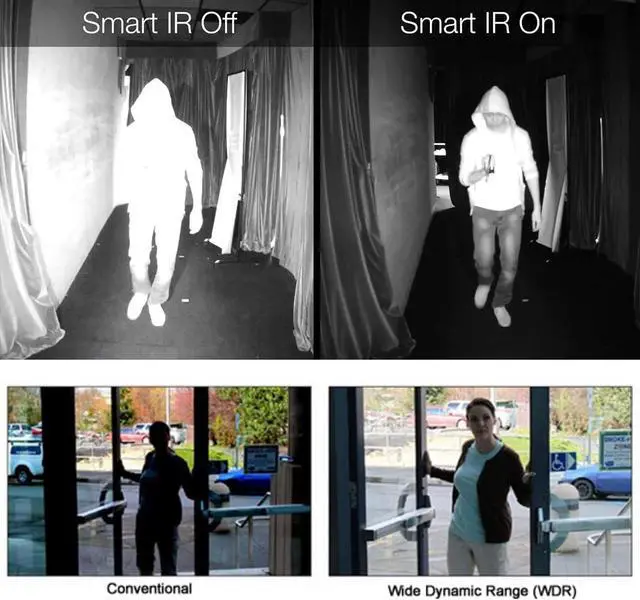
- OSD Menu,2D DNR.DWDR,True Day/Night,Support UTC Function
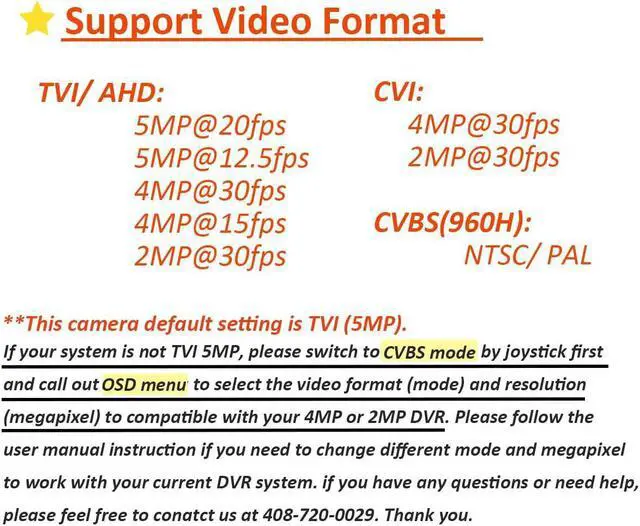
- Default Setting is HD-TVI (5MP), if your system is not TVI 5MP, please switch to CVBS mode by joystick first and call out OSD menu to select the video format (mode) and resolution (megapixel) to compatible with your DVR.
- Please follow the user manual instruction about how to switch to different mode and megapixel to work with your current DVR system. If you have any questions or need help, you are always welcome to contact us Monday-Friday 8am-5pm PST (Pacific Time). Thank you.
+
+
Overview
Specs
Reviews

Any questions? Our AI mode will help you find out quickly.
Try me now
5 Megapixel Dome Camera with Progressive Scan CMOS Sensor and TVI / HD-CVI / HD-AHD / CVBS
2.8-12mm Varifocal Lens, Indoor Outdoor IR Small Eyeball Dome Camera
OSD Menu,2D DNR.DWDR,True Day/Night,Support UTC Function
Default Setting is HD-TVI (5MP), if your system is not TVI 5MP, please switch to CVBS mode by joystick first and call out OSD menu to select the video format (mode) and resolution (megapixel) to compatible with your DVR.
Please follow the user manual instruction about how to switch to different mode and megapixel to work with your current DVR system. If you have any questions or need help, you are always welcome to contact us Monday-Friday 8am-5pm PST (Pacific Time). Thank you.
2.8-12mm Varifocal Lens, Indoor Outdoor IR Small Eyeball Dome Camera
OSD Menu,2D DNR.DWDR,True Day/Night,Support UTC Function
Default Setting is HD-TVI (5MP), if your system is not TVI 5MP, please switch to CVBS mode by joystick first and call out OSD menu to select the video format (mode) and resolution (megapixel) to compatible with your DVR.
Please follow the user manual instruction about how to switch to different mode and megapixel to work with your current DVR system. If you have any questions or need help, you are always welcome to contact us Monday-Friday 8am-5pm PST (Pacific Time). Thank you.
Warranty & Returns
Warranty, Returns, And Additional Information
Warranty
- Please contact the Seller directly for warranty information. Warranty information may also be found on the Manufacturer's website.
- CONTACT
Return Policies
- Return for refund within: 30 days
- Return for replacement within: 30 days
- This item is covered by CITY BUSINESS Official Return Policy
Manufacturer Contact Info
- For a directory of all our manufacturers, please click below.
- Manufacturers Directory
LOADING...
LOADING...