• $288.99
  • Price alert
    Shop it at NeweggBusiness.

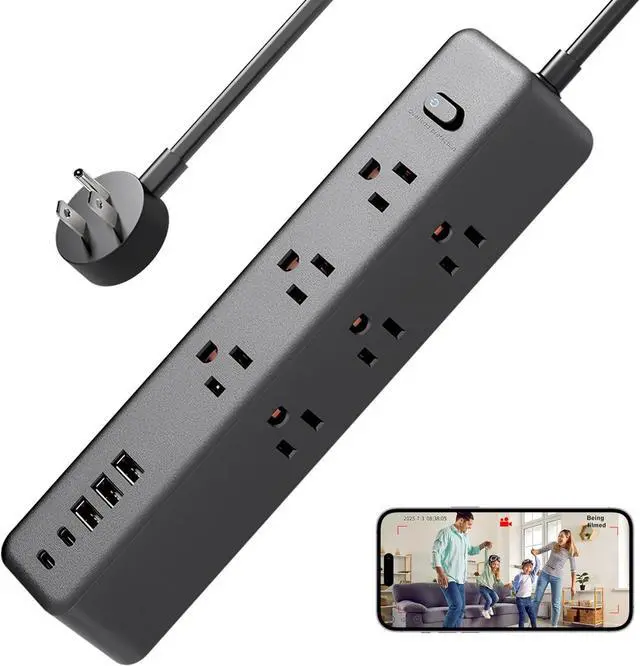
    Indoor Nanny Camera - Mini Wi-Fi Security Cam - Small Wireless Cameras - Motion Detection - Mobile Phone Viewing - USB Port - Side

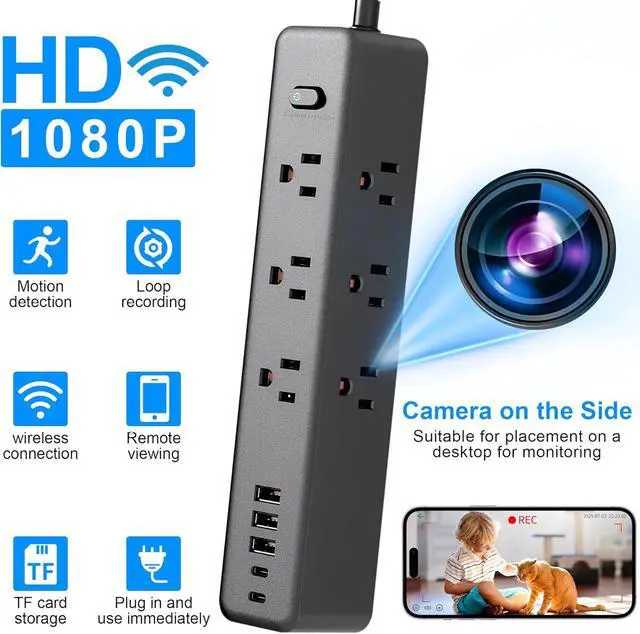
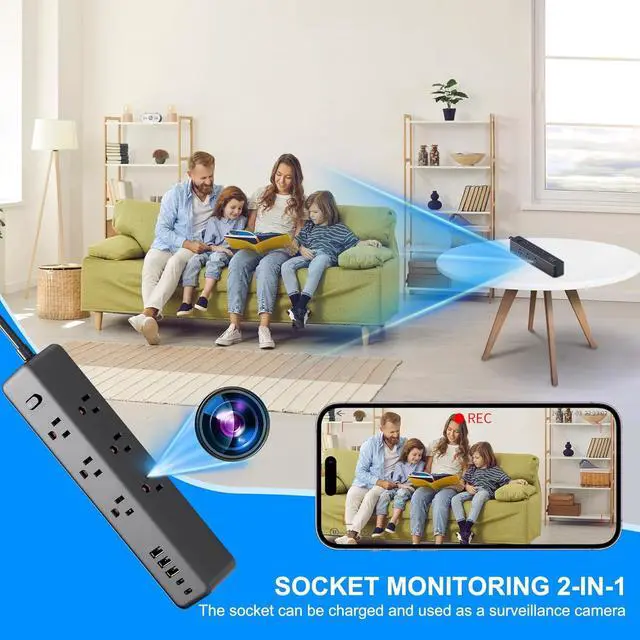
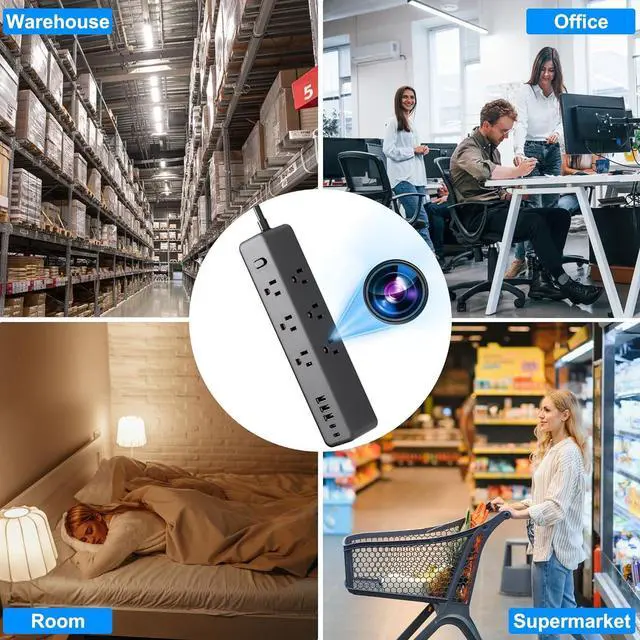
    • Indoor security cameraThe first type of camera is located above the power strip switch, suitable for hanging or side-placingThe second type of camera is located on the side of the power strip and is suitable for being placed flat on a desktop
    • Mobile Connection: This device is compatible with secure iOS and Android mobile applications
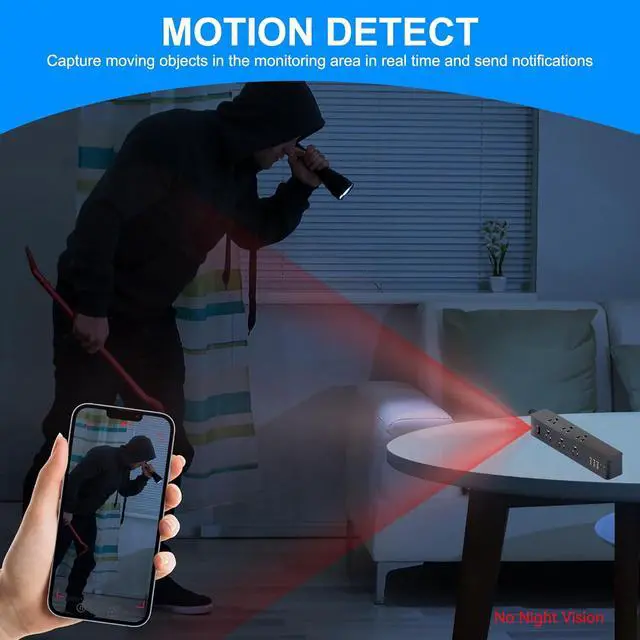
    • Intelligent Motion Detection: After enabling the motion detection function, the camera will automatically capture motion scenes and send alert notifications to the mobile device
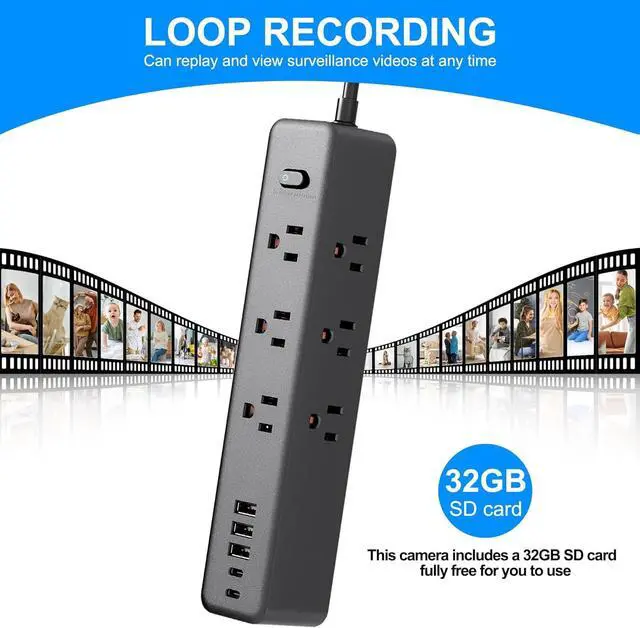
    • Built-in Memory Card:This camera comes with a built-in 32GB SD card, which is provided completely free for your use
    • Device Reset: When you need to change the network or reset the camera due to device malfunction, please press and hold the reset button at the bottom of the device for 2 seconds while it is powered on to restore it to factory settings, and then you can reconnect the camera

    +
    +
    Overview
    Specs
    Reviews
    avatar

    Any questions? Our AI beta will help you find out quickly.

    Indoor security cameraThe first type of camera is located above the power strip switch, suitable for hanging or side-placingThe second type of camera is located on the side of the power strip and is suitable for being placed flat on a desktop
    Mobile Connection: This device is compatible with secure iOS and Android mobile applications
    Intelligent Motion Detection: After enabling the motion detection function, the camera will automatically capture motion scenes and send alert notifications to the mobile device
    Built-in Memory Card:This camera comes with a built-in 32GB SD card, which is provided completely free for your use
    Device Reset: When you need to change the network or reset the camera due to device malfunction, please press and hold the reset button at the bottom of the device for 2 seconds while it is powered on to restore it to factory settings, and then you can reconnect the camera

    Warranty & Returns

    Warranty, Returns, And Additional Information

    Warranty

    • Please contact the Seller directly for warranty information. Warranty information may also be found on the Manufacturer's website.
    • CONTACT

    Return Policies

    Manufacturer Contact Info

    LOADING...