Your Browsing History
Meet Your Seller
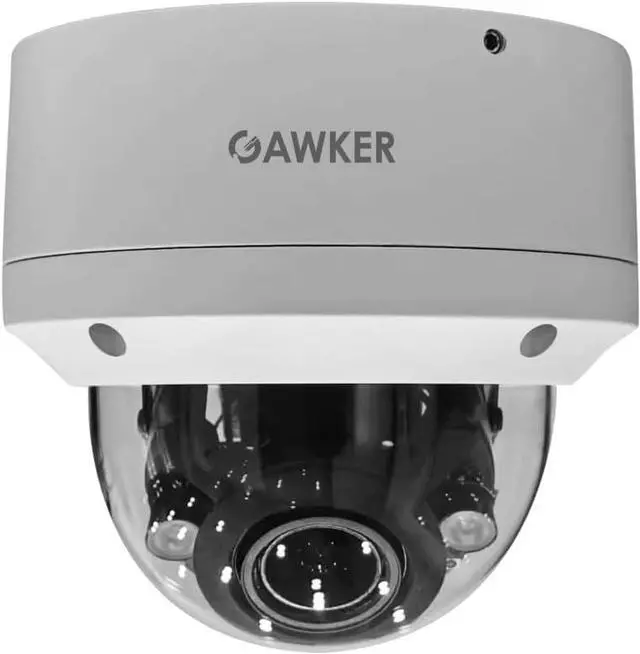
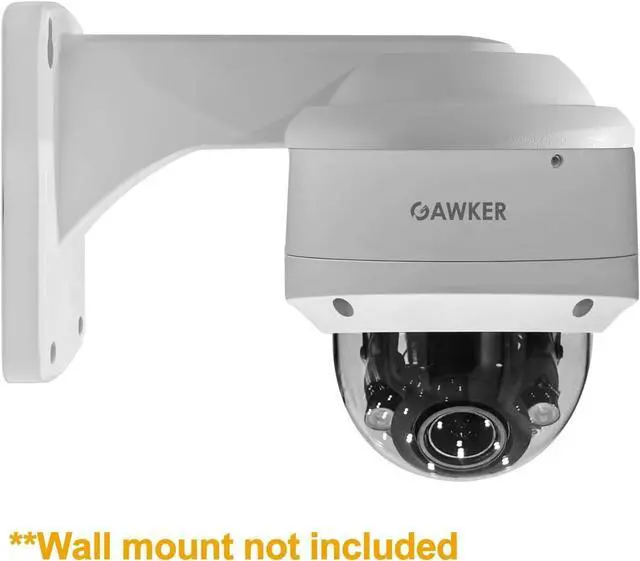
GAWKER G1083PDIR Dome CCTV Security Camera, 1080P HD-TVI/AHD/CVI and CVBS(Default) Video Out switchable, True Day&Night, IP66 Vandal Proof, 2.8-12mm Lens, IR Smart, DC12V/AC24V.
- 2.2Mega Pixel Sensor
- Day &night 100 feet IR distance
- HD-TVI AHD CVI and CVBS 4 in 1, default CVBS video out
- 2.8-12mm Varifocal lens
- IR Smart function and IP 66 Weather proof
+
+
Overview
Specs
Reviews
Any questions? Our AI beta will help you find out quickly.
Try me now
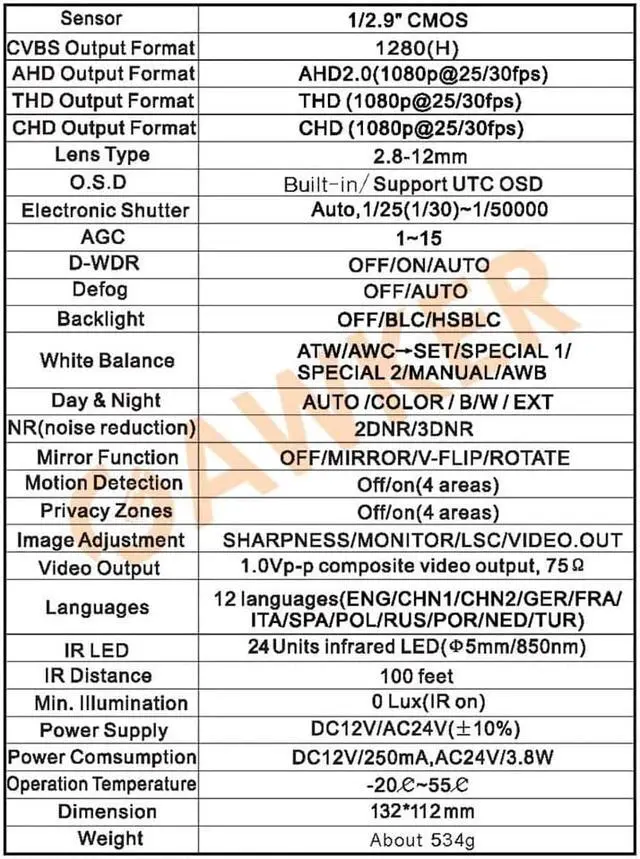
G1083PDIR uses advanced imaging technology from 2.2 CMOS sensor to capture resolution as high as 1080P at 30 frames per second and it outputs analog signal through HD-TVI/AHD/CVI or CVBS/BNC cable. It features 2D/3D adaptive noise reduction. OSD menu (Through DVR UTC Function) to set Motion Detection, Privacy Zone, Digital Zoom, Digital Picture Correction, Shutter, White Balance, and other imaging features. Additionally, its 2.8-12mm varifocal lens with external zoom and focus allow for flexible placement. With 36 units of IR LEDs it can see at night for up to 100 feet. Furthermore, it is IP66 rated weather proof.
CMOS 2.2Mega Pixel Sensor
Day &night 100 feet IR distance
HD-TVI AHD CVI and CVBS 4 in 1, default CVBS video out
2.8-12mm Varifocal lens
IR Smart function and IP 66 Weather proof
OSD menu (Through DVR UTC Function)
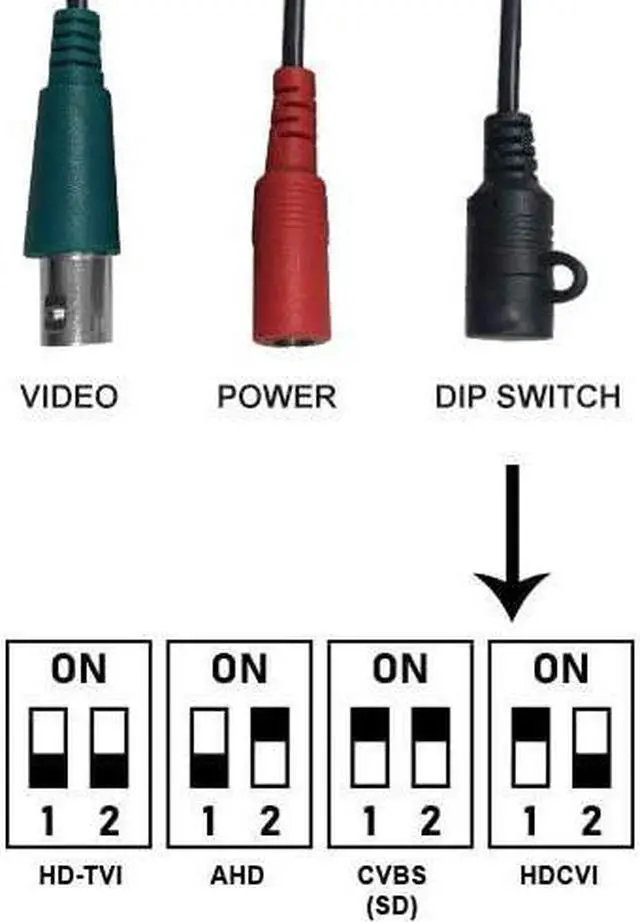
Find which video format your DVR supports.
Set the DIP switch to your DVR out-put mode by following the chart.
*The default out-put mode of the camera is CVBS(SD).
Connect the camera to your DVR and start recording.
FIND DVR OUT-PUT CHANGE THE OUT-PUT READY TO USE

CMOS 2.2Mega Pixel Sensor
Day &night 100 feet IR distance
HD-TVI AHD CVI and CVBS 4 in 1, default CVBS video out
2.8-12mm Varifocal lens
IR Smart function and IP 66 Weather proof
OSD menu (Through DVR UTC Function)
Find which video format your DVR supports.
Set the DIP switch to your DVR out-put mode by following the chart.
*The default out-put mode of the camera is CVBS(SD).
Connect the camera to your DVR and start recording.
FIND DVR OUT-PUT CHANGE THE OUT-PUT READY TO USE
Warranty & Returns
Warranty, Returns, And Additional Information
Warranty
- Please contact the Seller directly for warranty information. Warranty information may also be found on the Manufacturer's website.
- CONTACT
Return Policies
- Return for refund within: 30 days
- Return for replacement within: 30 days
- This item is covered by Cloud Sail Return Policy
Manufacturer Contact Info
- For a directory of all our manufacturers, please click below.
- Manufacturers Directory
LOADING...