Your Browsing History
Meet Your Seller
4MP 2K Window Camera, No Glare Thru-Glass Full-Color Night Vision, 2.4GHz & 5GHz WiFi Indoor Cameras for Home Security, Easy Install, Motion Detection, No Monthly Fee, 24/7 Recording
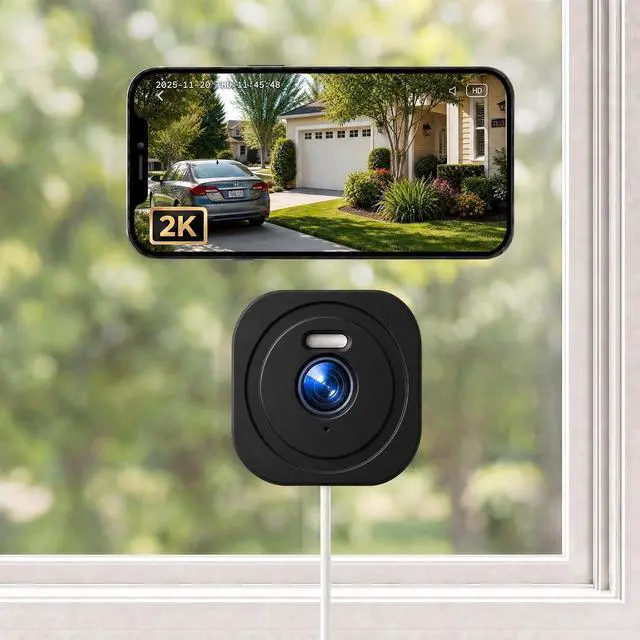
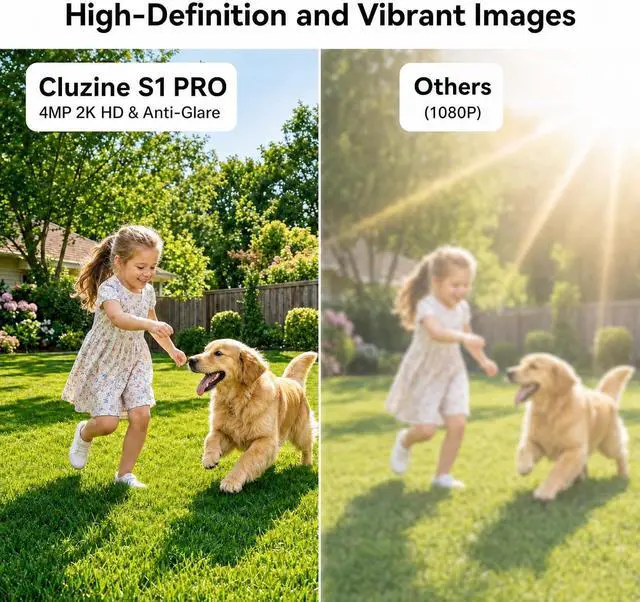
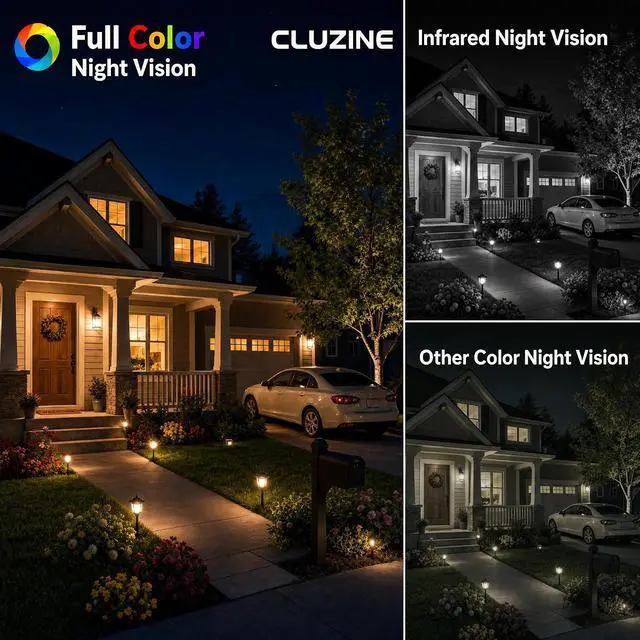
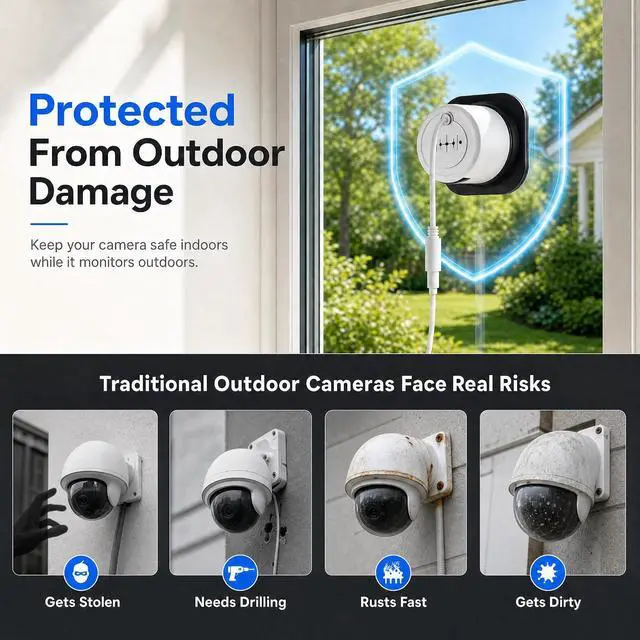
- ENGINEERED FOR THRU-GLASS VIEWING Many users are tired of the blinding glare when pointing cameras out the window. Our proprietary anti-reflection shroud securely seals against the glass, neutralizing indoor light interference. Unlike standard indoor cameras, this purpose-built window security camera features an advanced Starlight Sensor. Enjoy pristine 2K full-color night vision of your driveway or yard from the safety of your home.
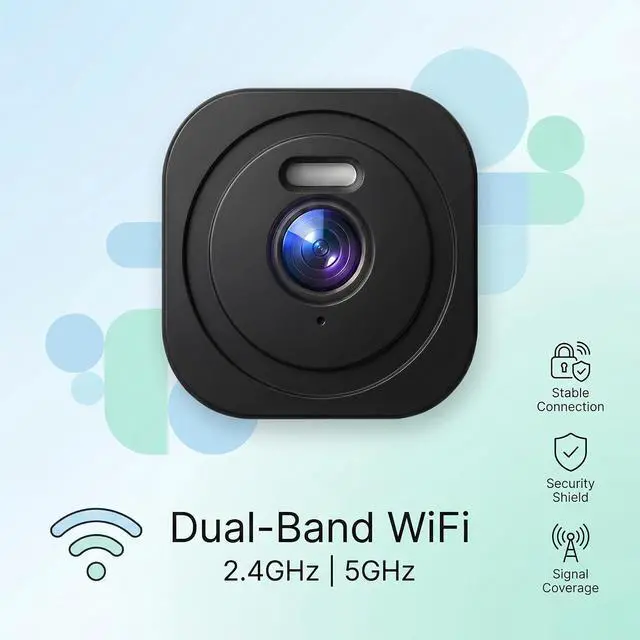
- STABLE 2.4G/5G DUAL-BAND WIFI Equipped with an upgraded dual-band chipset, this indoor monitor seamlessly connects to both 2.4GHz and 5GHz Wi-Fi routers. It delivers a powerful signal that easily reaches through walls and glass, ensuring a highly stable connection. Experience lag-free, real-time video streaming for reliable home security anytime, anywhere.
- TRUE NO-DRILL & RENTER-FRIENDLY Avoid the hassle of drilling holes, complex wiring, or risking your apartment deposit. Designed as the ultimate window cameras for home security, it mounts instan
+
+
Overview
Specs
Reviews
Any questions? Our AI beta will help you find out quickly.
Try me now
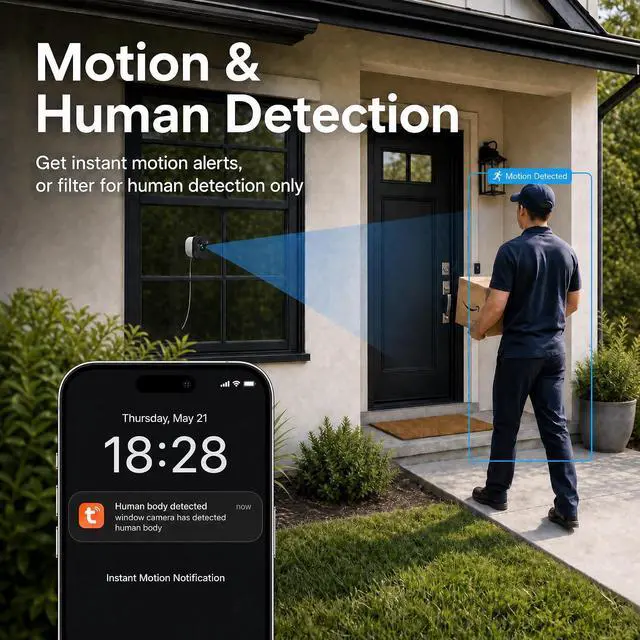
1Motion Detection2Intelligent Analysis3Custom Detection Area1Device Sharing2Two-Way Audio1No Monthly Fee2Dual-Band WIFI 3Multiple Use Cases4Easy Installation Q: The camera fails to connect to my WiFi.
A: Verify your password and ensure the camera is within range of your router. This camera supports both 2.4GHz and 5G networks.
Q: The night vision shows reflections.
A: Ensure the camera is installed completely flat against the window. Turn off Night Mode in the app, any gap between the lens and glass may cause glare.
Q: Do I have to subscribe to cloud storage?
A: Cloud storage is optional. To enjoy extended recording features without a subscription, you can use a local memory card (not included). Lift the cover and insert the card into the slot at the bottom.
Q: How to View Local and Cloud Recordings?
A: Once you have installed a MicroSD card or activated a Cloud subscription, make sure the corresponding storage option is enabled in your device settings. View the recording on the Messages page in the app
2K HD Resolution Color Night Vision Motion Detection Intelligent Analysis Custom Detection Area Device Sharing Two-Way Audio Q: The camera fails to connect to my WiFi.
Q: The night vision shows reflections.
Q: Do I have to subscribe to cloud storage?
Q: How to View Local and Cloud Recordings?

Warranty & Returns
Warranty, Returns, And Additional Information
Warranty
- Please contact the Seller directly for warranty information. Warranty information may also be found on the Manufacturer's website.
- CONTACT
Return Policies
- Return for refund within: 30 days
- Return for replacement within: 30 days
- This item is covered by Cloud Sail Return Policy
Manufacturer Contact Info
- For a directory of all our manufacturers, please click below.
- Manufacturers Directory
LOADING...