Your Browsing History
Meet Your Seller
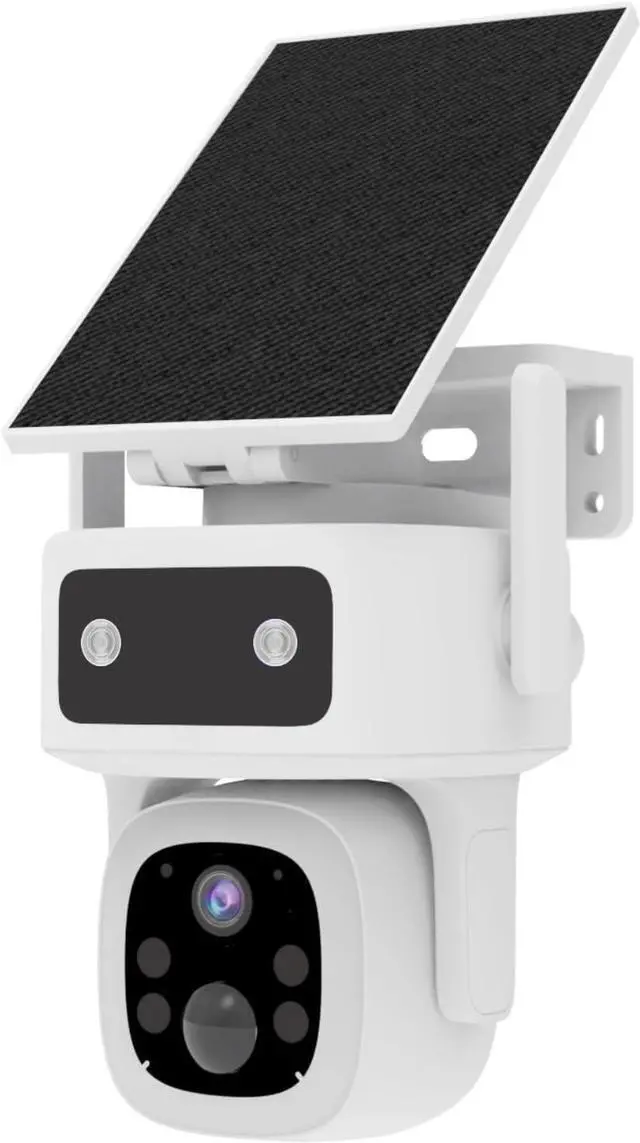
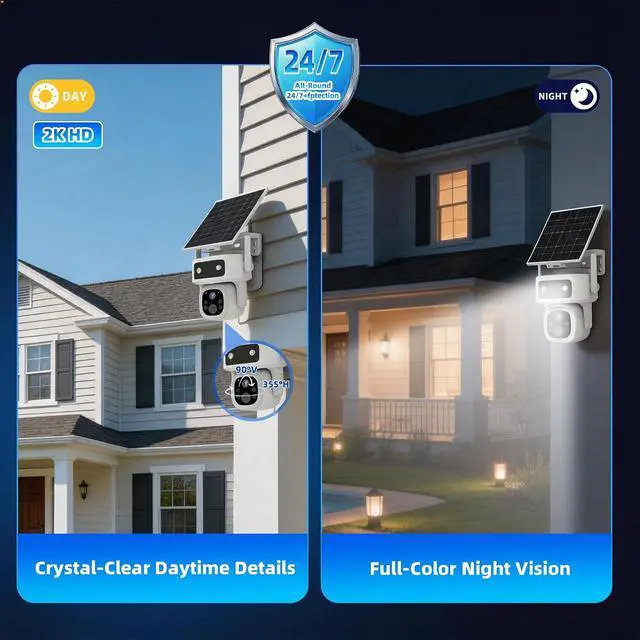
3 Years Free Data & No Monthly Fee 4G LTE Solar Cellular Security Camera Outdoor Wireless, No WiFi Needed, 360° PTZ, 2K Full Color Night Vision, Human Tracking, 2-Way Audio, 32GB SD Card, IP66
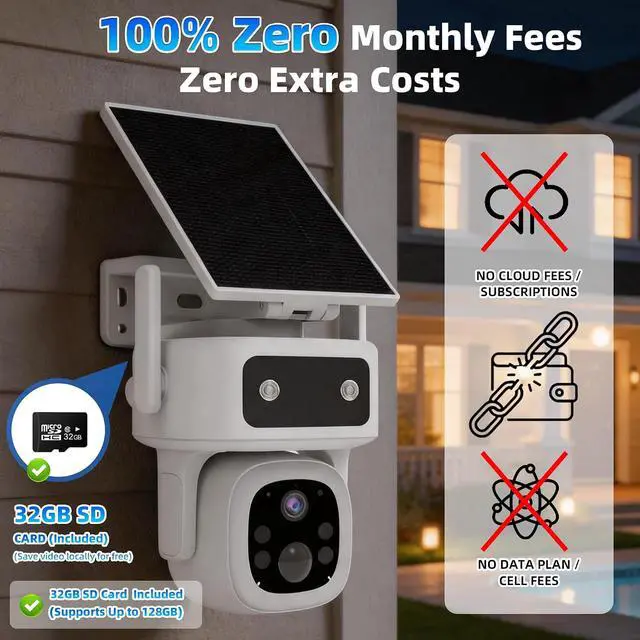
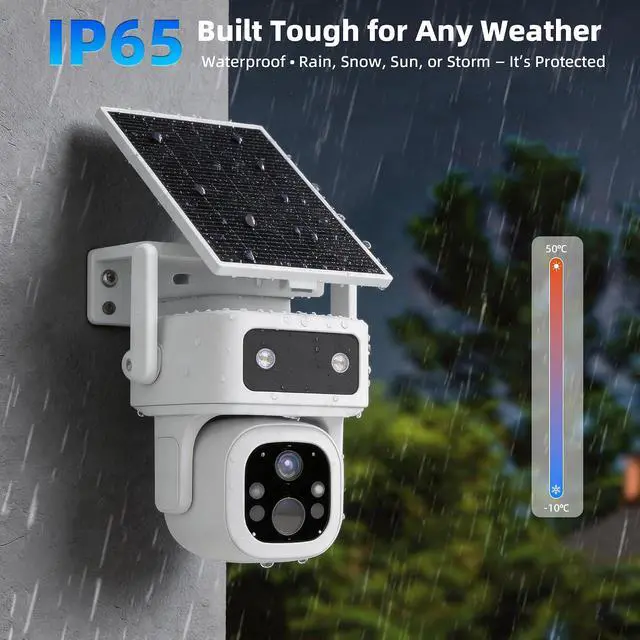
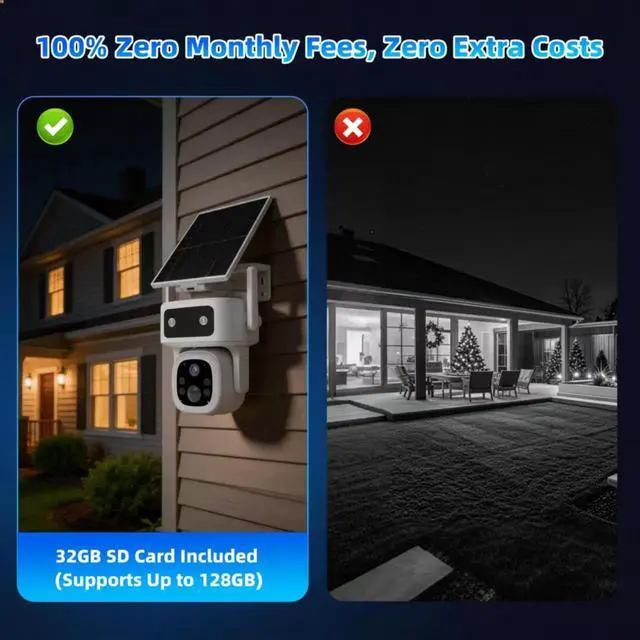
- 3 years Free Data & No Monthly SubscriptionEnjoy truly cost-free monitoring with 3 years free cellular data included via the built-in VSIM card. There are no monthly fees, no contracts, and no unexpected charges. Important note: The VSIM card is dedicated to this camera only and is not compatible with other smart devices. It works reliably with AT&T, T-Mobile, and Verizon
- No Wifi Needed & 4G LTE Cellular ConnectivityThis 4G LTE cellular security camera works anywhere with cellular coverage in the US without needing WiFi. Designed as a reliable no WiFi security camera for farms, barns, construction sites, ranches, and remote areas, it provides stable non-stop monitoring where traditional 4G security camera and WiFi cameras cannot function
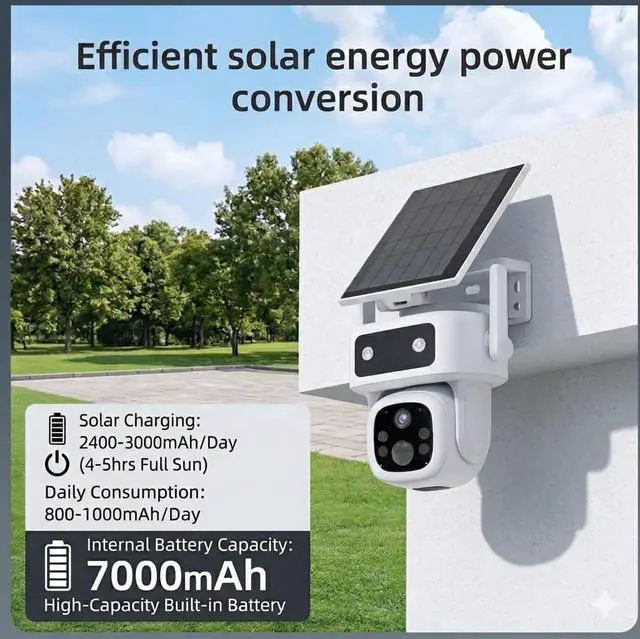
- Solar Powered with Efficient Solar ChargingEquipped with a high-efficiency solar panel, this cellular security camera provides reliable, non-stop power for uninterrupted surveillance. It comes with a large 7000mAh built-in battery for long-las
+
+
Overview
Specs
Reviews
Any questions? Our AI beta will help you find out quickly.
Try me now
AUKIN Solar Powered CameraWorth Every PennyTotal Peace of Mind
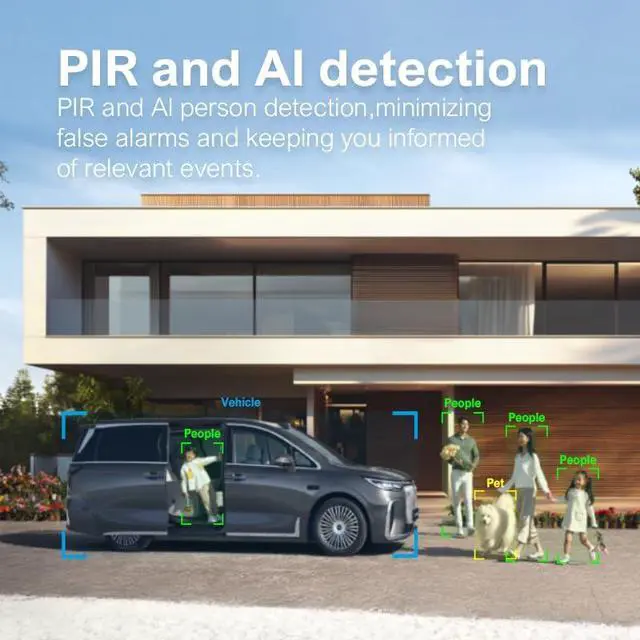
4G Outdoor Security Camera with 2K HD, PIR Motion Detection, Full Color Night Vision and Two-Way Audio
365-Day Non-Stop Monitoring, Smart Motion Tracking, Share Access with Your Whole Family
Wireless 4G Camera: No WiFi Needed, Perfect for Yard, Garage, Farm, Construction Site and Remote Locations
14G Yard Security Camera24G Garage Security Camera34G Farm Security Camera4Solar Construction Camera How do I activate this Aukin 4G security camera?
Super easy! Plug in the camera, open the Tuya Smart app, and follow in-app instructions to add it. Pre-installed SIM and 32GB SD card connect automatically. No WiFi setup, no complicated stepsready in 2 minutes.
Why won't the camera record when someone walks in front of it?
This is usually caused by low PIR motion sensitivity or incorrect detection zone settings. Open the Tuya Smart app, go to Camera Settings > Motion Detection, and adjust the sensitivity level.
How do I contact you for this Aukin 4G security camera?
You can reach us via Amazon's messaging system or find our contact details in the user manual. We provide 24/7 support for any questions or issues.
Why am I not receiving motion alerts?
Please enable notification permissions for the App in your phone settings. Once motion is detected, the App will push alerts to you. You may also turn on SMS notifications within the App as needed.SMS notifications come with additional charges
How many cameras can be connected to the Tuya App?
You can connect any number of cameras via the Tuya App for all-in-one whole-home monitoring.
AUKIN 3 Years Free Data · Zero Monthly Fee Cellular Security Camera Aukin 4G Security Camera Accessories Kit with Pre-Installed 32GB Memory Card How do I activate this Aukin 4G security camera?
Why won't the camera record when someone walks in front of it?
How do I contact you for this Aukin 4G security camera?
Why am I not receiving motion alerts?
How many cameras can be connected to the Tuya App?

4G Outdoor Security Camera with 2K HD, PIR Motion Detection, Full Color Night Vision and Two-Way Audio
365-Day Non-Stop Monitoring, Smart Motion Tracking, Share Access with Your Whole Family
Wireless 4G Camera: No WiFi Needed, Perfect for Yard, Garage, Farm, Construction Site and Remote Locations
14G Yard Security Camera24G Garage Security Camera34G Farm Security Camera4Solar Construction Camera How do I activate this Aukin 4G security camera?
Super easy! Plug in the camera, open the Tuya Smart app, and follow in-app instructions to add it. Pre-installed SIM and 32GB SD card connect automatically. No WiFi setup, no complicated stepsready in 2 minutes.
Why won't the camera record when someone walks in front of it?
This is usually caused by low PIR motion sensitivity or incorrect detection zone settings. Open the Tuya Smart app, go to Camera Settings > Motion Detection, and adjust the sensitivity level.
How do I contact you for this Aukin 4G security camera?
You can reach us via Amazon's messaging system or find our contact details in the user manual. We provide 24/7 support for any questions or issues.
Why am I not receiving motion alerts?
Please enable notification permissions for the App in your phone settings. Once motion is detected, the App will push alerts to you. You may also turn on SMS notifications within the App as needed.SMS notifications come with additional charges
How many cameras can be connected to the Tuya App?
You can connect any number of cameras via the Tuya App for all-in-one whole-home monitoring.
AUKIN 3 Years Free Data · Zero Monthly Fee Cellular Security Camera Aukin 4G Security Camera Accessories Kit with Pre-Installed 32GB Memory Card How do I activate this Aukin 4G security camera?
Why won't the camera record when someone walks in front of it?
How do I contact you for this Aukin 4G security camera?
Why am I not receiving motion alerts?
How many cameras can be connected to the Tuya App?
Warranty & Returns
Warranty, Returns, And Additional Information
Warranty
- Please contact the Seller directly for warranty information. Warranty information may also be found on the Manufacturer's website.
- CONTACT
Return Policies
- Return for refund within: 30 days
- Return for replacement within: 30 days
- This item is covered by Cloud Sail Return Policy
Manufacturer Contact Info
- For a directory of all our manufacturers, please click below.
- Manufacturers Directory
LOADING...