Your Browsing History
Meet Your Seller
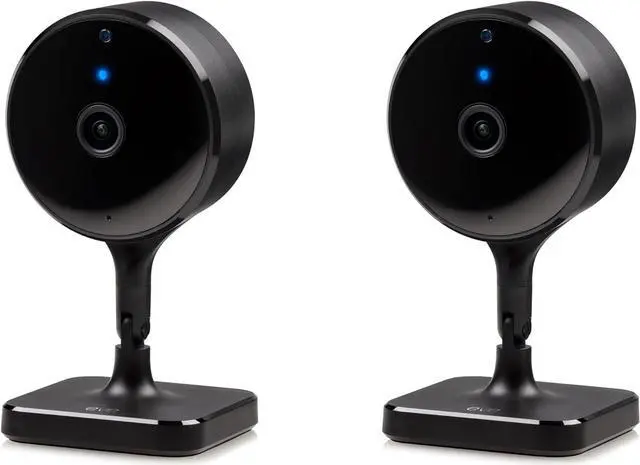
Eve Cam (2 Pack, Apple Home) Smart Indoor Camera, 1080p Resolution, Wi-Fi, 100% Privacy, HomeKit Secure Video, iPhone Notifications, Microphone and Speaker, Night Vision, Flexible Installation
- Eve Cam requires iPhone or iPad with the latest version of iOS/iPadOS, Home hub required (HomePod or Apple TV with tvOS 15) and iCloud+ (not included)
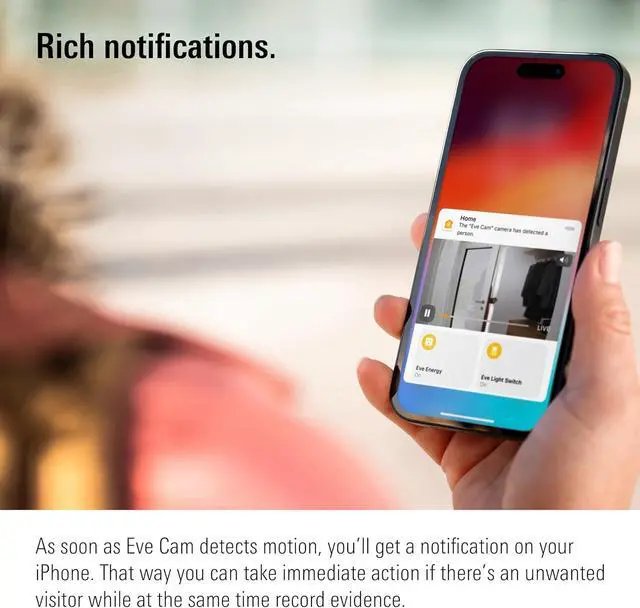
- Keep a close eye on your home with indoor cam Eve Cam and get notifications on your iPhone or iPad/Apple Watch when something is up
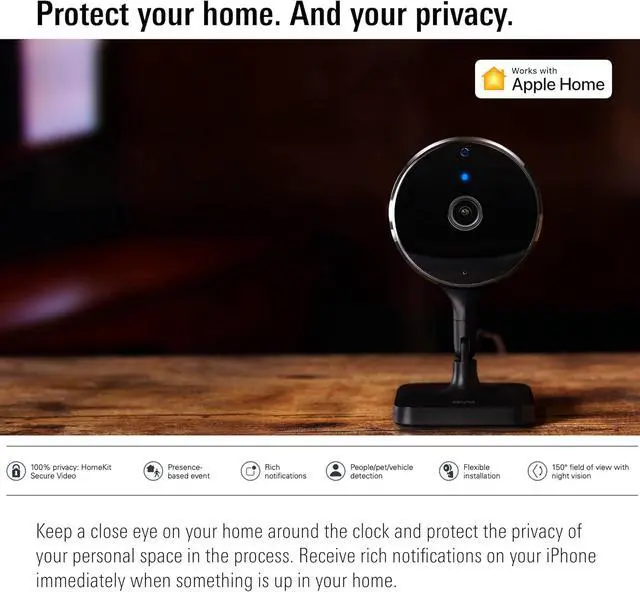
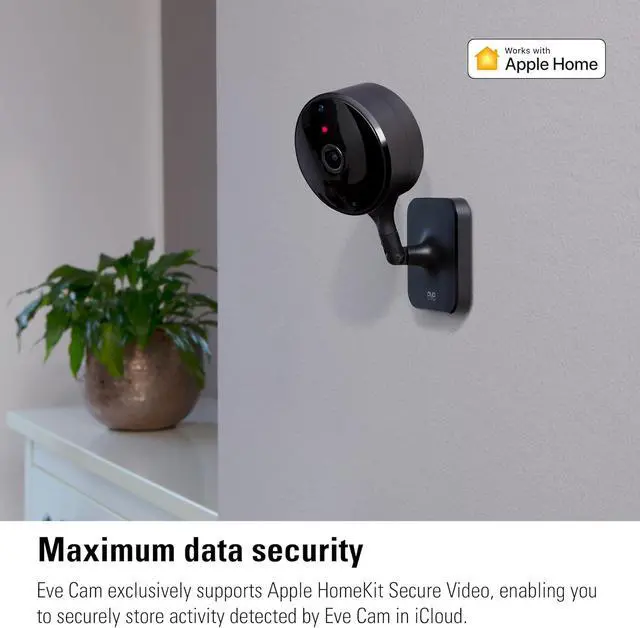
- Protect your privacy with maximum data security Eve Cam exclusively supports Apple HomeKit Secure Video; End-to-end encryption ensures only you can view live and recorded video
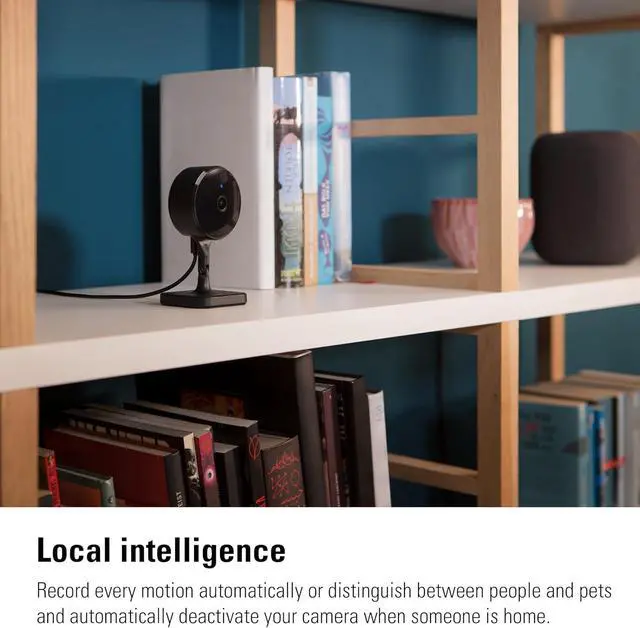
- Record every motion automatically or distinguish between people and pets (People/Pet recognition) and automatically deactivate your camera when someone is home
+
+
Overview
Specs
Reviews
Any questions? Our AI beta will help you find out quickly.
Try me now
1Presence-based event2Rich notifications3Record on demand4Sneak peek at homeHomePod or Apple TV (4th generation or later) as a home hub
Wi-Fi network (2.4/5 GHz 802.11a/b/g/n)
50 GB Apple iCloud+ storage plan or higher (not included)
Wireless Connection: Wi-Fi (2.4/5 GHz)
Dimensions: 4.8 x 2.6 x 2.4 in (H x W x D)
Compatibility: Type A & B plug
HomeKit Secure Video requires iCloud+ (not included). iCloud+ with 50 GB storage supports one camera, iCloud+ with 200 GB storage supports up to five cameras, and iCloud+ with 2 TB storage supports an unlimited number of cameras. Camera recordings dont count against your iCloud+ storage limit.
Eve Cam integrates easily into your HomeKit ecosystem: Take your home security to the next level by having the accessory turn on connected lights or light switches automatically when motion is detected.
How does Eve Cam detect motion and trigger recordings?
Eve Cam features state-of-the-art, fully local on-device image-based motion detection for greatly improved motion sensitivity.
Not able to add Eve Cam to your home?
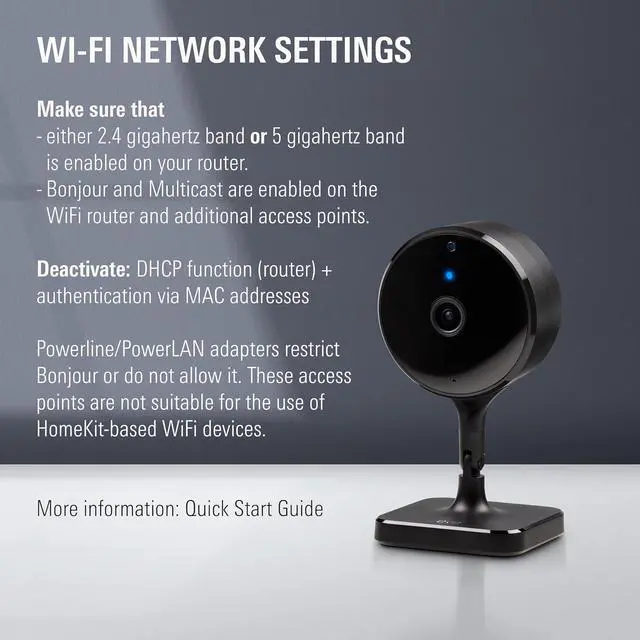
Please make sure that DHCP is enabled on your router. Authentication via MAC addresses must be deactivated. WPA2 must be activated. After adjusting any settings, please restart your router and wait a few of minutes. Afterwards, please reset Eve Cam.
About HomeKit Secure Video
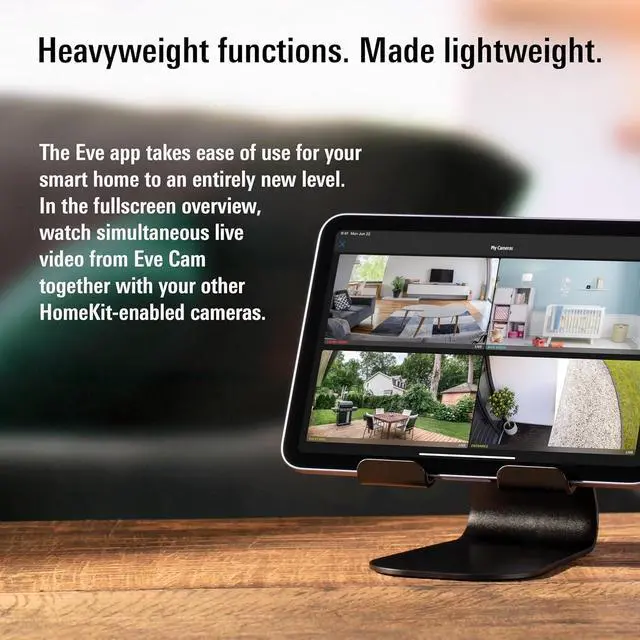
Eve Cam supports HomeKit Secure Video, allowing you to securely save the events your camera detects. Using the Apple Home app, you can view your cameras live feed or recordings on your iPhone at any time.
Eve Cam Secure Indoor Camera. The indoor camera for Apple homes. Eve Cam Video Made for your Apple ecosystem. For maximum data security A close eye on your home. Recordings saved for ten days in iCloud Windows closed and oven off? Protect your home. And your privacy. Eve HomeKit Secure Video HomeKit Secure Video Requirements Technical Details About HomeKit Secure Video iCloud Automations How does Eve Cam detect motion and trigger recordings?
Not able to add Eve Cam to your home?
About HomeKit Secure Video

Wi-Fi network (2.4/5 GHz 802.11a/b/g/n)
50 GB Apple iCloud+ storage plan or higher (not included)
Wireless Connection: Wi-Fi (2.4/5 GHz)
Dimensions: 4.8 x 2.6 x 2.4 in (H x W x D)
Compatibility: Type A & B plug
HomeKit Secure Video requires iCloud+ (not included). iCloud+ with 50 GB storage supports one camera, iCloud+ with 200 GB storage supports up to five cameras, and iCloud+ with 2 TB storage supports an unlimited number of cameras. Camera recordings dont count against your iCloud+ storage limit.
Eve Cam integrates easily into your HomeKit ecosystem: Take your home security to the next level by having the accessory turn on connected lights or light switches automatically when motion is detected.
How does Eve Cam detect motion and trigger recordings?
Eve Cam features state-of-the-art, fully local on-device image-based motion detection for greatly improved motion sensitivity.
Not able to add Eve Cam to your home?
Please make sure that DHCP is enabled on your router. Authentication via MAC addresses must be deactivated. WPA2 must be activated. After adjusting any settings, please restart your router and wait a few of minutes. Afterwards, please reset Eve Cam.
About HomeKit Secure Video
Eve Cam supports HomeKit Secure Video, allowing you to securely save the events your camera detects. Using the Apple Home app, you can view your cameras live feed or recordings on your iPhone at any time.
Eve Cam Secure Indoor Camera. The indoor camera for Apple homes. Eve Cam Video Made for your Apple ecosystem. For maximum data security A close eye on your home. Recordings saved for ten days in iCloud Windows closed and oven off? Protect your home. And your privacy. Eve HomeKit Secure Video HomeKit Secure Video Requirements Technical Details About HomeKit Secure Video iCloud Automations How does Eve Cam detect motion and trigger recordings?
Not able to add Eve Cam to your home?
About HomeKit Secure Video
Warranty & Returns
Warranty, Returns, And Additional Information
Warranty
- Please contact the Seller directly for warranty information. Warranty information may also be found on the Manufacturer's website.
- CONTACT
Return Policies
- Return for refund within: 30 days
- Return for replacement within: 30 days
- This item is covered by Cloud Sail Return Policy
Manufacturer Contact Info
- For a directory of all our manufacturers, please click below.
- Manufacturers Directory
LOADING...