Your Browsing History
Meet Your Seller
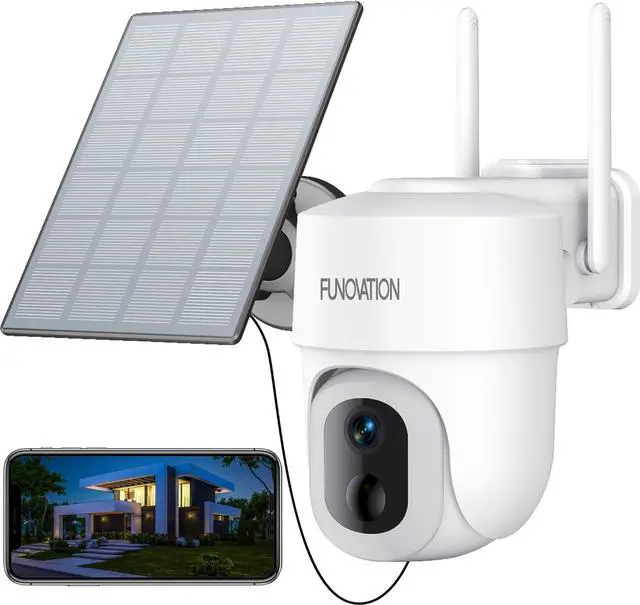
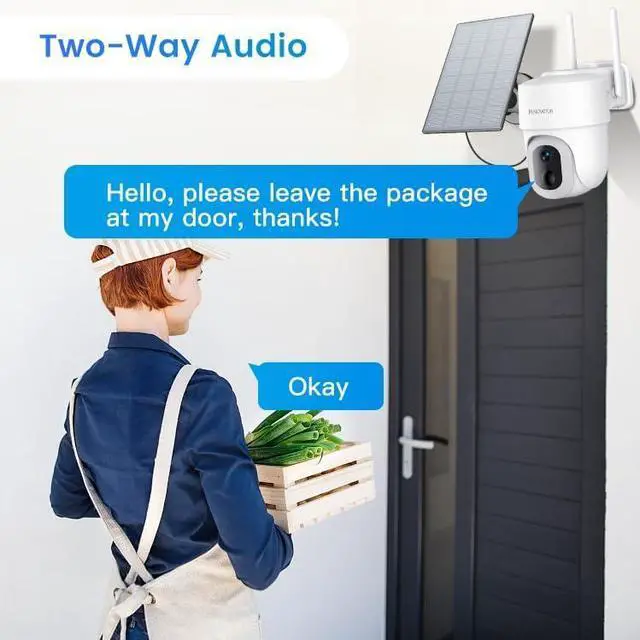
2K/3MP Solar Security Camera Wireless Outdoor, 15000mAh Battery Powered 360° PTZ 2.4G WiFi Only Camera for Home Security, 16-LED Color Night Vision, Siren, PIR Sensor, 2-Way Talk, IP65, SD/Cloud
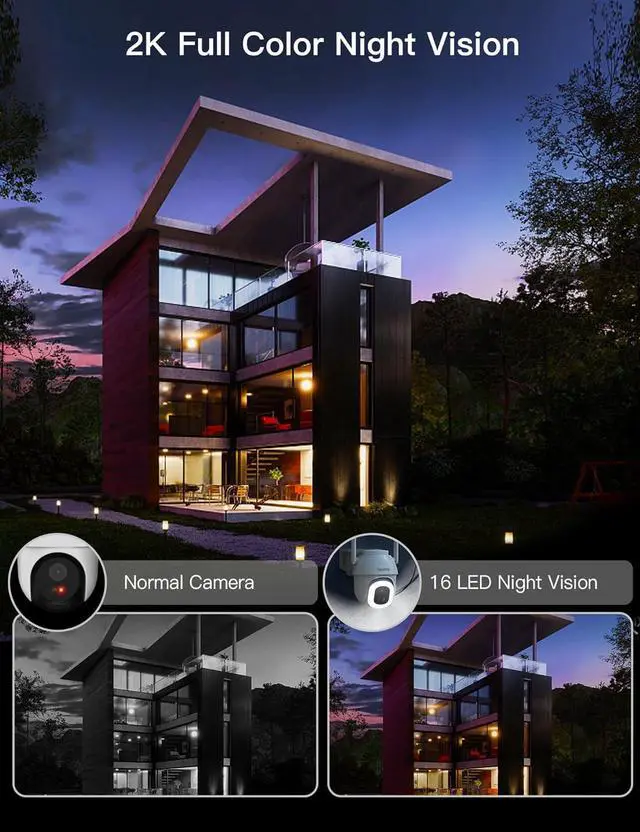
- Spotlight Full-Color Night VisionThis home security camera wireless outdoor supports up to 33 feet of crisp bright spotlight full-color night vision. The built-in 16 LED spotlights make the light much brighter than normal spotlight cameras. Even in extreme darkness, the bright 16 LED spotlights can provide clear images making it the perfect house, backyard, front door, or garage guard, no matter day or night.
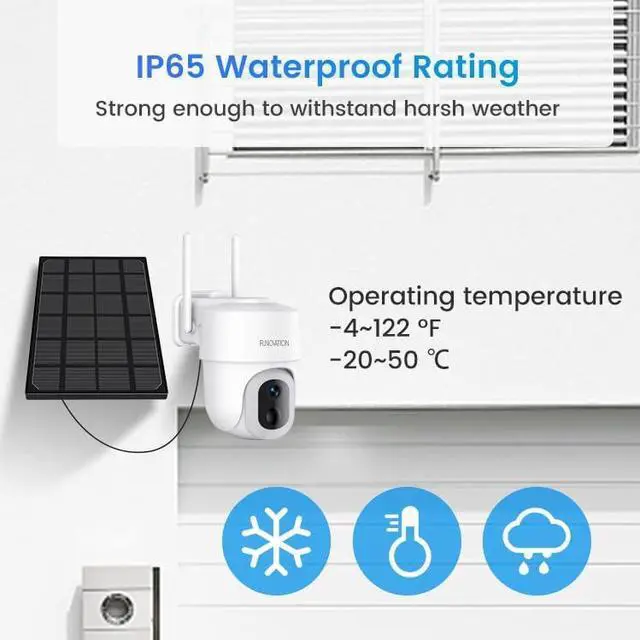
- 360° PTZ & 2K Outdoor CameraThis battery powered security camera supports 336° horizontal and 120° vertical rotation with 2K/3MP Ultra HD(2304*1296P) high-resolution lens. You can remotely pan or tilt and 4X digital zoom this outdoor wireless security camera to check different angles around your house via the CloudEdgde phone app and web.cloudedge360.com. Note: only works with 2.4GHz WiFi, not 5GHz. IP65 class ensures this camera works normally in any season, regardless of dust and weather.
- 15000 mAh Battery with Solar-Powered and 4dbi Dual AntennasWith the 15000 mAh rech
+
+
Overview
Specs
Reviews
Any questions? Our AI beta will help you find out quickly.
Try me now
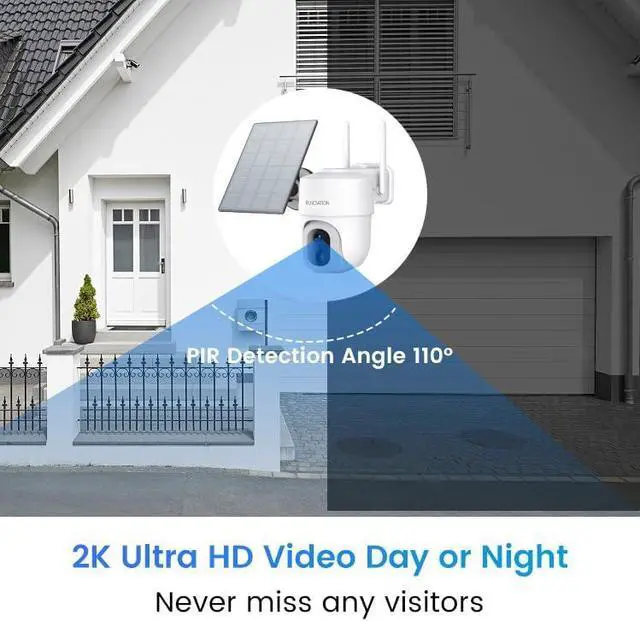
With the 2K/3MP Ultra HD(2304*1296P) high-resolution lens, you can remotely pan, tilt, and 4X digital zoom this outdoor wireless security camera to check different angles around your house, much more clearly than 1080P.
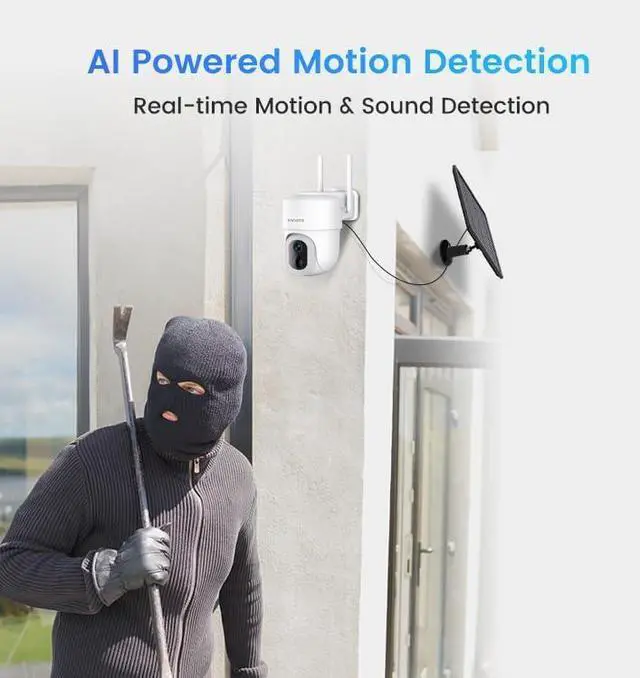
This camera supports clear night vision with color light mode or infrared mode. With the color light mode, the bright flashing lights with 16 LEDs and 80dB siren alarms can be activated automatically when the intruder is detected at night to warn unwelcome visitors. With the infrared mode, 2pcs infrared lights will turn the video to the black and white mode so you can see clearly even in the darkness.
This solar-powered outdoor wireless camera supports 336° horizontal and 120° vertical rotation. You can remotely pan or tilt and 4X digital zoom this outdoor solar camera to check different angles around your house via the CloudEdgde app anytime.
1. WiFi connection:
It only supports 2.4Ghz WiFi(for better outdoor signal reception), not 5Ghz WiFi.
Please make sure your WiFi is a 2.4G independent WiFi, and the WiFi password should not exceed 18 digits.
If you cannot connect it to a 5G +2.4G dual-band router, you can disable the 5G WiFi and reactivate it after connection.
2. Compatibility:
24-hour continuous recording/motion tracking is not supported(in order to save power).
RTSP/ONVIF/NVR/FTP is not supported. Only supports smartphones and tablets, not PC/Windows.
Only supports CloudEdge App, no other third-party App.
Alexa and Google Assistant are supported but only work with Alexa & Google Screen devices like EchoShow.
3. If your memory card(needs to be bought separately) cannot be recognized by the camera
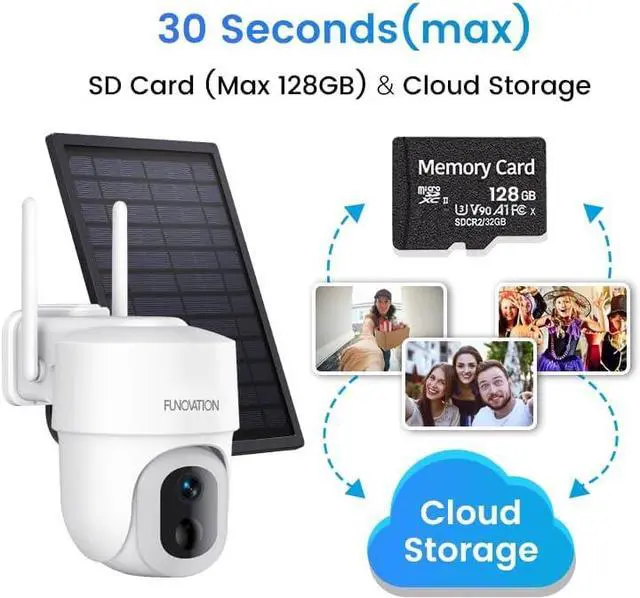
Please use a class 10 and above high-speed TF card, no bigger than 128GB.
Please use your computer to format the card to FAT32 before inserting it. Please unplug/insert the card when the camera is in the off state.
4. Free and paid functions:
1. It comes with lifetime FREE basic cloud storage for 6-second event videos in the past 7 days. A more advanced cloud plan comes with a monthly fee.
2. You can use the human-shape detection filter, but the pet/vehicle/parcel detection filter comes with a monthly fee.
Q: How to connect this solar camera to your phone?
1. Turn on the camera and add device, choose "Power Plug Camera"-Smart Camera(2.4G Wi-Fi)
2. Hold the reset button until hear the beep. Choose 2.4G WiFi and scan the QR code. (If you fail to connect it to a 5G +2.4G dual-band router, you can disable the 5G WiFi and reactivate it after the connection to 2.4G WiFi is made successfully.)
4. Please make sure your WiFi is a 2.4G independent WiFi, and the WiFi password should not exceed 18 digits. Wi-Fi password should not contain the characters like or \, etc.
Q: Do I need to fully charge this outdoor camera before use?
Yes, it needs to be fully charged before use. When the red light changes to blue, it means it is fully charged.
Q: If this solar wireless outdoor camera doesn't detect your dog-
If "Only Human Motion" was set, pets, vehicles, and packages wouldn't be detected. You can check in the "Alarm Management-"Custom Mode"-"Only Human Motion". Just turn off this function, and your dog will be detected.
Q: Do I need to subscribe to cloud services to use this solar camera?
A: No, the cloud subscription is not required. If you want to experience the full functionality and playback the recording video, you can insert a Micro SD card into this outdoor camera.
Q: Does this outdoor security camera need a good WiFi signal?
Yes. Please try your best to install this camera close to the WiFi router and keep the Wi-Fi signal above 75% to achieve stable performance. A low WiFi signal can cause video lag and freezes. You can see the WiFi signal strength in the app.
Q: My camera stopped working and can't connect again-
Please delete the camera and connect

This camera supports clear night vision with color light mode or infrared mode. With the color light mode, the bright flashing lights with 16 LEDs and 80dB siren alarms can be activated automatically when the intruder is detected at night to warn unwelcome visitors. With the infrared mode, 2pcs infrared lights will turn the video to the black and white mode so you can see clearly even in the darkness.
This solar-powered outdoor wireless camera supports 336° horizontal and 120° vertical rotation. You can remotely pan or tilt and 4X digital zoom this outdoor solar camera to check different angles around your house via the CloudEdgde app anytime.
1. WiFi connection:
It only supports 2.4Ghz WiFi(for better outdoor signal reception), not 5Ghz WiFi.
Please make sure your WiFi is a 2.4G independent WiFi, and the WiFi password should not exceed 18 digits.
If you cannot connect it to a 5G +2.4G dual-band router, you can disable the 5G WiFi and reactivate it after connection.
2. Compatibility:
24-hour continuous recording/motion tracking is not supported(in order to save power).
RTSP/ONVIF/NVR/FTP is not supported. Only supports smartphones and tablets, not PC/Windows.
Only supports CloudEdge App, no other third-party App.
Alexa and Google Assistant are supported but only work with Alexa & Google Screen devices like EchoShow.
3. If your memory card(needs to be bought separately) cannot be recognized by the camera
Please use a class 10 and above high-speed TF card, no bigger than 128GB.
Please use your computer to format the card to FAT32 before inserting it. Please unplug/insert the card when the camera is in the off state.
4. Free and paid functions:
1. It comes with lifetime FREE basic cloud storage for 6-second event videos in the past 7 days. A more advanced cloud plan comes with a monthly fee.
2. You can use the human-shape detection filter, but the pet/vehicle/parcel detection filter comes with a monthly fee.
Q: How to connect this solar camera to your phone?
1. Turn on the camera and add device, choose "Power Plug Camera"-Smart Camera(2.4G Wi-Fi)
2. Hold the reset button until hear the beep. Choose 2.4G WiFi and scan the QR code. (If you fail to connect it to a 5G +2.4G dual-band router, you can disable the 5G WiFi and reactivate it after the connection to 2.4G WiFi is made successfully.)
4. Please make sure your WiFi is a 2.4G independent WiFi, and the WiFi password should not exceed 18 digits. Wi-Fi password should not contain the characters like or \, etc.
Q: Do I need to fully charge this outdoor camera before use?
Yes, it needs to be fully charged before use. When the red light changes to blue, it means it is fully charged.
Q: If this solar wireless outdoor camera doesn't detect your dog-
If "Only Human Motion" was set, pets, vehicles, and packages wouldn't be detected. You can check in the "Alarm Management-"Custom Mode"-"Only Human Motion". Just turn off this function, and your dog will be detected.
Q: Do I need to subscribe to cloud services to use this solar camera?
A: No, the cloud subscription is not required. If you want to experience the full functionality and playback the recording video, you can insert a Micro SD card into this outdoor camera.
Q: Does this outdoor security camera need a good WiFi signal?
Yes. Please try your best to install this camera close to the WiFi router and keep the Wi-Fi signal above 75% to achieve stable performance. A low WiFi signal can cause video lag and freezes. You can see the WiFi signal strength in the app.
Q: My camera stopped working and can't connect again-
Please delete the camera and connect
Warranty & Returns
Warranty, Returns, And Additional Information
Warranty
- Please contact the Seller directly for warranty information. Warranty information may also be found on the Manufacturer's website.
- CONTACT
Return Policies
- Return for refund within: 30 days
- Return for replacement within: 30 days
- This item is covered by Cloud Sail Return Policy
Manufacturer Contact Info
- For a directory of all our manufacturers, please click below.
- Manufacturers Directory
LOADING...