• $86.99
  • Free 30-day Returns
  • Sold by Cloud Sail

    Shipped by Cloud Sail

    Price alert
    Shop it at NeweggBusiness.

    Meet Your Seller

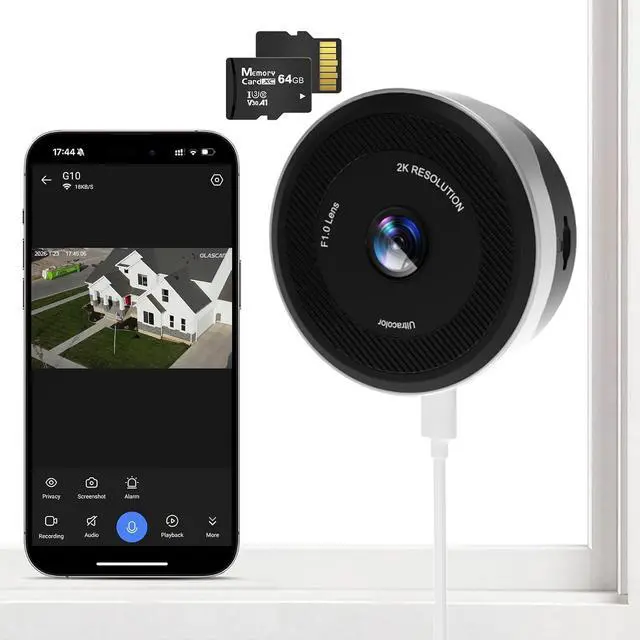
    Window Camera for Home Security, 2K 3MP Indoor Security Camera with 64GB Card, WiFi 6 Dual Band 2.4/5.8GHz, UltraColor Night Vision, AI Human Detection, 105° Wide View, Glass Mount No Drill

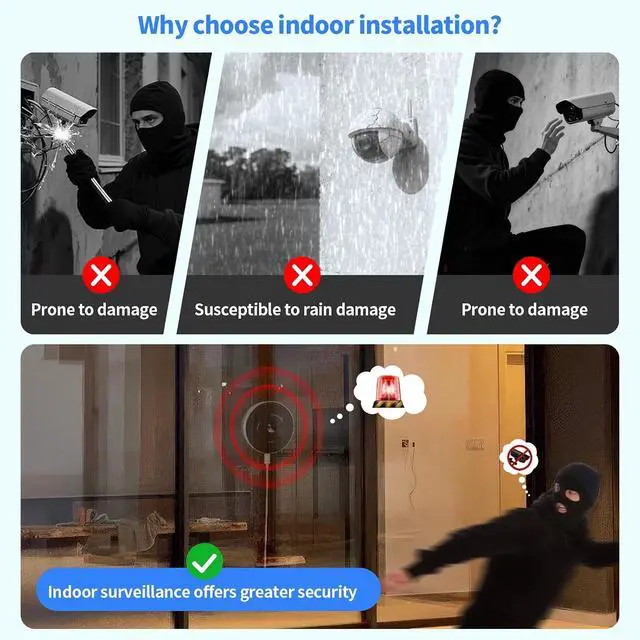
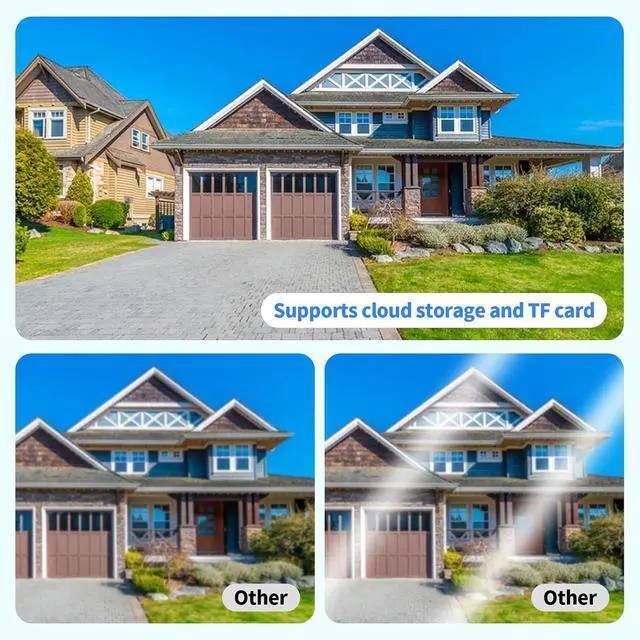
    • DESIGNED FOR TRUE WINDOW SECURITY: Unlike traditional indoor security cameras that face glare and reflection when placed behind glass, the GLASCAM window camera is engineered specifically for window mounting. The lens sits flush to the glass to eliminate reflection and image haze, delivering clear outdoor monitoring from inside your home. Ideal for apartments, renters, and anyone needing a reliable indoor window camera for home security without drilling or wall installation
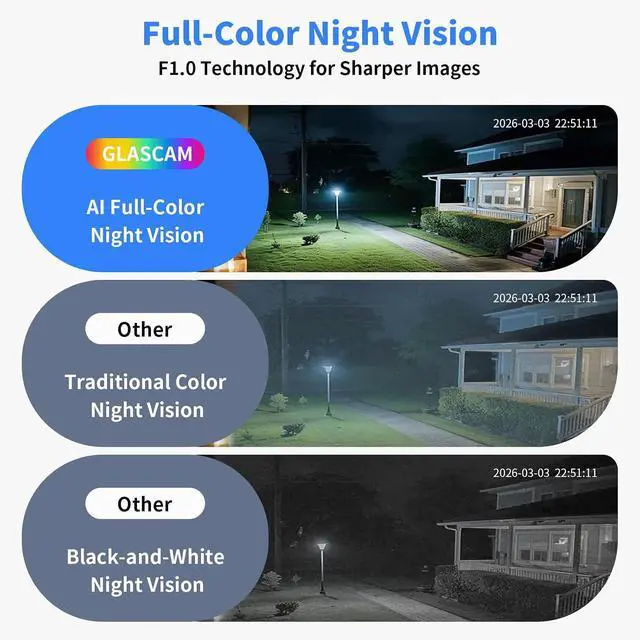
    • 2K 3MP ULTRA-CLEAR VIDEO WITH ULTRACOLOR NIGHT VISION: Capture sharper detail than standard 1080P cameras with 2K 3MP resolution and a 105° wide viewing angle. The advanced UltraColor night vision allows this indoor security camera to maintain vivid full-color images even in low light conditions. Perfect for monitoring front yards, driveways, balconies, and outdoor areas directly through your window
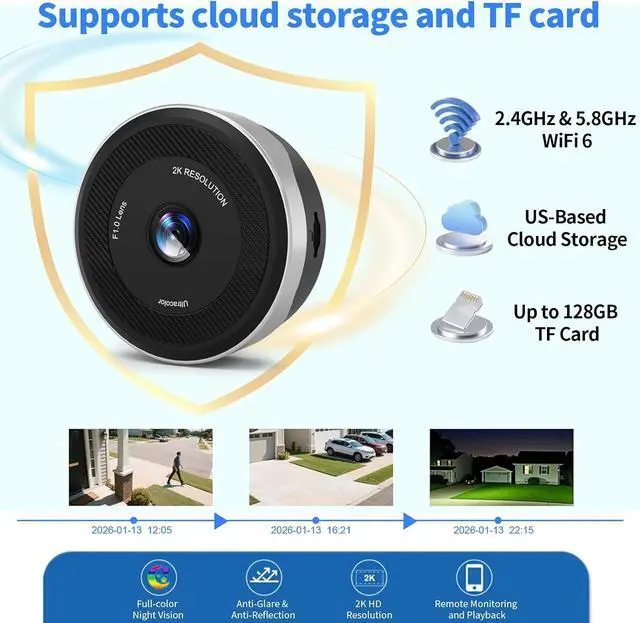
    • FASTER WIFI 6 CONNECTION WITH DUAL BAND STABILITY: Powered by WiFi 6 technology and dual band 2.4GHz and 5.8GHz sup
    +
    +
    Overview
    Specs
    Reviews
    avatar

    Any questions? Our AI beta will help you find out quickly.

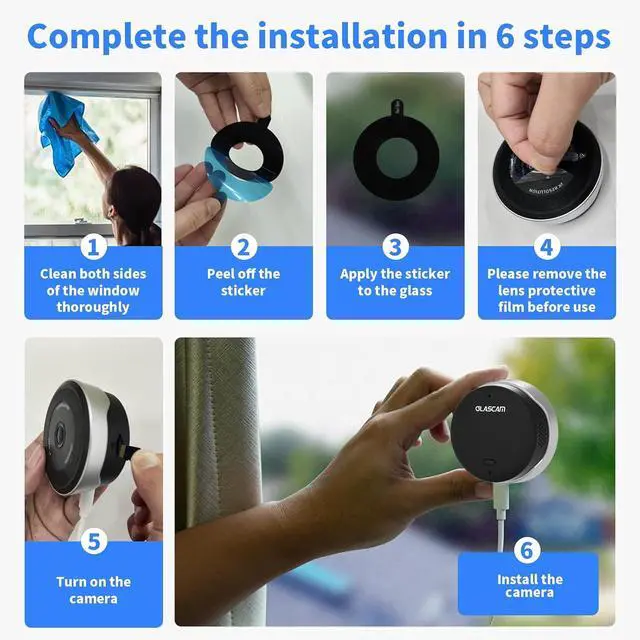
    1Smart Siren Alarm2Smart Motion Detection3Easy Setup on Any Window1Easy to Install2Cloud & Local Storage3Multi-User Sharing First-Month Cloud Storage Experience
    How to connect the window camera?
    Plug in the indoor camera, enable phone Bluetooth, keep your phone connected to Wi-Fi during setup and follow app guide to connect.

    How do I add my camera to the app?
    1.Turn ON phone Bluetooth.
    2.Allow the Glascam app to access Location Services.
    3.Connect your phone to a 2.4GHz Wi-Fi network with internet.
    4.Open the app and follow the on-screen steps to add your camera.

    What if the app stays on "Configuring Network" after I enter the Wi-Fi password?
    1.Permissions: Turn ON phone Bluetooth & Location; grant them to Glascam app.
    2.App Fix: Uninstall and reinstall the app, then retry.
    3.Reset: Press & hold camera Reset button for 3-5s until the voice prompt plays. Retry setup

    Do I have to subscribe to cloud storage?
    The cloud subscription service is not mandatory; if you prefer not to subscribe, you can use a memory card to store your videos. Please insert the card into the slot located on the left side of the window camera.

    Is the window camera wireless?
    This is a wired window camera. The description of "wireless" refers to this security camera supporting WiFi wireless connection. But it needs to be plugged in all the time for power supply.

    How to connect the window camera?
    How do I add my camera to the app?
    What if the app stays on "Configuring Network" after I enter the Wi-Fi password?
    Do I have to subscribe to cloud storage?
    Is the window camera wireless?

    Warranty & Returns

    Warranty, Returns, And Additional Information

    Warranty

    • Please contact the Seller directly for warranty information. Warranty information may also be found on the Manufacturer's website.
    • CONTACT

    Return Policies

    • Return for refund within: 30 days
    • Return for replacement within: 30 days
    • This item is covered by Cloud Sail Return Policy

    Manufacturer Contact Info

    LOADING...