• $396.99
  • Free 30-day Returns
  • Sold by Cloud Sail

    Shipped by Cloud Sail

    Price alert
    Shop it at NeweggBusiness.

    Meet Your Seller

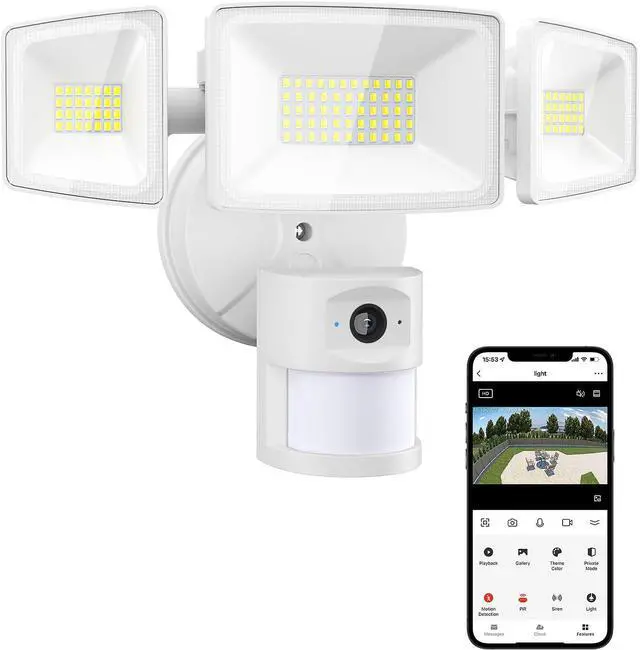
    Onforu Floodlight Camera,2K HD Outdoor Security Camera,55W 5500lm Wired Cam,125° Wide View and 180° PIR Motion Detection,Home Cam with Color Night Vision,2-Way Talk,SD Card/Cloud Storage

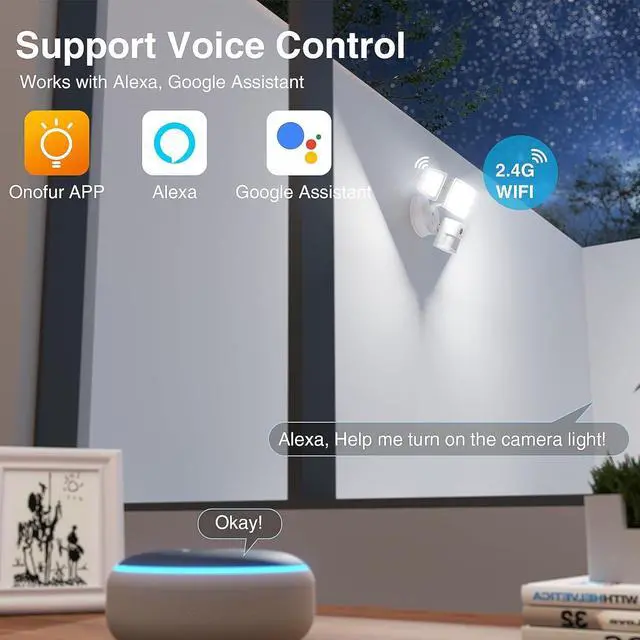
    • Real-Time App Control: This smart floodlight camera is designed to safeguard your home and your finances. Stay connected to your home through your phone with seamless integration with the outdoor floodlight camera. Enjoy Alexa Show compatibility for monitoring and Alexa voice control functionality.(Supports 2.4 GHz WIFI only)
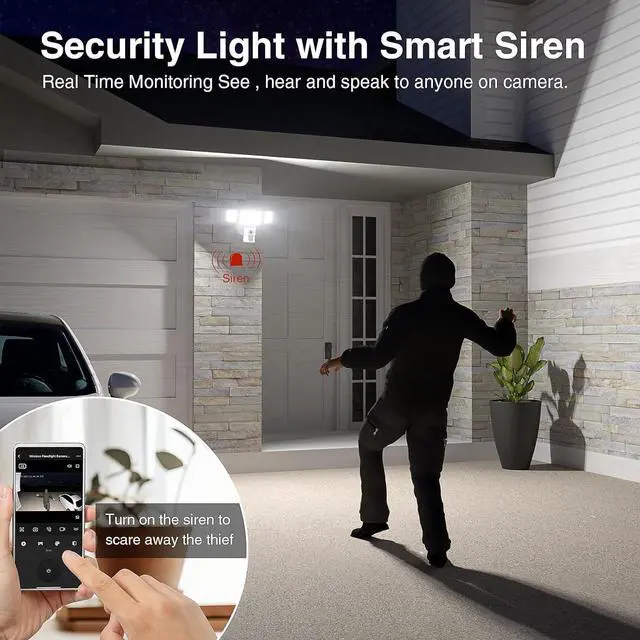
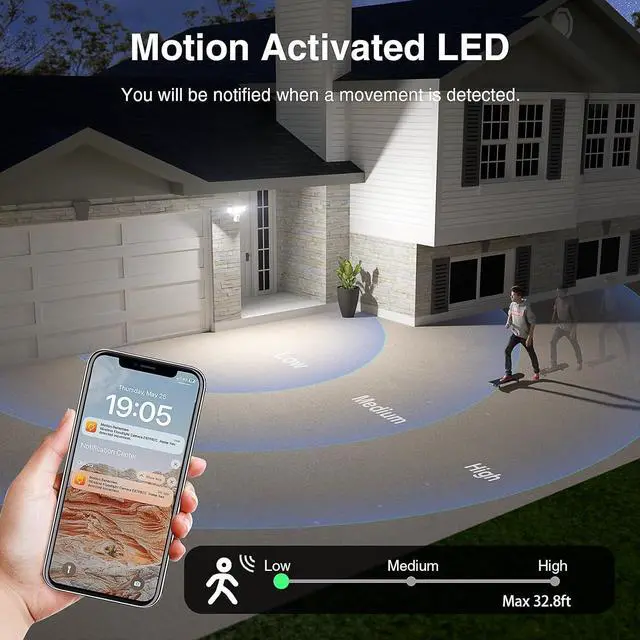
    • Advanced Motion Detection & Smart Siren: Activate the motion detection mode to receive instant notifications when movement is detected. Utilize the "Onforu Home" app to easily trigger a 67dB alarm and deter any unwanted visitors
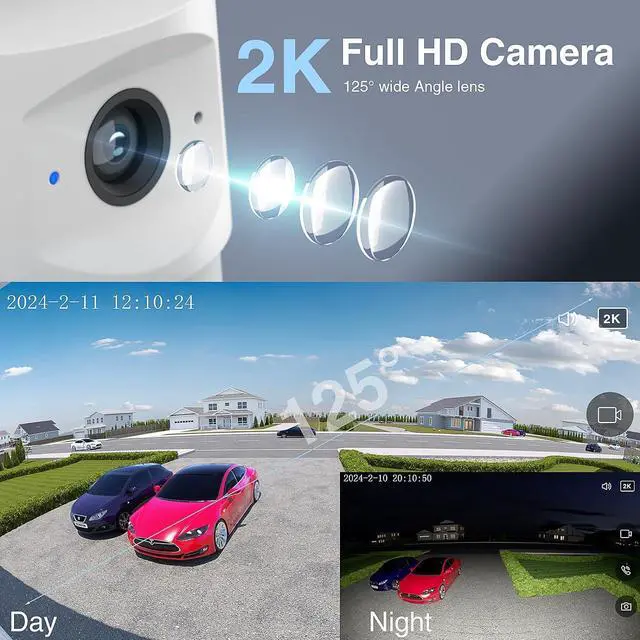
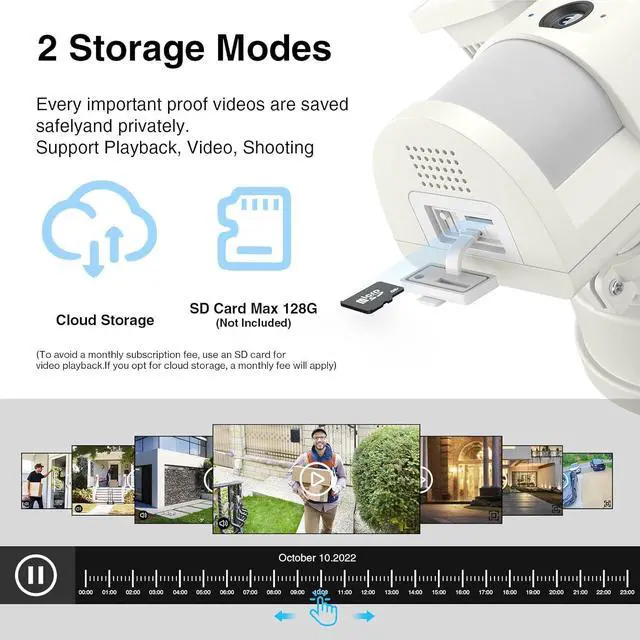
    • Safety Monitoring: The floodlight cam wired is equipped with a 2K HD camera, 125°wide angle, which can ensure detailed full color event recording even at night. The flood light camera support cloud storage and the Micro SD card up to 128 GB(not included)
    • 2 Lighting Modes: 1.PIR Sensing Mode: when PIR motion sensor detects movement at night, the light is on; When people leave, the light goes out; 2.Always on Lighting Mode, the flood lig
    +
    +
    Overview
    Specs
    Reviews
    avatar

    Any questions? Our AI beta will help you find out quickly.


    How can I use my phone connect to the floodlight camera?
    Turn on the camera and wait for 35s until the red indicator light flashes. Then let the camera scan the QR code of APP, hear a sound of "deng deng...", and press "I heard prompt" on APP to pair. Wait for the pairing to succeed.

    What should I do if my phone is not connected to the floodlight camera?
    If the pairing is failed, please long press the Reset Button for 3s until red indicator flashing and hear "deng deng ..." sound, it means resetting succeed. Then wait for 45s until the red indicator light flashes again, now you can start to pairing.

    How to adjust the motion detection sensor if it is not sensitive?
    Please press both the buttons Motion detectionand "Pir" on APP to enter detection sensor mode, and then choose the class "High Sensitivity" on "PIR" button.

    Must I wait until the red indicator light flashes before the camera scan the QR code to connect?
    Yes, please note that you need to wait until the red indicator light flashes before the camera start adding devices, otherwise the camera could not be able to add.

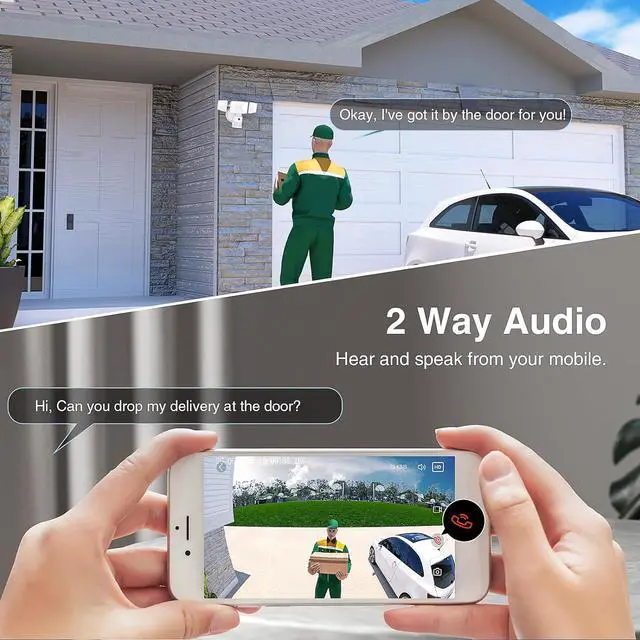
    The Innovative Floodlight Camera for Complete Surveillance Real Time Notification and Monitoring 2 Way Talk and Smart Control Multifunctional and Easy Installation Instruction about connect the flood light camera to the APP aplus content video Technical Details of Onforu Floodlight Camera When I first turn on the flood light camera, it will flash once and then automatically turn off. Is this normal?
    How can I use my phone connect to the floodlight camera?
    What should I do if my phone is not connected to the floodlight camera?
    How to adjust the motion detection sensor if it is not sensitive?
    Must I wait until the red indicator light flashes before the camera scan the QR code to connect?

    Warranty & Returns

    Warranty, Returns, And Additional Information

    Warranty

    • Please contact the Seller directly for warranty information. Warranty information may also be found on the Manufacturer's website.
    • CONTACT

    Return Policies

    • Return for refund within: 30 days
    • Return for replacement within: 30 days
    • This item is covered by Cloud Sail Return Policy

    Manufacturer Contact Info

    LOADING...