Your Browsing History
Meet Your Seller
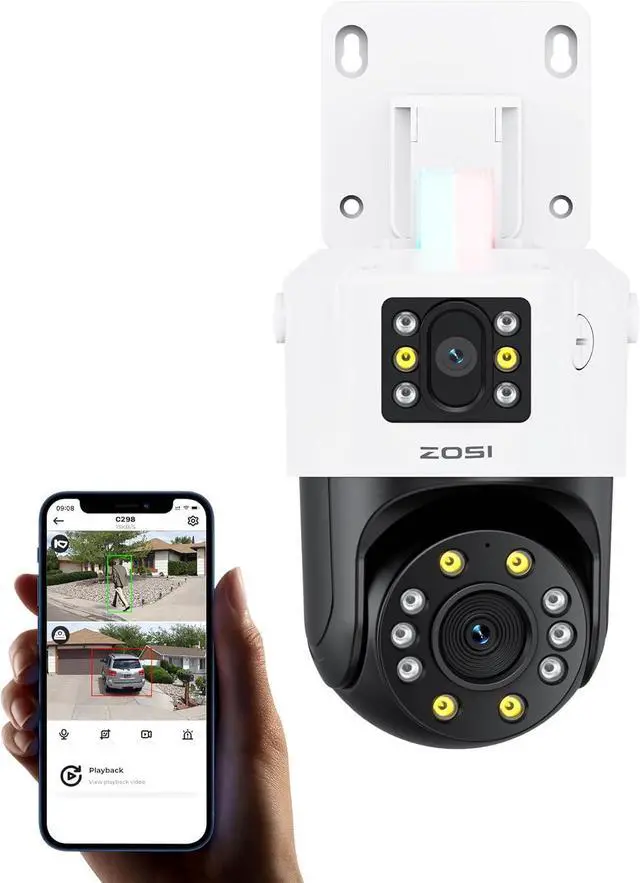
ZOSI 4K 8MP Dual-Lens Add-on PoE Security Camera Outdoor, 360° Pan Tilt IP Camera (4MP+4MP), Human Vehicle Detection, Color Night Vision, Human Tracking, Two-Way Audio, Works with Our PoE NVR Only
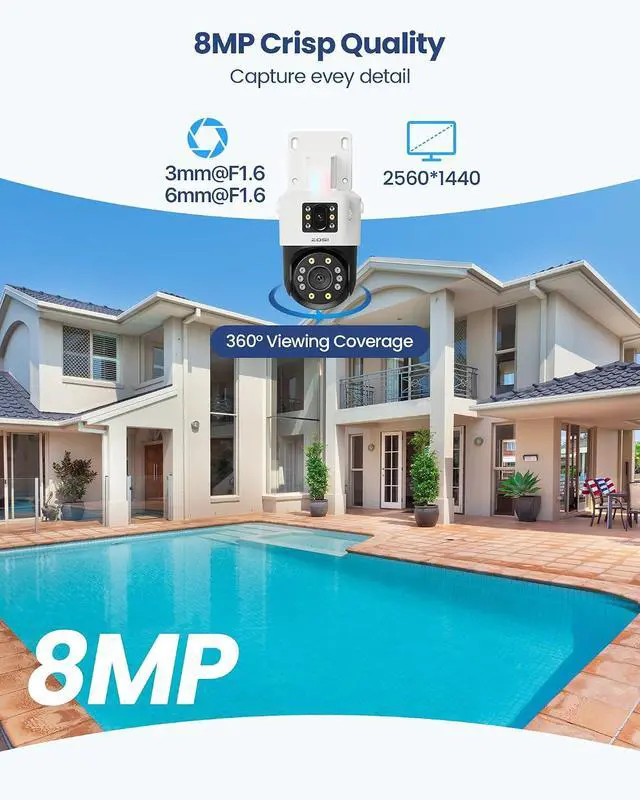
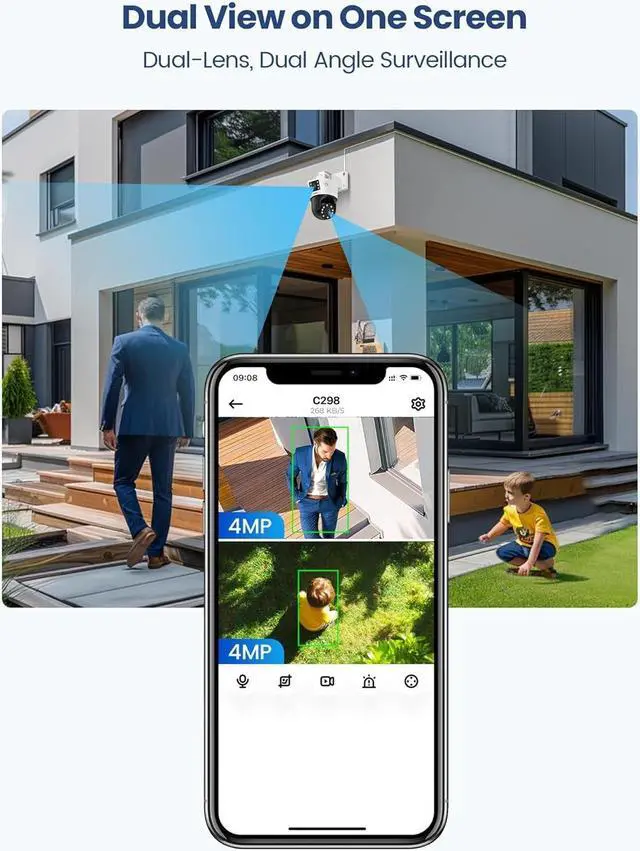
- (1). [ 8MP Dual-Lens Camera with 360° Pan Tilt Coverage ]__ This dual-lens PoE security camera combines a fixed 4MP bullet lens with a 4MP PT lens for an effective 8MP viewing experience. The upper fixed lens monitors wide areas while the lower PT lens supports 360° horizontal and 140° vertical rotation, reducing blind spots and covering driveways, yards, garages, and storefronts with fewer cameras.
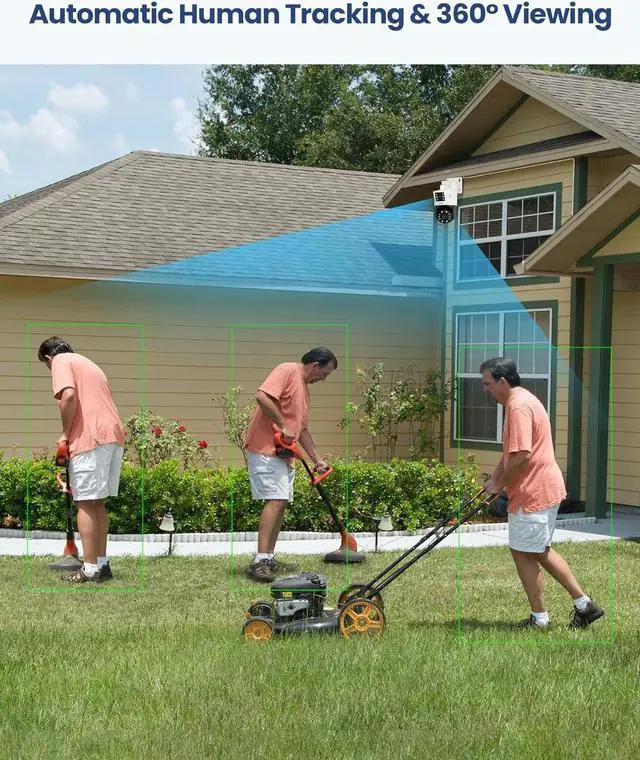
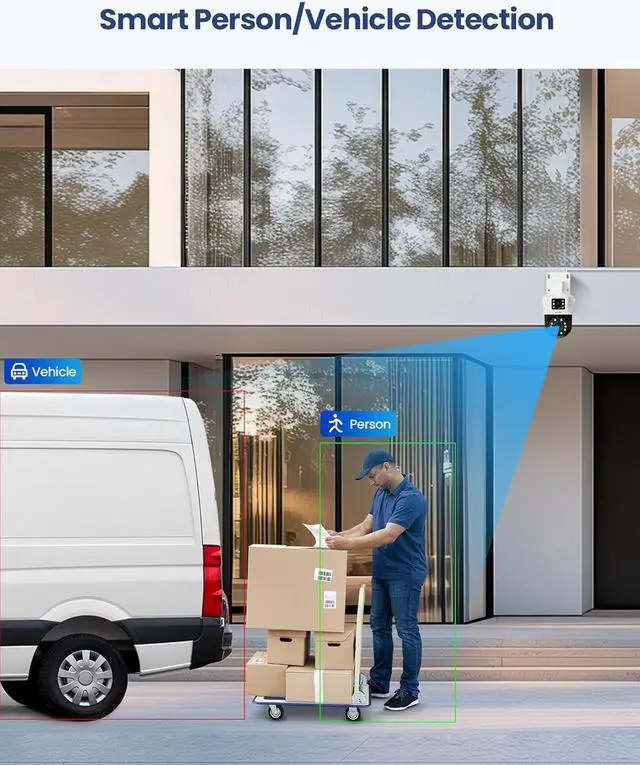
- (2). [ Human & Vehicle Detection with Auto Human Tracking ]__ Powered by intelligent AI detection, this camera can recognize people and vehicles more accurately while reducing false alerts from pets or moving objects. Human auto-tracking follows detected movement automatically to keep important activity in view. Advanced functions require compatible ZOSI PoE NVR support.
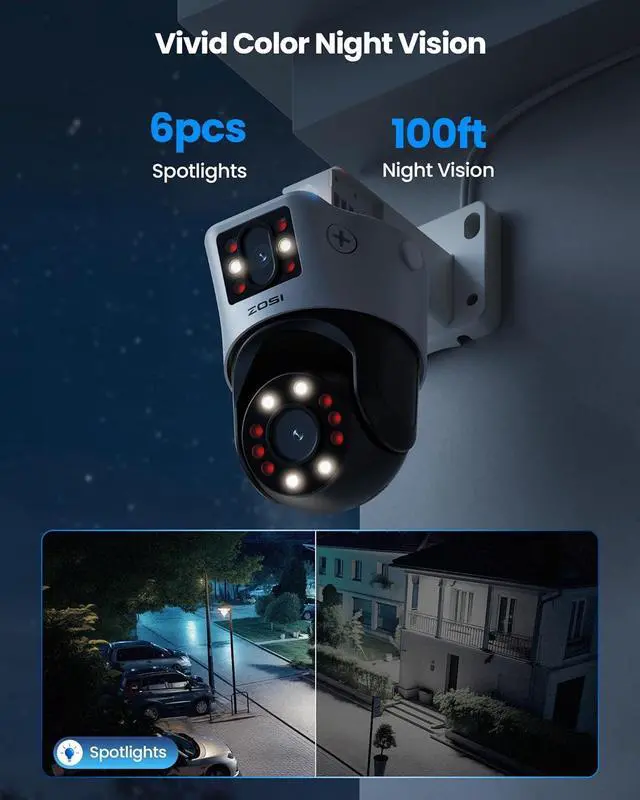
- (3). [ Full-Color Night Vision & Smart Warning Lights ]__ Supports full-color night vision, infrared night vision, and smart night vision modes for flexible monitoring day and night. Built-in white lights and IR LEDs pro
+
+
Overview
Specs
Reviews
Any questions? Our AI beta will help you find out quickly.
Try me now
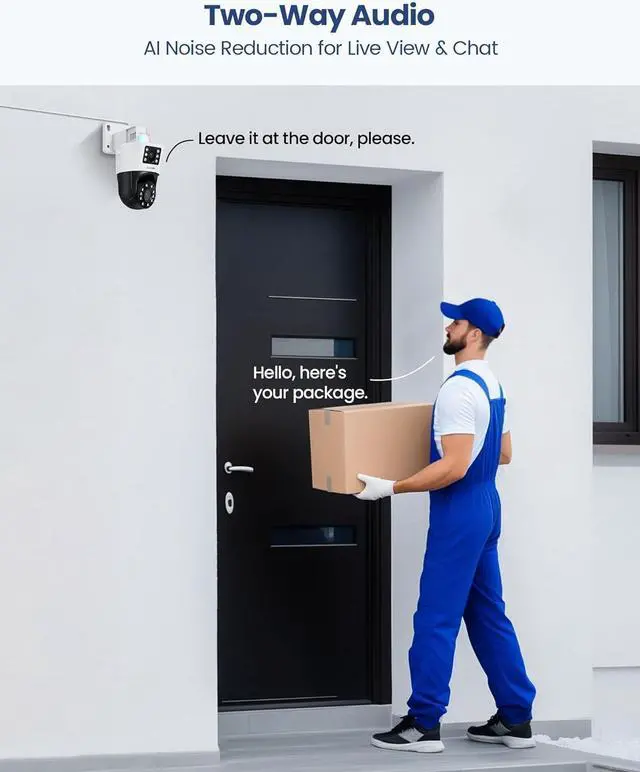
1Dual-lens2360° Pan/Tilt3Auto Tracking4IP66 Weatherproof1AI Detection2Color Night Vision3Light & Siren Alarm4Two-way Audio524/7 Recording1Plug & Play PoE System2H.265+ Coding3Remote Access Product C298 Dual-Lens Bullet + PT Camera Resolution Dual 4MP Lenses (2560 × 1440) Pan/Tilt 360° Horizontal Rotation, 140° Vertical Rotation Night Vision Up to 100ft (30m) Full Color / Infrared / Smart Mode AI Detection Human & Vehicle Detection Smart Tracking Auto Motion Tracking Detection Features Intrusion / Area Entry / Area Exit / Loitering Alert System Siren + Flashing Light + App Notifications Privacy Protection Custom Detection Zones & Privacy Masking Two-Way Audio Built-in Microphone & Speaker Notification Instant App Push Alerts Weatherproof Rating IP66 Weatherproof Recording Modes Continuous Recording / Motion Recording What should I do if the camera does not power on, connect, or the night vision does not work during first-time setup?
Please ensure your network switch or PoE injector supports IEEE 802.3af/at. Check whether the camera rotates during startup, and briefly cover the lens to verify that the infrared LEDs activate in low-light conditions.
Why can't I find or connect the camera in the app?
Make sure the country or region selected in the app matches the camera's actual installation location. Incorrect region settings may affect local server access and device connection.
What should I check if the camera still cannot connect after setup?
Please inspect the Ethernet cable and RJ45 connector carefully. Loose connections or damaged connectors may prevent communication. Ensure the cable is securely connected and replace damaged parts if necessary.
How does the dual-lens camera improve monitoring?
The dual-lens design combines a wide-angle lens for broader area coverage and a PT lens for focused viewing and smart tracking, helping reduce blind spots and improve overall monitoring efficiency.
Does the camera support 24/7 recording and remote access?
Yes. When connected to a compatible ZOSI NVR, the camera supports continuous recording, motion recording, remote viewing, playback, and instant app notifications.
Specification (Requires ZOSI NVR for full features) What should I do if the camera does not power on, connect, or the night vision does not work during first-time setup?
Why can't I find or connect the camera in the app?
What should I check if the camera still cannot connect after setup?
How does the dual-lens camera improve monitoring?
Does the camera support 24/7 recording and remote access?

Please ensure your network switch or PoE injector supports IEEE 802.3af/at. Check whether the camera rotates during startup, and briefly cover the lens to verify that the infrared LEDs activate in low-light conditions.
Why can't I find or connect the camera in the app?
Make sure the country or region selected in the app matches the camera's actual installation location. Incorrect region settings may affect local server access and device connection.
What should I check if the camera still cannot connect after setup?
Please inspect the Ethernet cable and RJ45 connector carefully. Loose connections or damaged connectors may prevent communication. Ensure the cable is securely connected and replace damaged parts if necessary.
How does the dual-lens camera improve monitoring?
The dual-lens design combines a wide-angle lens for broader area coverage and a PT lens for focused viewing and smart tracking, helping reduce blind spots and improve overall monitoring efficiency.
Does the camera support 24/7 recording and remote access?
Yes. When connected to a compatible ZOSI NVR, the camera supports continuous recording, motion recording, remote viewing, playback, and instant app notifications.
Specification (Requires ZOSI NVR for full features) What should I do if the camera does not power on, connect, or the night vision does not work during first-time setup?
Why can't I find or connect the camera in the app?
What should I check if the camera still cannot connect after setup?
How does the dual-lens camera improve monitoring?
Does the camera support 24/7 recording and remote access?
Warranty & Returns
Warranty, Returns, And Additional Information
Warranty
- Please contact the Seller directly for warranty information. Warranty information may also be found on the Manufacturer's website.
- CONTACT
Return Policies
- Return for refund within: 30 days
- Return for replacement within: 30 days
- This item is covered by Cloud Sail Return Policy
Manufacturer Contact Info
- For a directory of all our manufacturers, please click below.
- Manufacturers Directory
LOADING...