• $108.99
  • Free 30-day Returns
  • Sold by Cloud Sail

    Shipped by Cloud Sail

    Price alert
    Shop it at NeweggBusiness.

    Meet Your Seller

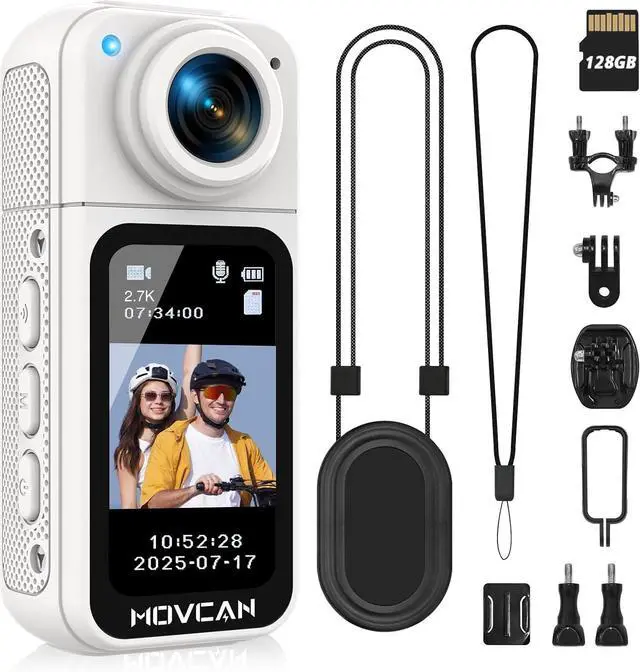
    Movcan S70 Body Camera with Audio and Video Recording, HD 1520P Body Cam with 180° Rotating Lens, Thumb Size Hands Free Recording Body Worn Camera, Portable Camcorder for Work (128GB, White)

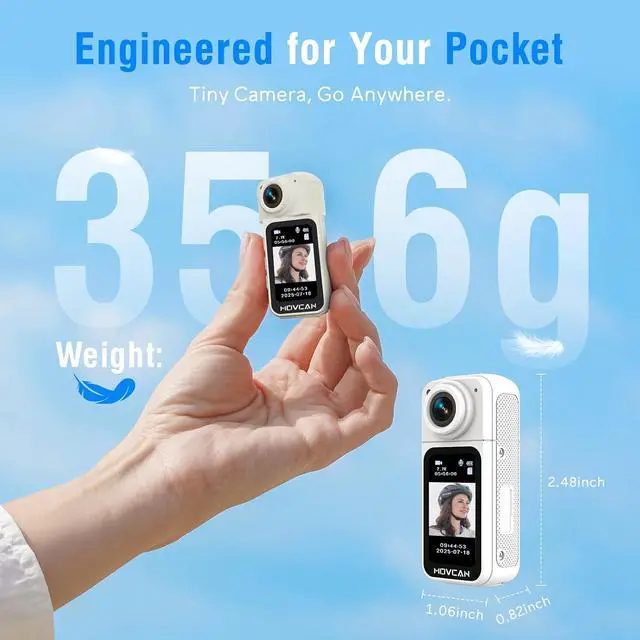
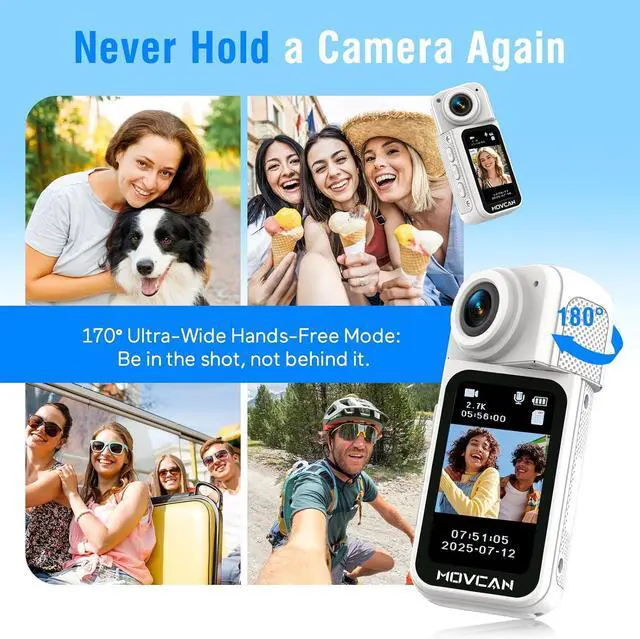
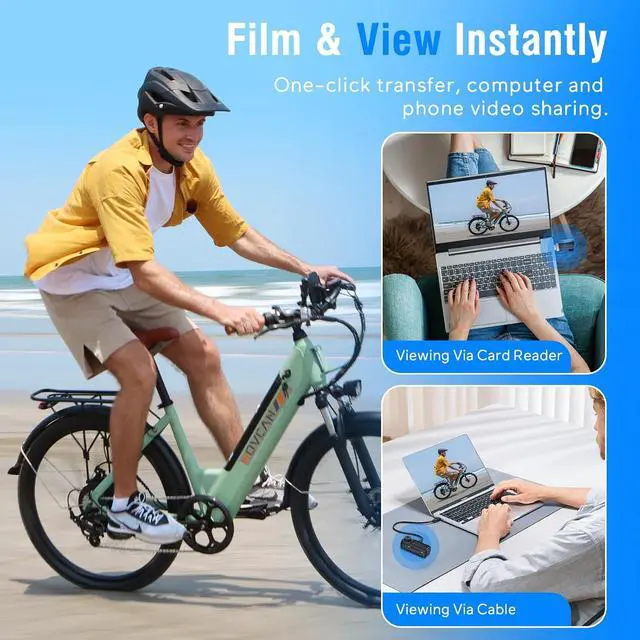
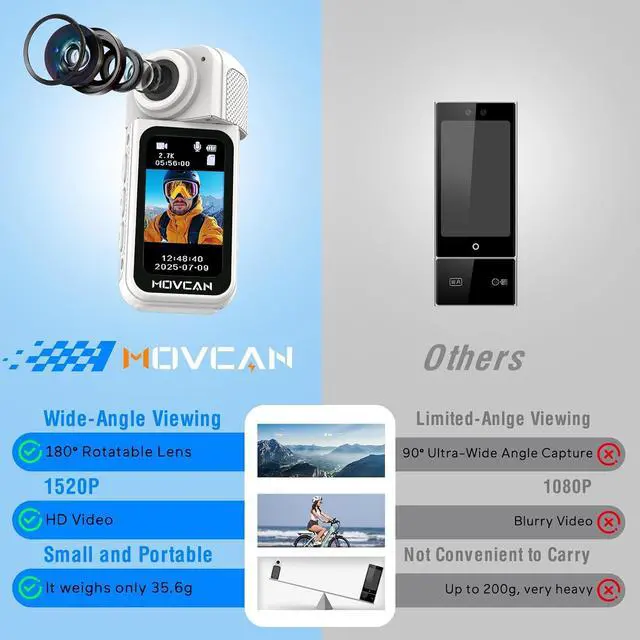
    • Thumb Size Movcan Body Camera is designed for ultimate convenience with its thumb-sized dimensions 2.48 x 1.06 x 0.82 inches, Slip it into your pocket, clip it to your backpack, or attach it magnetically to your gear, its always within reach when you need to capture lifes unexpected moments. The included Magnet Pendant, Safety Cord, and Portable Back Clip offer versatile mounting options. This action body camera can get more creative and film angles than other cameras.
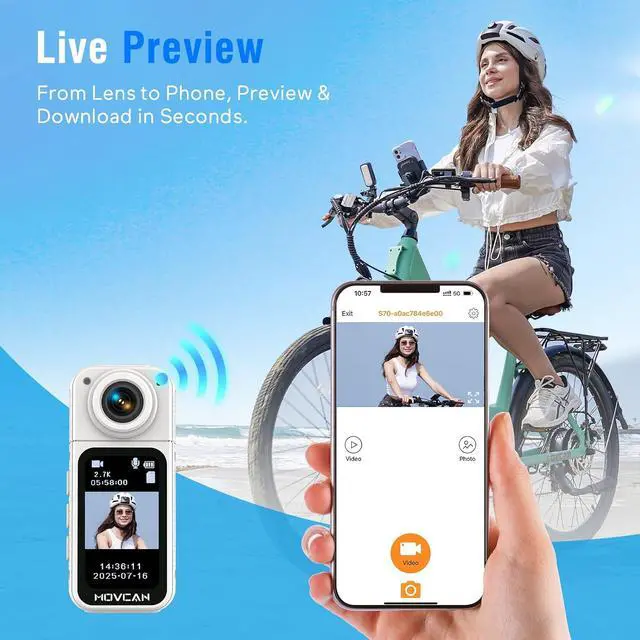
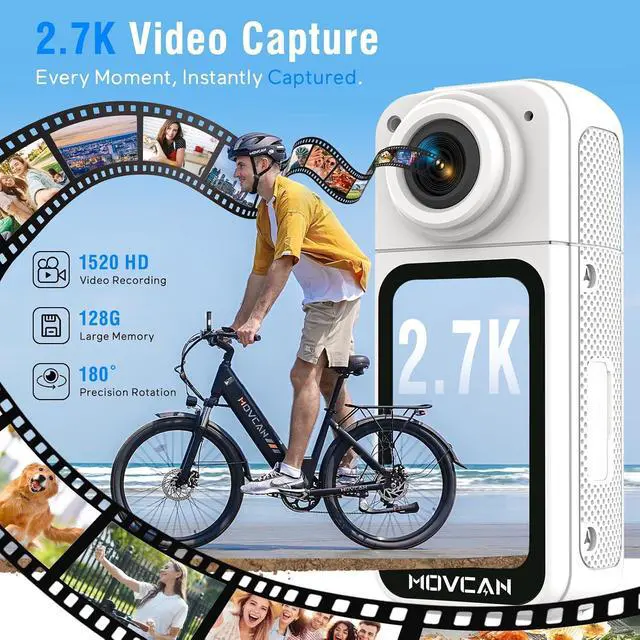
    • Full HD 2.7K RecordingCapture every detail with Movcan S70 body cameras ultra-high-definition 2.7K/15FPS and 1080P/30FPS video modes. Perfect for outdoor adventures, security monitoring, or family moments, this wearable camera ensures top-tier clarity even in fast-paced scenes. The advanced H.264 compression saves space without sacrificing quality, while the 1.47-inch IPS display lets you review footage instantly. Whether youre biking, hiking, or keeping an eye on your home, this pocket camera delivers professi
    +
    +
    Overview
    Specs
    Reviews
    avatar

    Any questions? Our AI beta will help you find out quickly.

    12.7K HD RECORDING2SAFETY LANYARD3170° ULTRA-WIDE POV4DUAL CONNECTION5ONE-TOUCH OPERATION


    1. Press and hold the "Power Button" to turn on the body camera.
    2. Press the menu button (M Button) to enter the menu options.
    3. Press the "Power Button" to scroll down to the Date/Time option.
    4. Press the M button to confirm and enter the settings screen.
    5. Adjust the time: Use the "WIFl Button" to adjust the digits upward, the power button to adjust the digits downward, and the M button to switch to the next time option.
    6. Press and hold the "WIFl Button" to return to the previous level. (Adjustments are automatically saved.)
    How to set the date/time on the body camera

    Warranty & Returns

    Warranty, Returns, And Additional Information

    Warranty

    • Please contact the Seller directly for warranty information. Warranty information may also be found on the Manufacturer's website.
    • CONTACT

    Return Policies

    • Return for refund within: 30 days
    • Return for replacement within: 30 days
    • This item is covered by Cloud Sail Return Policy

    Manufacturer Contact Info

    LOADING...