

Your Browsing History

- Free 30-day Returns
$348.99

Meet Your Seller

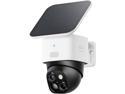
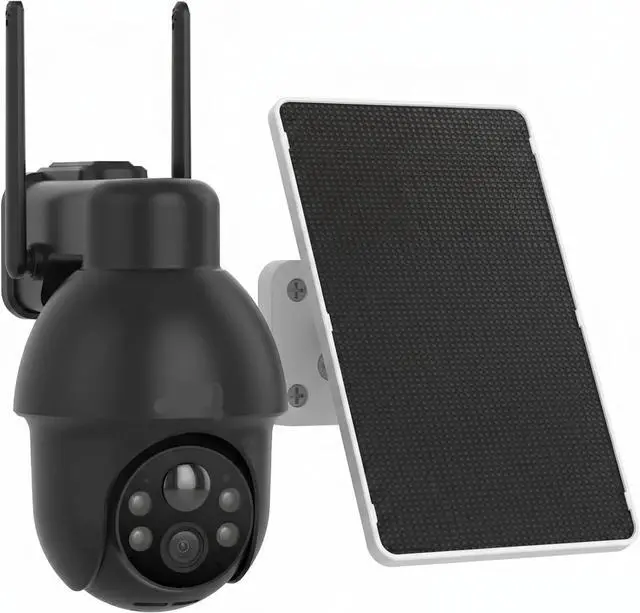
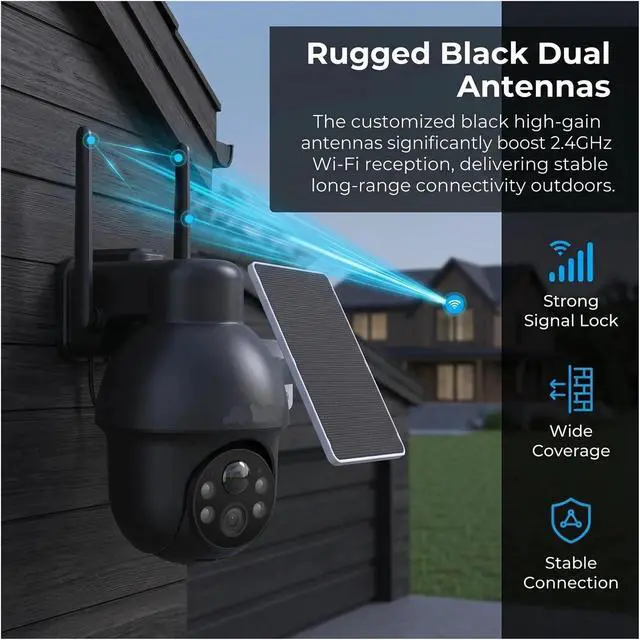
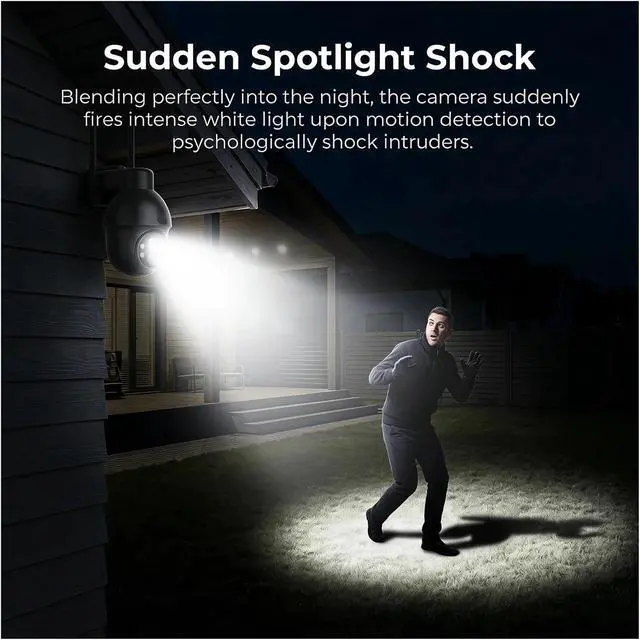
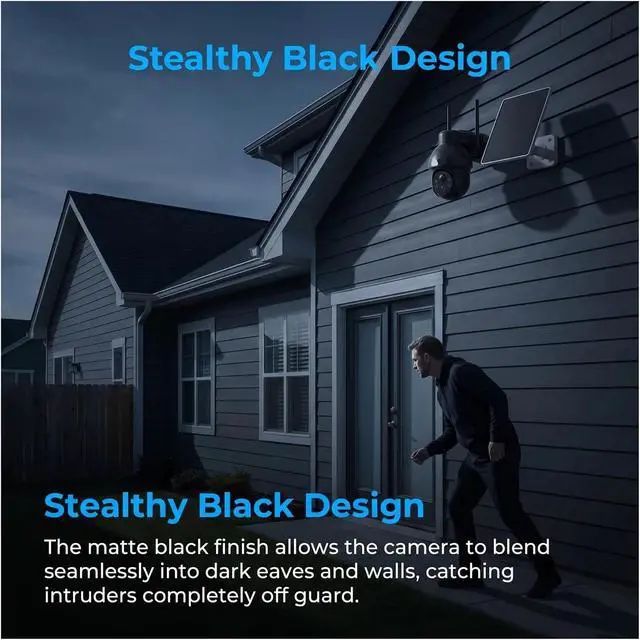


1920P WiFi Solar Outdoor Security Camera
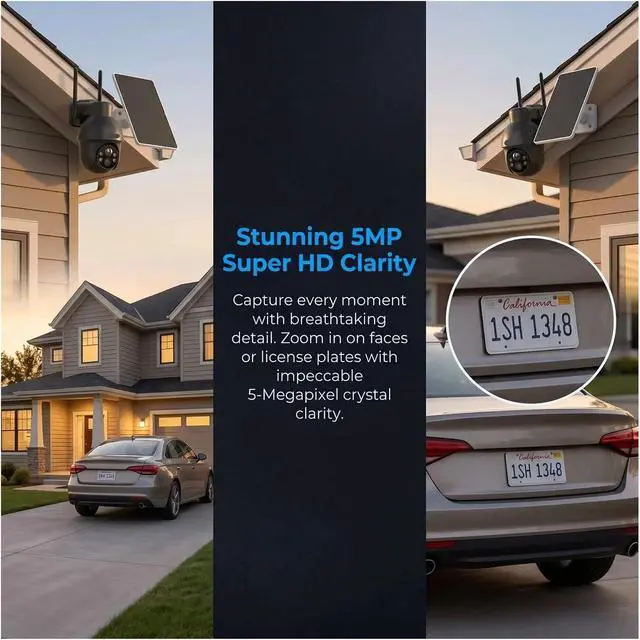
- 1. 1920P full HD resolution delivers sharp and clear outdoor surveillance footage day and night.
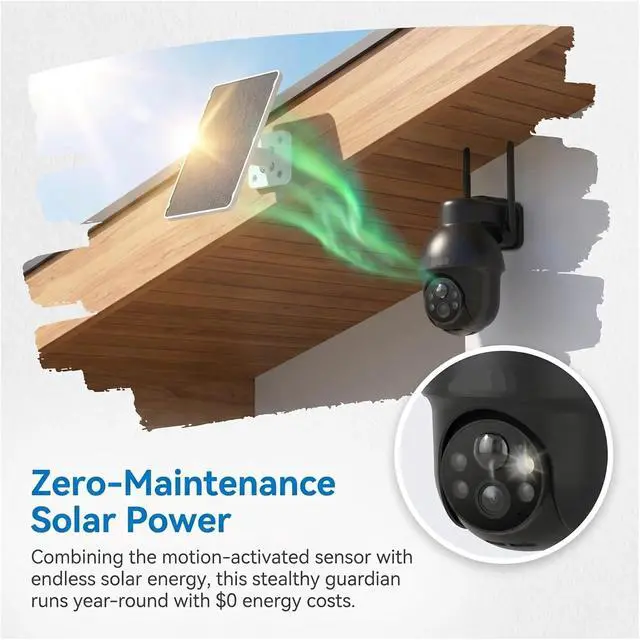
- 2. Solar-powered wireless design eliminates complicated wiring and supports long-term outdoor use.
- 3. Built-in smart siren alarm triggers automatically to scare off unwanted intruders instantly.
- 4. Full color night vision and accurate human detection reduce false alert disturbances effectively.
- 5. Two-way real-time audio allows you to communicate with visitors remotely via your mobile phone.
+
+
Overview
Specs
Reviews

Any questions? Our AI mode will help you find out quickly.
Try me now
Welcome! Reliable smart electronics with strict quality inspection & thoughtful after-sales service.
Attention
After receiving the camera, we recommend that you charge it with a 5V/1A power supply for 6 to 8 hours, and then turn it on for use.
Remote viewing
Follow the 8 steps below to add the camera, and you will soon be able to remotely view the real-time picture and video of the camera through your mobile phone.
Camera installation steps
Complete the camera installation easily with the following 5 steps.
Camera details
Packaging list
Answer: If you charge the camera with an adapter, you can only use a power supply of 5V/1A specification. Adapters of other specifications will burn out the camera chip (it is not recommended to charge after the battery is exhausted, as it is very harmful to the battery!).
Question: How long does it take for the solar panel to charge the camera?
Answer: As long as there is sufficient light and the camera is not in use, it only takes 4 hours to fully charge.
Question: How to make the camera work perfectly?
Answer: In the motion detection settings interface, set the motion detection sensitivity to 6 and the human detection sensitivity to 3.
Question: Where does the camera's video storage take place?
Answer: The camera is equipped with an SD card slot. By default, the video is stored on the SD card.
Question: How do the solar panel and the camera work together?
Answer: Connect the solar panel interface to the charging port of the camera to charge the camera.
Question: Can the camera work without sunlight?
Answer: Yes. The solar camera has a built-in battery that can continue to work in cloudy or nighttime conditions using the stored electricity.
Question: Where are solar surveillance cameras suitable for installation?
Answer: Suitable for areas with abundant sunlight but difficult wiring, such as farms, construction sites, warehouses, remote areas, courtyards, etc.
Question: How is the night effect of the solar surveillance camera?
Answer: This camera is equipped with infrared night vision function, and can clearly capture images in complete darkness. The night vision distance is generally 10 to 15 meters.
Question: Is the installation of solar cameras complicated?
Answer: The installation is simple and doesn't require wiring. Just fix the camera in place and ensure that the solar panel faces a direction with plenty of sunlight.
Attention
After receiving the camera, we recommend that you charge it with a 5V/1A power supply for 6 to 8 hours, and then turn it on for use.
Remote viewing
Follow the 8 steps below to add the camera, and you will soon be able to remotely view the real-time picture and video of the camera through your mobile phone.
Camera installation steps
Complete the camera installation easily with the following 5 steps.
Camera details
Packaging list
Answer: If you charge the camera with an adapter, you can only use a power supply of 5V/1A specification. Adapters of other specifications will burn out the camera chip (it is not recommended to charge after the battery is exhausted, as it is very harmful to the battery!).
Question: How long does it take for the solar panel to charge the camera?
Answer: As long as there is sufficient light and the camera is not in use, it only takes 4 hours to fully charge.
Question: How to make the camera work perfectly?
Answer: In the motion detection settings interface, set the motion detection sensitivity to 6 and the human detection sensitivity to 3.
Question: Where does the camera's video storage take place?
Answer: The camera is equipped with an SD card slot. By default, the video is stored on the SD card.
Question: How do the solar panel and the camera work together?
Answer: Connect the solar panel interface to the charging port of the camera to charge the camera.
Question: Can the camera work without sunlight?
Answer: Yes. The solar camera has a built-in battery that can continue to work in cloudy or nighttime conditions using the stored electricity.
Question: Where are solar surveillance cameras suitable for installation?
Answer: Suitable for areas with abundant sunlight but difficult wiring, such as farms, construction sites, warehouses, remote areas, courtyards, etc.
Question: How is the night effect of the solar surveillance camera?
Answer: This camera is equipped with infrared night vision function, and can clearly capture images in complete darkness. The night vision distance is generally 10 to 15 meters.
Question: Is the installation of solar cameras complicated?
Answer: The installation is simple and doesn't require wiring. Just fix the camera in place and ensure that the solar panel faces a direction with plenty of sunlight.
Warranty & Returns
Warranty, Returns, And Additional Information
Warranty
- Please contact the Seller directly for warranty information. Warranty information may also be found on the Manufacturer's website.
- CONTACT
Return Policies
- Return for refund within: 30 days
- Return for replacement within: 30 days
- This item is covered by Cloud Sail Return Policy
Manufacturer Contact Info
- For a directory of all our manufacturers, please click below.
- Manufacturers Directory
LOADING...