• $270.99
  • Free 30-day Returns
  • Sold by Cloud Sail

    Shipped by Cloud Sail

    Price alert
    Shop it at NeweggBusiness.

    Meet Your Seller

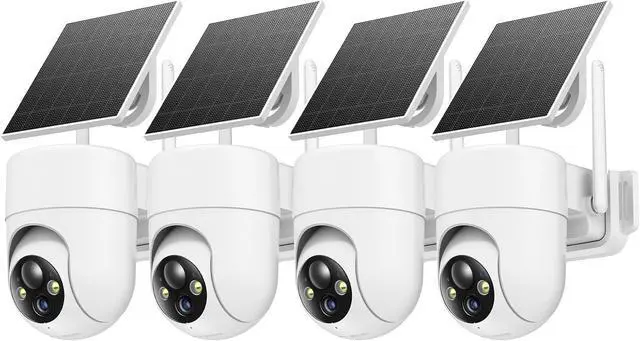
    Oculview 2K Solar Security Cameras Wireless Outdoor, 4PCS Outdoor Camera Wireless with 360° View, Cameras for Home Security with Color Night Vision, Only Support 2.4GHz Wi-Fi, 4 Pack, White

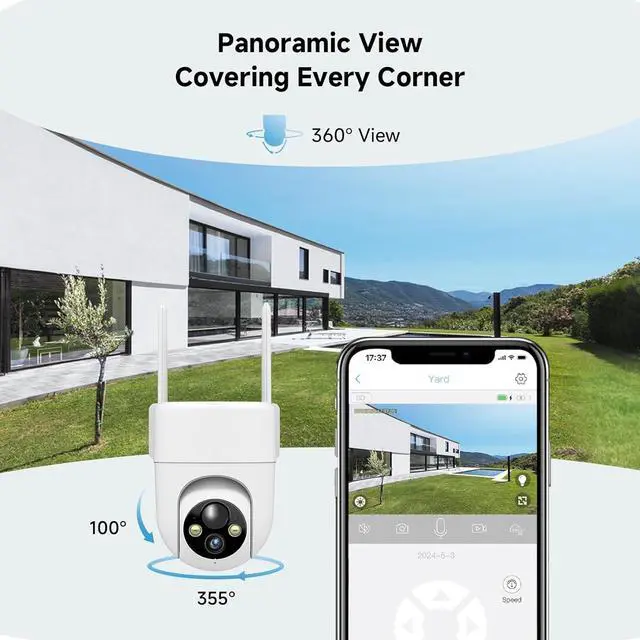
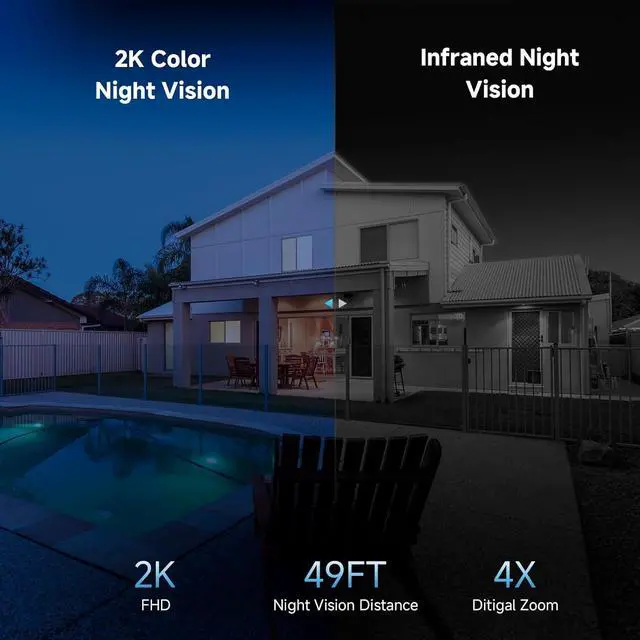
    • 2K HD & 360° View Outdoor Camera Capture every detail with stunning clarity in ultra-clear 2K resolution, ensuring nothing escapes your attention. Rotate the 4 Pack home security cameras for a 360° Panoramic View and 4x digital zoom, providing comprehensive coverage with no blind spots for enhanced home security. Note: the camera ONLY support 2.4GHz wifi. 5GHz wifi is not supported
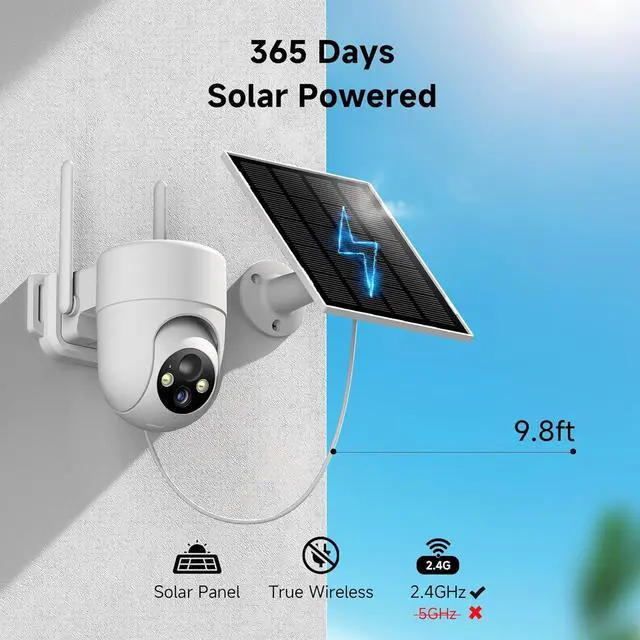
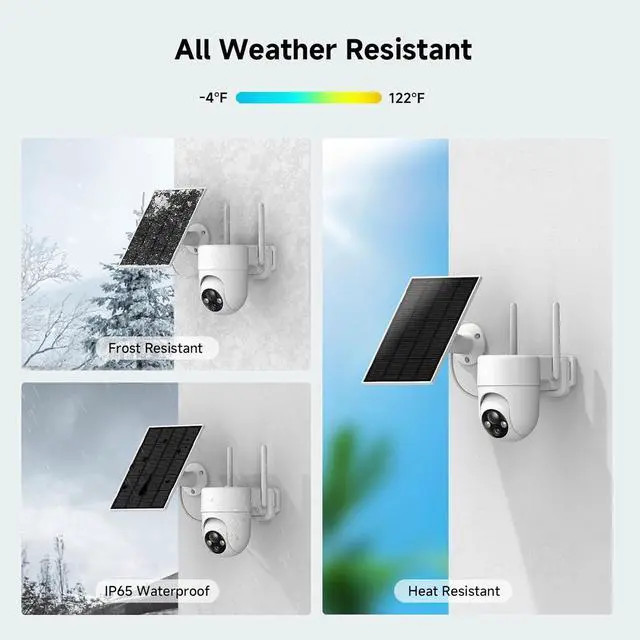
    • Solar/Battery Power & True Wireless Equipped with a solar panel and rechargeable battery, this outdoor wireless camera ensures uninterrupted power, operating stably for 365 days. Install this solar camera outdoor wireless wherever you need, with its IP65 waterproof rating ensuring durability against rain, snow, and harsh elements. Say goodbye to frequent charging and complicated wiring
    • Easy to Install & Setup via Ubox App 4 Pack Outdoor security cameras let you experience the convenience of a 5-minute installation with its compact size. Install in any location in just 3 simple steps (Requires the Ub
    +
    +
    Overview
    Specs
    Reviews
    avatar

    Any questions? Our AI beta will help you find out quickly.

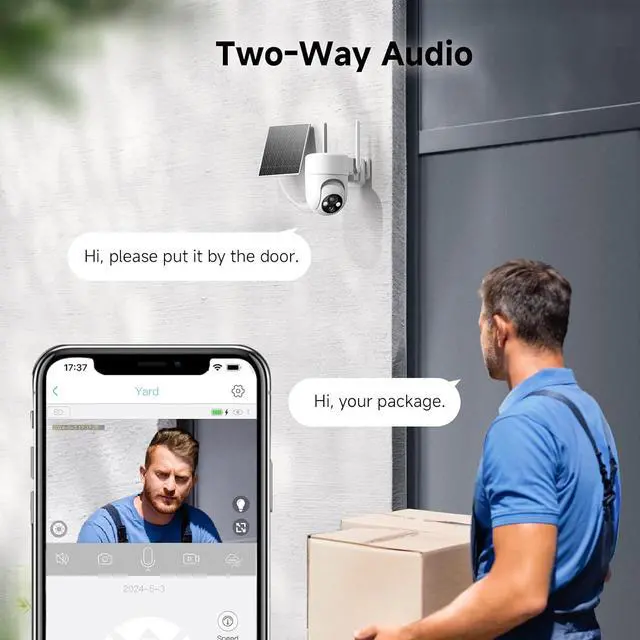
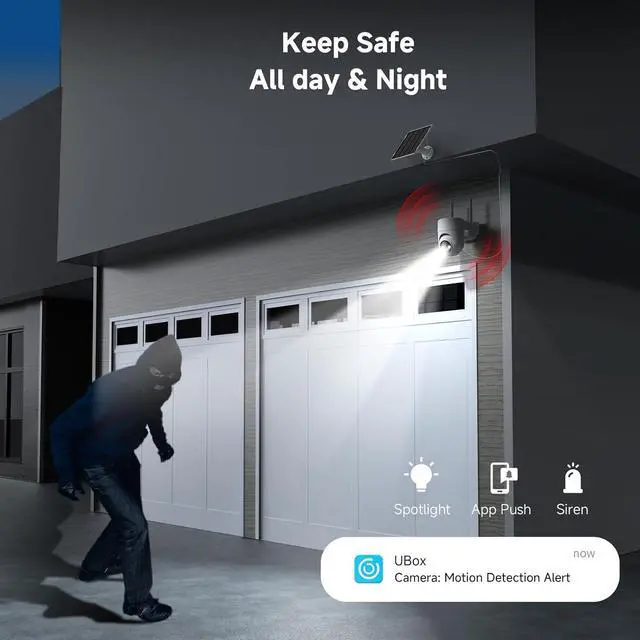
    1360° View22K Ultra FHD33 Alarm Types4Color Night Vision1Easy to Setup22-Way Audio3Family Share4How to Install Is a WiFi connection mandatory for this camera to work?
    Yes. A 2.4GHz WiFi network is absolutely REQUIRED for the initial setup, live streaming, and receiving alerts. This camera does not function as a standalone, non-connected recording device.

    My camera wont connect to the app. How to fix it?
    1. Check power (indicator on).
    2. Update Ubox App to the latest version.
    3. Enable location & Bluetooth on your phone.
    4. Try "Reconfigure Network" in-app.
    5. Reset by holding reset button 10s till light flashes if failed, retry setup.

    What to do if the camera does not recognize the Memory Card?
    Ensure that you insert the Memory Card correctly, checking that the insertion direction and position are correct
    Reinsert the Memory Card--Power off camera, reinsert the Memory Card into the slot in the correct orientation, then power on the camera

    The camera goes offline or has a weak signal. What can I do?
    1. Ensure the camera is within strong 2.4GHz WiFi range.
    2. Disable router "AP/Client Isolation".
    3. Restart the camera and router.
    4. Factory reset (hold reset button 10s) and re-install via Ubox App.

    How do I perform a factory reset?
    Locate the reset button (small hole), use a pin to press and hold for about 10 seconds until you hear a voice prompt or see the indicator light flash rapidly. This will erase all settings and allow you to set up the camera as new.

    Is a WiFi connection mandatory for this camera to work?
    My camera wont connect to the app. How to fix it?
    What to do if the camera does not recognize the Memory Card?
    The camera goes offline or has a weak signal. What can I do?
    How do I perform a factory reset?

    Warranty & Returns

    Warranty, Returns, And Additional Information

    Warranty

    • Please contact the Seller directly for warranty information. Warranty information may also be found on the Manufacturer's website.
    • CONTACT

    Return Policies

    • Return for refund within: 30 days
    • Return for replacement within: 30 days
    • This item is covered by Cloud Sail Return Policy

    Manufacturer Contact Info

    LOADING...