Your Browsing History
Meet Your Seller
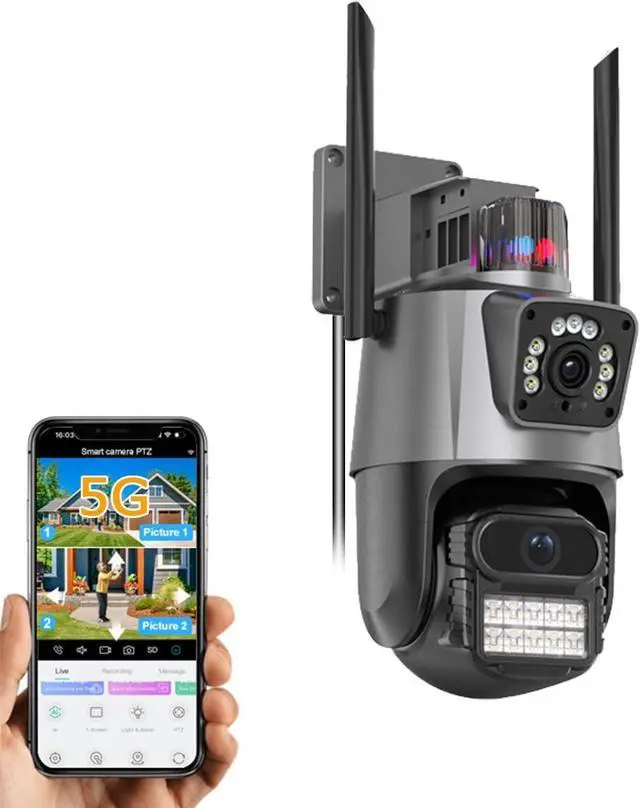
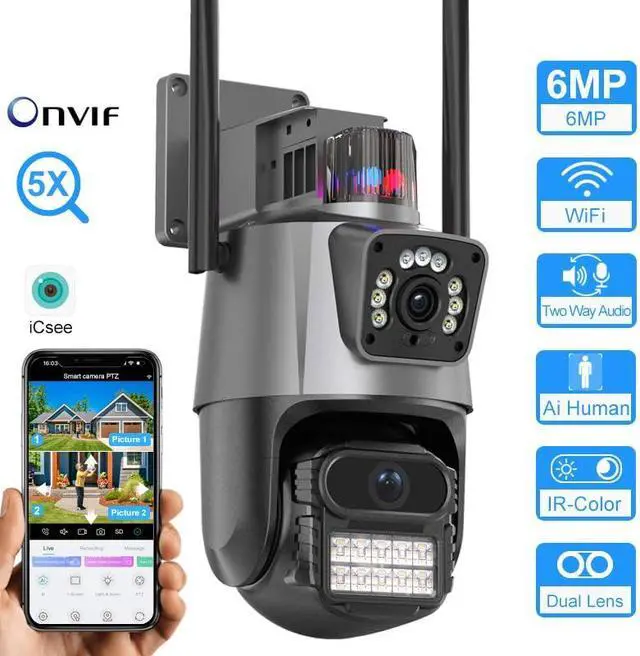
PTZ WiFi Outdoor Security Wireless 2X3MP Dual Lens Linkage Human Detect Pan tilt Digital Zoom Auto Tracking Home Surveillance Camera Two Way Audio Color Night Vision ICsee
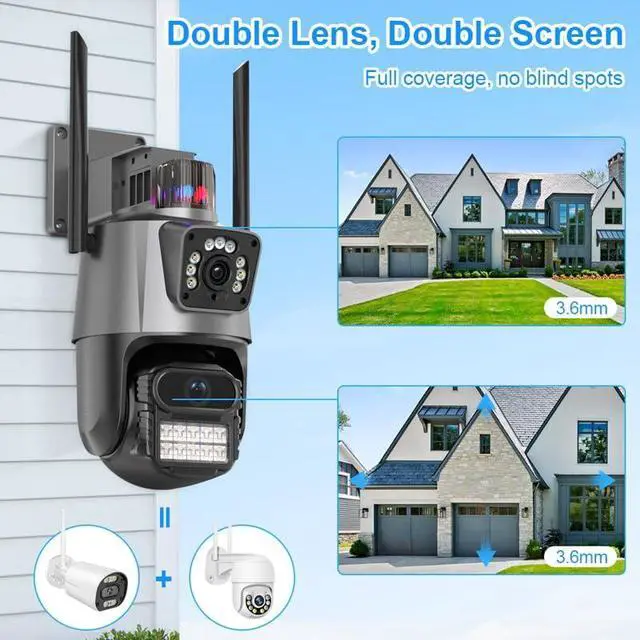
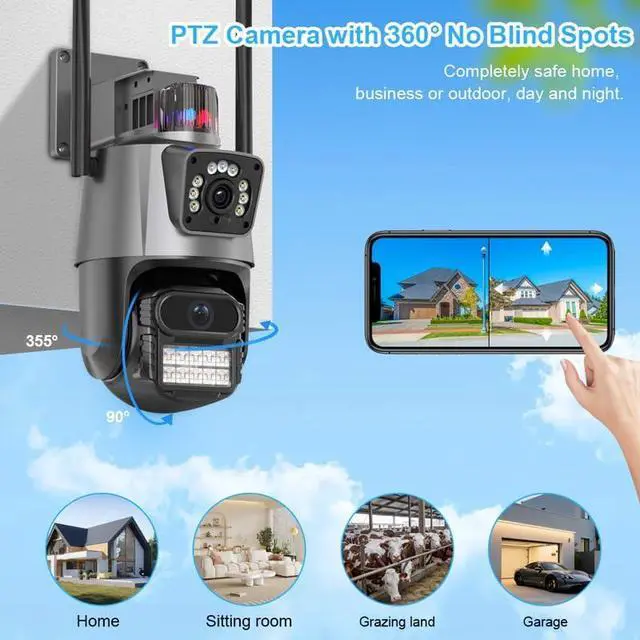
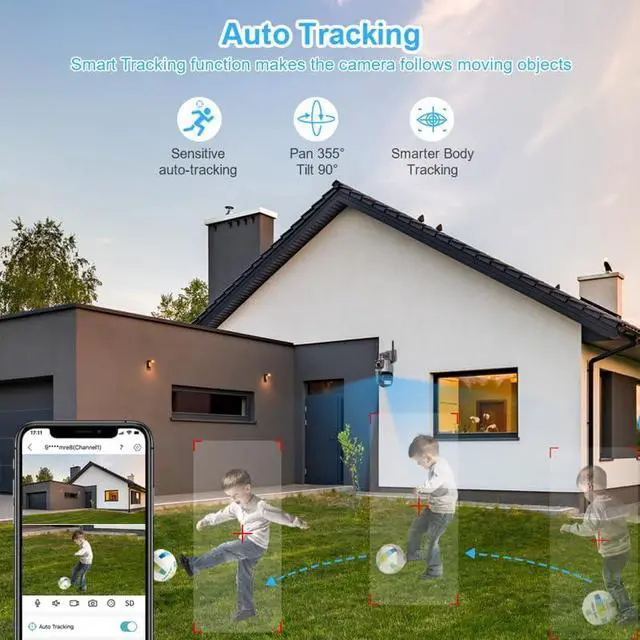
- AI motion detection,Dual Lens LinkageThis smart home security cameras wireless outdoo is built in AI algorithm,triggered by human motion, avoid false alerts from waving leaves, flies, dust, light changing, etc.Once Wifi wireless security camera detects a human motion, it will track the target until it is out of view, and return to default point.Dual Lens display in APP, the upper is fixed lens and the lower is PTZ. Touch a point on the bullet screen, the PTZ lens will quickly locate & lock it.
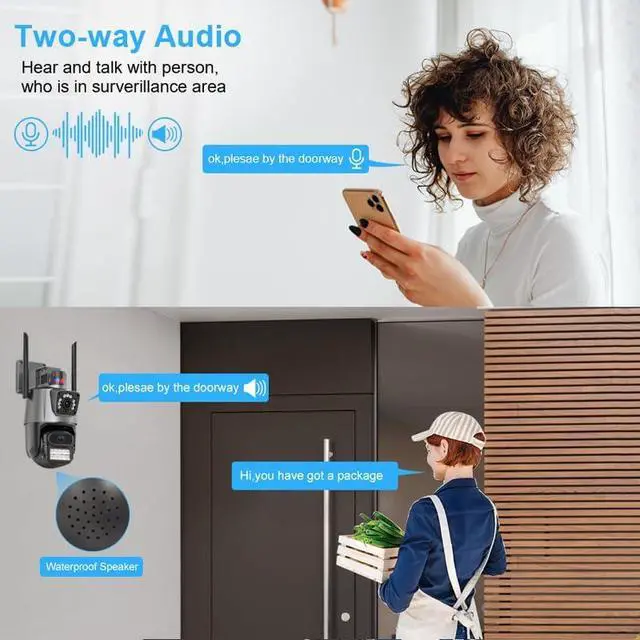
- Once this simplisafe outdoor WiFi surveillance camera detects motions, it will push alert messages to the ICsee phone App, you can always check what is happening, built-in 2-way audio allows you to talk with visitors. This wireless IP PTZ camera will also record all events to the SD card(insert a card first), you can easily playback recordings from the phone ICsee app to check what happened, and download the videos to your phone as proof.
- SDTNOVA PTZ security 360 Camera wireless outdoor is I
+
+
Overview
Specs
Reviews
Any questions? Our AI beta will help you find out quickly.
Try me now
1Multi-platform viewing2SD Card & Cloud Storage3Structure & Size4Support 2.4G & 5G Wi-Fi Can it connect with Non-WiFi? How can i share the camera to others?
Yes, Need to switch AP mode. the AP mode can work without WIFI, but the PTZ control is limited to control within the AP range. You cam share the camera to others via code sharing or account sharing.
The camera asked for a password, but I don't know it?
Long press the reset button for 10s to reset it and connect it again. (the reset button is located on left of SD slot)
The camera shows "Offline", is it damaged?
Maybe it is issue of network connection. Reset the camera and re-connect it. Try changing the image quality to Standard Definition or place the camera closer to the Wifi router.
Can I play videos without subscribing? How to turn off the ads on iCSee?
Yes, you can play back videos without a subscription, just by installing a 256G Micro SD card. In the lower right corner of the iCSee APP home page, Click on"me", and choose "Tool", Slidethe button left to turn off the Ads.
Does it work with NVR or POE?
Yes, it only work with NVR that supports 6MP and above resolution,and you need to buy an extra POE splitter if you want to conect with POE. HTTP Port is 80, RTMP Port is 1935
Support 2.4G & 5G Wi-Fi Can it connect with Non-WiFi? How can i share the camera to others?
The camera asked for a password, but I don't know it?
The camera shows "Offline", is it damaged?
Can I play videos without subscribing? How to turn off the ads on iCSee?
Does it work with NVR or POE?

Yes, Need to switch AP mode. the AP mode can work without WIFI, but the PTZ control is limited to control within the AP range. You cam share the camera to others via code sharing or account sharing.
The camera asked for a password, but I don't know it?
Long press the reset button for 10s to reset it and connect it again. (the reset button is located on left of SD slot)
The camera shows "Offline", is it damaged?
Maybe it is issue of network connection. Reset the camera and re-connect it. Try changing the image quality to Standard Definition or place the camera closer to the Wifi router.
Can I play videos without subscribing? How to turn off the ads on iCSee?
Yes, you can play back videos without a subscription, just by installing a 256G Micro SD card. In the lower right corner of the iCSee APP home page, Click on"me", and choose "Tool", Slidethe button left to turn off the Ads.
Does it work with NVR or POE?
Yes, it only work with NVR that supports 6MP and above resolution,and you need to buy an extra POE splitter if you want to conect with POE. HTTP Port is 80, RTMP Port is 1935
Support 2.4G & 5G Wi-Fi Can it connect with Non-WiFi? How can i share the camera to others?
The camera asked for a password, but I don't know it?
The camera shows "Offline", is it damaged?
Can I play videos without subscribing? How to turn off the ads on iCSee?
Does it work with NVR or POE?
Warranty & Returns
Warranty, Returns, And Additional Information
Warranty
- Please contact the Seller directly for warranty information. Warranty information may also be found on the Manufacturer's website.
- CONTACT
Return Policies
- Return for refund within: 30 days
- Return for replacement within: 30 days
- This item is covered by Cloud Sail Return Policy
Manufacturer Contact Info
- For a directory of all our manufacturers, please click below.
- Manufacturers Directory
LOADING...