• $135.99
  • Free 30-day Returns
  • Sold by Cloud Sail

    Shipped by Cloud Sail

    Price alert
    Shop it at NeweggBusiness.

    Meet Your Seller

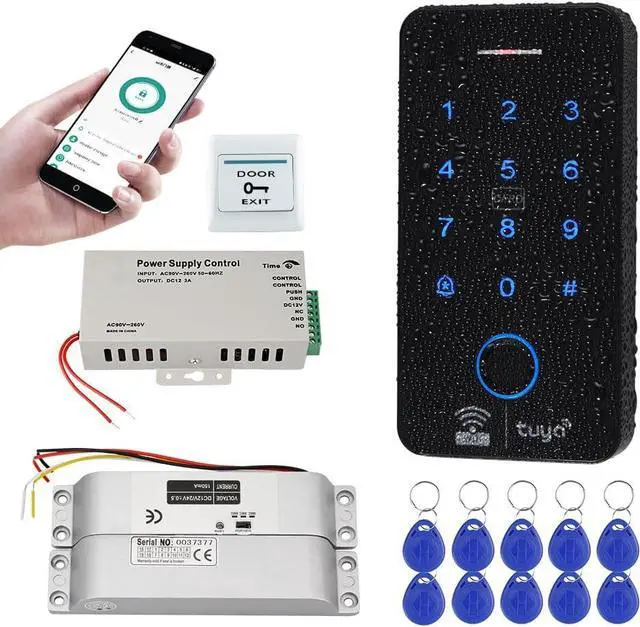
    Fingerprint WiFi Tuya Access Control System Kit with Electric Drop Bolt Lock, IP68 Biometrics Access Control Keypad 125KHz 13.56MHz + 10PCS RFID Key fobs, Smart APP Remote Unlock

    • Waterproof DesignIP68-rated waterproof construction, can be used indoors and outdoors. Made of high quality plastic, touch screen panel. Has backlight, work indicating light, very convenient to use even at dark
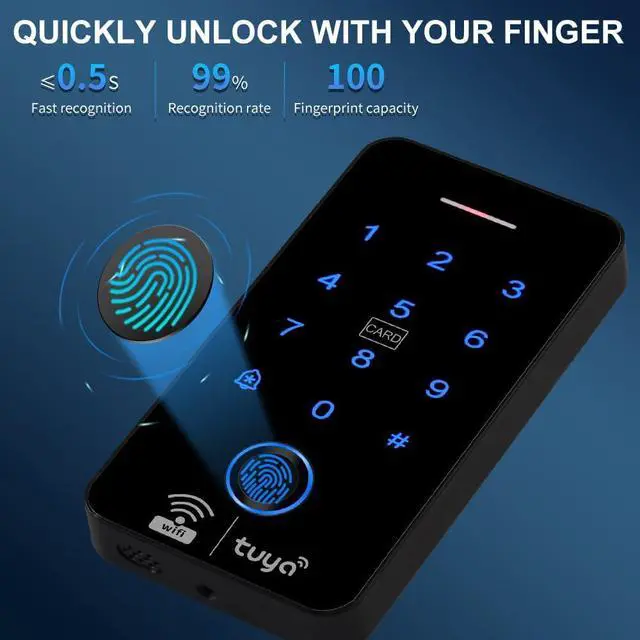
    • Dual FrequencySupports 100 fingerprints and 8000 RFID card large user capacity. Working with 125KHz and 13.56MHz dual frequency, compatible with both RFID EM ID and IC cards. Can set Management cards, easy to program!
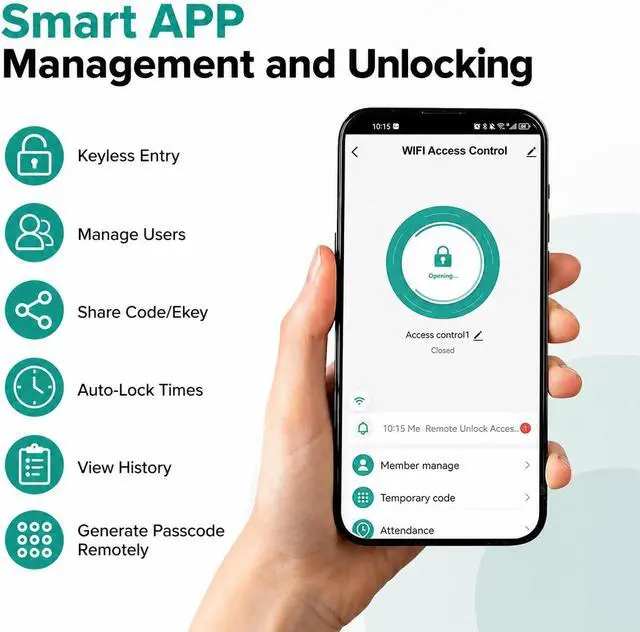
    • Wifi Tuya Smart App Remote ControlWiFi Tuya Smart APP support for remote unlocking, user management, and access records viewing at anytime anywhere. It's very convenient! No need to connect to a computer, No monthly fees
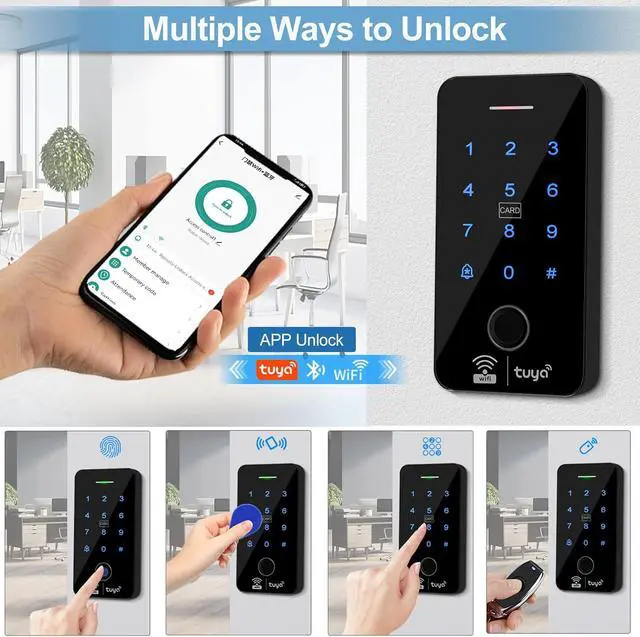
    • 5 Multiple Ways to UnlockOffers multiple verification modes including Smartphone Tuya application, Fingerprint, RFID card, Password, and RFID card plus password combinations. Simple to use, no longer worry about forgetting mechanical keys when you go out, make your life safer and more convenient!
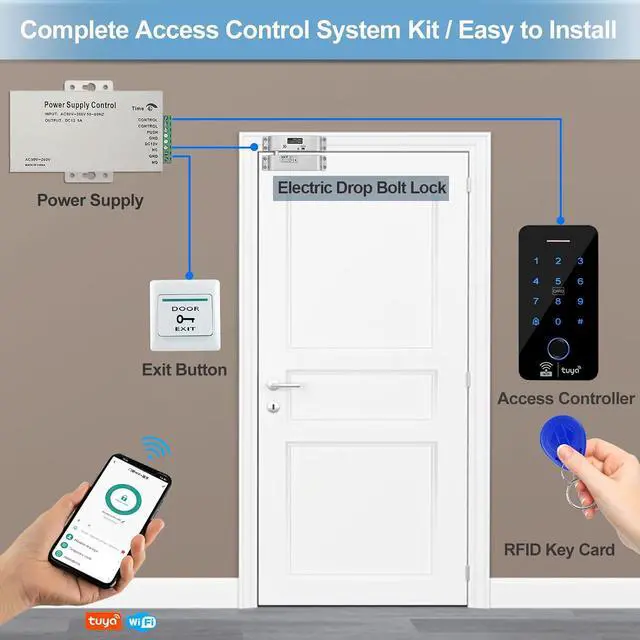
    • Easy InstallationA complete set
    +
    +
    Overview
    Specs
    Reviews
    avatar

    Any questions? Our AI beta will help you find out quickly.

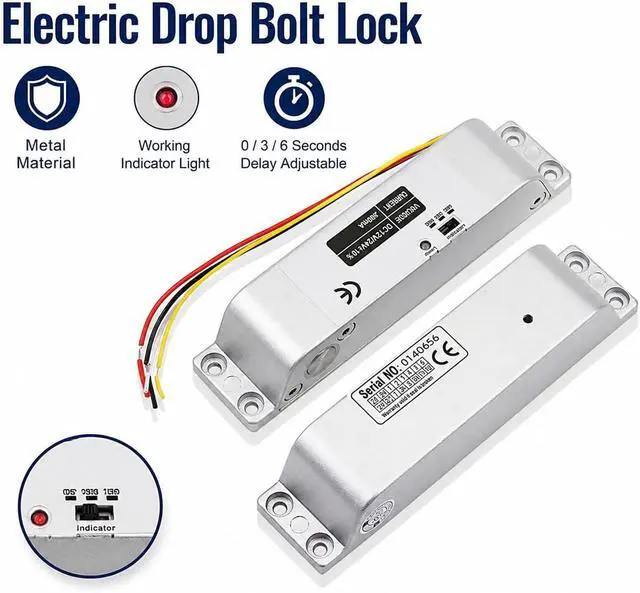
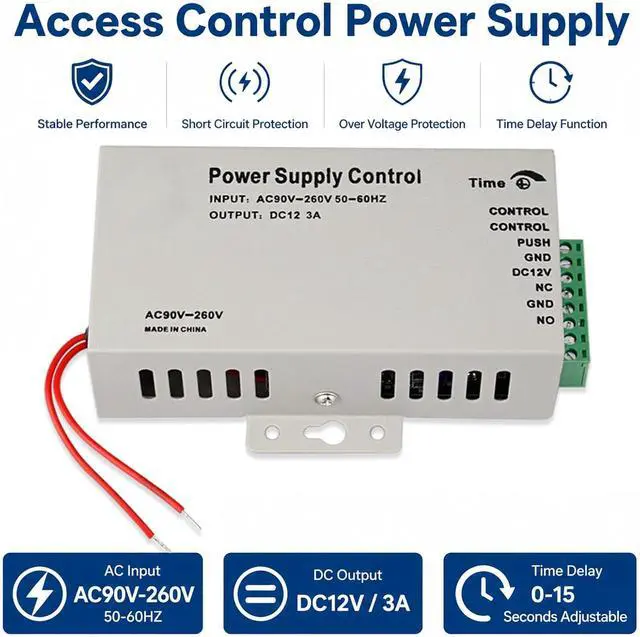
    1Electric Drop Bolt Lock2DC12V 3A Power Supply3Suitable for Door Type4Easy installation5Package Includes WiFi Tuya Smart APP support for Remote Unlocking, User Management, and Access Records Viewing at anytime anywhere. It's very convenient! No need to connect to a computer, No monthly fees
    Wiring Diagram 1) Connect 4 Cables of Access Controller to Power Supply: 12V (red cable) to +12V; GND (black cable) to GND ; NO/PUSH (yellow cable) to PUSH ; COM (grey cable) to GND
    2) Connect the cables of Electric Drop Bolt Lock to the Power supply: Red cable to NC, black cable to GND, no need to connect yellow and white cables.
    3) Connect the Door exit button to PUSH, GND of the Power supply.
    4) Connect the cables of the DC12V power supply to your AC Power.
    The video showcases the product in use.The video guides you through product setup.The video compares multiple products.The video shows the product being unpacked. How to Add Tuya Smart APP?

    1) Search "Tuya Smart" in App store to download it.
    2) Turn on Tuya APP, mobile phone Wifi and bluetooth
    3) Enter # * 123456 # 68 # on the access control keypad, Click "Add Device'
    4) Enter the WiFi password, Click "Next"
    5) Click "Done'
    WiFi Tuya Smart APP Remote Control and Management Easy Wiring How to add Tuya APP Instructions for the Tuya APP

    Warranty & Returns

    Warranty, Returns, And Additional Information

    Warranty

    • Please contact the Seller directly for warranty information. Warranty information may also be found on the Manufacturer's website.
    • CONTACT

    Return Policies

    • Return for refund within: 30 days
    • Return for replacement within: 30 days
    • This item is covered by Cloud Sail Return Policy

    Manufacturer Contact Info

    LOADING...