Your Browsing History
Meet Your Seller
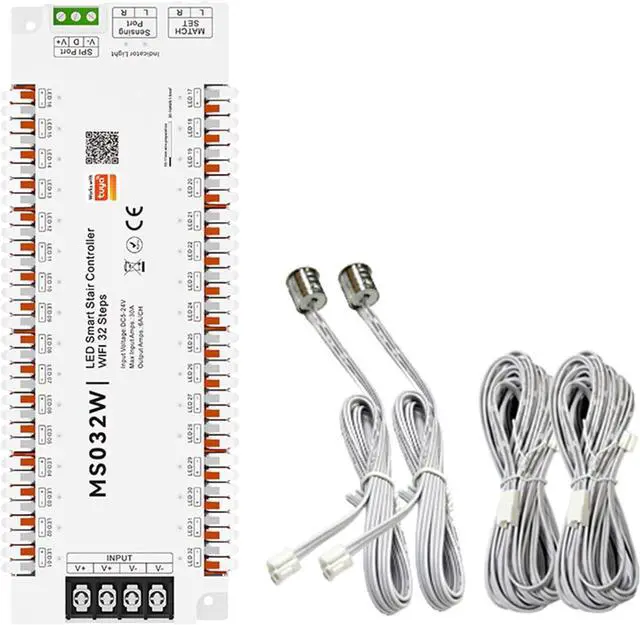
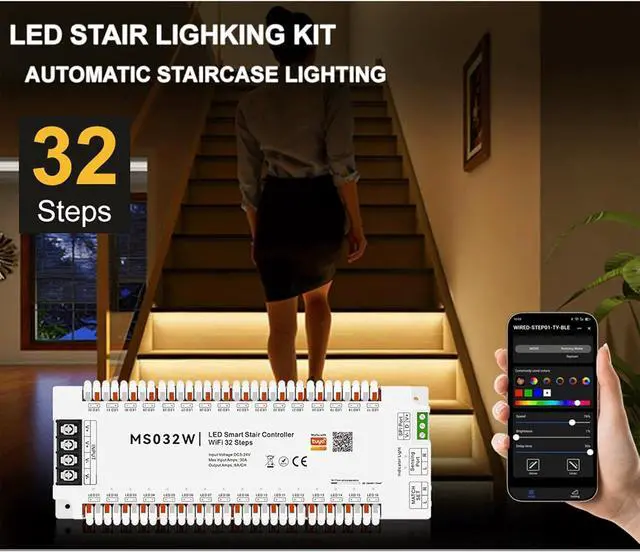
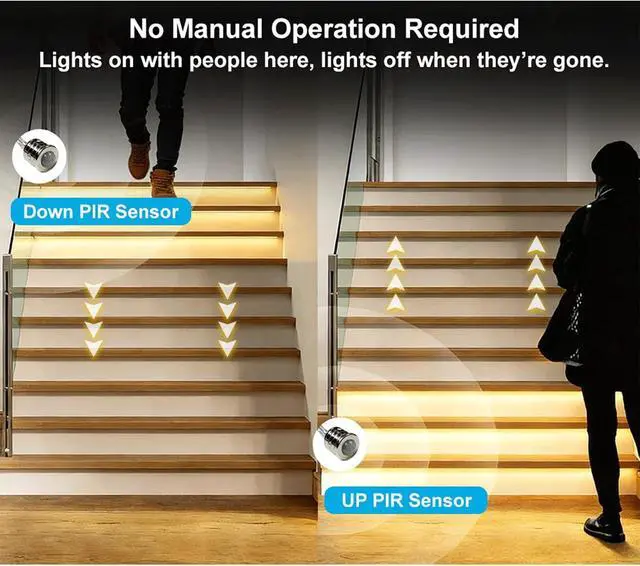
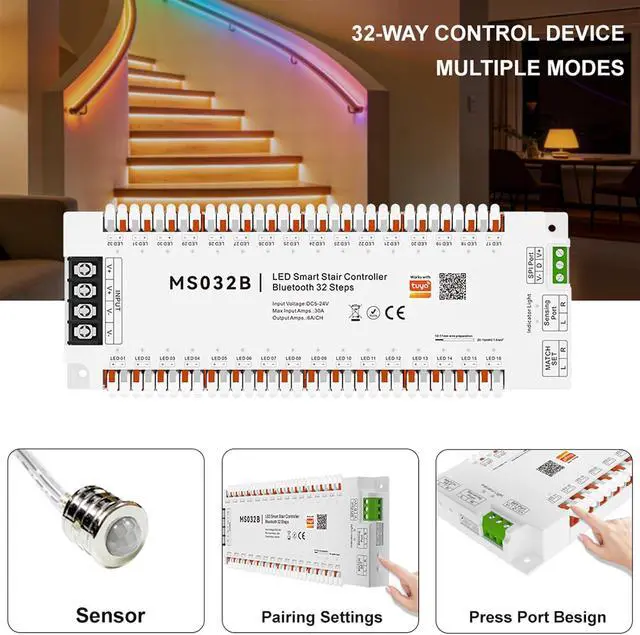
Tuya Smart APP WiFi Home Stairway Lighting Strip LED Motion Sensor Automatic Controller Kit 12V 24V 32 Channels (Wi-Fi)
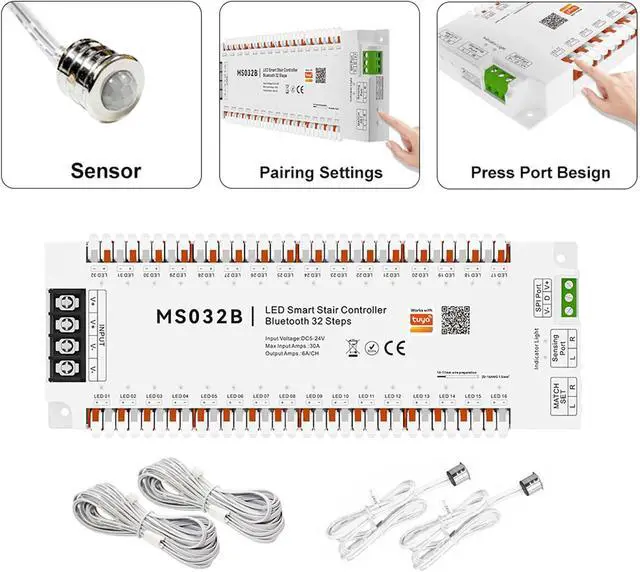
- 3. Equipment reset (factory reset) Press and hold any one of the R/L keys for 10 seconds After the indicator light is completely off, let go, the device clears the WiFi and sensor matching data, and returns to its initial state.
+
+
Overview
Specs
Reviews
Any questions? Our AI beta will help you find out quickly.
Try me now
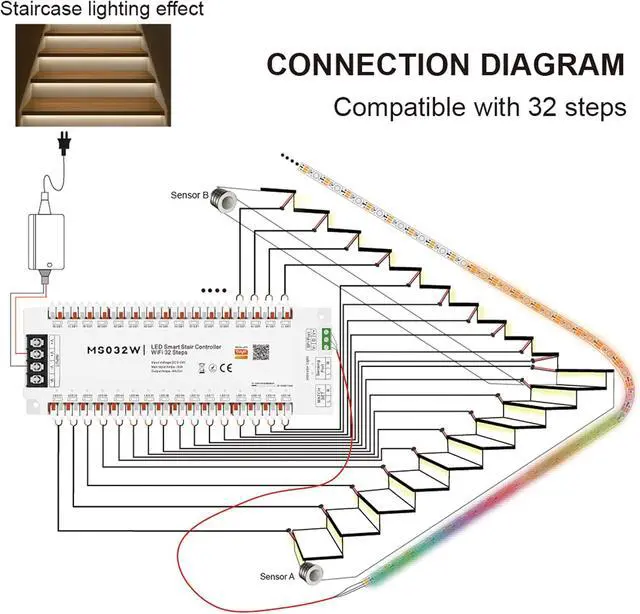
1. Wireless sensor pairing (R/L channel distinction) Pairing R channel: Press and hold the R key for 3 seconds; pairing L channel: press and hold the L key for 3 seconds After the indicator light flashes quickly, let go and press the sensor pairing button to complete the pairing 2. Mobile APP distribution network Press and hold any one of the R/L keys for 5 seconds Let go when the indicator light flashes slowly, the device enters the distribution network state, and press the APP prompt to operate.
Warranty & Returns
Warranty, Returns, And Additional Information
Warranty
- Please contact the Seller directly for warranty information. Warranty information may also be found on the Manufacturer's website.
- CONTACT
Return Policies
- Return for refund within: 30 days
- Return for replacement within: 30 days
- This item is covered by Cloud Sail Return Policy
Manufacturer Contact Info
- For a directory of all our manufacturers, please click below.
- Manufacturers Directory
LOADING...