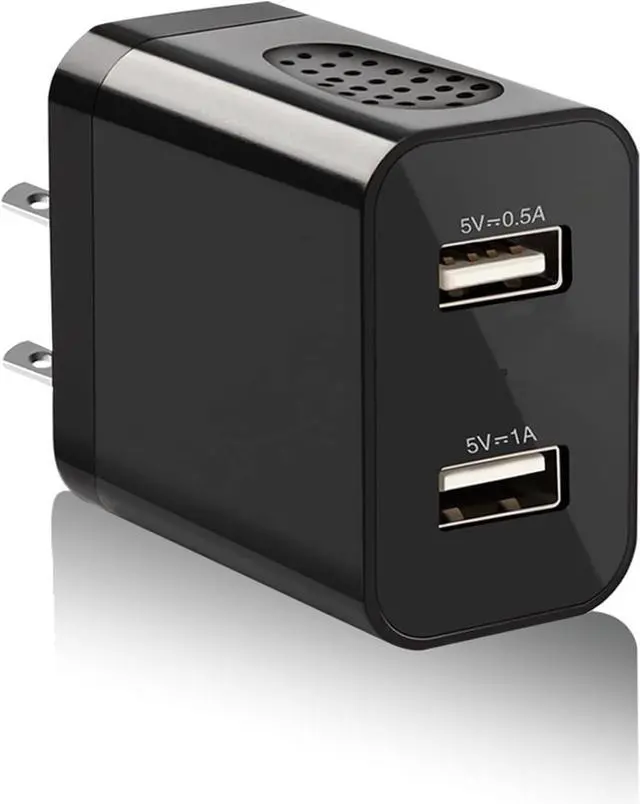
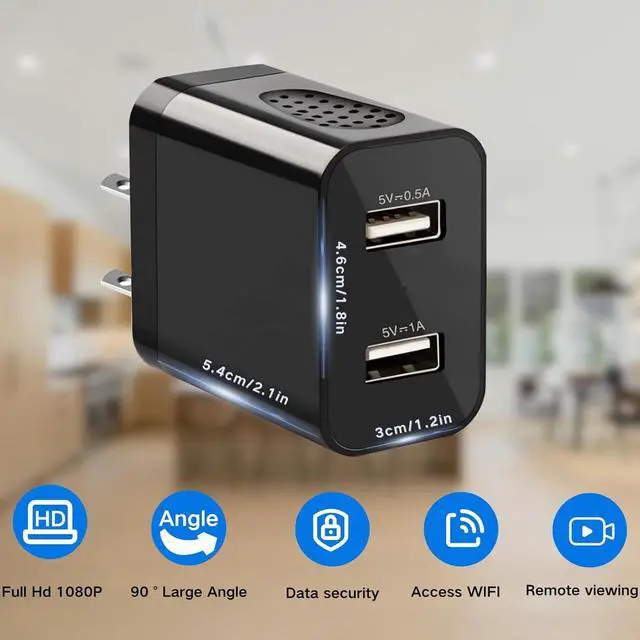
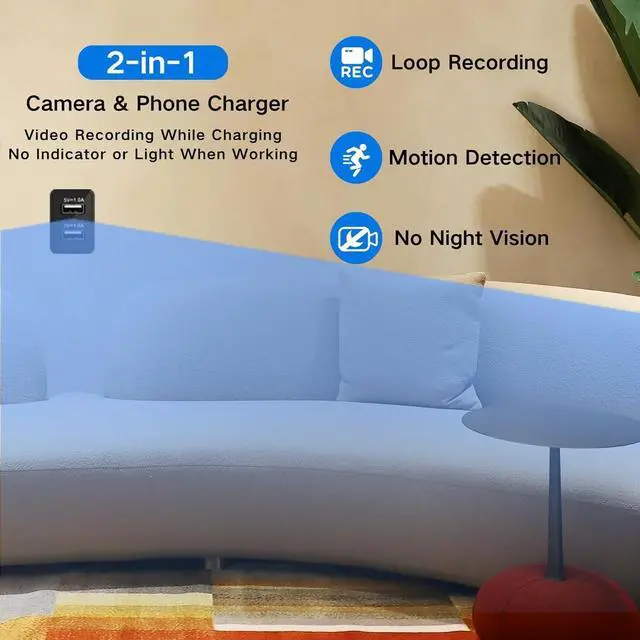
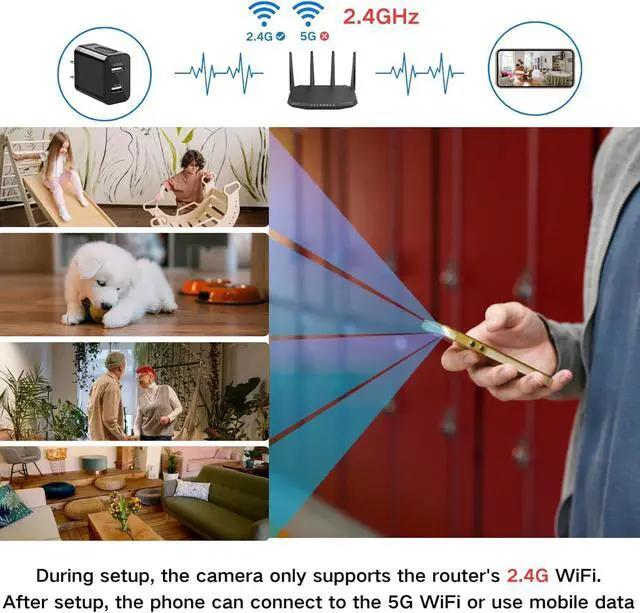
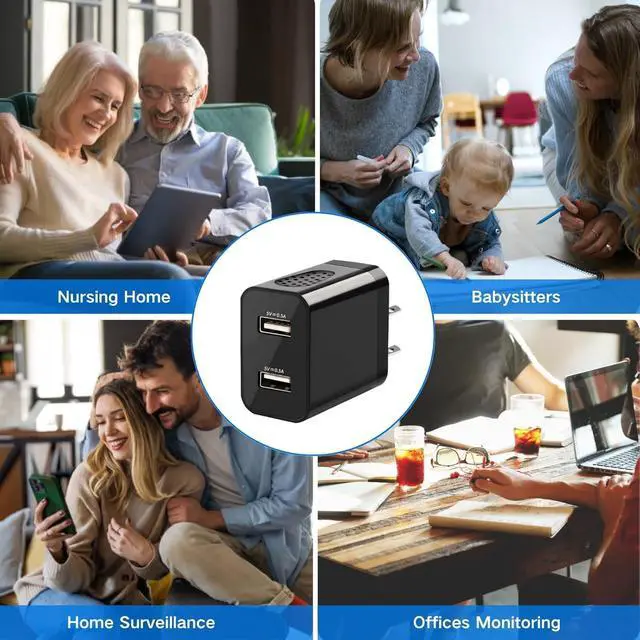
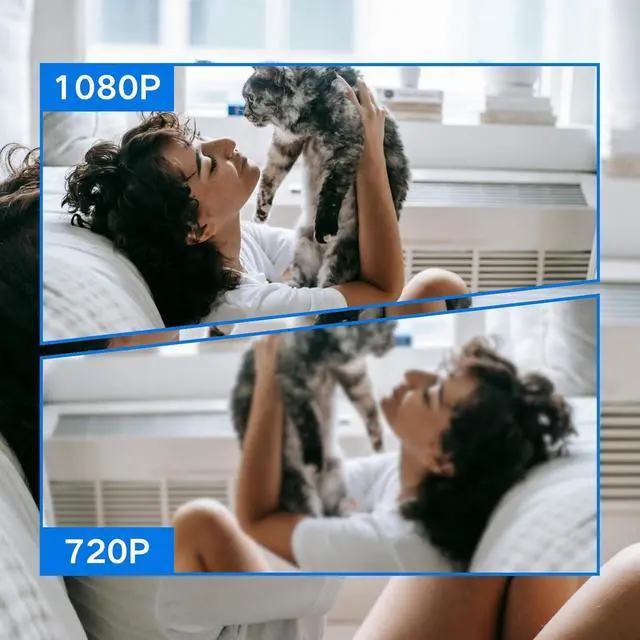
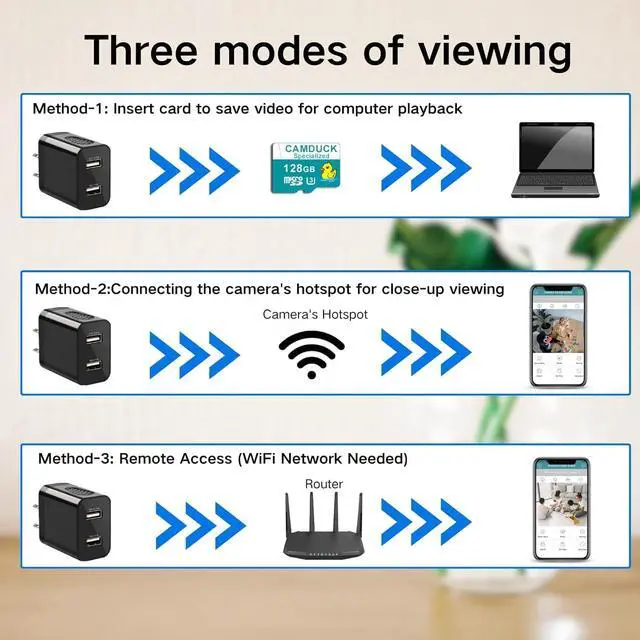
It is: (1) Real mobile phone charger adapter. (2) 1080P HD wireless camera with remote viewing function. Main features: 1080P HD nanny CAM 90° wide Angle Compatible with 2.4Ghz WIFI nanny cameras H.264 format - Save more videos (Max 128GB TF card - Store 20 days of video) Motion detection and loop operation model No night vision, can work in low light. One phone can control up to eight cameras at the same time supports mobile iOS and Android operating systems CAM works in three modes: CAM automatically records and saves to SD after starting up, without any network, you need to take out an SD card to view through the computer; CAM itself will send out a WIFI signal, the mobile phone connects to the WIFI signal, you can always view the CAM monitoring screen, but this connection method is only suitable for short distances, open distance within 30 meters; CAM is connected to the Internet without any distance limit, and the mobile phone can monitor the CAM monitoring picture in real time anywhere in the world. So even if there is no WIFI network, it can be connected through the SD card or the WIFI signal of the CAM itself. About connection issues: Requires permission to allow notifications, location, Bluetooth and access to the network. If Connect Failed or Connect is off is displayed during the connection process, perform the following steps to rectify the fault: 1, the selected WIFI signal is unstable (if it is public WIFI, there will be no Internet) 2, enter the wrong WIFI password. 3, During the configuration of the network, the distance between the mobile phone, CAM and WIFI is too far. (During the configuration of the network, the distance between the mobile phone, CAM and WIFI device should be controlled within 2 meters, and there is no barrier between CAM and WIFI device.) 4. Check whether your phone is connected to the Internet. (Some phones don't actively switch networks) 5. Restore the CAM to factory Settings, exit the APP, and try again after a few minutes. 6, the above methods have not been solved or which step will not operate, you can contact our after-sales personnel to solve the problem for you. After the CAM is turned on, the red and blue indicators will be on for 1 minute and then off (the red light blinking indicates that the SD card is not installed, and the long light indicates that the SD card is working; The blue light blinking indicates that the connection to the APP is not successful, and the blue light long on indicates that the connection has been successful, which can be monitored remotely in real time), and the CAMDUCK signal automatically disappears and no longer searches. There will be no indicator light displayed during the recording, so no one will know it is a surveillance CAM. Note: 1. During the setup process, the camera only supports 2.4G WiFi of the router, and after the setup is complete, the phone can connect to 5G WiFi or use mobile data. 2. The CAMDUCK app only works on mobile phones, not ipads and computers





 here!
here!