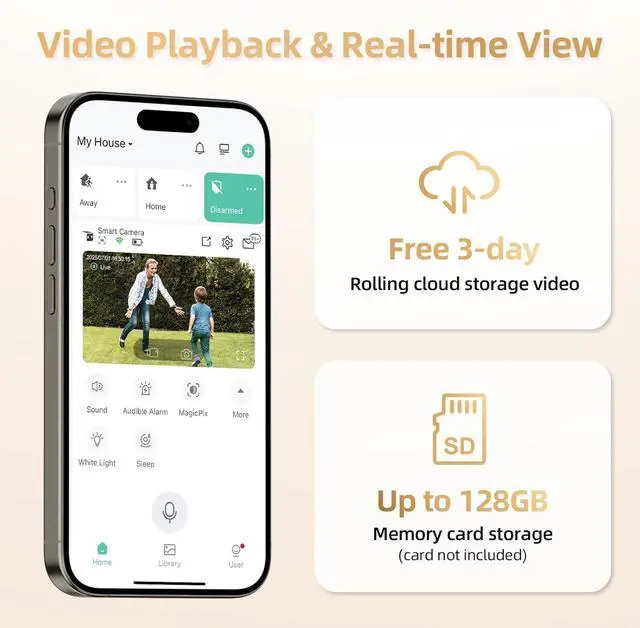
How do I claim my free cloud storage for my WiFi camera?
Access free 3-day rolling cloud storage via the VicoHome App.
Navigate to Camera Settings > Cloud Service > Redeem.
Feel free to let us know if any issues come up.
Why does it only show pictures and no video?
You can manually claim free cloud storage, or insert an SD card for local storage, to access your videos.
Feel free to let us know if any issues come up.
Why does my security camera still need to be charged?
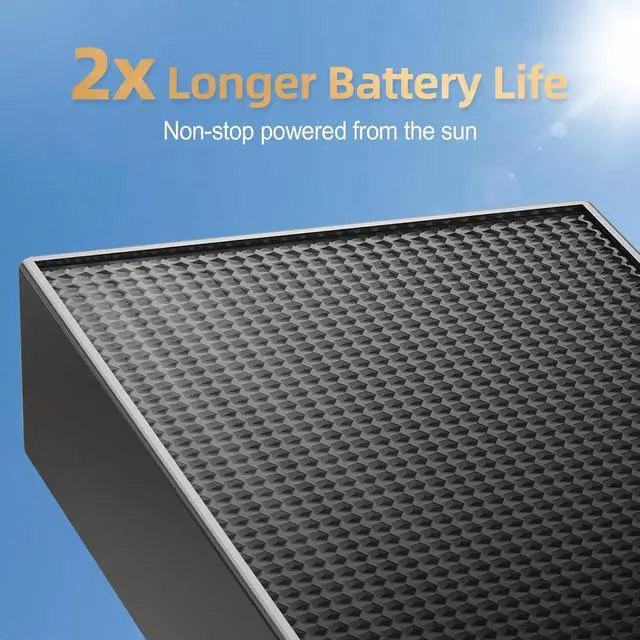
A full charge handles 4000 PIR activations. Solar extends battery life, but its trickle charge cant maintain high power with low sunlight or fast drain.
Adjust settings and avoid heat sources to also extend life.
Let us know if any issues come up.
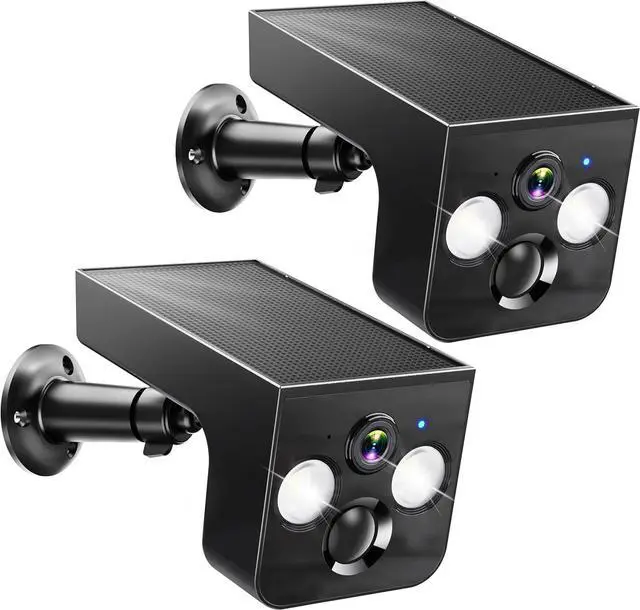
What's the best location to install the solar panel camera?
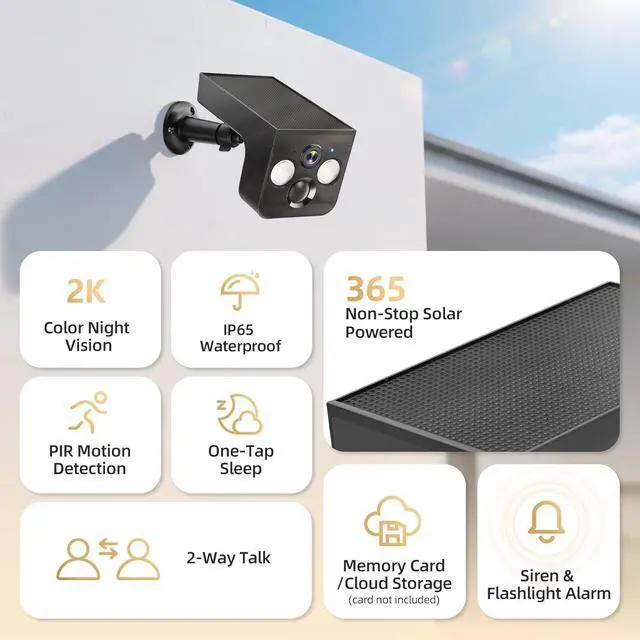
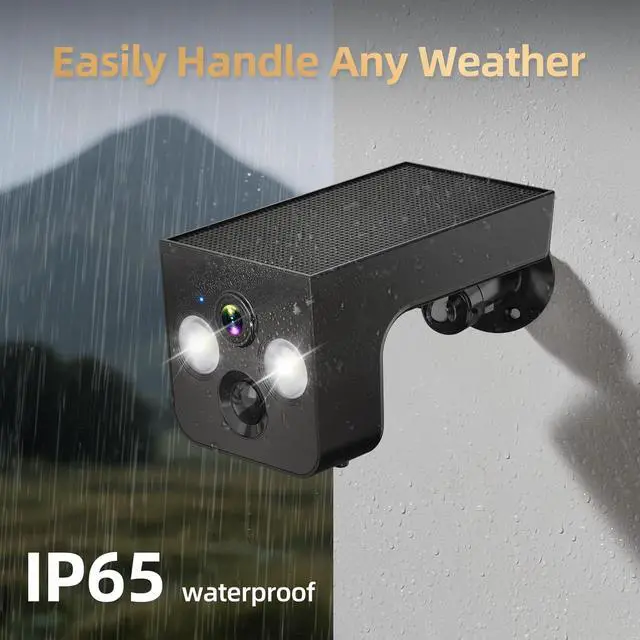
For optimal solar efficiency, install the camera in a sunlit area, tilted 15 degrees downward. Avoid heat sources and air vents.
If theres unusual power drain, please provide the serial number (SN) for support with troubleshooting.
Lasts and Lasts, Day by Day Connect Camera & Access App Settings Connect App with camera Instant Alerts at Your Fingertips Only Support 2.4GHz WiFi, 5G is Not Supported. Is this solar outdoor camera compatible with 5G and support 24/7 continuous recording?
How do I claim my free cloud storage for my WiFi camera?
Why does it only show pictures and no video?
Why does my security camera still need to be charged?
What's the best location to install the solar panel camera?