eufy Security Indoor Cam S350, Dual Cameras, 4K UHD Resolution Security Camera with 8× Zoom and 360° PTZ, Human/Pet AI, Ideal for Baby Monitor/Pet Camera/Home Security, Dual-Band Wi-Fi 6, Plug in
  •  
  • $139.99 
  • $119.99
  • Free 30-day Returns
  • Price alert
    Shop it at NeweggBusiness.

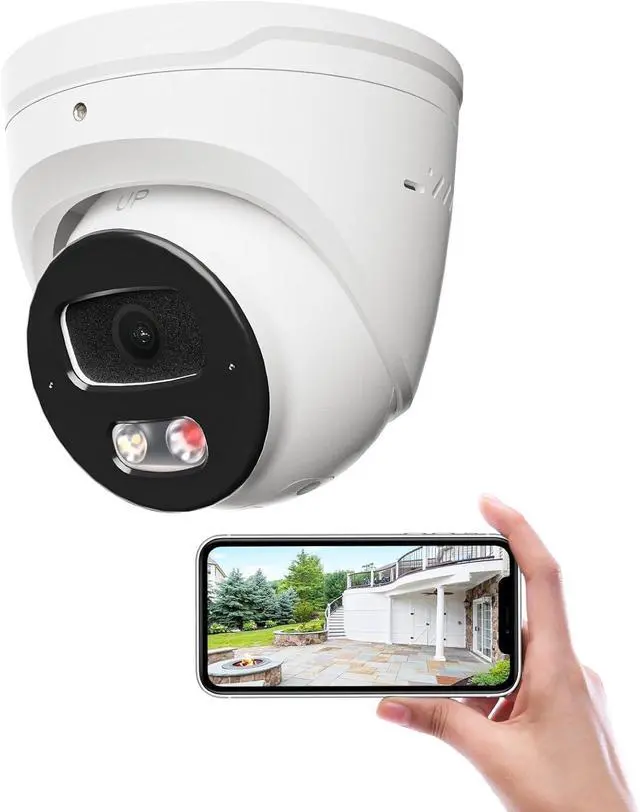
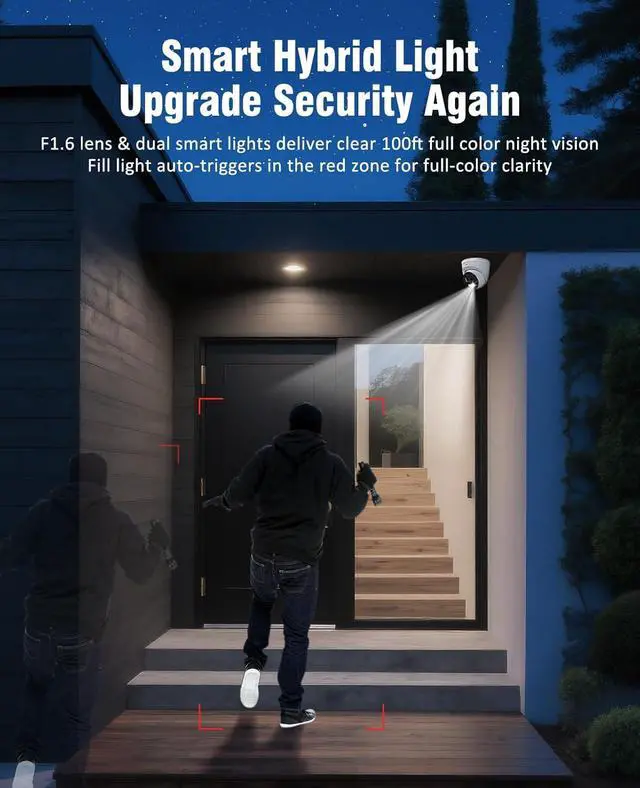
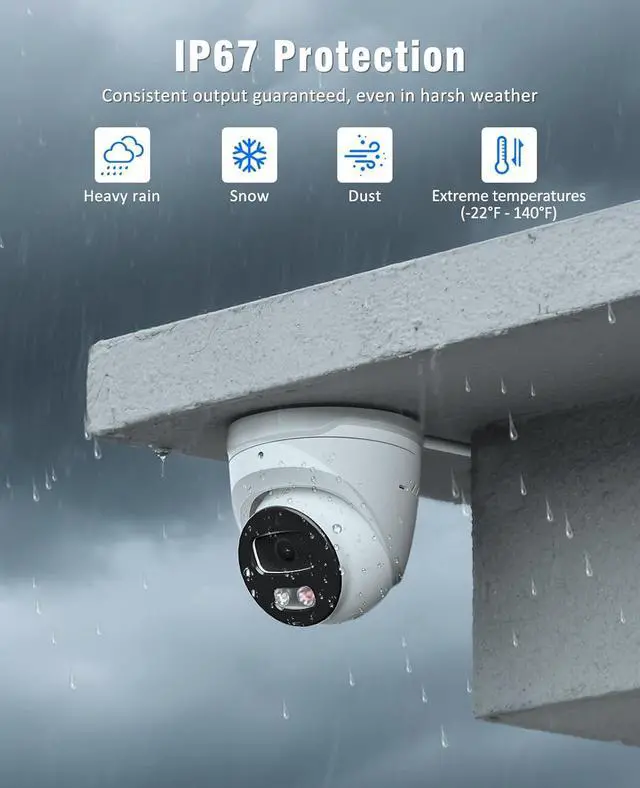
    4K PoE IP Camera Outdoor, 8MP IP Camera with Remote View, 100Ft Full Color Night Vison, 2 Way Talk, No Monthly Fee Security Camera Wired with Motion Detection, IP67, Support 512GB MicroSD

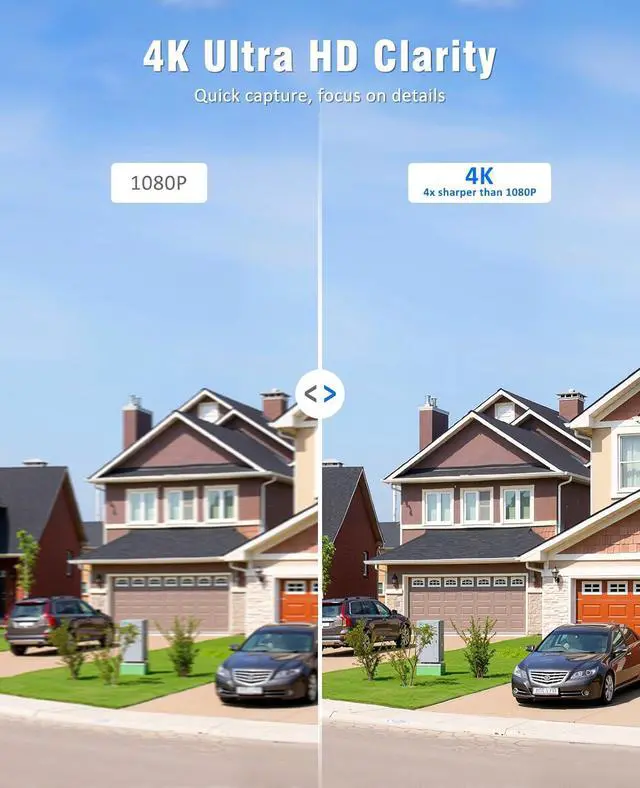
    • 4K Ultra HD Clarity- This outdoor security camera delivers true 4K Ultra HD resolution4x sharper than 1080Pso you wont miss a thing. Crystal-clear imaging captures license plates, facial features, and other fine details with precision, day or night. Perfect for home security, business monitoring, or keeping an eye on large properties, this IP security camera security camera ensures critical footage stays sharp and actionable
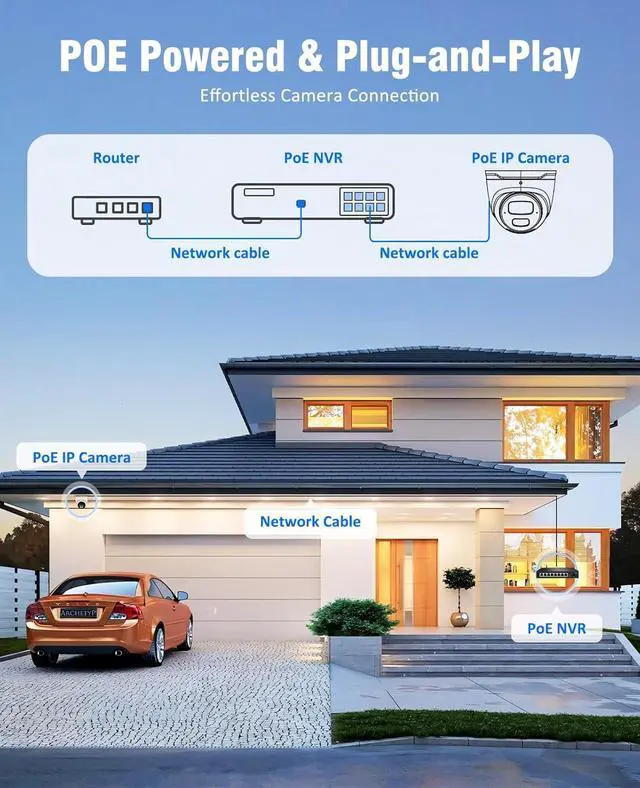
    • Plug & Play POE Power- Just one network cable delivers both power and data (Note: PoE NVR/switch/injector or DC power adapter not included), eliminating messy extra wiring. Enjoy flexible installation and rock-solid reliability with this 4K security cameraperfect for homes, indoor/outdoor use, villas, warehouses, shops, and more
    • 100Ft Full Color Night Vison- Experience crystal-clear 100ft full-color night vision with smart dual lighting that automatically switches between 1 infrared LED for sharp black-and-white imaging and 1 white spotlight for true-c
    +
    +
    Overview
    Specs
    Reviews
    avatar

    Any questions? Our AI beta will help you find out quickly.

    1.Use Power Adapter: Connect the camera to your network router/switch using an Ethernet cable. Separately, connect a compatible 12V DC power adapter (not included) to the camera's power input port and plug it into an electrical outlet.
    2.Use PoE Switch: Connect the camera directly to a compatible PoE (Power over Ethernet) switch port (802.3af/at standard) using a single Ethernet cable. The PoE switch provides both power and network connectivity. Connect the PoE switch to your network router.
    3.Use PoE NVR: Connect the ip camera directly to a PoE port on a compatible Network Video Recorder (NVR) using an Ethernet cable. The PoE NVR provides both power and network connectivity to the camera and records the video feed.
    4.Use Non PoE NVR: The poe ip camera requires separate power, use a compatible PoE switch or a 12V DC power adapter (not included). Connect the powered camera to your network router/switch. Connect the Non-PoE NVR to the same network. The NVR will discover and record the camera over the network.
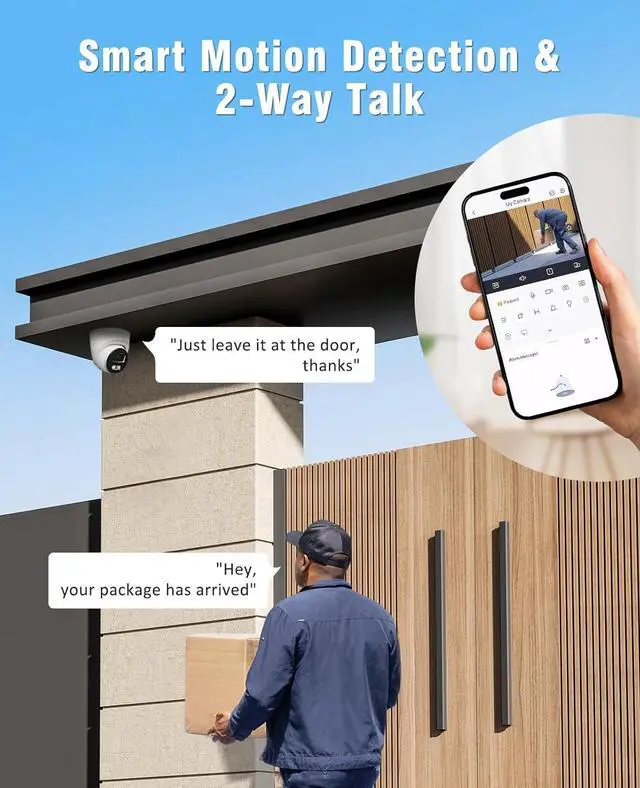
    2-Way Talk 4 Connection Methods (Power Adapter & Cable Not Included)

    Warranty & Returns

    Warranty, Returns, And Additional Information

    Warranty

    • Please contact the Seller directly for warranty information. Warranty information may also be found on the Manufacturer's website.
    • CONTACT

    Return Policies

    Manufacturer Contact Info

    LOADING...