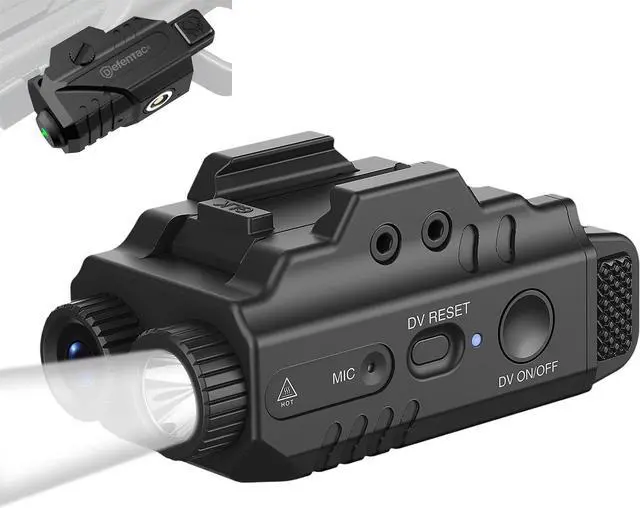
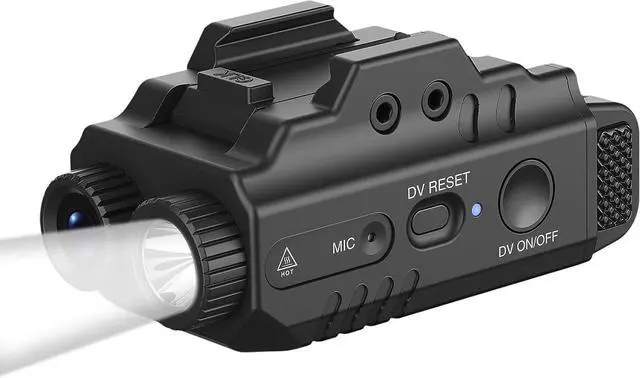
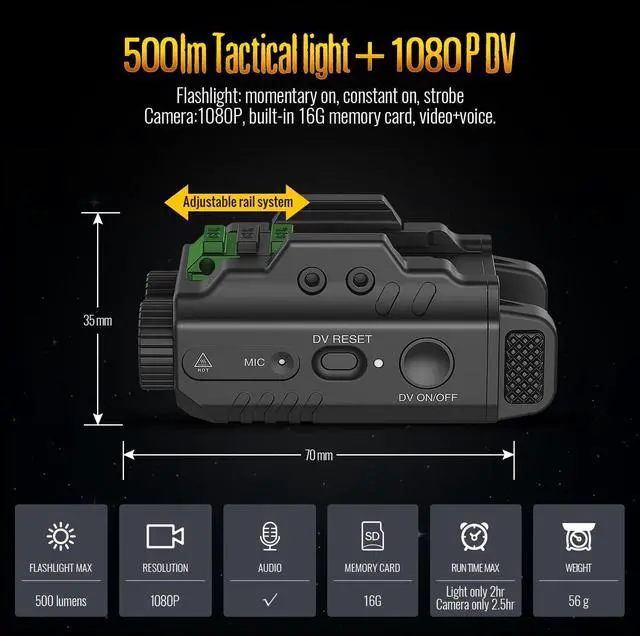
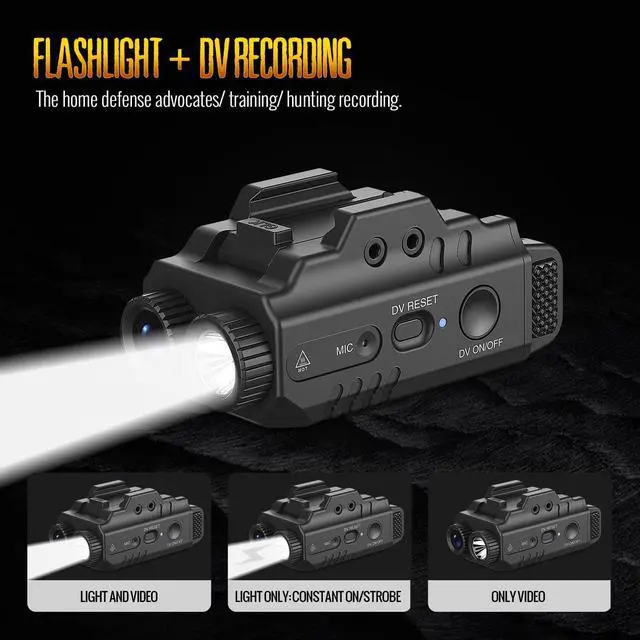
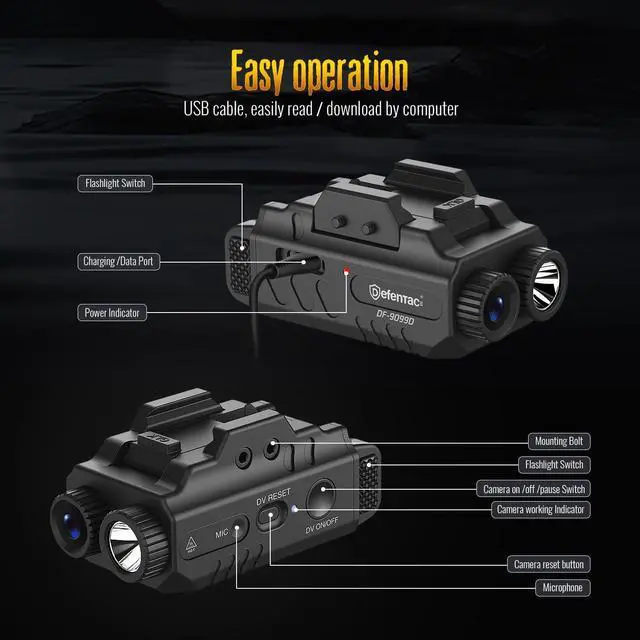
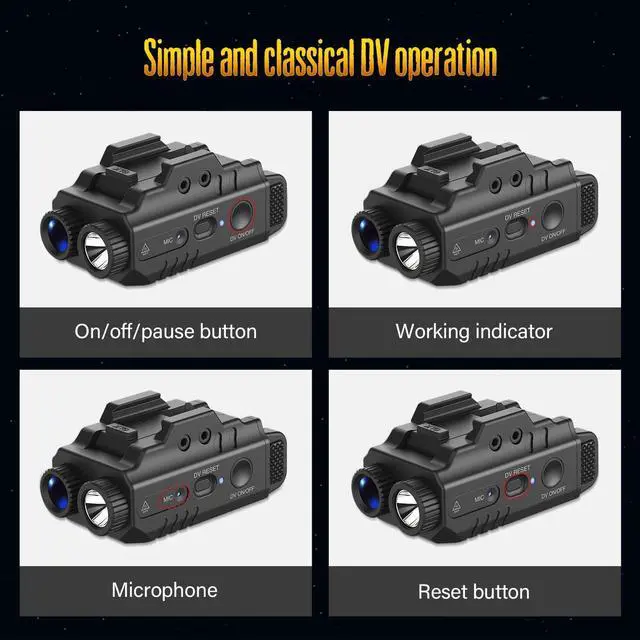
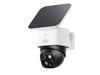
Camera Operation (1)On/ Off: Press and hold the camera switch for 3s, the camera start booting process (5s) with blue indicator on, when the blue indicator starts flashing, the video recording is in process. (2)Pause/ Resume: Click the camera switch to pause (indicator is on) or resume recording ((indicator is flashing)
8 seconds activation: 3s camera switch + 5s booting process