




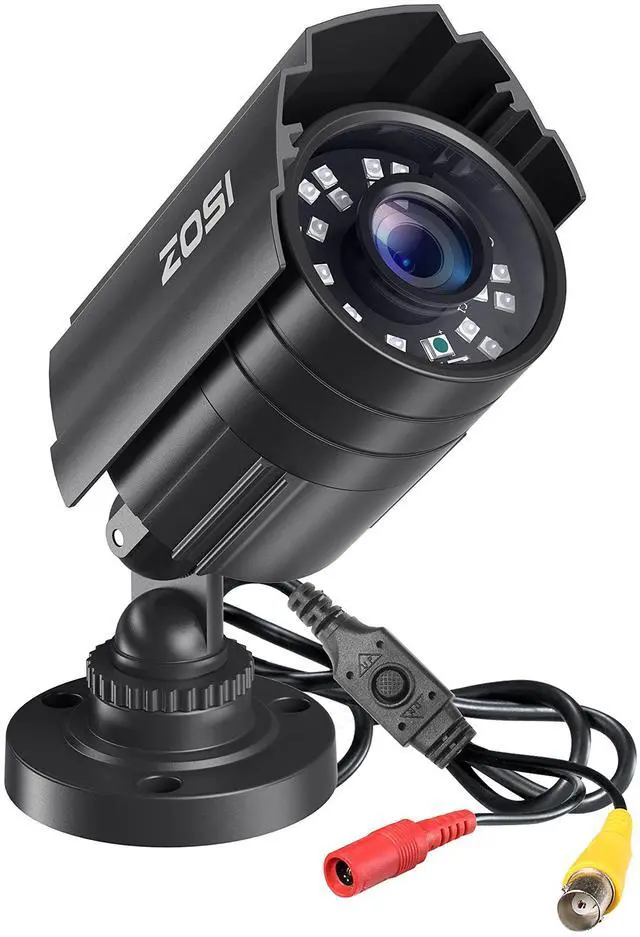




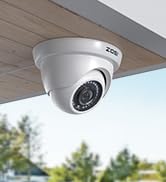
4-in-1 Security Dome Camera
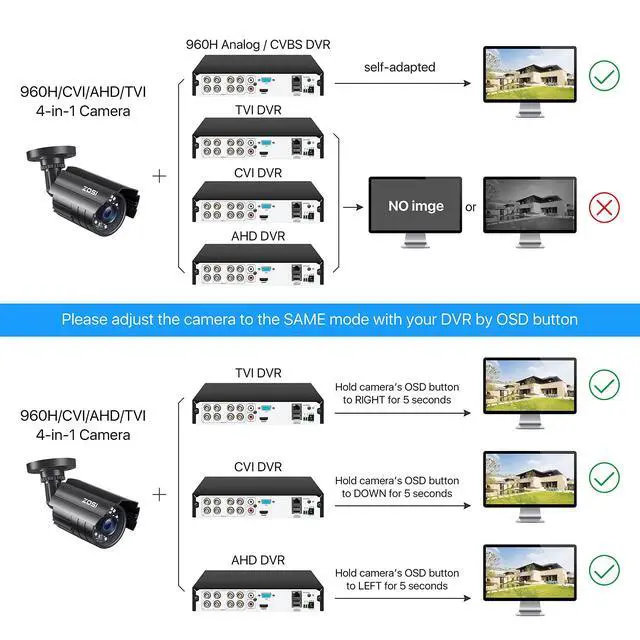
Press OSD joystick to switch the output mode:
- Default / Right for 5 seconds: CVBS 960H
- Down for 5 seconds: CVI
- Left for 5 seconds: AHD
- Up for 5 seconds: TVI
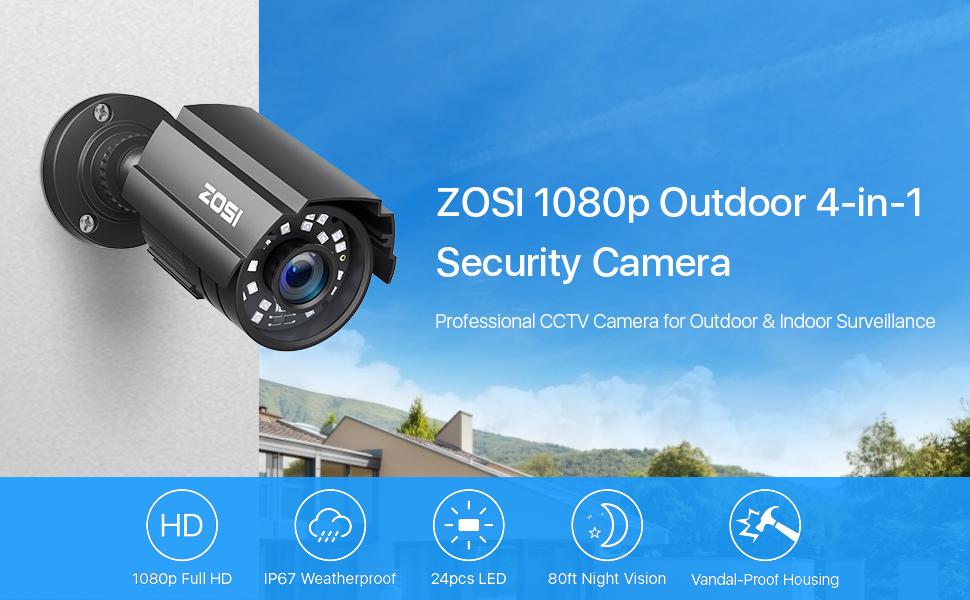
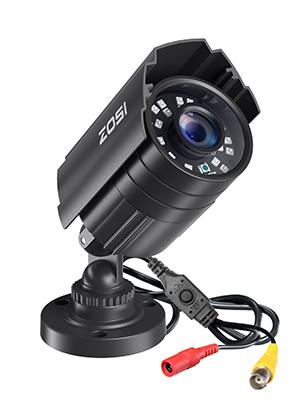
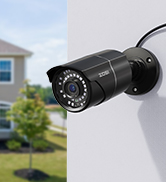
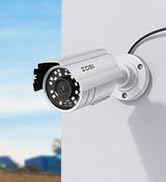
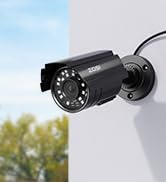
1080P 4-in-1 Security Bullet Camera
Security Camera Specification
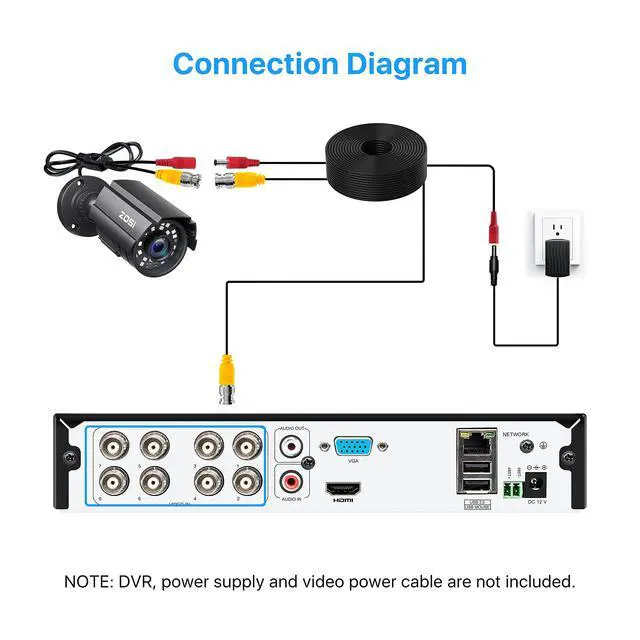
- This camera is recommended to work with a security DVR.
- This camera needs to be wired with bnc video cable and power cable.
- This item will not come with the cctv cable & power supply.
- Image Sensor: 1/3?CMOS CMOS with IR-Cut.
- Lens: 3.6mm
- Active Pixels: 1920(H)×1080(V).
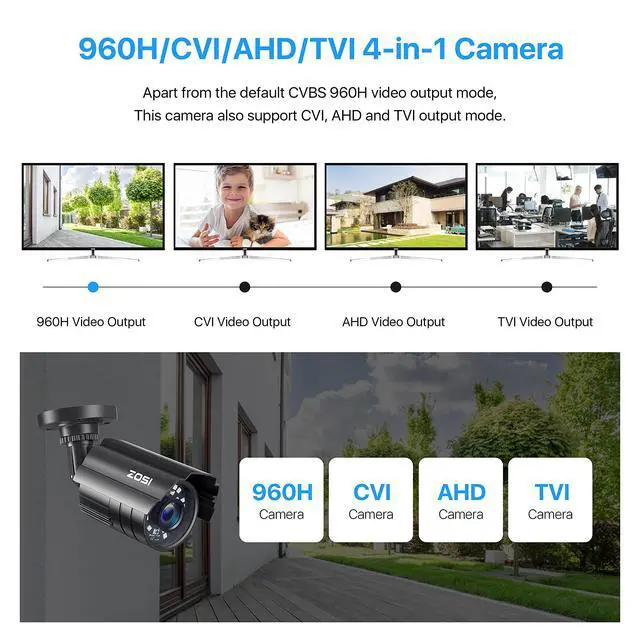
- Singal mode: CVBS 960H / TVI / AHD / CVI.
- IR LEDs Amount: 24pcs, 5mm LEDs.
- IR Distance(night vision): up to 80FT
- Made: Aluminum Metal Casing
- Power supply: 12V 500mA
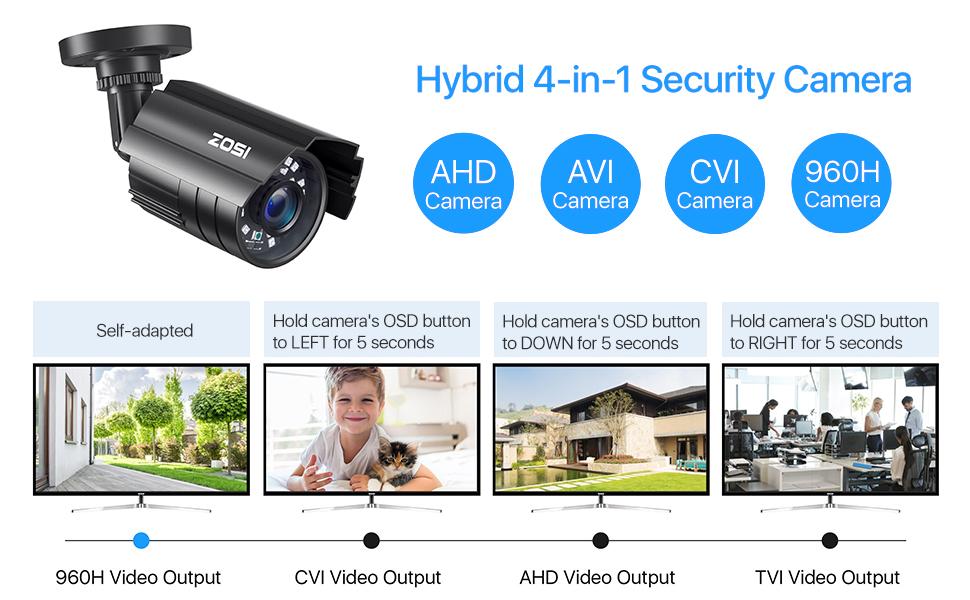
This 1080p full HD camera has a built-in OSD menu that can change the 4 different video outputs:HD-TVI, AHD, CVI, and CVBS(960H), and adjust the video settings.
Operation Mode:
Switch from AHD: Press Leftward for 5 Seconds
Switch from TVI: Press Rightward for 5 Seconds
Switch from CVBS: Press Upward for 5 Seconds
Switch from CVI: Press Downward for 5 Seconds
Noted: Default Video Mode is Analog 960H Mode
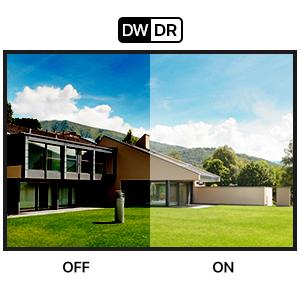
Advanced DWDR Technology
DWDR (Digital Wide Dynamic Range) technology automatically adjust the picture's brightness to let you see and capture a lot more details in a wide range of light conditions - from bright highlights to dark shadows.
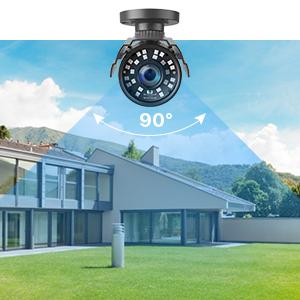
1080p HD & 90° Angle View
With 2.0MP lens and 90° wide field of view, you can see everything clear and smooth in perfectly crisp 1080p HD with every subtle details. Get clearer and sharper images/videos than 720p cameras.
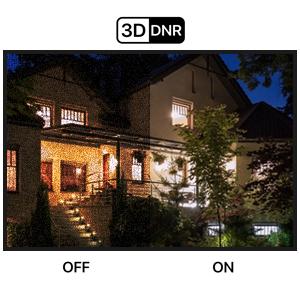
Enhanced Clarity with 3D-DNR
3D-DNR (Digital Noise Reduction) technology filters out digital noise from low-light scenes, as well as any noise caused by motion. By eliminating graininess, you can see more fluent image in better clarity, sharpness and get improved motion detection.
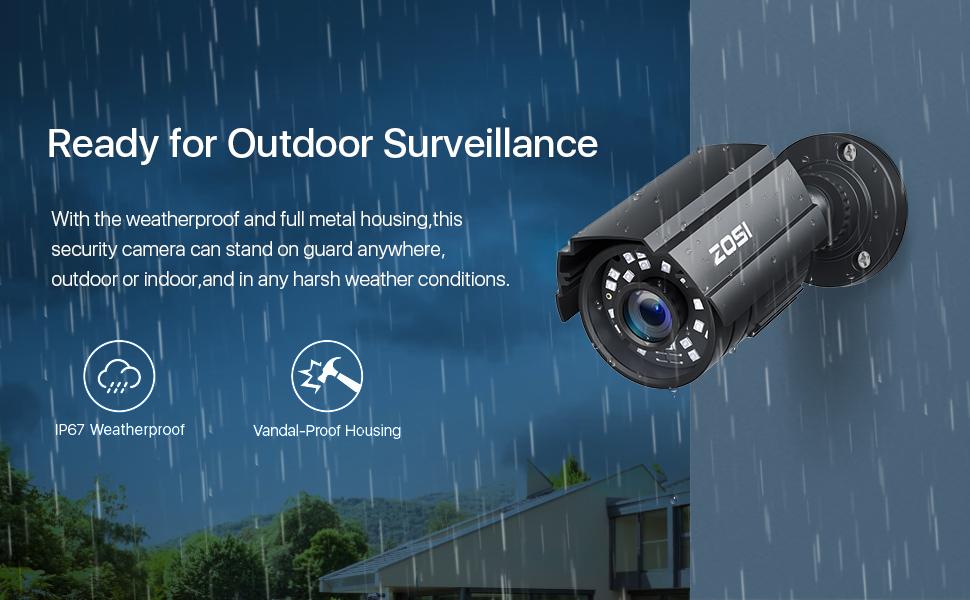
Troubleshooting
Q: Video Loss appears where the image from my camera should be displaying on my DVR?
A: 1.Check the extension cable (power and video) is securely connected to the camera.
2.Check the video output from the camera is securely connected to a video input channel on the DVR.
3.Check the power from the camera is securely connected to a power supply.
4. The camera mode do not match your DVR.there is 2 ways to setup . (1) Press OSD MENU “DOWN” 5 seconds,if still no picture come, try to press “LEFT” “RIGHT””UP” for 5 second, till the signal matching your DVR. (2) Make sure the signal of your DVR, Use OSD MENU to change the mode of the camera according to your DVRs video Mode.
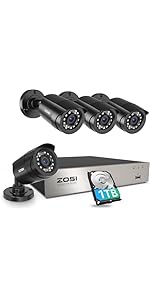 ZOSI 3K Lite Security Camera System with AI Human Vehicle Detection,H.265+ 8C... | 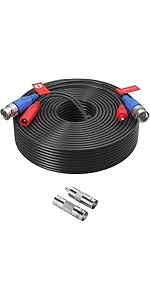 ZOSI 100ft(30M) All-in-One CCTV Video Power Cables,BNC Extension Security Wir... | 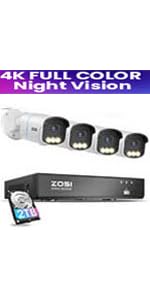 C186 PoE Camera System | 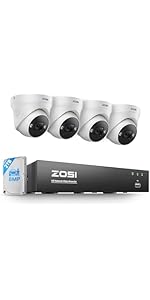 ZOSI 4K POE Security Camera System Outdoor, 4PCS 4K Spotlight Wired Cameras f... | 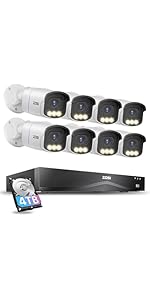 ZOSI 16CH 4K PoE Security Camera System,8pcs 4K C186 Aurora Lux Outdoor PoE C... | |
|---|---|---|---|---|---|
| Customer Reviews | — | — | — | — | — |
| Price | — | — | — | — | — |
| DVR / NVR | 8CH 1080P | / | 8CH PoE NVR | 8CH PoE NVR | 16CH PoE NVR |
| Cameras | 4 Wired Cameras | / | 4 PoE cameras | 4 PoE cameras | 8 PoE cameras |
| Night Vision | 80ft | / | 100ft | 100ft | 100ft |
| Resolution | 1080p | Support up to 4K | 8MP (4K) | 8MP (4K) | 8MP (4K) |
| Weatherproof | ? | / | ? | ? | ? |
| Motion Detection | ? | / | ? | ? | ? |
| Hard Drive pre-installed | 1TB Hard Drive | / | 2TB security Hard Drive | 2TB Security Hard Drive | 4TB Security Hard Drive |
| Remote Phone APP | ZOSI Smart | / | ZOSI Smart | ZOSI Smart | ZOSI Smart |
Wired Add on Security Camera
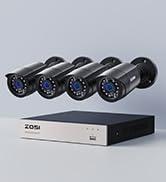
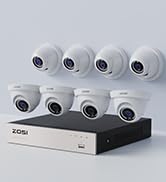
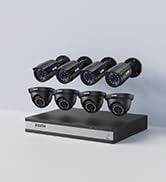
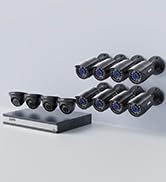
ZOSI Wired Security System
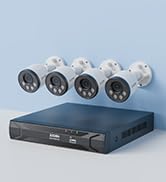
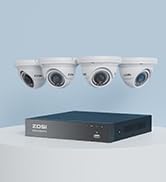
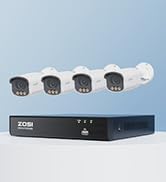
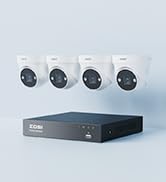
ZOSI PoE Security System
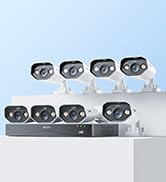
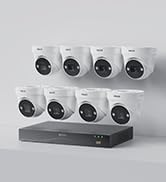
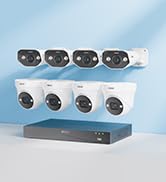
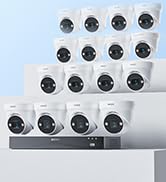
ZOSI PoE Security System
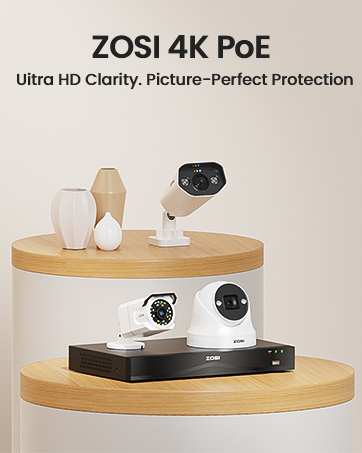
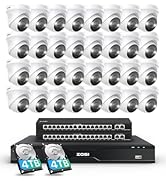
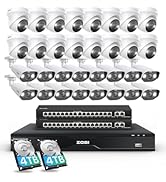
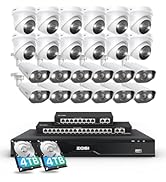
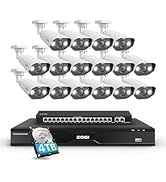
32CH PoE Camera System

ZOSI started in 2012, is an industry-leading company in security cameras and security-centric solutions. Today we have millions of customers across more than 60 countries and regions. We provide after-sales support and services to all of our customers around the world.
With product design, R&D, manufacturing, sales, and service in one, ZOSI is committed to bringing our customers 24/7 all-round protection anywhere.
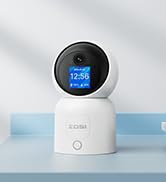
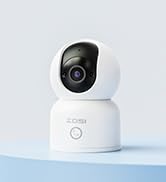
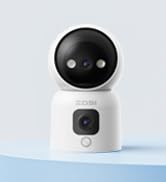
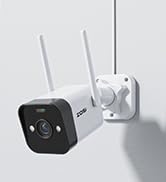
ZOSI WiFi Camera
1080P 4-in-1 Security Bullet Camera
4-in-1 Security Dome Camera
Press OSD joystick to switch the output mode:
- Default / Right for 5 seconds: CVBS 960H
- Down for 5 seconds: CVI
- Left for 5 seconds: AHD
- Up for 5 seconds: TVI
Security Camera Specification
- This camera is recommended to work with a security DVR.
- This camera needs to be wired with bnc video cable and power cable.
- This item will not come with the cctv cable & power supply.
- Image Sensor: 1/3?CMOS CMOS with IR-Cut.
- Lens: 3.6mm
- Active Pixels: 1920(H)×1080(V).
- Singal mode: CVBS 960H / TVI / AHD / CVI.
- IR LEDs Amount: 24pcs, 5mm LEDs.
- IR Distance(night vision): up to 80FT
- Made: Aluminum Metal Casing
- Power supply: 12V 500mA
This 1080p full HD camera has a built-in OSD menu that can change the 4 different video outputs:HD-TVI, AHD, CVI, and CVBS(960H), and adjust the video settings.
Operation Mode:
Switch from AHD: Press Leftward for 5 Seconds
Switch from TVI: Press Rightward for 5 Seconds
Switch from CVBS: Press Upward for 5 Seconds
Switch from CVI: Press Downward for 5 Seconds
Noted: Default Video Mode is Analog 960H Mode
Advanced DWDR Technology
DWDR (Digital Wide Dynamic Range) technology automatically adjust the picture's brightness to let you see and capture a lot more details in a wide range of light conditions - from bright highlights to dark shadows.
1080p HD & 90° Angle View
With 2.0MP lens and 90° wide field of view, you can see everything clear and smooth in perfectly crisp 1080p HD with every subtle details. Get clearer and sharper images/videos than 720p cameras.
Enhanced Clarity with 3D-DNR
3D-DNR (Digital Noise Reduction) technology filters out digital noise from low-light scenes, as well as any noise caused by motion. By eliminating graininess, you can see more fluent image in better clarity, sharpness and get improved motion detection.
Troubleshooting
Q: Video Loss appears where the image from my camera should be displaying on my DVR?
A: 1.Check the extension cable (power and video) is securely connected to the camera.
2.Check the video output from the camera is securely connected to a video input channel on the DVR.
3.Check the power from the camera is securely connected to a power supply.
4. The camera mode do not match your DVR.there is 2 ways to setup . (1) Press OSD MENU “DOWN” 5 seconds,if still no picture come, try to press “LEFT” “RIGHT””UP” for 5 second, till the signal matching your DVR. (2) Make sure the signal of your DVR, Use OSD MENU to change the mode of the camera according to your DVRs video Mode.
ZOSI 3K Lite Security Camera System with AI Human Vehicle Detection,H.265+ 8C... | ZOSI 100ft(30M) All-in-One CCTV Video Power Cables,BNC Extension Security Wir... | C186 PoE Camera System | ZOSI 4K POE Security Camera System Outdoor, 4PCS 4K Spotlight Wired Cameras f... | ZOSI 16CH 4K PoE Security Camera System,8pcs 4K C186 Aurora Lux Outdoor PoE C... | |
|---|---|---|---|---|---|
| Customer Reviews | — | — | — | — | — |
| Price | — | — | — | — | — |
| DVR / NVR | 8CH 1080P | / | 8CH PoE NVR | 8CH PoE NVR | 16CH PoE NVR |
| Cameras | 4 Wired Cameras | / | 4 PoE cameras | 4 PoE cameras | 8 PoE cameras |
| Night Vision | 80ft | / | 100ft | 100ft | 100ft |
| Resolution | 1080p | Support up to 4K | 8MP (4K) | 8MP (4K) | 8MP (4K) |
| Weatherproof | ? | / | ? | ? | ? |
| Motion Detection | ? | / | ? | ? | ? |
| Hard Drive pre-installed | 1TB Hard Drive | / | 2TB security Hard Drive | 2TB Security Hard Drive | 4TB Security Hard Drive |
| Remote Phone APP | ZOSI Smart | / | ZOSI Smart | ZOSI Smart | ZOSI Smart |
Wired Add on Security Camera
ZOSI Wired Security System
ZOSI PoE Security System
ZOSI PoE Security System
32CH PoE Camera System
ZOSI started in 2012, is an industry-leading company in security cameras and security-centric solutions. Today we have millions of customers across more than 60 countries and regions. We provide after-sales support and services to all of our customers around the world.
With product design, R&D, manufacturing, sales, and service in one, ZOSI is committed to bringing our customers 24/7 all-round protection anywhere.
ZOSI WiFi Camera