







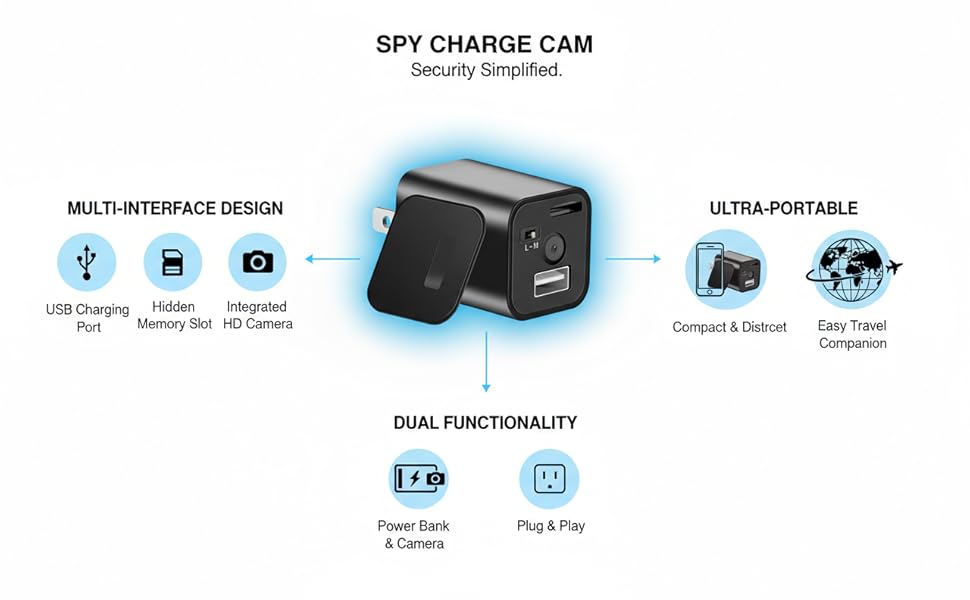
Two modes of recording:
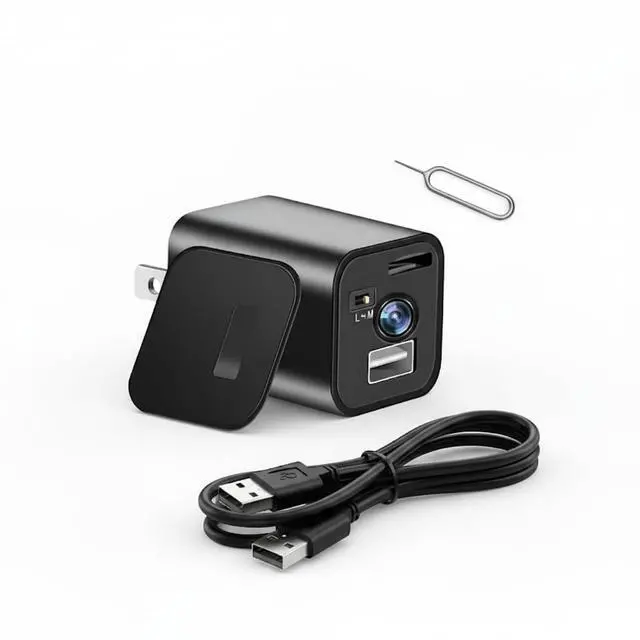
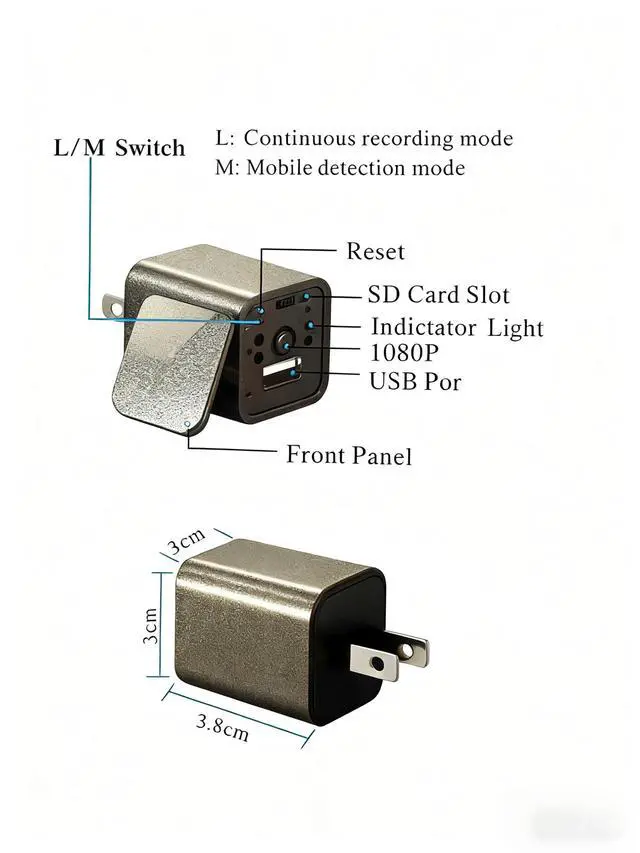
Video Mode: Switch to "L" and connect to power. The red light blinks three times and turns off, entering video recording. The light remains off during recording, with videos saved in 5-minute segments and cyclically overwritten. Motion Detection Mode: Switch to "M" and connect to power. The blue light blinks and turns off, entering motion detection mode. Automatically records when motion is detected, saving 5-minute videos that are cyclically overwritten. No motion triggers standby mode.
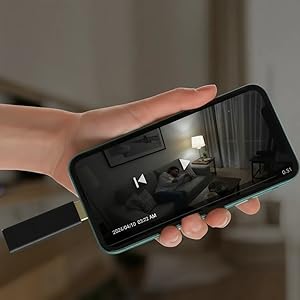
On iPhone/Android:
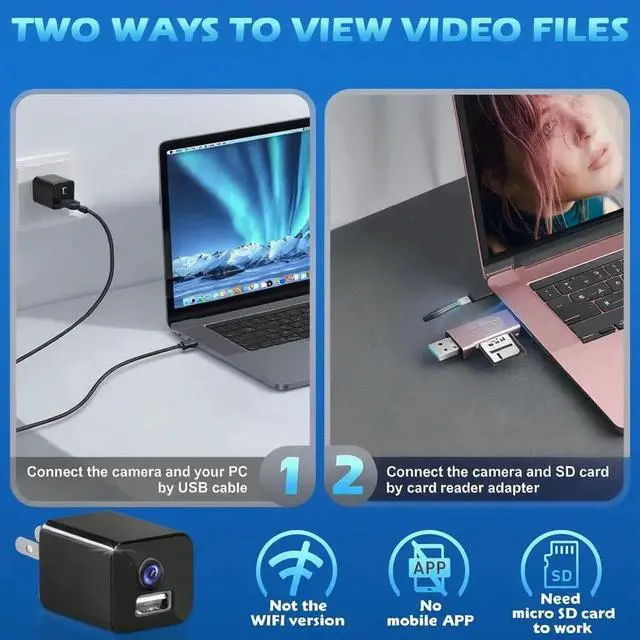
Use the card reader and OTG USB/Type-C adapter(no provided)
No app. No Wi-Fi. No pairing.
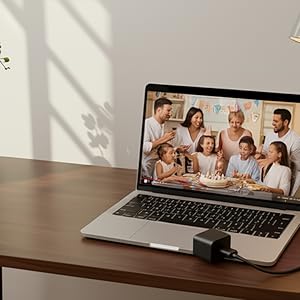
On Laptop/computer:
A. Connect camera to computer/laptop with the USB cable.( Working RedLED is solidon)
B.A new removable disk will appear on thecomputer.
C. Open the removable disk to view the videos.
D. Recom mend VLC Media Player
The camera do not supportrecording while the camera connect with computer.

Simple and Secure
No Apps,No Wi-Fi,No Monthly Fees,private
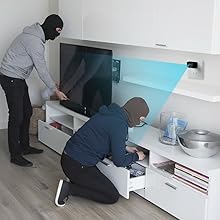
Motion detection
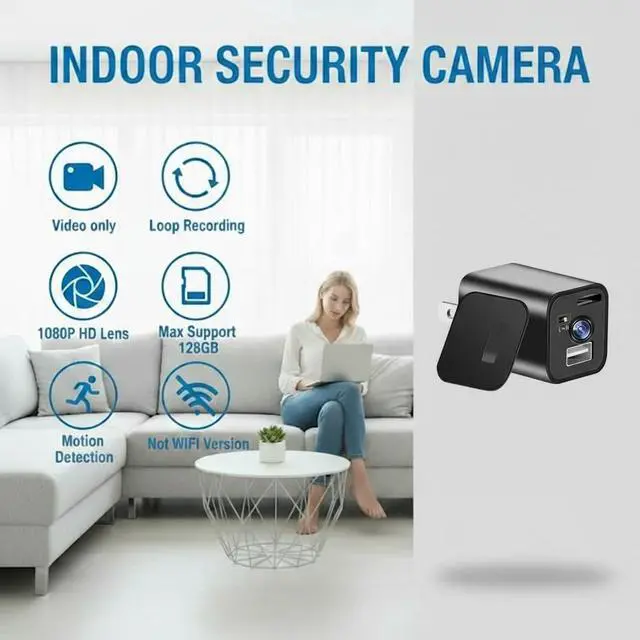
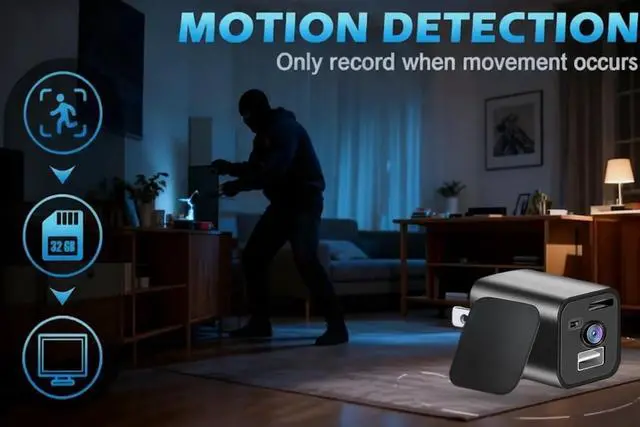
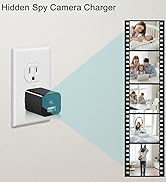
This spy charger camera features a motion detection function. Once activated, it will automatically begin recording video to the SD card when movement is detected, making it ideal for indoor security.
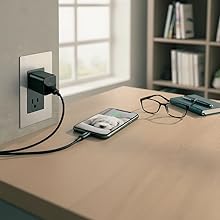
Record while charging
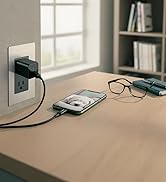
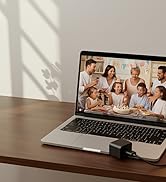
This mini camera is a 2-in-1 portable device capable of recording video while simultaneously charging your electronics. It serves as a versatile tool for various daily life and work scenarios.
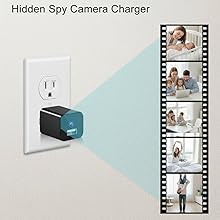
Loop recording
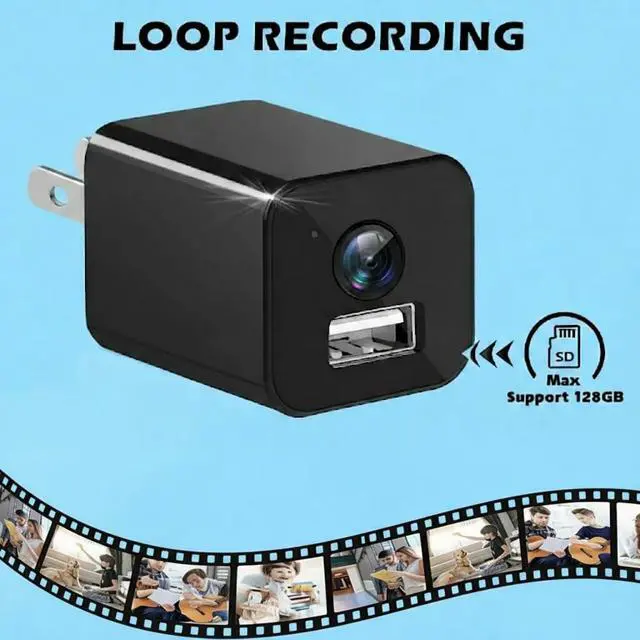
In any recording mode, the device automatically overwrites the oldest files with new recordings when the memory is full.
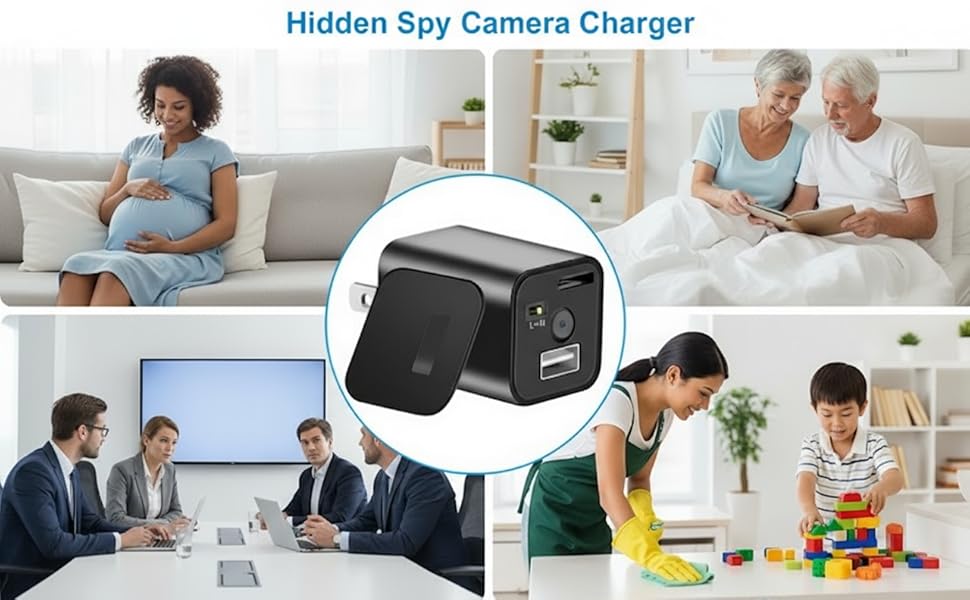


Guardian Eye
PYJHsunite is dedicated to seamlessly integrating security technology into daily life, guided by the values of precision, reliability, and innovation. Recognizing that safety is often overlooked in today's fast-paced world, we channel our passion for technology and commitment to excellence into developing smart monitoring products, making true security effortlessly accessible.
Our Product
How did we begin?
It began with caregivers being able to monitor the health and safety of elderly family members and children at home even when they couldn't be physically present.
What makes our product unique?
Simple operation, no complicated setup or subscriptions. Clean, minimalist design that charges while monitoring discreetly. Secure, hidden, with high-definition video quality.
How will we improve in the future?
We continuously enhance our core technology through intelligent algorithms and expand discreet security solutions for diverse life scenarios.
Two modes of recording:
Video Mode: Switch to "L" and connect to power. The red light blinks three times and turns off, entering video recording. The light remains off during recording, with videos saved in 5-minute segments and cyclically overwritten. Motion Detection Mode: Switch to "M" and connect to power. The blue light blinks and turns off, entering motion detection mode. Automatically records when motion is detected, saving 5-minute videos that are cyclically overwritten. No motion triggers standby mode.
On iPhone/Android:
Use the card reader and OTG USB/Type-C adapter(no provided)
No app. No Wi-Fi. No pairing.
On Laptop/computer:
A. Connect camera to computer/laptop with the USB cable.( Working RedLED is solidon)
B.A new removable disk will appear on thecomputer.
C. Open the removable disk to view the videos.
D. Recom mend VLC Media Player
The camera do not supportrecording while the camera connect with computer.
Simple and Secure
No Apps,No Wi-Fi,No Monthly Fees,private
Motion detection
This spy charger camera features a motion detection function. Once activated, it will automatically begin recording video to the SD card when movement is detected, making it ideal for indoor security.
Record while charging
This mini camera is a 2-in-1 portable device capable of recording video while simultaneously charging your electronics. It serves as a versatile tool for various daily life and work scenarios.
Loop recording
In any recording mode, the device automatically overwrites the oldest files with new recordings when the memory is full.
Guardian Eye
PYJHsunite is dedicated to seamlessly integrating security technology into daily life, guided by the values of precision, reliability, and innovation. Recognizing that safety is often overlooked in today's fast-paced world, we channel our passion for technology and commitment to excellence into developing smart monitoring products, making true security effortlessly accessible.
Our Product
How did we begin?
It began with caregivers being able to monitor the health and safety of elderly family members and children at home even when they couldn't be physically present.
What makes our product unique?
Simple operation, no complicated setup or subscriptions. Clean, minimalist design that charges while monitoring discreetly. Secure, hidden, with high-definition video quality.
How will we improve in the future?
We continuously enhance our core technology through intelligent algorithms and expand discreet security solutions for diverse life scenarios.