

Your Browsing History

- Free 30-day Returns
$162.99

Meet Your Seller

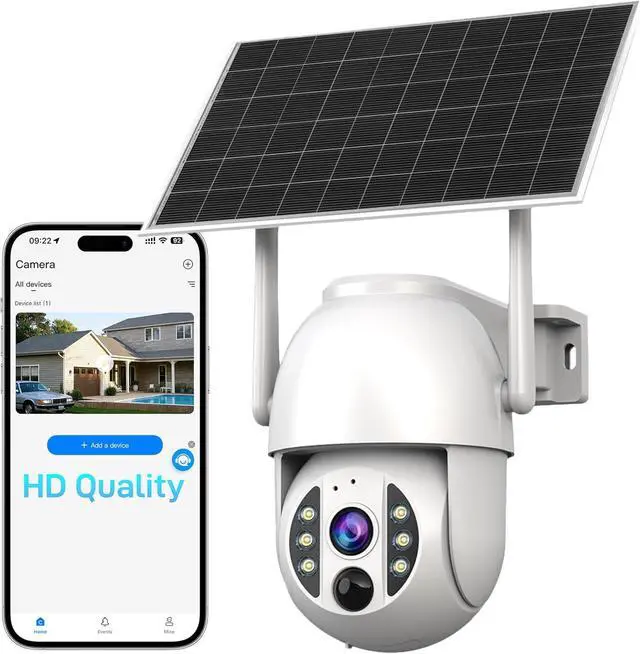


2K+Security Cameras Wireless Indoor Outdoor, Solar Powered 4G LTE Security Camera, IP66, FHD Color Night Vision, AI Triple Detection, 360° Auto Tracking, Smart Cameras for Home Security
- KiwiSIM 4G LTE Wireless Outdoor Security Camera: This KiwiSIM outdoor camera provides a 4G LTE network, is compatible with all areas in the United States, and works with AT&T, Verizon, and T-Mobile networks. It offers a one-month trial with no contracts, no hidden fees, and no additional SIM card needed.
- Try For 30 Days At No CostThe KiwiSIM indoor and outdoor security camera comes with a 30-day free trial period, with no top-up fees or activation fees required. The camera is equipped with an SD card and a dedicated IoT card, and it is ready to use right out of the box.
- Smart Home Security Camera: Equipped with a more sensitive digital infrared motion sensor, it supports intelligent human/vehicle/animal detection and instant alerts. Event recordings can be saved to a micro SD card for later playback and download. It is compatible with Alexa for smart control, allowing you to view the surveillance feed at any time.
- High-Efficiency Solar-Powered Security Camera: The detachable s
+
+
Overview
Specs
Reviews

Any questions? Our AI mode will help you find out quickly.
Try me now
KiwiSIM 4G LTE Wireless Outdoor Security Camera: This KiwiSIM outdoor camera provides a 4G LTE network, is compatible with all areas in the United States, and works with AT&T, Verizon, and T-Mobile networks. It offers a one-month trial with no contracts, no hidden fees, and no additional SIM card needed.
Try For 30 Days At No CostThe KiwiSIM indoor and outdoor security camera comes with a 30-day free trial period, with no top-up fees or activation fees required. The camera is equipped with an SD card and a dedicated IoT card, and it is ready to use right out of the box.
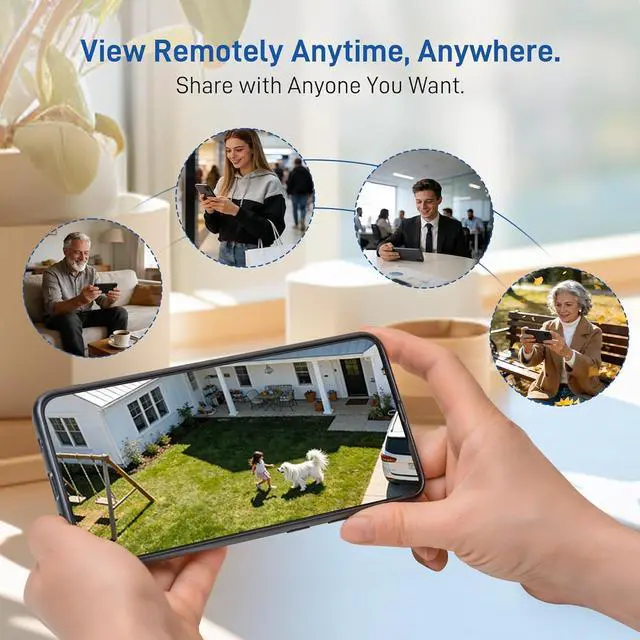
Smart Home Security Camera: Equipped with a more sensitive digital infrared motion sensor, it supports intelligent human/vehicle/animal detection and instant alerts. Event recordings can be saved to a micro SD card for later playback and download. It is compatible with Alexa for smart control, allowing you to view the surveillance feed at any time.
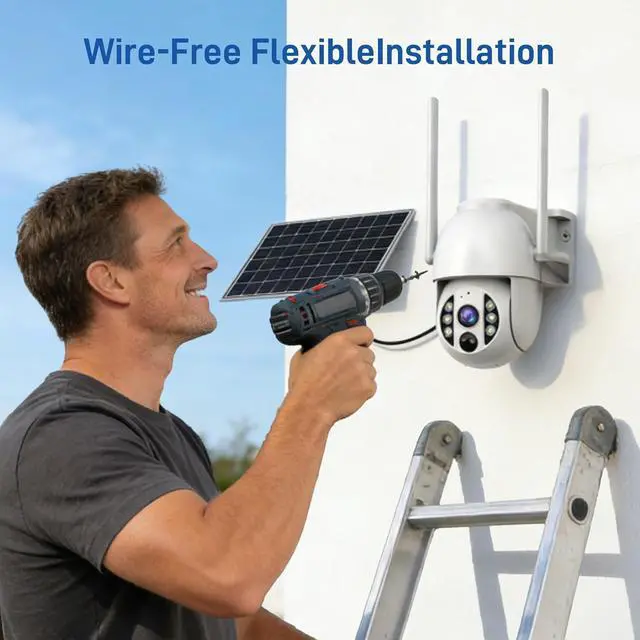
High-Efficiency Solar-Powered Security Camera: The detachable solar panel can be placed in any sunny location via a 10-foot-long cable to charge the battery. Just 3 hours of sunlight per day ensures the camera operates normally on rainy, cloudy days, and even during consecutive snowfall. The camera is equipped with a 9000mAh battery, providing stable monitoring performance.
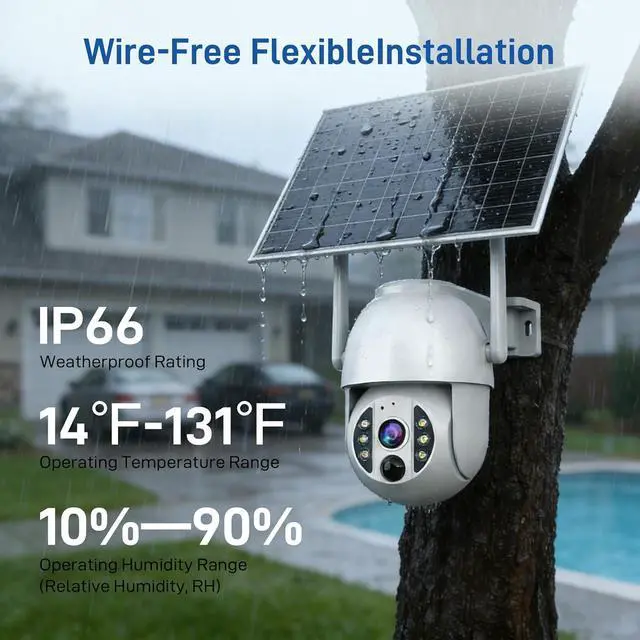
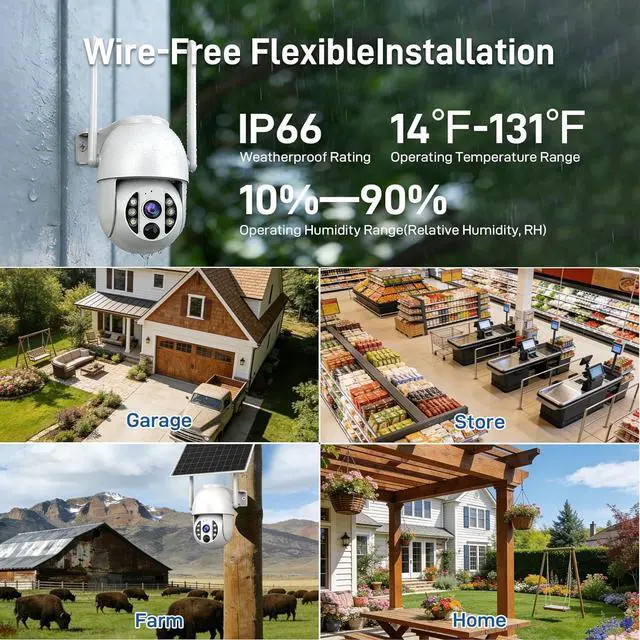
Quick and Easy Installation: KiwiSIM security cameras can be easily installed and fixed both indoors and outdoors. With an IP66 waterproof rating, this security camera works normally even in heavy rain or intense sunlight. Simply scan the QR code in the user manual to start using it.
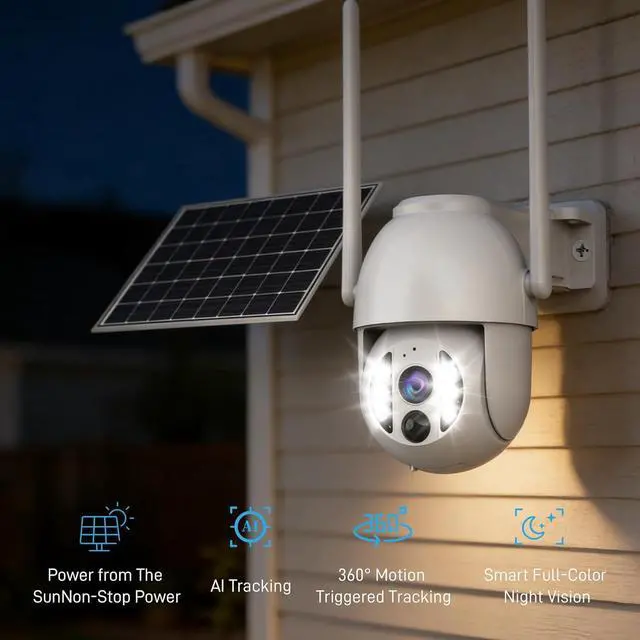
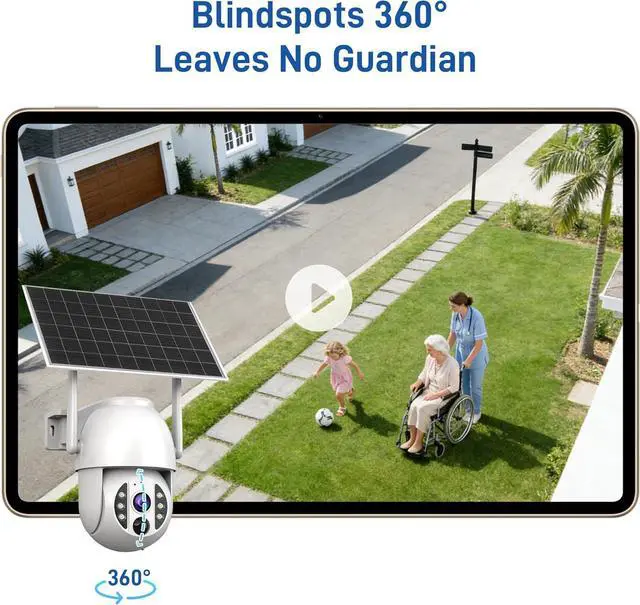
APP Alert Function: This security camera features color night vision. It automatically sends alerts when abnormal activity is detected, both during the day and at night. Moreover, based on the set voice function, it can warn against trespassing. The pan-tilt supports horizontal and vertical rotation, providing a full range of viewing angles. It can detect movement within 30 to 60 feet during the day and deliver high-definition images within 15 to 35 feet at night.
Tips: After turning on the device for the first time, wait 3 minutes for it to connect to the network automatically. If the network connection fails, please restart the device the network will reconnect automatically.
Try For 30 Days At No CostThe KiwiSIM indoor and outdoor security camera comes with a 30-day free trial period, with no top-up fees or activation fees required. The camera is equipped with an SD card and a dedicated IoT card, and it is ready to use right out of the box.
Smart Home Security Camera: Equipped with a more sensitive digital infrared motion sensor, it supports intelligent human/vehicle/animal detection and instant alerts. Event recordings can be saved to a micro SD card for later playback and download. It is compatible with Alexa for smart control, allowing you to view the surveillance feed at any time.
High-Efficiency Solar-Powered Security Camera: The detachable solar panel can be placed in any sunny location via a 10-foot-long cable to charge the battery. Just 3 hours of sunlight per day ensures the camera operates normally on rainy, cloudy days, and even during consecutive snowfall. The camera is equipped with a 9000mAh battery, providing stable monitoring performance.
Quick and Easy Installation: KiwiSIM security cameras can be easily installed and fixed both indoors and outdoors. With an IP66 waterproof rating, this security camera works normally even in heavy rain or intense sunlight. Simply scan the QR code in the user manual to start using it.
APP Alert Function: This security camera features color night vision. It automatically sends alerts when abnormal activity is detected, both during the day and at night. Moreover, based on the set voice function, it can warn against trespassing. The pan-tilt supports horizontal and vertical rotation, providing a full range of viewing angles. It can detect movement within 30 to 60 feet during the day and deliver high-definition images within 15 to 35 feet at night.
Tips: After turning on the device for the first time, wait 3 minutes for it to connect to the network automatically. If the network connection fails, please restart the device the network will reconnect automatically.
Warranty & Returns
Warranty, Returns, And Additional Information
Warranty
- Please contact the Seller directly for warranty information. Warranty information may also be found on the Manufacturer's website.
- CONTACT
Return Policies
- Return for refund within: 30 days
- Return for replacement within: 30 days
- This item is covered by CITY BUSINESS Official Return Policy
Manufacturer Contact Info
- For a directory of all our manufacturers, please click below.
- Manufacturers Directory
LOADING...