



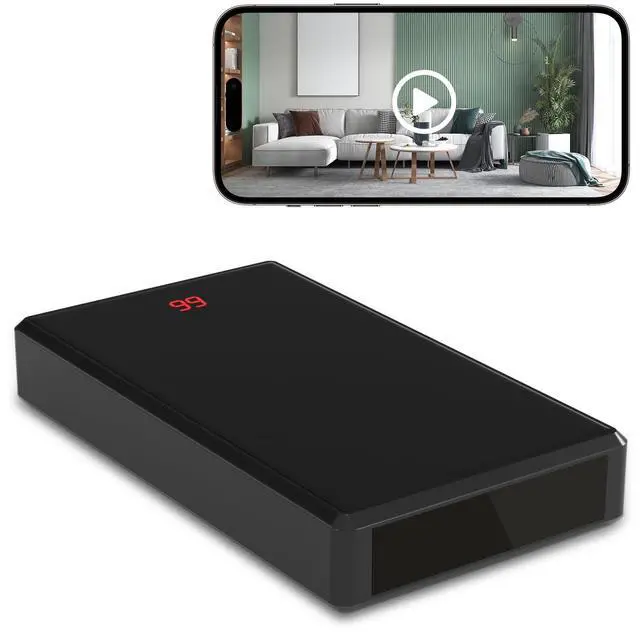





Way 1: Direct SD Card Recording: Insert a Micro SD Card into the hidden camera and turn it on. The spy camera will automatically start recording videos to the SD card.
Way 2: WiFi Hotspot Connection (Short Distance): Turn on the hidden security camera and go to your phone's WiFi settings. Connect to the nanny camera's WiFi hotspot (AYS-XXX). This allows you to view live video on the App within a short range.
Way 3: Remote Viewing via 2.4G WiFi: Connect the mini wireless spy camera to a 2.4G WiFi network. Once connected, you can view live video on the App remotely from anywhere.

Way 1: Direct SD Card Recording: Insert a Micro SD Card into the hidden camera and turn it on. The spy camera will automatically start recording videos to the SD card.
Way 2: WiFi Hotspot Connection (Short Distance): Turn on the hidden security camera and go to your phone's WiFi settings. Connect to the nanny camera's WiFi hotspot (AYS-XXX). This allows you to view live video on the App within a short range.
Way 3: Remote Viewing via 2.4G WiFi: Connect the mini wireless spy camera to a 2.4G WiFi network. Once connected, you can view live video on the App remotely from anywhere.
| Video Quality | Full HD 1080P |
| View Angle | 140 Degree |
| Video Format | MP4 |
| Video Mode | All-Day Video; Alarm Video; Timing Record; Privacy Mode(Don't Record); Loop Record |
| Operation System | Android Phone & iPhone; Only Support View on the App; Don't RTSP Live Streaming or NVR |
| Memory Card | Up to 256GB Micro SD Card (NOT INCLUDED); Recommend Sandisk Brand with Class 10 and above |
| Media Player Types | If your phone or computer can't play the recorded videos, Please download the "VLC" or "KM Player" |
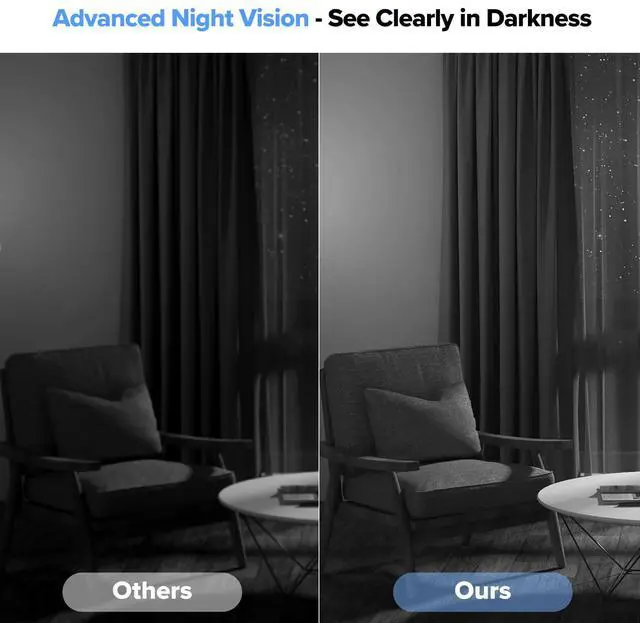
| Night Vision | Yes |
| WiFi Band | Only support a 2.4G WiFi Network; Your phone can use a 5.8G Hz WiFi or 5G phone network after the camera is connected to a 2.4G WiFi network |
| Cloud Storage | Yes |