




 here!
here!
I’m your shopping assistant for PC builds, upgrades, and everything tech.
Got questions? Ask away!
Start a conversation
here!
I’m your shopping assistant for PC builds, upgrades, and everything tech.
Got questions? Ask away!
Start a conversation



Any questions? Ask CelesteSM will help you find out quickly.
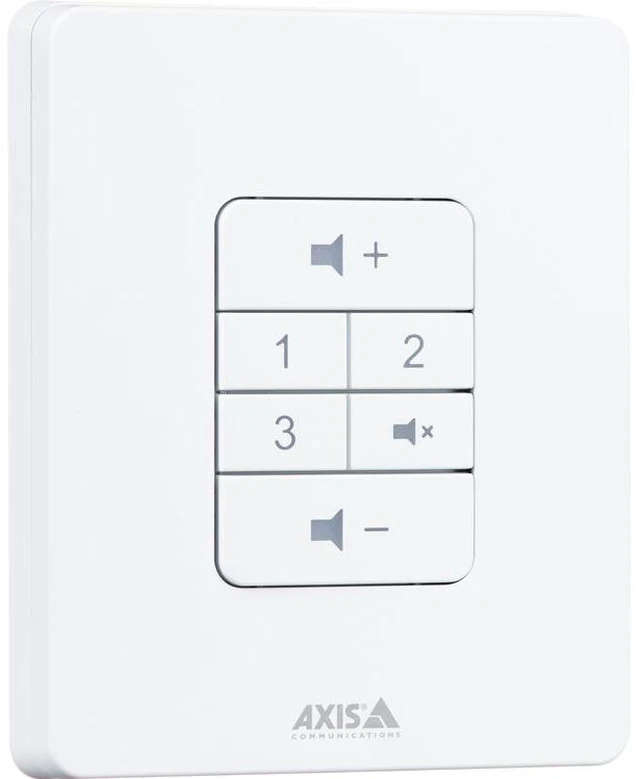
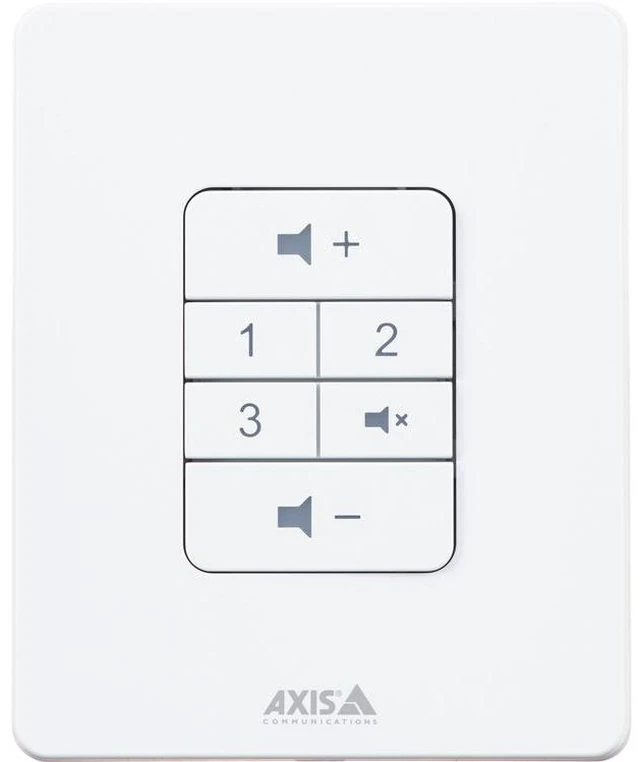
Enable your staff to ensure the optimal local listening experience. This easy-to-use audio device lets them adjust volume and select from up to three preconfigured audio sources as needed - all at the touch of a button.
Turn it up? It just got easier.
Quickly match a zone's volume or audio source - for example, background music, TV, or laptop - to what's going on. No software. No intermediaries. No hassle.
It's ideal for environments with changeable occupancy or noise levels such as retail stores, warehouses, and cafeterias. It's equally well-suited for spaces that host a variety of activities and events, like community centers or nursing home common rooms. And it's easy. The control panel clearly indicates volume up and down, mute, and the three audio sources. Tactile feedback confirms key press, and backlit buttons indicate the selected audio source and active mute status.
Peace of mind - locally and at HQ
Changes made with the AXIS C8310 Volume Controller only affect your selected audio source in the associated zone, never your live or scheduled announcements, paging, or public address. As a result, you can extend the flexibility of your audio system without compromising voice messages. Furthermore, both the possible audio sources and the max volume are configured in your AXIS Audio Manager family software, so HQ or the local audio manager sets the degree of flexibility. What's more, the device status can also always be remotely viewed and adjusted in the software.
Easy, flexible installation
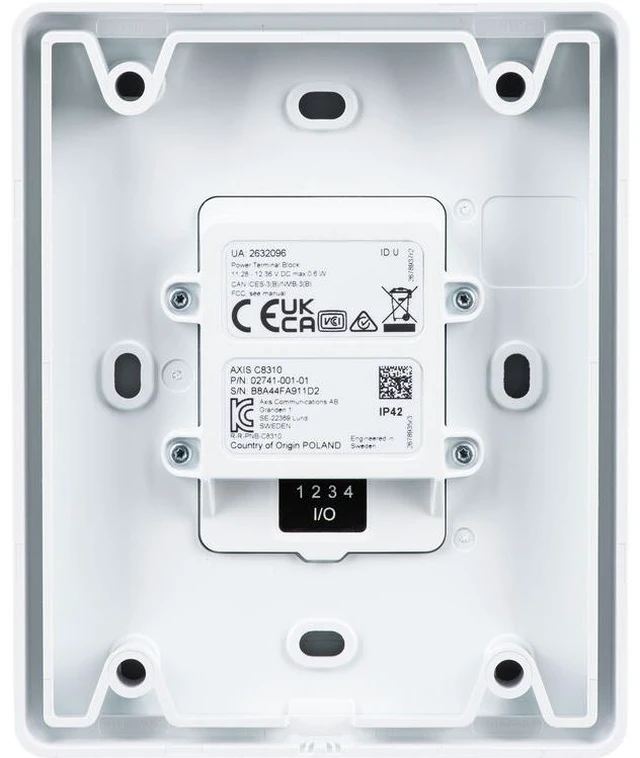
It's fast and easy to install AXIS C8310, saving you money and hassle - simply connect it to the I/O port of a compatible Axis audio device in the associated zone. An indicator light lets you know that the device is correctly connected and has power. The volume controller comes with a frame foron-wall mounting, and, in large audio zones, you can place as many controllers as you need to ensure convenient access for staff.


