Your Browsing History
Meet Your Seller
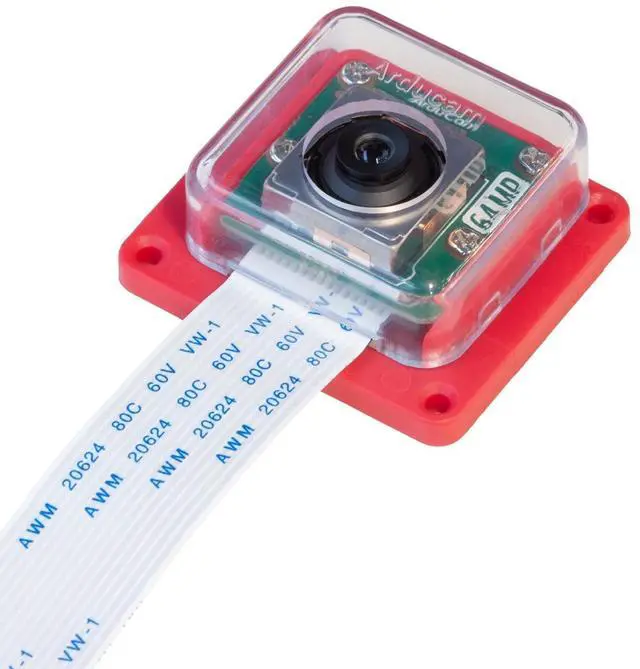
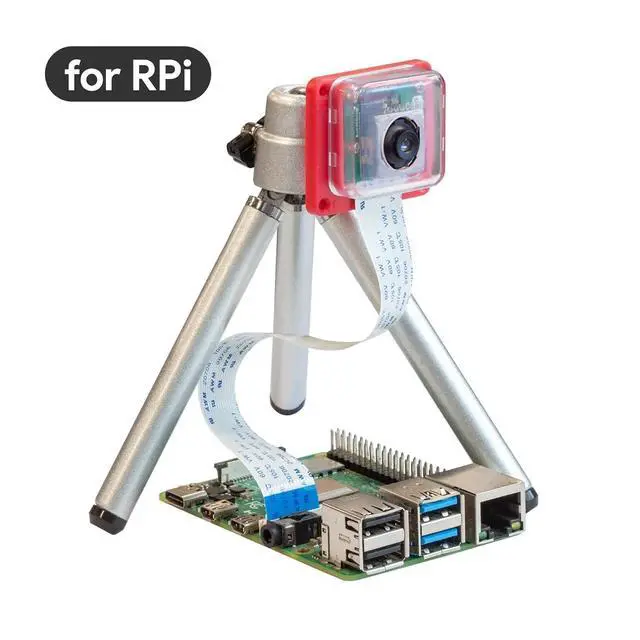
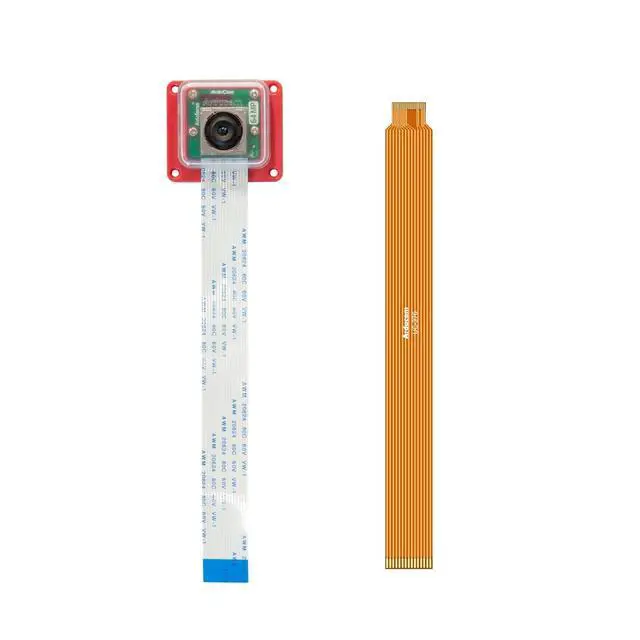
OwlSight for Raspberry Pi Camera, 1/1.32" 64MP Pi Camera for Pi5, Pi4B, 3/3B+, and so on, High Resolution Auto Focus Camera Module, Support Libcamera Natively, with ABS Case
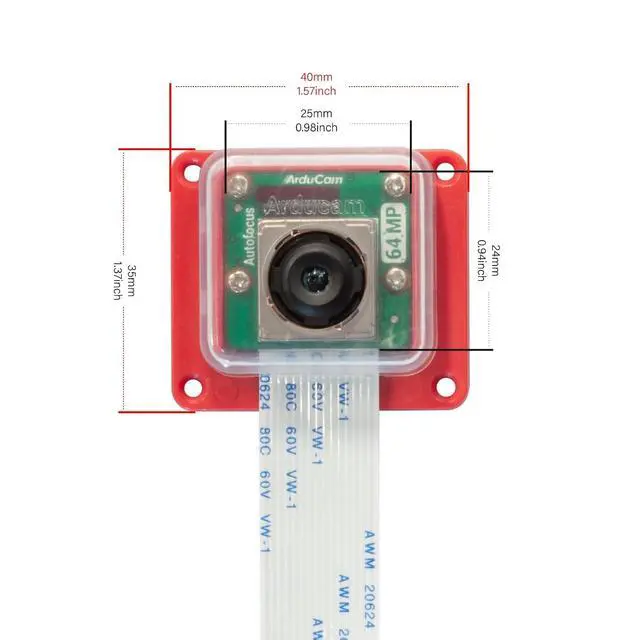
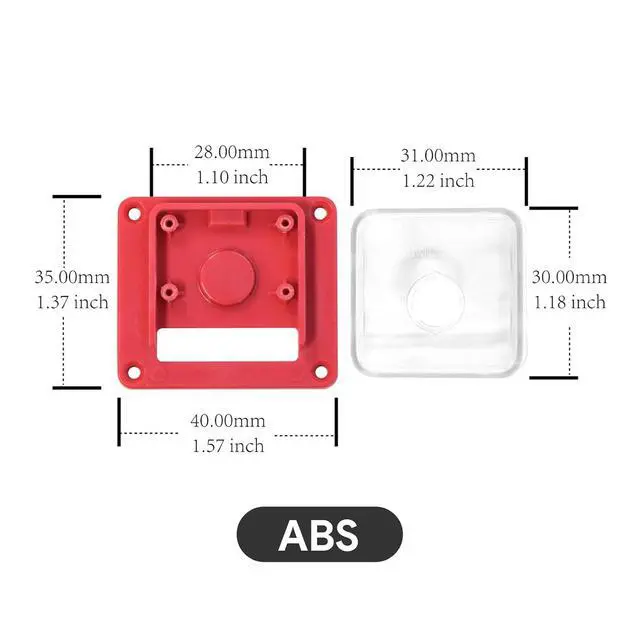
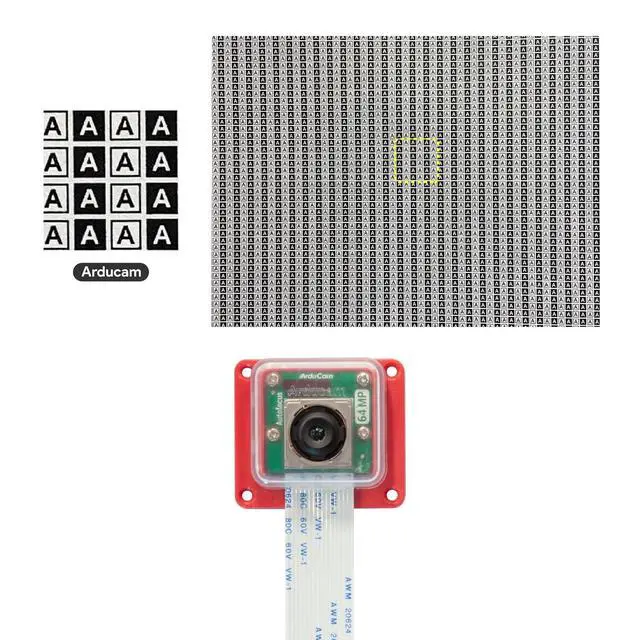
- How to use: Easy setup with the user guide we offered, please also check the manual the product comes with for information in details.; Ultra High-resolution: Adopts a massive 9248x6944 sensor excels, this RPI camera can capture 64MP high-resolution images with details, which also depends on its 10x digital zoom. Also works perfectly at night.; Flexible Focus: You will not only get an autofocus camera, but also choose other focus solutions: Auto, manual, and continuous focus options for diverse environments.; Compact Size: This mini camera has a compact size: 24 x 25 mm, and it also comes with an ABS case. Note: The tripod is not included in the parcel.; Note: Raspberry Pi 2/3/Zero W may not be able to enable maximum resolution due to RAM, please make sure your platform has RAM greater than or equal to 1G. Capturing maximum resolution on the Pi 4 and CM4 may be impacted by CMA, which can be fixed by switching the GUI mode to terminal mode.
+
+
Overview
Specs
Reviews
Any questions? Our AI mode will help you find out quickly.
Try me now
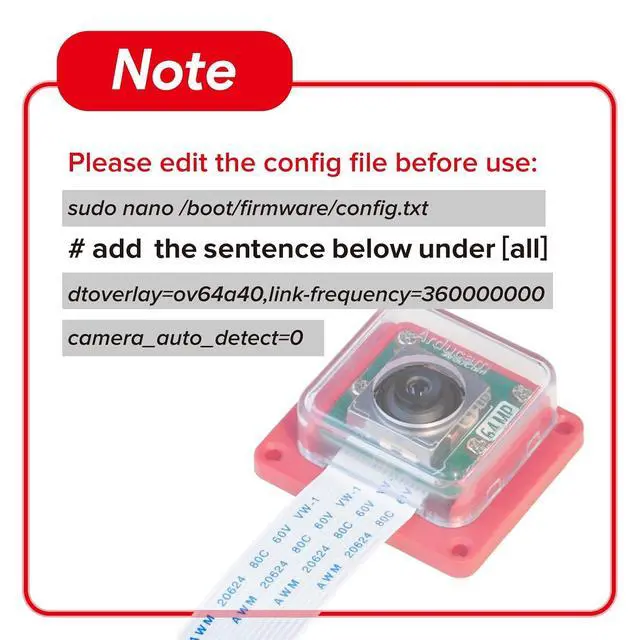
Product description Quick Start Guide Step 1. Open and edit the config file sudo nano /boot/firmware/config. txt Step 2. Add dtoverlay to enable the OwlSight camera
Note: Arducam OV64A40 camera supports adjusting the image speed (link-freq parameter under config. txt).
There are currently two speeds: 360000000 and 456000000. Option 1. If you want to choose link-freq 360000000, you need to add the sentence below under [all] in the config file: dtoverlay=ov64a40, link-frequency=360000000 camera_auto_detect=0 The cam1 port is enabled on Pi 5 by default. If you want to enable the camera on the cam0 port of Pi5, please replace the dtoverlay with dtoverlay=ov64a40, cam0, link-frequency=360000000 Option 2. If you want to choose link-freq 456000000, please replace the 360000000 with 456000000 in the first option. Step 3. Reboot to take effect Please reboot your Pi when you finish the installation. sudo reboot Step4. Use libcamera to access Arducam 64MP Camera Preview 5 seconds.
libcamera-still -t 5000 Note: 1. Please confirm your Raspberry Pi Bookworm OS is 6.1. 73 and later version. You can check your kernel version by: uname -v | grep -oP '\d+\. \d+\. \d+' 2. Please make sure you have only one dtoverlay sentence enabled in your config file, either 360000000 or 456000000. If both dtoverlay sentences are enabled in your config file, there will be a conflict. In addition, When link-frequency=456000000 is settled, the camera extension solution may have data transfer issues. Only a single cam

Note: Arducam OV64A40 camera supports adjusting the image speed (link-freq parameter under config. txt).
There are currently two speeds: 360000000 and 456000000. Option 1. If you want to choose link-freq 360000000, you need to add the sentence below under [all] in the config file: dtoverlay=ov64a40, link-frequency=360000000 camera_auto_detect=0 The cam1 port is enabled on Pi 5 by default. If you want to enable the camera on the cam0 port of Pi5, please replace the dtoverlay with dtoverlay=ov64a40, cam0, link-frequency=360000000 Option 2. If you want to choose link-freq 456000000, please replace the 360000000 with 456000000 in the first option. Step 3. Reboot to take effect Please reboot your Pi when you finish the installation. sudo reboot Step4. Use libcamera to access Arducam 64MP Camera Preview 5 seconds.
libcamera-still -t 5000 Note: 1. Please confirm your Raspberry Pi Bookworm OS is 6.1. 73 and later version. You can check your kernel version by: uname -v | grep -oP '\d+\. \d+\. \d+' 2. Please make sure you have only one dtoverlay sentence enabled in your config file, either 360000000 or 456000000. If both dtoverlay sentences are enabled in your config file, there will be a conflict. In addition, When link-frequency=456000000 is settled, the camera extension solution may have data transfer issues. Only a single cam
Warranty & Returns
Warranty, Returns, And Additional Information
Warranty
- Please contact the Seller directly for warranty information. Warranty information may also be found on the Manufacturer's website.
- CONTACT
Return Policies
- Return for refund within: 30 days
- Return for replacement within: 30 days
- This item is covered by TERRA HAVEN Return Policy
Manufacturer Contact Info
- For a directory of all our manufacturers, please click below.
- Manufacturers Directory
LOADING...