Your Browsing History
Meet Your Seller
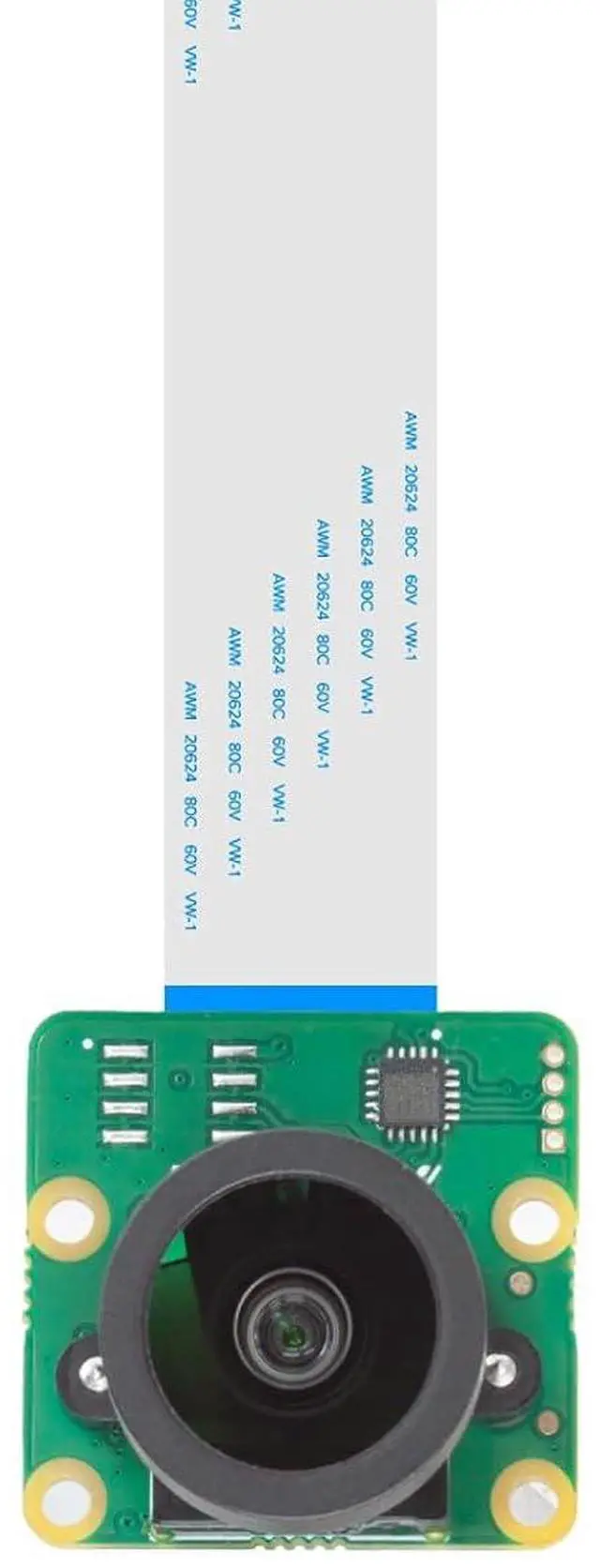
12.3MP Raspberry Pi HQ Camera, 477M Pi Camera Module with 158°(D) M12 Wide Angle Lens, Compatible with Pi5/4B/3/3B+/Zero 2W
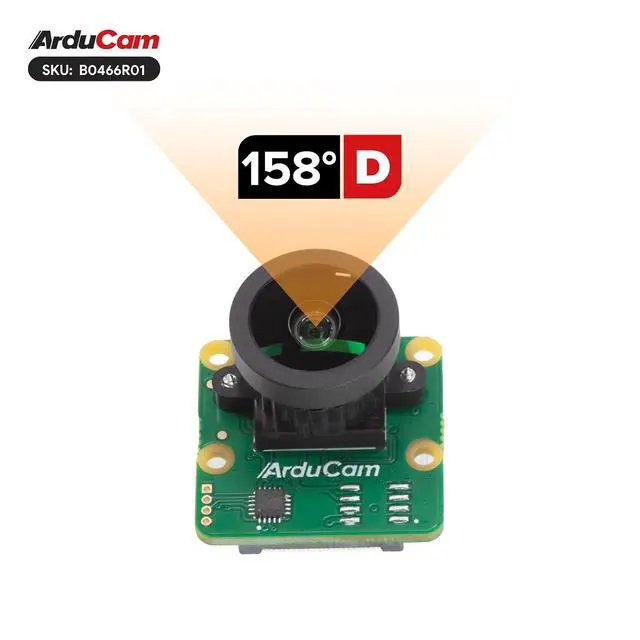
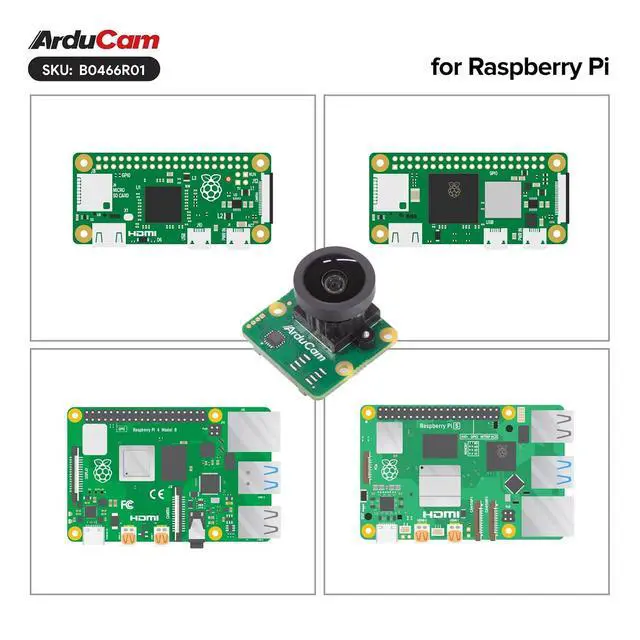
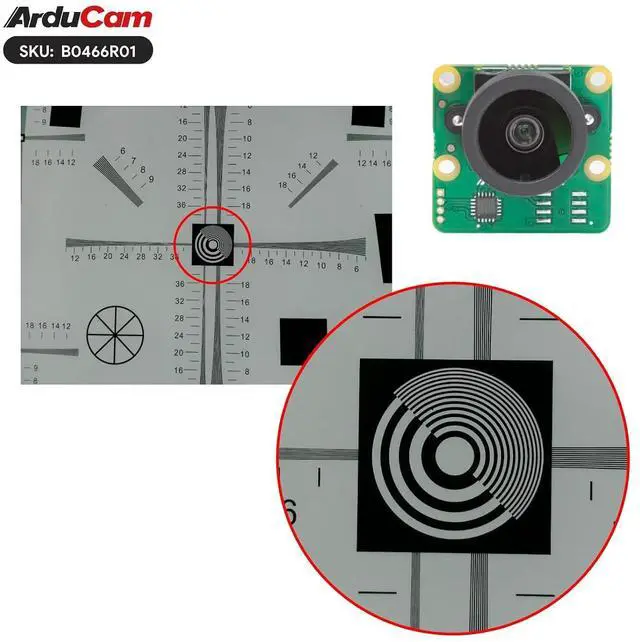
- Superior Pi Camera: This Raspberry Pi High Quality Camera integrates a 1/2.3-inch 12MP CMOS sensor, delivering exceptionally sharp and detailed images for professional-grade photography; Beyond HD Performance: As a premium Raspberry Pi camera module, it supports ultra-high still resolutions up to 4056×3040 and smooth video recording in 1080p30, 720p60, and 640×480p60/90 modes; Compact and Portable: Designed with a mini footprint identical to the Raspberry Pi V2 camera, this Raspberry Pi camera is highly versatile and easy to incorporate into various project designs; Wide-Angle Imaging: Featuring an interchangeable M12 lens with a 158°(D) field of view, this Raspberry Pi HQ camera captures Ultra HD visuals with an expansive, immersive perspective; Extensive Compatibility: This Raspberry Pi camera module is fully compatible with models from Raspberry Pi 1 to 4, Zero, Zero 2W, and Raspberry Pi 5. It is optimized to work with the rpicam-still command for image capture, offering a streamlined experience and making it an essential among Raspberry Pi 5 accessories
+
+
Overview
Specs
Reviews
Any questions? Our AI mode will help you find out quickly.
Try me now
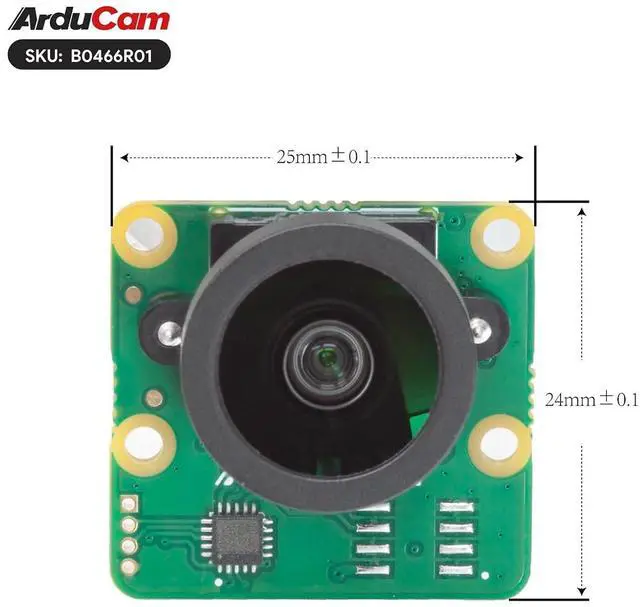
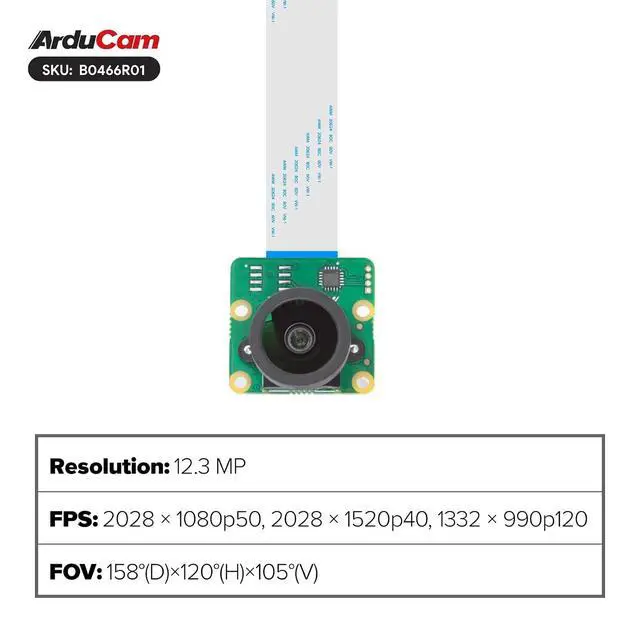
Product description Overview Experience exceptional image quality with the compact Arducam camera module made for Raspberry Pi. It supports multiple video modes including 2028×1080p50, 2028×1520p40, and 1332×990p120. The rolling shutter and color filter array deliver accurate and vibrant colors. With manual focus and a 2.87 mm focal length, it offers precise control over your shots. The M12 lens provides an ultra-wide 158° field of view, perfect for capturing expansive scenes. Despite its small size of just 25×24mm, this module delivers powerful imaging performanceideal for enhancing photography and videography on Raspberry Pi.
User Guide for
Bookworm OS users: Open
the configuration file: sudo nano /boot/firmware/config.
txt Disable camera auto-detection: camera_auto_detect=0 Add IMX477 overlay under the [all] section: dtoverlay=imx477
Save and reboot: sudo reboot For Pi 5 with cameras connected to CAM0 port, use: dtoverlay=imx477, cam0
User Guide for
Bookworm OS users: Open
the configuration file: sudo nano /boot/firmware/config.
txt Disable camera auto-detection: camera_auto_detect=0 Add IMX477 overlay under the [all] section: dtoverlay=imx477
Save and reboot: sudo reboot For Pi 5 with cameras connected to CAM0 port, use: dtoverlay=imx477, cam0
Specifications
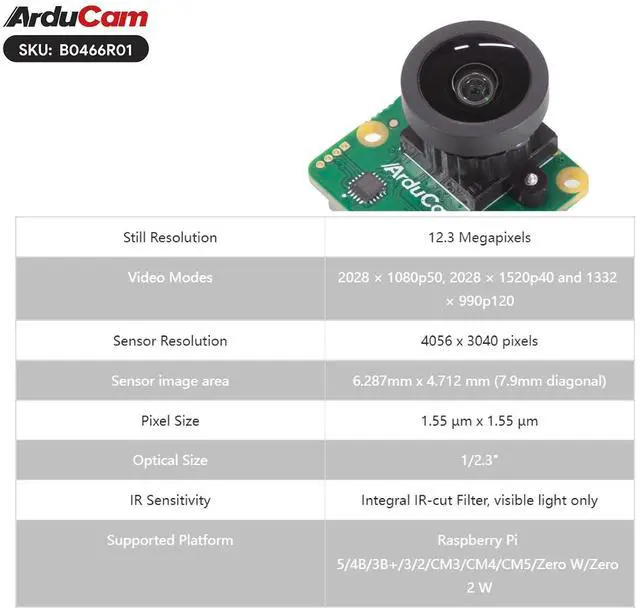
Still Resolution 12.3 Megapixels Video Modes 2028 × 1080p50, 2028 × 1520p40 and 1332 × 990p120 Sensor Resolution 4056 x 3040 pixels Sensor image area 6.287 mm x 4.712 mm ( 7.9 mm diagonal) Pixel Size 1.55 µm x 1.55 µm Optical Size 1/ 2.3" IR Sensitivity Integral IR-cut Filter, visible light only Supported Platform Raspberry Pi 5/4B/3B+/3/2/CM3/CM4/CM5/Zero W/Zero 2 W Focus Type Manual Focus Focal Length 2.87 mm F. NO F 2.8 Field of View (FOV) 158° (D) ×120° (H) ×105° (V) Lens Mount M12 Applications Astrophotography Surveillance cameras FA caWarranty & Returns
Warranty, Returns, And Additional Information
Warranty
- Please contact the Seller directly for warranty information. Warranty information may also be found on the Manufacturer's website.
- CONTACT
Return Policies
- Return for refund within: 30 days
- Return for replacement within: 30 days
- This item is covered by TERRA HAVEN Return Policy
Manufacturer Contact Info
- For a directory of all our manufacturers, please click below.
- Manufacturers Directory
LOADING...