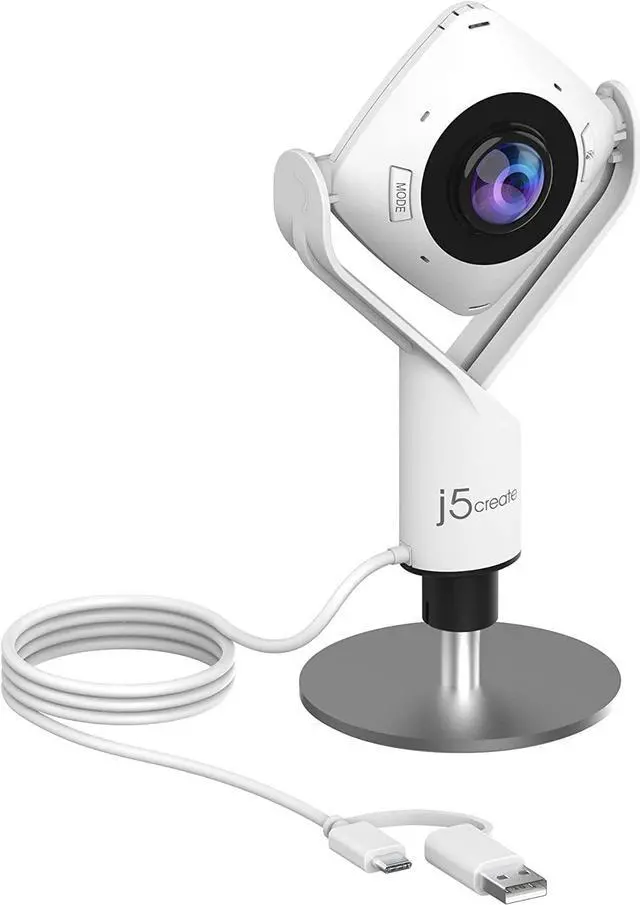
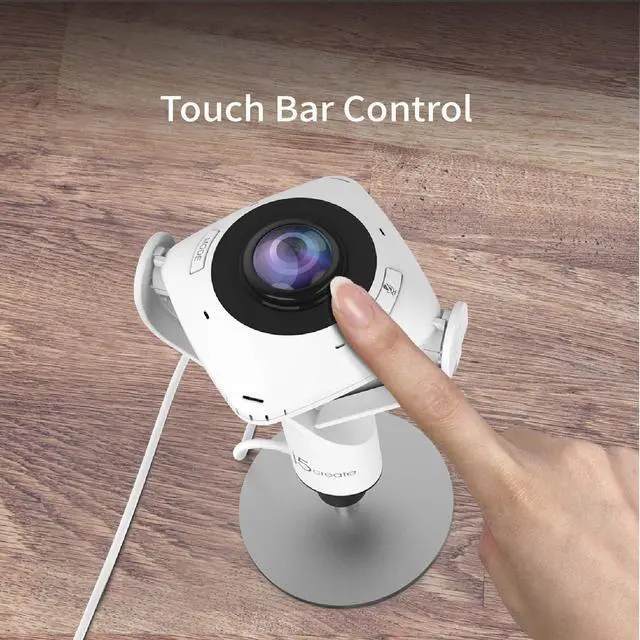
USB UVC/UAC plug-and-play with touch bar to specify participants location. *Note: App permissions may need to be authorized in order to use the camera. An upgrade of the firmware to the latest version may be required in order to optimize the webcam's functionality and resolution.
Supports your favorite video conferencing apps: Compatible with Skype, Microsoft Teams, Google Meet, Cisco, Zoom, BlueJeans, Chime, GoToMeeting, Slack
Product Description
A Better Webcam for Better Video Calls
All-in-one virtual meeting device combines HD video with business-grade audio clarity.
Built-in Omnidirectional Microphone
Gives you the ability to capture every person in the room with clarity. With an audio pickup radius of 10 feet, every participant can be heard.
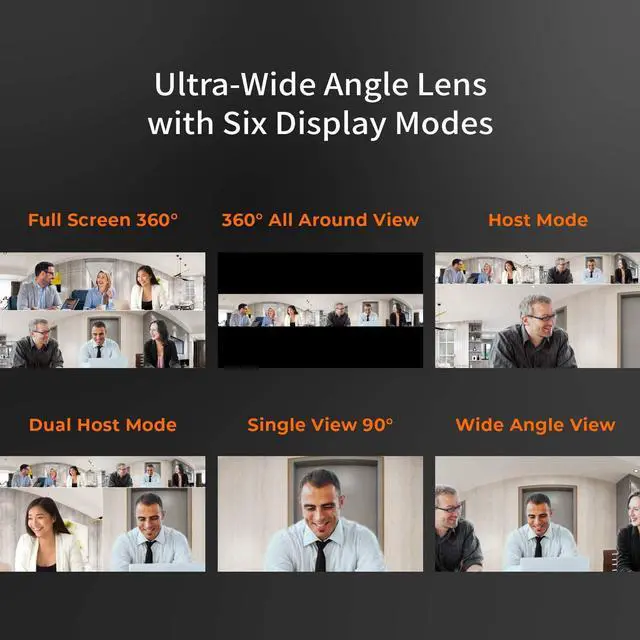
Ultra-Wide Angle Lens with Six Display Modes
In addition to the generously wide field of view that the ultra-wide angle lens delivers, the versatile display modes provide a flexible and effective virtual meeting solution, whether it's for remote conferencing, online classes, socially distant events or personal meetings.
FAQ
Q:
Why I get an unexpectedly lower image quality when using Skype or other conferencing software?
A:
Normally, conferencing softwares like Skype, Zoom, or Teams only support up to 720p for video calls (Skype for Business supports up to 1080p). Furthermore, these programs/apps will adjust image quality based on the internet connection speed. If the connection speed is low, the image quality will be automatically lowered to 480p, 360p, or even less.