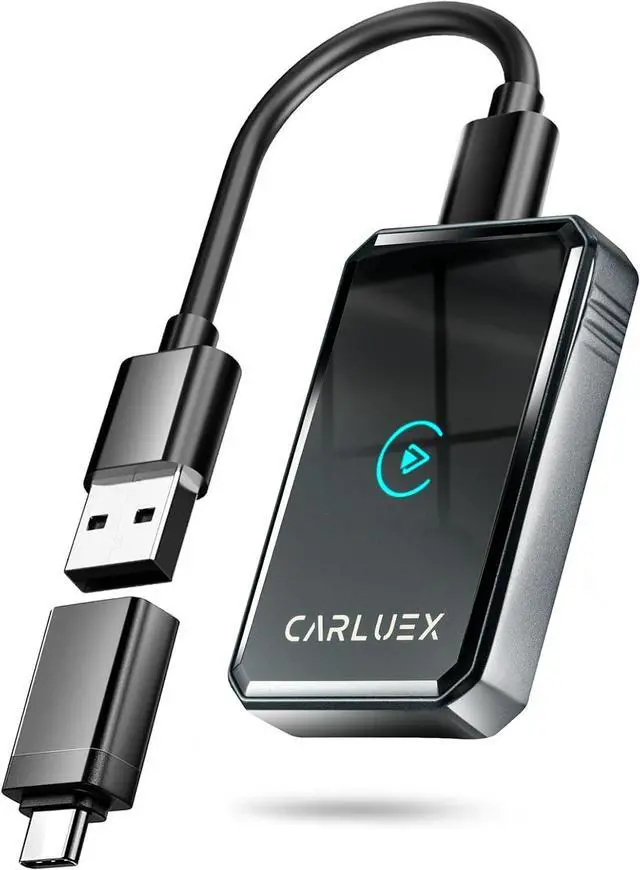
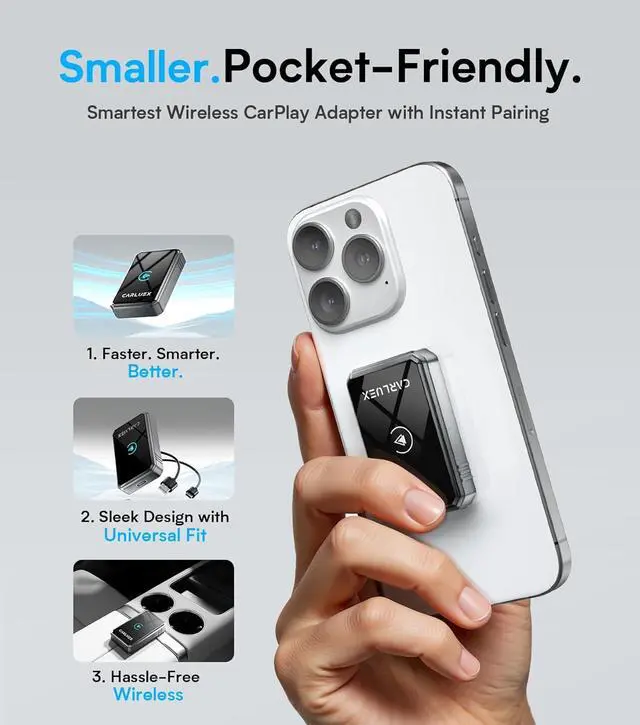
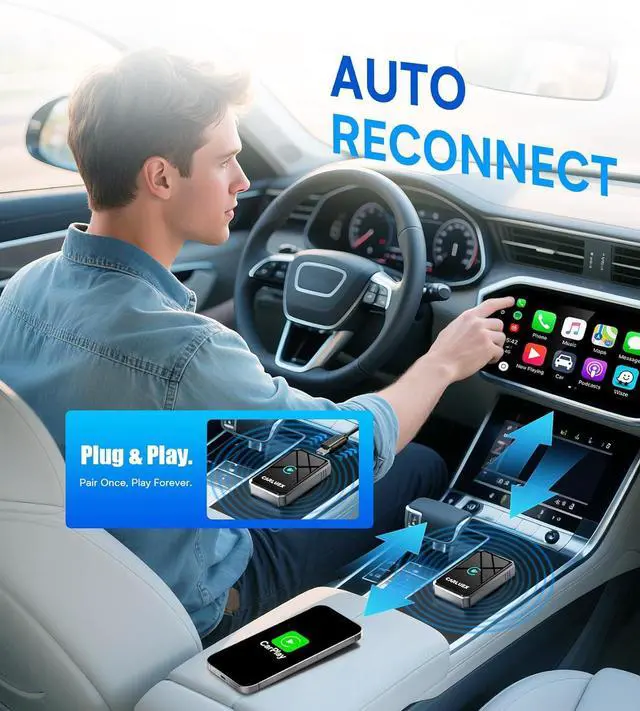
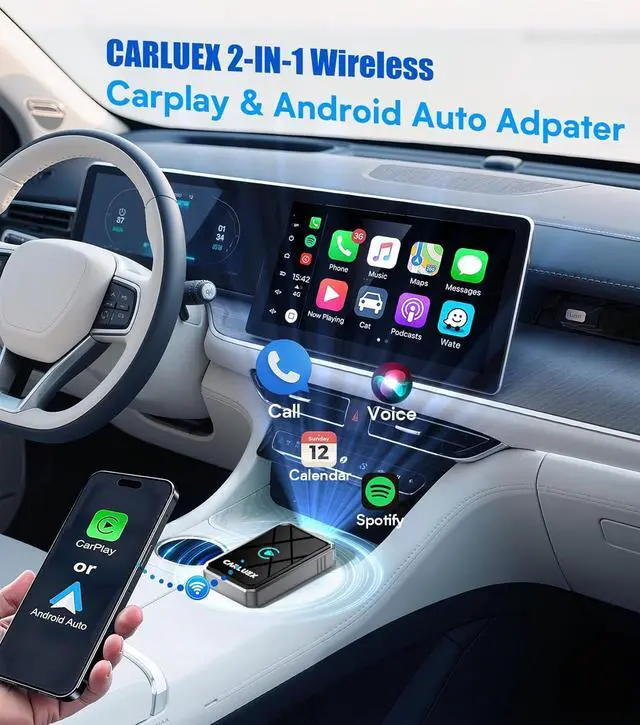
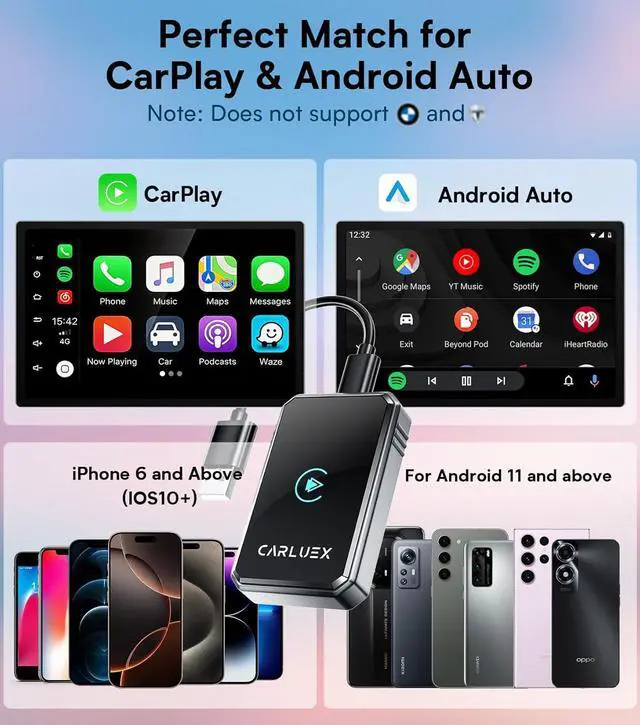
Complete Wireless CarPlay Adapter Accessory Kit Package includes: 1× 2025 Upgraded Wireless CarPlay Adapter (stable Bluetooth/Wi-Fi connection). 1× User Manual (guides for Bluetooth CarPlay setup). 1× USB-A to C + 1× USB-C to C Cable (covers all car port types). falseTroubleshoot Your Wireless CarPlay Smoothly Bluetooth/Wi-Fi Glitches? The Apple CarPlay Wireless Adapter auto-connects after Bluetooth pairing no Wi-Fi password required. Android Auto Issues? (For dual-system support) Update the app or clear cache. Audio Problems? Disconnect other Bluetooth devices and select Wireless CarPlay as audio output during calls. false- Wireless for Apple CarPlay & Android Auto Upgrade: Transform your cars original wired Apple CarPlay (or Android Auto) into wireless in seconds! This 2025 Bluetooth CarPlay adapter lets iPhone users enjoy seamless Wireless CarPlay connectivity, ditching messy cables for a clutter-free driving experience.
- Strict Compatibility for Cars & iPhones: For
Cars: Only works with vehicles having original wired Apple CarPlay (check via USB or car manual).
For iPhones: Perfectly matches the Wireless CarPlay Adapter for iPhone supports iPhone 6+/iOS 10+ (Android 11+ for Android Auto too).
- Plug-and-Play CarPlay Adapter Setup: Start your car, plug the Carplay Adapter into the original CarPlay USB port (USB-A/USB-C). Enable Bluetooth/Wi-Fi on your iPhone, pair with Carsmart Adapter ****, tap Allow Use Wireless CarPlay. Done! Your Apple CarPlay Wireless Adapter connects instantly no complex settings needed.
- Complete Wireless CarPlay Adapter Accessory Kit Package includes: 1× 2025 Upgraded Wireless CarPlay Adapter (stable Bluetooth/Wi-Fi connection). 1× User Manual (guides for Bluetooth CarPlay setup). 1× USB-A to C + 1× USB-C to C Cable (covers all car port types).
- Troubleshoot Your Wireless CarPlay Smoothly Bluetooth/Wi-Fi Glitches? The Apple CarPlay Wireless Adapter auto-connects after Bluetooth pairing no Wi-Fi password required. Android Auto Issues? (For dual-system support) Update the app or clear cache. Audio Problems? Disconnect other Bluetooth devices and select Wireless CarPlay as audio output during call