Ultra Fast WiFi 6
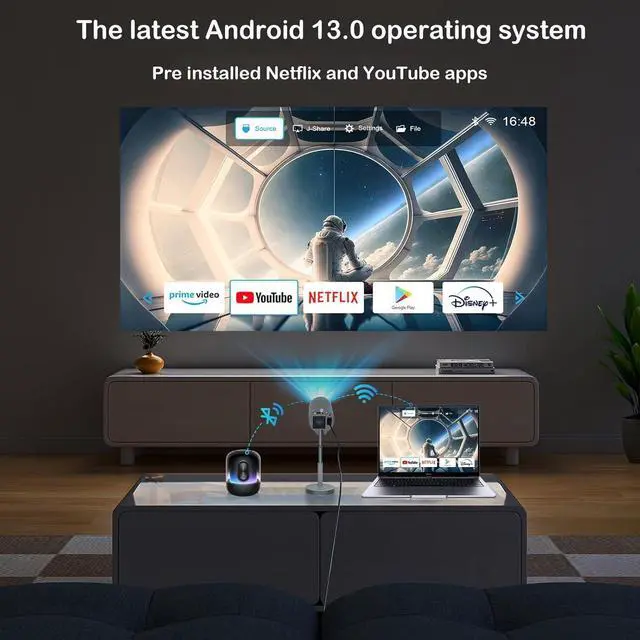
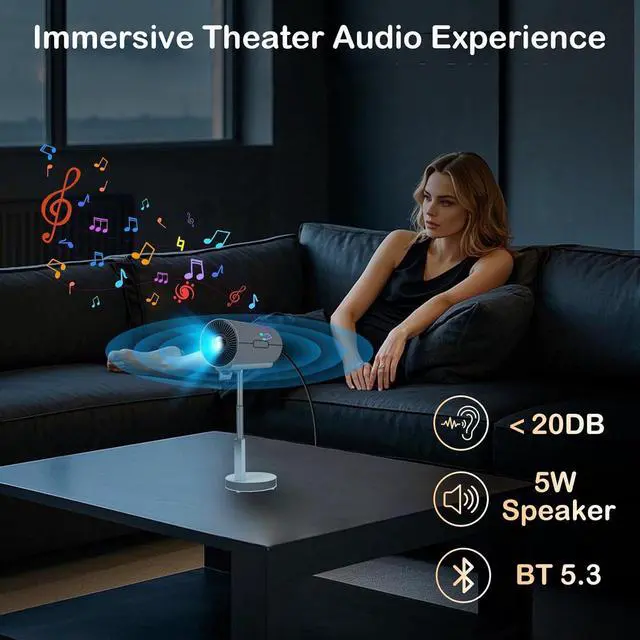
& Bluetooth 5.3: This projector supports 5G/ 2.4G dual-band WiFi connection, which has faster and more stable screen mirroring speed. It effectively avoids signal interference and offers more smoother and no-lag online video streaming experience. In addition, adopted with the latest Bluetooth 5.3 chip, this home projector can be easily connected to your Bluetooth headset, speakers, or AirPods wirelessly, bringing you enjoy a better home theater experience.
Built-in APPS & HiFI 5W SpeakerWith the upgraded Android 13.0 system, this Smart projector delivers Netflix, YouTube right out of the box. Download apps easily, enjoy regular updates, and immerse yourself in a seamless, secure viewing experience anytime, anywhere. This small projector is equipped with a 5W speaker to fully meet the needs of home entertainment. (Attention: Hulu& Apple TV cannot be used due to copyright issues. )
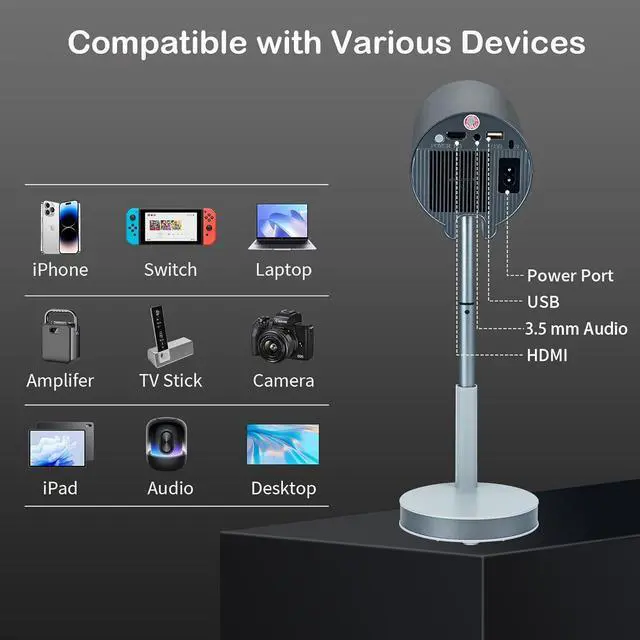
Reliable After-Sales Service & Multi-Device Connection: For any product concerns, please message us via for dedicated customer support. Equipped with HDMI, AV, and USB interfaces, this projector can play office sdocuments such as PPT, EXCEL, and WORD from a USB drive or laptop in a slightly dim environment.
Portable Mini Pojector with Wifi 6 and Bluetooth 5.3
1
Home Theater
2
Outdoor Movie Night
3
Mini Portablet Projector
SPECIFICATIONS & IMPORTANT NOTICEWhy Choose this Projector?
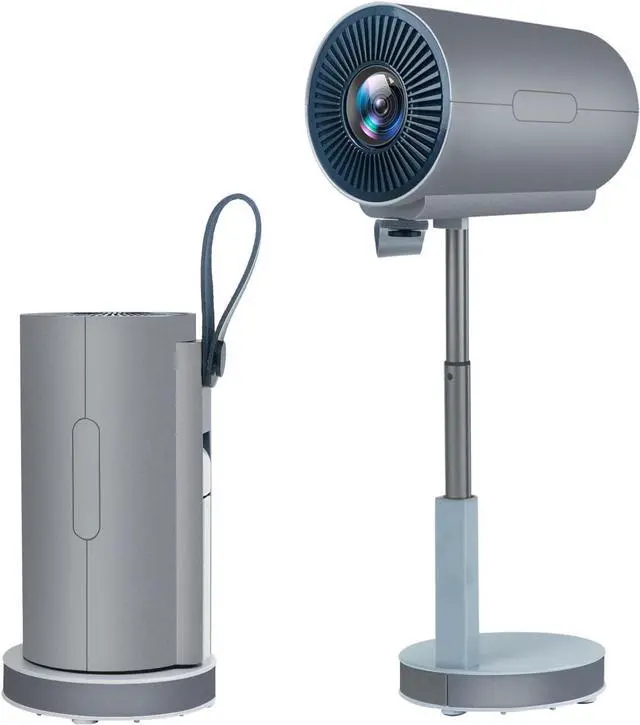
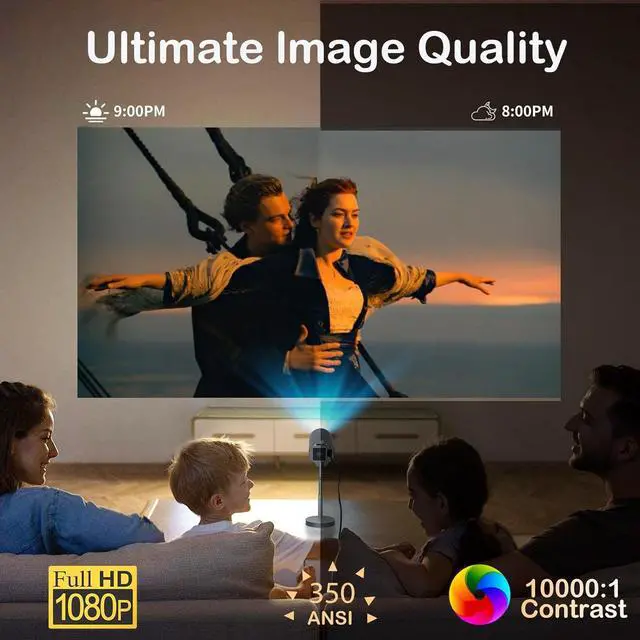
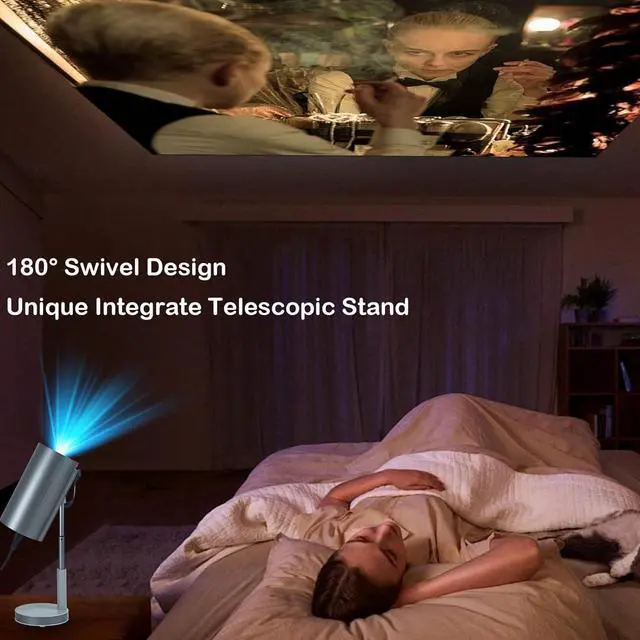
(1) Unique Integrated Telescopic Stand for Better View (2) Bluetooth 5.3 & 5W Speaker (3) Portable mini Design (4) 1080P & 350 ANSI Lumen (5) The Latest Android 13.0 OS
Attention
Dear Customer: Due to copyright restrictions, certain Apps are currently unavailable. Please use an Fire TV Stick to enjoy an enhanced viewing experience.
1. Operating instruction 1
First 1. Ensure both the device and projector are connected to the same Wi-Fi. 2. Open the j-Share (Mircast) app in the projector system. 3. Open the Settings function on your device, select "More Connection Options", choose the Screen Casting function, and select the device name.
2. Operating instruction
Second 1. Ensure both the device and projector are connected to the same Wi-Fi. 2. Open the **Cast APP** in the projector system. 3. Enable the **online Video Cast** function on the right side. 4. Follow the instructions to operate 5. Both Android and Apple devices can be used
3. Operating instruction
Third How to connect an Apple device to a projector? 1. Ensure both the device and projector are connected to the same Wi-Fi. 2. Open the **Cast APP** in the projector system. 3. Enable the **Screen Mirroring** function on the left side. 4. Turn on the **Screen Mirroring** function on your Apple device. 5. Search for and select the projector device.
4. Operating instruction
How to use a projector to play music? Open the Bluetooth Speaker App in the projector system and connect the device via Bluetooth on your phone.
A letter to a customer
Dear Customer Thank you for your support and appreciation of our products. For any product concerns, please message us via for dedicated Help.