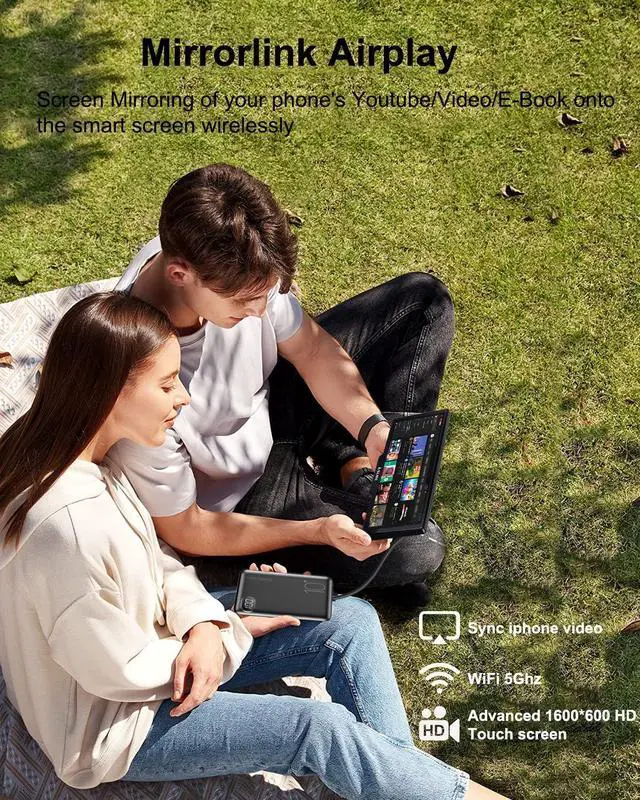
Real-time GPS Navigation & Voice Control via Siri or
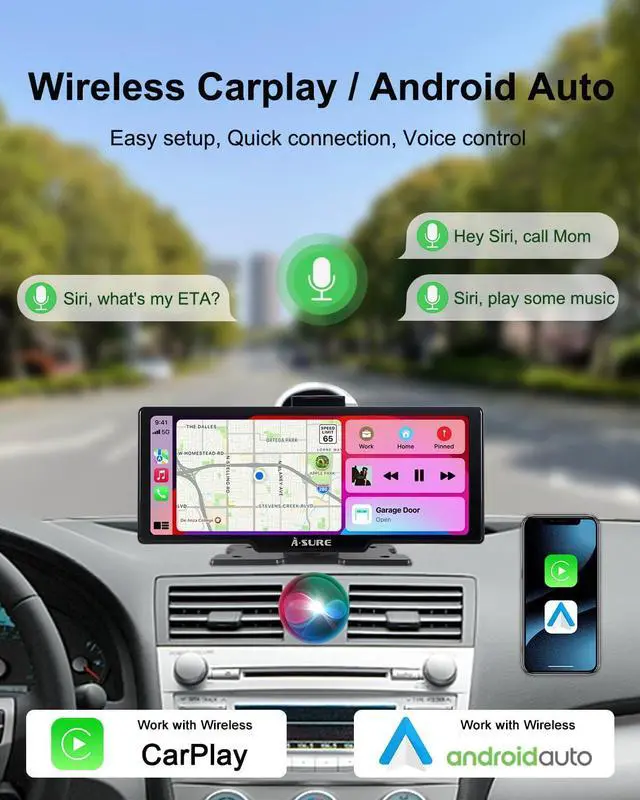
Google Assistant: Stay on track with real-time GPS navigation powered by Apple Maps for iPhone users or Google Maps for Android users. The built-in voice control via Siri or Google Assistant lets you navigate, make calls, and control musicall hands-free, enhancing driving safety
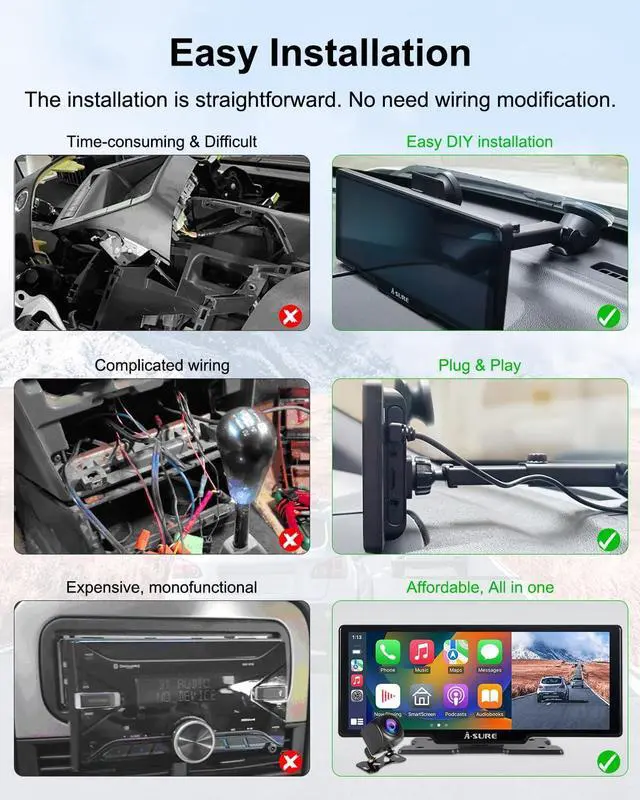
Easy Installation & Universal Fit for All Car Stereos: No need for complex installationjust plug into your cars cigarette lighter. Compatible with most vehicles, including cars, pickup trucks, vans, and SUVs(The rear camera is only suitable for cars and SUVs with a length of less than 5 meters. The rear camera of cars within 5-15 meters requires a 10-meter extension cable. Extra-long trailers longer than 10 meters cannot use the rear camera. )
Screen
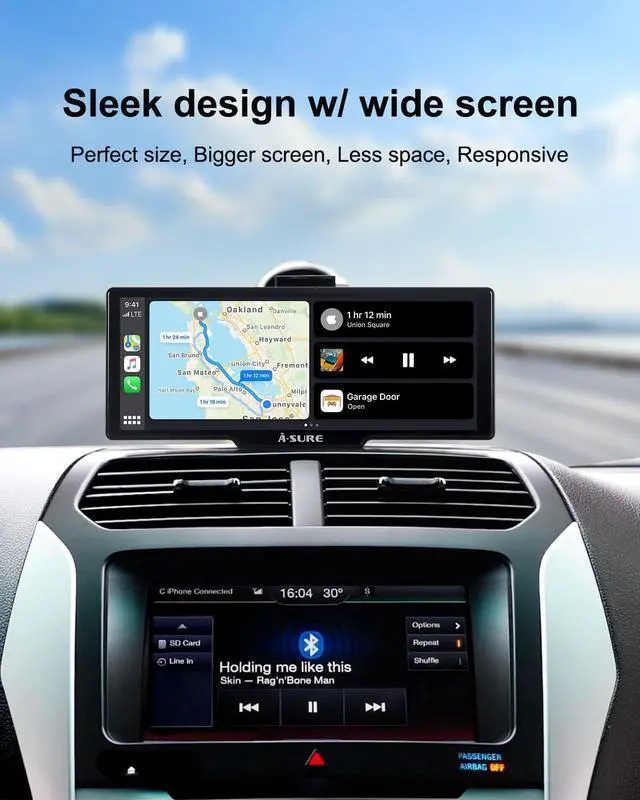
10.26 touch screen, 1600*600 HD Resolution, IPS, 2.5D Curved. Responsive, durable
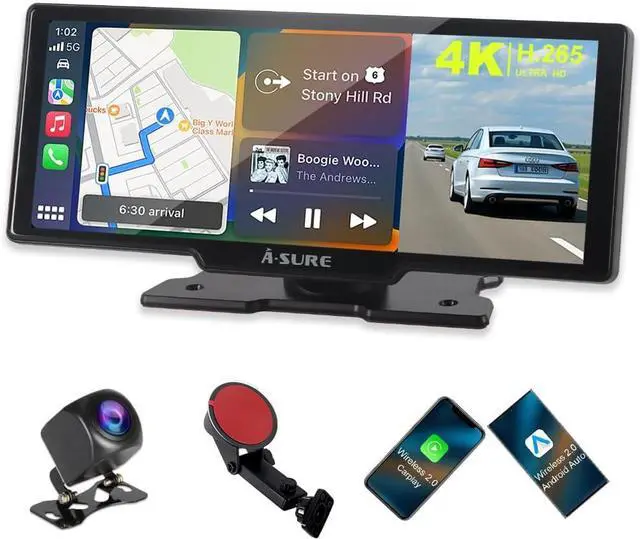
Carplay/Android Auto
Wireless
Bluetooth Version
5.4
WiFi Version
5Ghz & 2.4GH z Two-Band
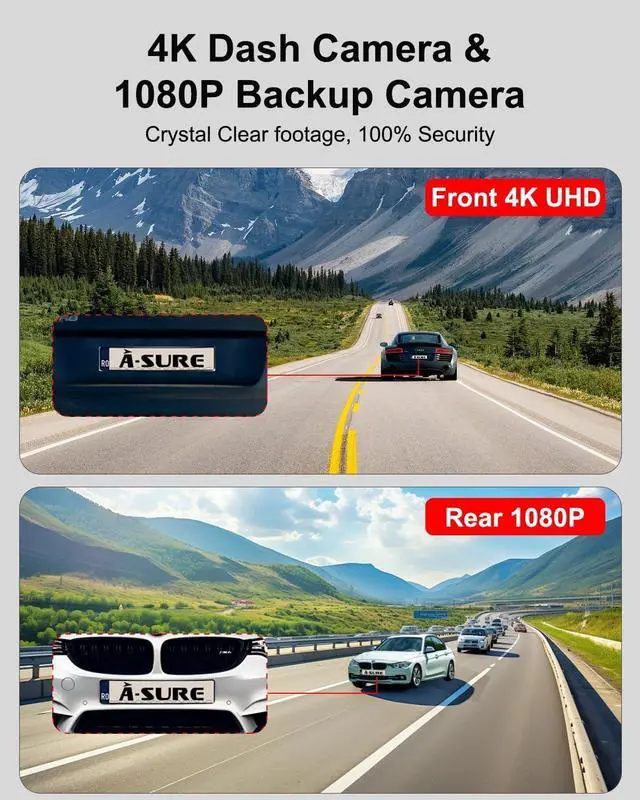
Front Dash Camera
4K UHD
Backup Camera
1080P HD, Night Vision, Waterproof
Power charger
Car charger with Type-C plug and USB port. Support quick charging to iPhone.
Input Power: 12V-24V
Gravity sensor
Yes
Light-Sensor
Yes
Microphone
Built-in noise reduction technology
Stereo
Hi-Fi stereo technology
TF SD Card Compatibility
up to 256GB
Working temperature
-20 to 70
AUX Cable length
1m
Backup Camera Cable length
6.1 m
Power Charger wire length
3.4 m
1. What do I need to do when I start to use the smart screen at the first time?
Preview the setup video instructions. Insert the supplied High-Speed TF SD card and format. Turn on your smartphones Bluetooth and Wifi, and make sure they are not occupied by other devices. Make sure your iPhones Carplay and Siri are already enabled
2. How to connect the Carplay/Android Auto to another Cell phone?
Turn off the original connected cell phones Bluetooth firstly, then turn off its Wifi. Then you can connect the Carplay/Android Auto to another smartphone
3. How to solve it when I cant connect the Carplay/Android auto to my smartphone?
Ignore all the devices listed on your Phones Bluetooth record, restart your phones Bluetooth, research and connect it to the smart screen, After connected successfully, Bluetooth will be disconnected, and WiFi will take over the transmission task
4. Which way is the best of Audio output/transmission?
We recommend using Bluetooth, the priority order is Bluetooth>AUX>FM>Speaker. The actual sound quality depends on your factory radio and your OEM audio system
5. How to install/connect the Backup camera?
Connect the Red wire of the camera to the positive pole of your car's reversing light
Note: the camera wire is for standard size cars. For Full-Size Big SUVs or larger vehicles, you might need to buy extra extension cable
Our VisionAt, we believe that driving is more than just getting from point A to point Bit's an adventure, a moment of joy, and a lifestyle. Our state-of-the-art products are designed to enrich this experience with seamless connectivity, exceptional performance, and sleek aesthetics.
What We Stand For Innovation at Heart: We continually push the boundaries of technology to deliver solutions that surprise and delight.
User-Centric Design: Every product is crafted with the driver in mind, combining functionality, style, and ease of use.
A World of Possibilities: From navigation to entertainment, transforms your car into a hub of modern living.