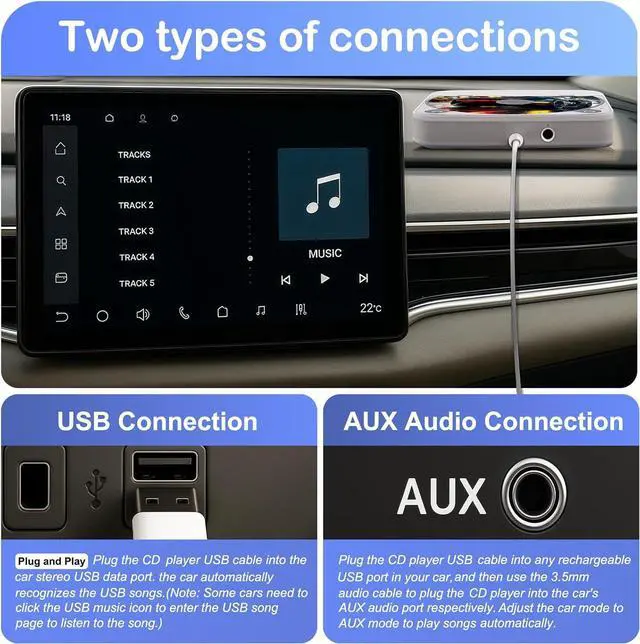
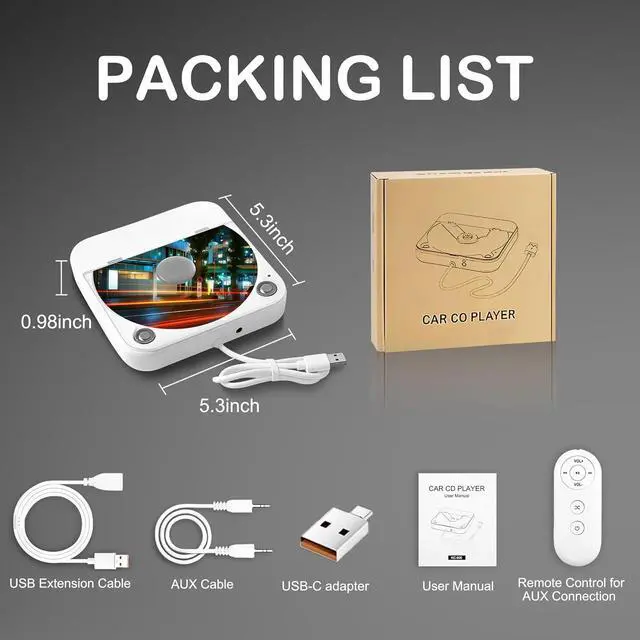
USB connection -- For cars that support playing WAV audioConnect the external CD player for car to the USB port of your car stereo/radio, turn on the power and insert a CD. It will automatically read the disc. (Note: Some cars need to click the USB music icon to enter the USB song page to listen to the song. )
AUX connection -- For cars that don't support playing WAV audioConnect the USB end of the CD player to the car USB port and power it on, then use the AUX audiocable to connect the car and the AUX port of the CD player. SelectAUX mode on the car screen to play songs from the CD
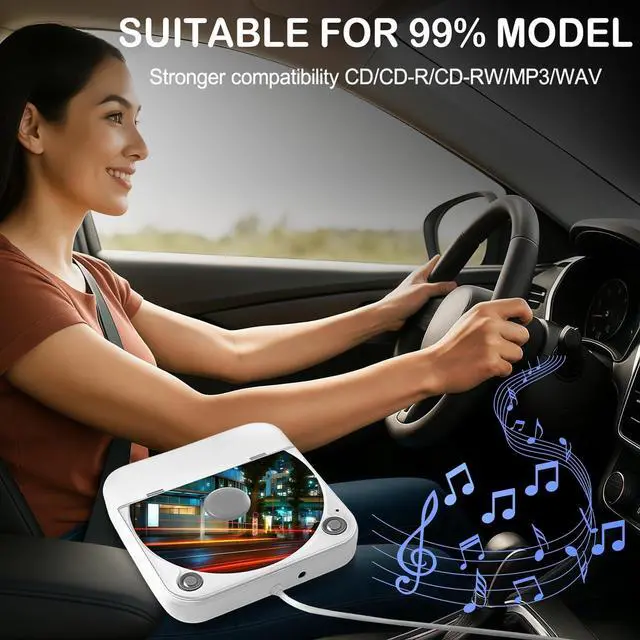
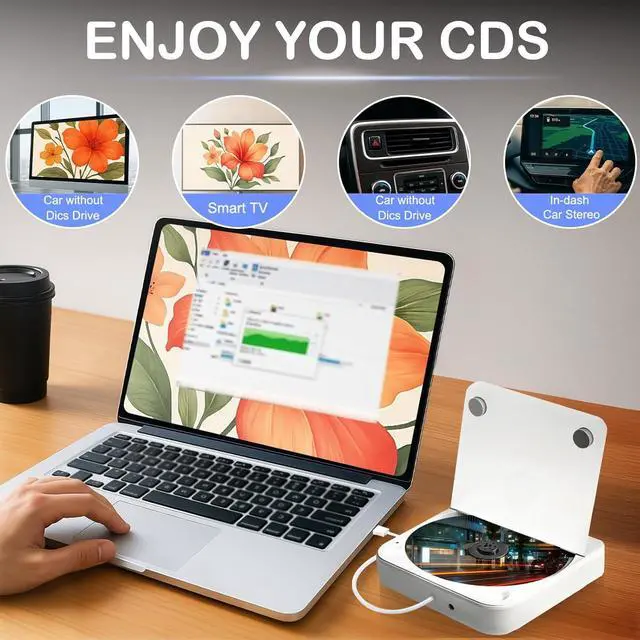
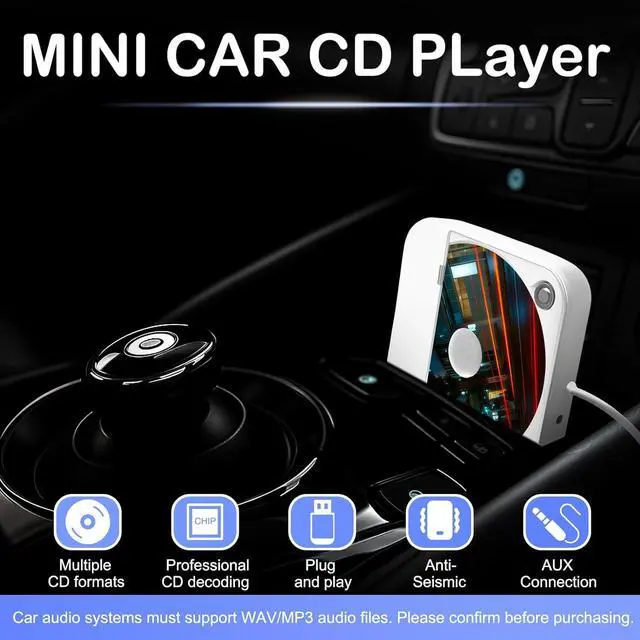
Compatible with Thousands of CarsThis Car CD player is compatible with car stereos which support playing music files in the format of WAV, so it is compatible with more cars as long as the car stereos can play WAV music files. It can be used for both Android car stereos and non-Android car stereos, including factory radios produced in recent years. USB CD Player for Laptop, Desktop Computer, TV etc.
Professional Customer ServiceWe provide 24-hour customer service and satisfactory after-sales service. If you are not sure if this external CD player is compatible with your car stereo, just contact us via message and we will confirm it for you
USB Connection / AUX Connection
Works With 99% of Vehicles
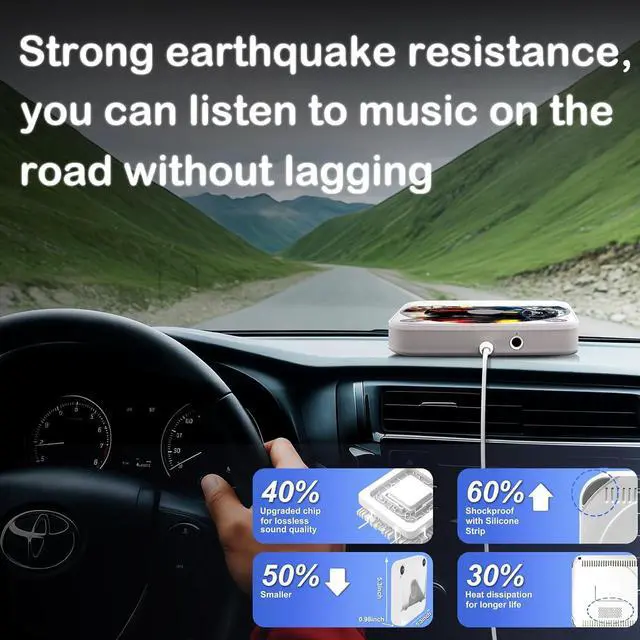
Ultra Shockproof & Non-Slip Design
Multiple Ways to Switch Tracks or Volume
Compatible with Multiple Devices
FQA


 Hot Seller


